NEW! AI-assisted feedback and grading for Educators using Word or #MicrosoftTeams for EDU when using Copilot for M365. Educator in control, huge time saver ⌚
Details at the blog: https://t.co/sfVAwxPGAR
#MIEExpert#ISTELive
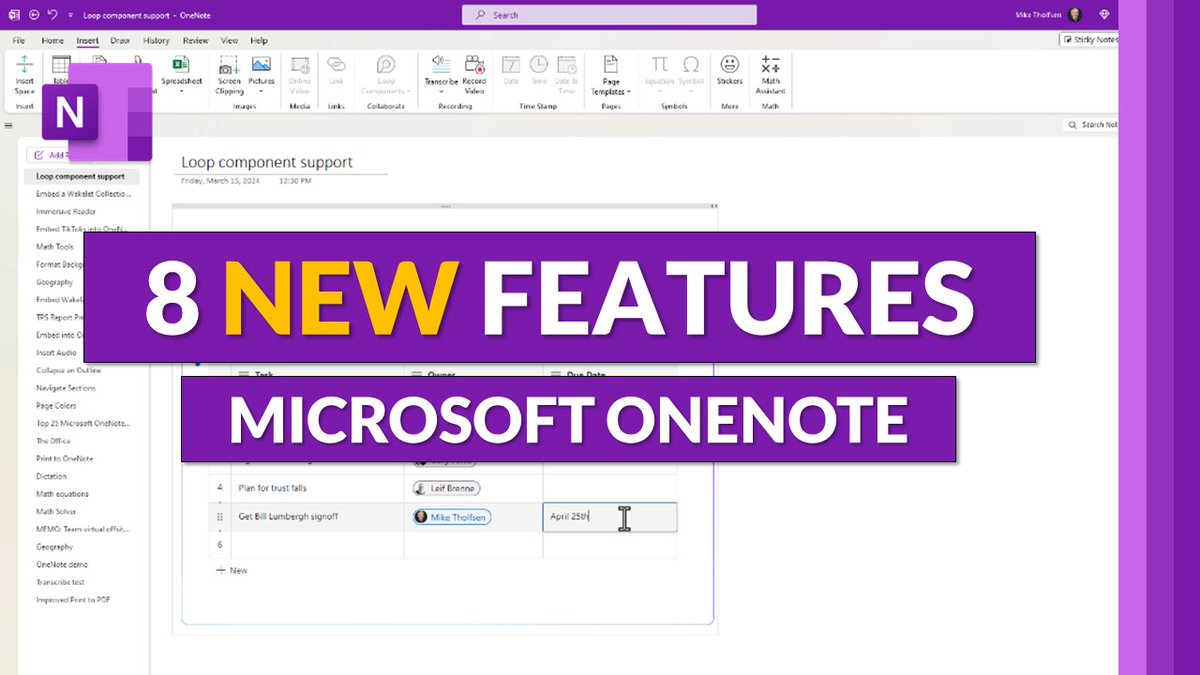
A tutorial video showing the top 8 new features in OneNote 💜 Includes:
🆕 New Sticky Notes app
➰ Loop integration
📱 Home screen on iPhone
✍️ Ink updates
➕ Lots more
YouTube 📺 https://t.co/cJDhFWRssu
#edtech#MIEExpert#OneNote
The standalone Microsoft Reading Coach is now available for classroom use 📖 Reading Coach is FREE and allows for AI-powered personalized practice at school & home. Works on Windows, Web (including Chromebooks and Mac)
🔗 https://t.co/FDwoNzbq5A
#MIEExpert#edtech#edchat
This Micro Tip will show you how to use the new Cocreator in MS Paint. Use text to image with Dall-E 🎨 🤖 Part of Windows 11 23h2
👉 https://t.co/Qyj3MqIYXQ
#AI#edtech#mieexpert#Windows11
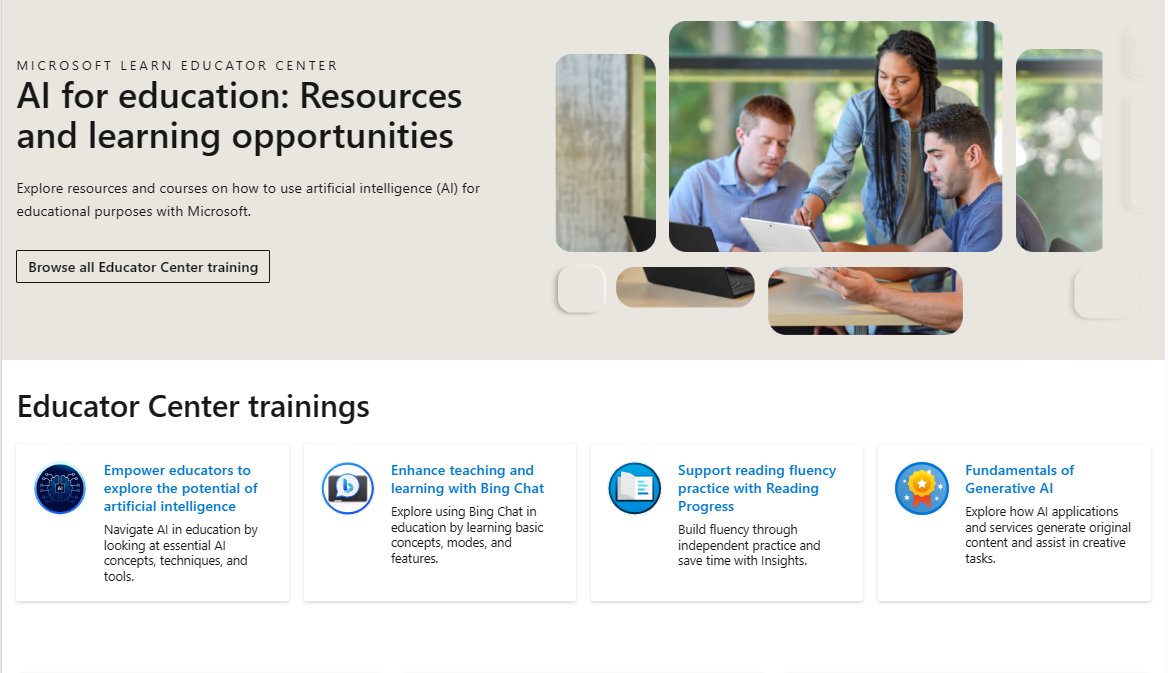
NEW! AI for education: Resources and learning opportunities 📚 This is our just-launched hub for all things AI from #MicrosoftEDU. Explore and share with other educators and staff!
Link 🔗 https://t.co/ytJbkXTG7G
#edchat#MIEExpert#edtech
OpenAI has released a new useful guide for using ChatGPT in education. It’s a great “getting started” guide for teachers who are new to using AI and has lots of clever suggestions and insights. Check about the FAQ section, too. https://t.co/jg62YRL8Vq
A tutorial video showing 10 new features in OneNote 💜 Updates include:
⬆️ Vertical tab layout
✍️ Ink and shape improvements
➗ Math Practice
🎙️ Dictate in Mac
➕ Lots more
YouTube 📺 https://t.co/DOctOkZ8Ob
#MIEExpert#MicrosoftEDU
📓 Create a Class Notebook
📝 Give feedback
🔎 Identify resources in Content Library
🤝 Plan activities in Collaboration Space
Learn all the basics of #OneNote Class Notebook in this free module from the Microsoft Learn Educator Center: https://t.co/jn0sNadXvC
#edtech #mieexpert
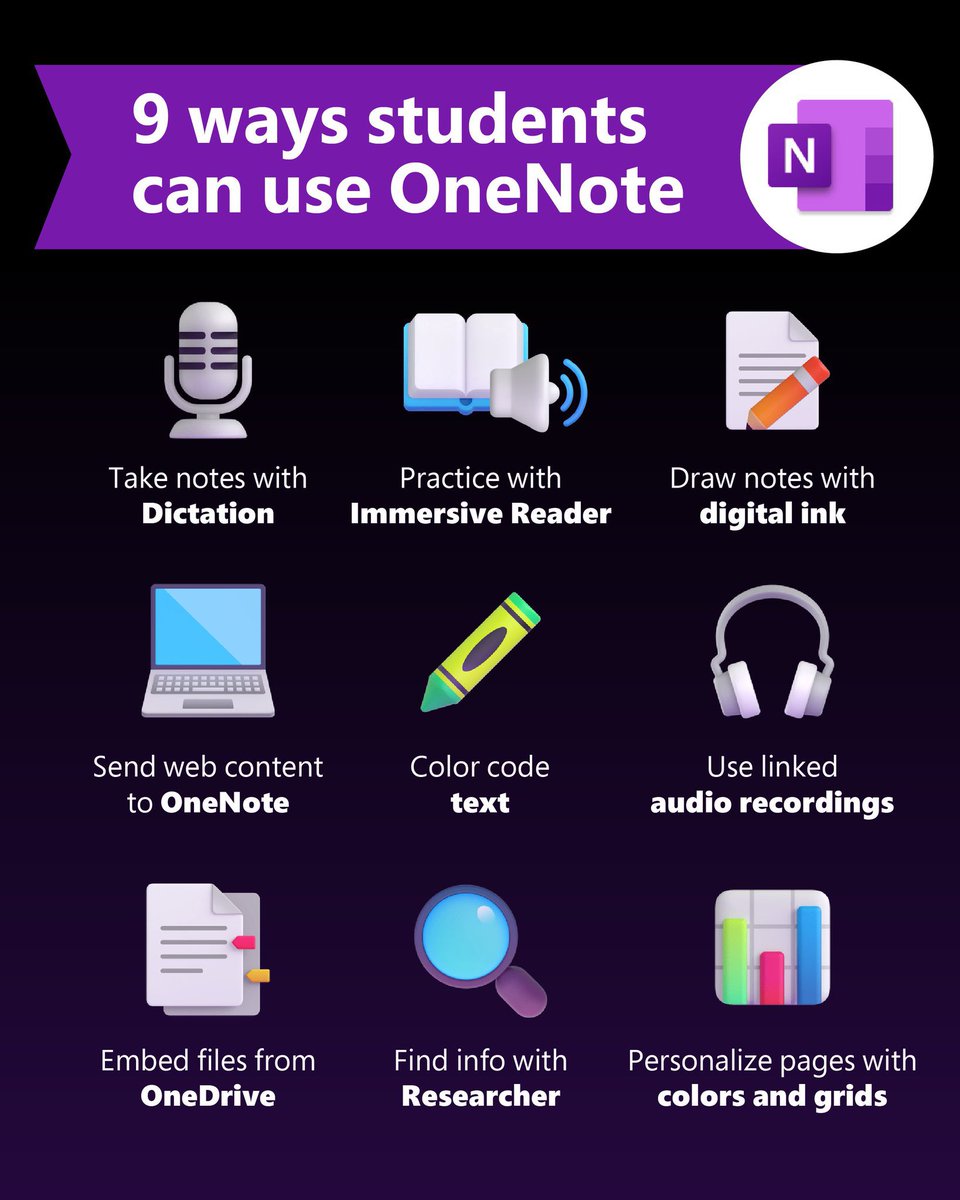
Educators know #OneNote is the ultimate classroom tool, but what about students?
Share these features and take learning to the next level! 🏆 #MIEExpert#edtech
This is a link to great article by Angela Duckworth on AI and chatpt - "The chatbot knows everything on the internet but doesn’t really think anything." https://t.co/rKkenZpeub.
BIG NEWS! Educators asked, we listened 👂 #OneNote on Windows (Desktop) is getting an option to allow the UI to look similar to the Win 10 version, with everything on the left & the horizontal tabs removed 📒
Blog 👉 https://t.co/xOCv5qLGiu
#edtech#MIEExpert#MicrosoftEDU
NEW! Insert images in multiple choice questions for Microsoft Forms or Quizzes. Rolling out soon 🚀 Options include:
✅ Bulk import
✅ Drag and drop
✅ Copy and paste
Blog 👉 https://t.co/HYP62rRGTD
#edtech#edchat#MIEExpert#MicrosoftEDU
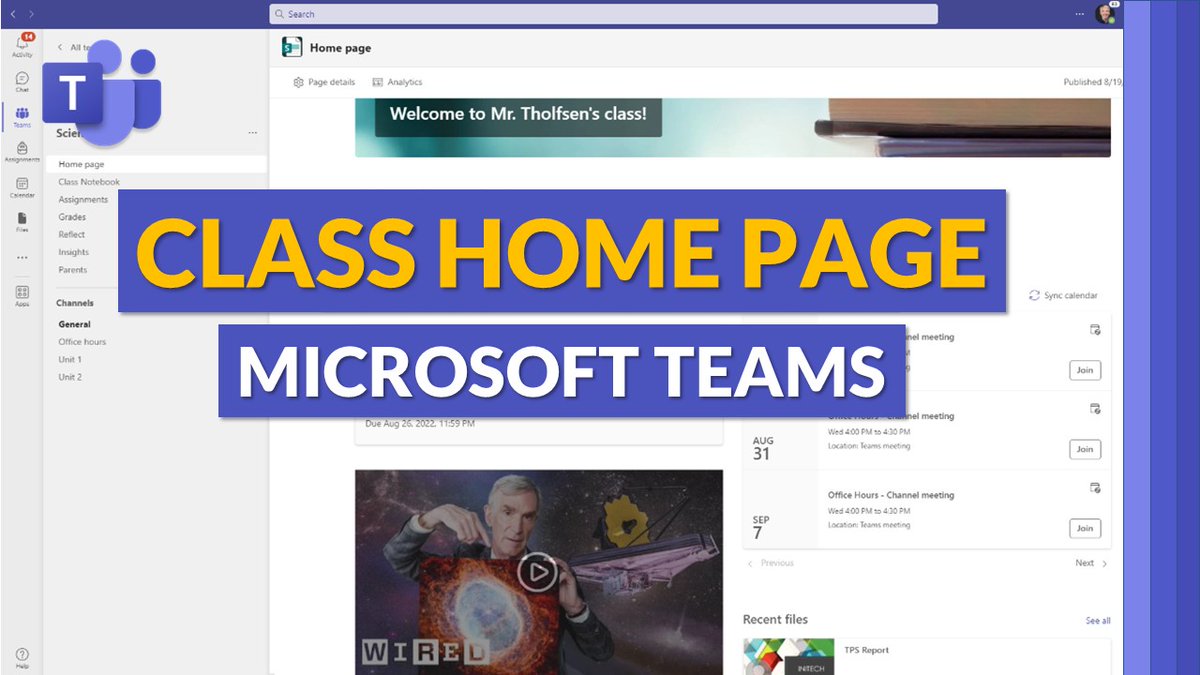
A tutorial video showing the new Class Home Page in #MicrosoftTeams 🏠 This configurable home page shows for existing and newly created Class Teams and rollout starts today 🚀
YouTube 📺 https://t.co/Kyj3ed65wo
#edtech#edchat#MIEExpert#MicrosoftEDU
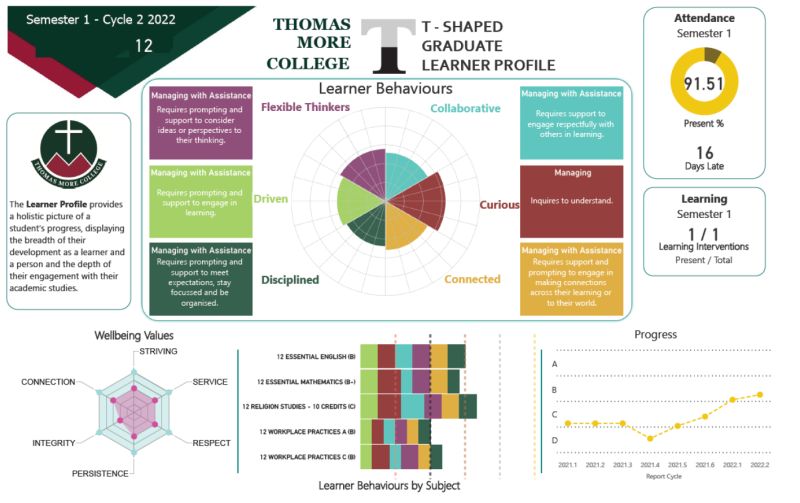
We focused our learning data on improving our student's Learner Behaviours with our Learner Profile @drselenafisk Great to hear what successful schools do.
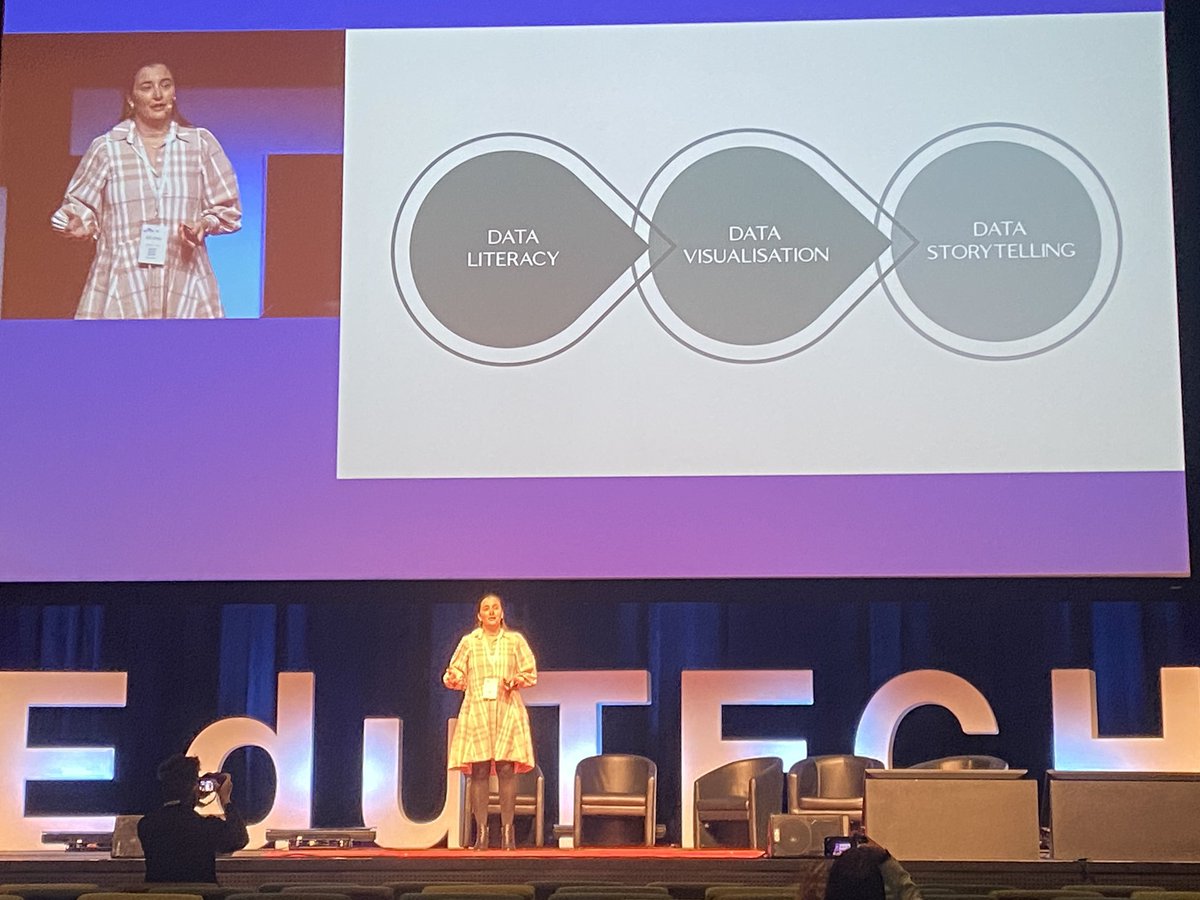
What do we do with our data in schools? We need to focus on data storytelling. But first, we need to establish data literacy, and then ensure data visualisation happens to make the insights more easily recognisable @drselenafisk#EduTECHAU#EduTECH2022
New Reflect updates to help foster social & emotional learning in your #MicrosoftTeams class.
✅ Reflect as a default tab
✅ Improved student/teacher views
✅ Custom questions
✅ Together View
Blog: https://t.co/skSsB5y5aG
#edtech#edchat#MIEExpert#MicrosoftTeams