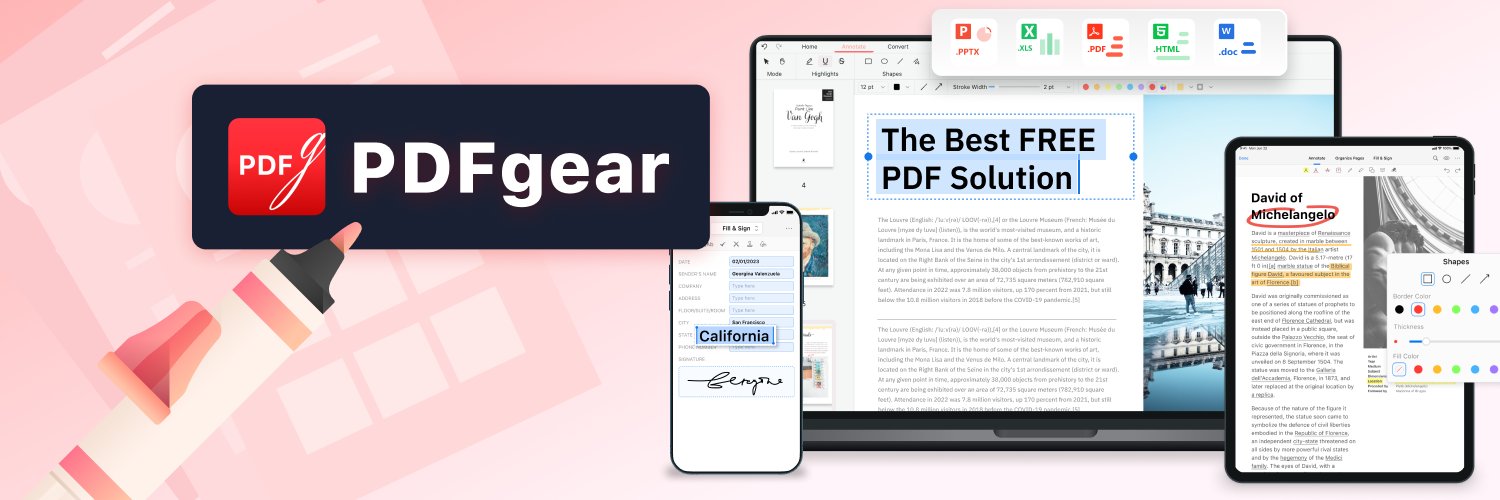
"PDFgear is the only free PDF editor we’ve found that’s worth the time to download and use." —@PCMag
We've been named one of the Best PDF Editors for 2025 by a tech voice we’ve long admired. (A proud moment to share 😉)
https://t.co/CgnkagQio2
Microsoft recently reported an active cryptojacking campaign in which attackers impersonated trusted software brands, including CrystalDiskInfo, HWMonitor, Display Driver Uninstaller, FurMark, K-Lite Codec Pack, and PDFgear, to distribute malware to users who likely own high-performance GPUs.
Source👉https://t.co/WKP497kHEd
We have also observed unaffiliated third-party websites using the “PDFgear” name in their search ad titles. While this may not be related to the campaign reported by Microsoft, both cases serve as important reminders to verify the source before downloading any software.
For your safety, please download PDFgear only from our official website or trusted app stores. When installing, make sure the verified publisher is listed as PDF GEAR TECH PTE. LTD.
PDFgear website: https://t.co/gxhB1b5Bjg
PDFgear for iOS: https://t.co/GK1peinEJc
PDFgear for Android: https://t.co/3y5qtxU9Q1
PDFgear for Mac: https://t.co/a72JpfILM5
If you come across a suspicious website, misleading advertisement, or an unofficial download page claiming to offer PDFgear, please kindly report it to us at https://t.co/pQM7VIgpPV. These reports can help us review impersonation attempts and take appropriate action to better protect our users.
Thank you for helping us keep the PDFgear community safe.
Hey, PDFgear allows you to add a digital signature to your PDF for free. Either Windows or Mac. But if you need to send a PDF to others for signing, try eSignGear https://t.co/QdTtKgta7m
Big news👀
We just launched eSignGear, an online e-signature platform that lets you sign documents and request signatures from others👉https://t.co/65woPMqHWu
If you regularly need documents signed, eSignGear gives you unlimited sends without expensive or complicated plans.
How to use eSignGear?
-Upload and sign PDFs in your browser
-Add signatures, dates, names, and stamps
-Send documents to others for signing
-Set signing order, reminders, and expiration dates
-Sign on desktop or mobile
-Track signing status and activity history
Pricing:
Free: 2 docs/month
$7/mo billed annually
$10/mo billed monthly
We’re still improving eSignGear, so if you give it a try, we’d really love to hear what you think 🙌
Big news👀
We just launched eSignGear, an online e-signature platform that lets you sign documents and request signatures from others👉https://t.co/65woPMqHWu
If you regularly need documents signed, eSignGear gives you unlimited sends without expensive or complicated plans.
How to use eSignGear?
-Upload and sign PDFs in your browser
-Add signatures, dates, names, and stamps
-Send documents to others for signing
-Set signing order, reminders, and expiration dates
-Sign on desktop or mobile
-Track signing status and activity history
Pricing:
Free: 2 docs/month
$7/mo billed annually
$10/mo billed monthly
We’re still improving eSignGear, so if you give it a try, we’d really love to hear what you think 🙌
@kafaak Hi, PDFgear is currently free because we’re focused on growing the product and user base first. In the future, most features will remain free, but there will be a fee for some advanced options. Here's more about why PDFgear is free: https://t.co/eg0SguP7wS
consiglio per facilitarvi un sacco la vita: per i PDF usate PDFgear e non Adobe Acrobat
con PDFgear potere fare direttamente i PDF ti words e simili, modificare un PDF, firmarlo e tutto quello che Adobe vi chiede a pagamento