Are you a great mobile web / React Native dev and want to build Replit's mobile app in California? You are in for an incredible experience.
If interested, do the following:
Step 1: Retweet this.
Step 2: Send a DM to connect
Step 3: Apply through the link below..
@mbateman@annamorgsmiley@drlauramazer Sounds amazing. Montessori and 2 Hour Learning do seem like a perfect pairing for elementary.
I hope it goes great and you expand to Seattle in the future!
@ednevsky@Replit Fix has been deployed.
I did in fact vibe-code this 😅
It shouldn’t have made it out the door. Appreciate you taking the time to share (and roast) it. We’ll do better.
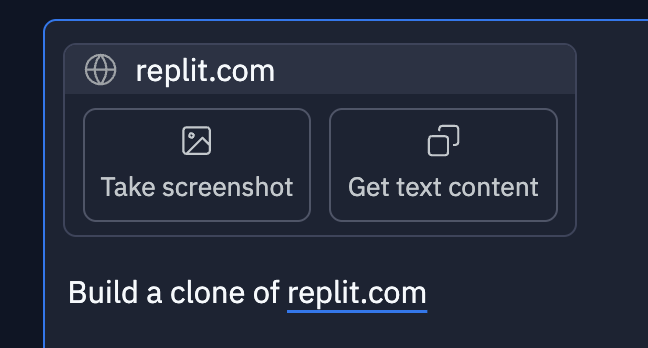
@jacqdebeer@amasad Hey @jacqdebeer, when you gave it a url, did you choose one of these options to take a screenshot or get the text content from the url? If you do, then the agent can include that as context when building your landing page.
I either completely wasted a Saturday or just discovered a new hobby.
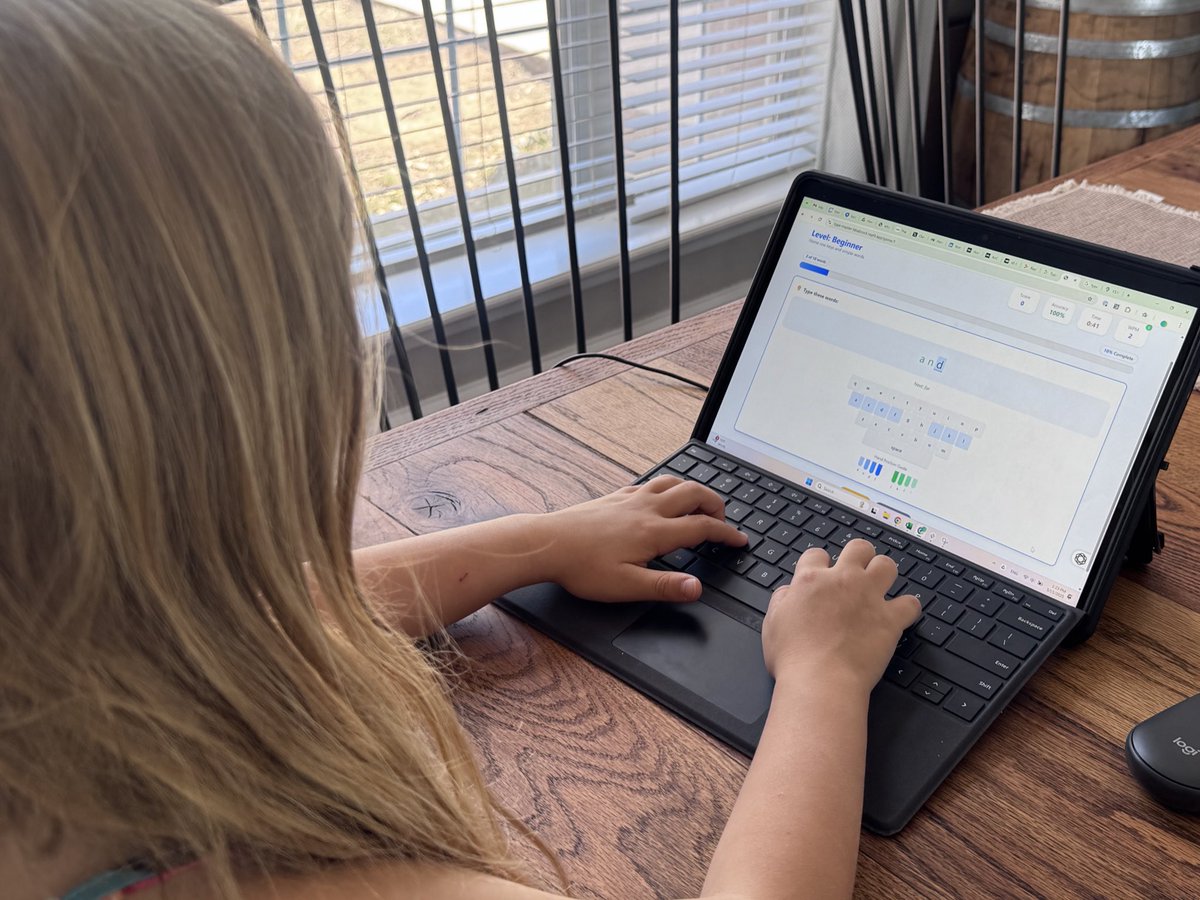
I could not find a simple little program to teach my kids typing. Everything had a ton of malware or included chat rooms I didn’t want for my elementary age kids.
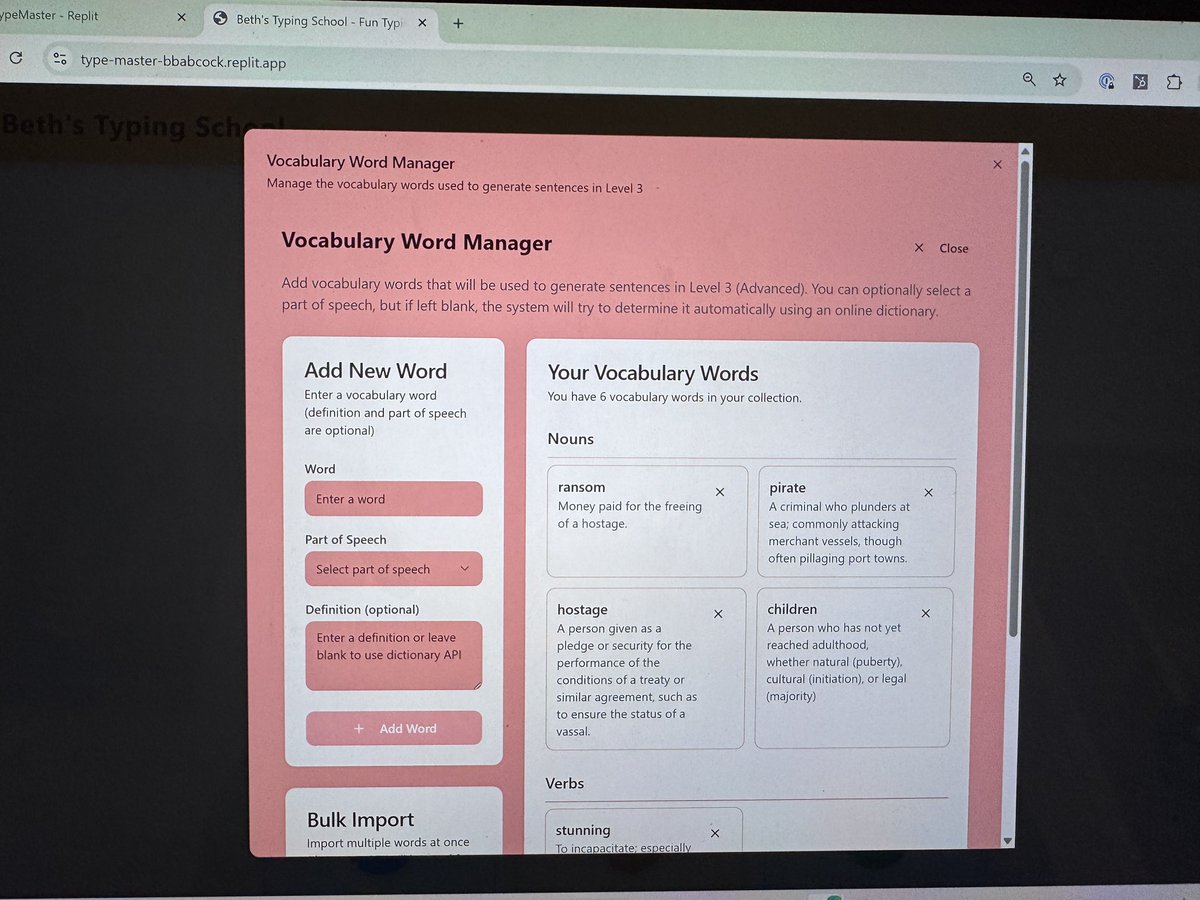
I also wanted one that would help them with their spelling and vocabulary words.
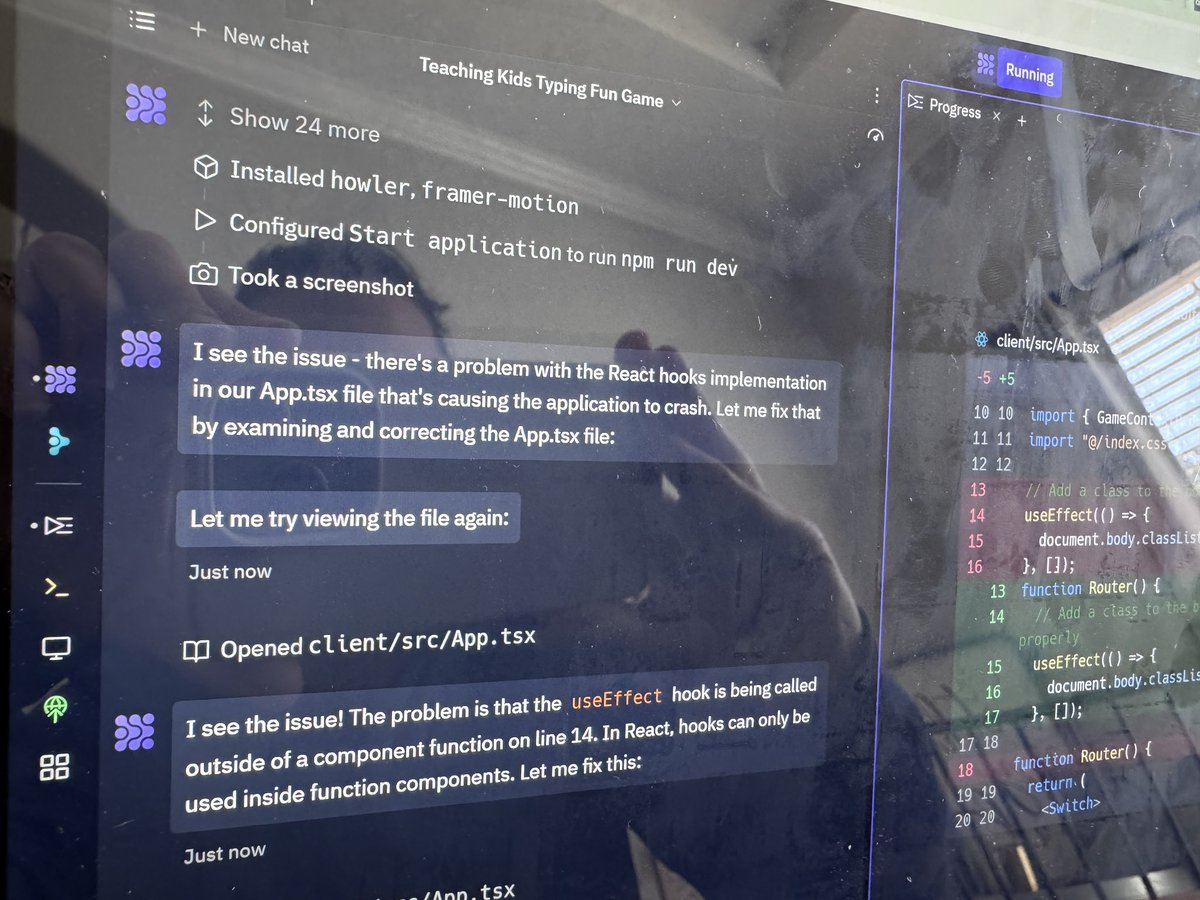
So I gave Ai a try and built my own.
I have ZERO coding knowledge and basic tech skills. This was my first ai project.
It took me several hours because I kept adding features and had to learn how to “talk” to the developer to get the results I wanted.
I’ve worked with a software developer before and when I started talking to the system like I did our developer, it worked better.
A few things I noticed:
1) user management and databases were tricky. Creating the program was easy but tracking progress, logins, teacher accounts and assignments were hard to “stick”. It wouldn’t track progress and users kept getting lost. So the “developer” had to be trained and I had to google the correct terminology to describe what I wanted.
Creating the relationships with parent accounts and teacher accounts was easy once I learned to communicate better.
2) describing the UI I wanted was frustrating and I gave up. Screen shots, arrows and lots of descriptive text got us this far, which isn’t far at all. Alignment and text wrapping cannot be taken for granted.
3) you can’t assume it knows to get outside information, you have to tell it. I wanted it to create sentences to practice typing using vocabulary words and it kept creating hilariously wrong sentences that kept me and the kids laughing, to make it actually create real sentences using the vocabulary words it kept wanting me to give it the definitions and then it just described each word exactly as I wrote it. I finally had to tell it to use a dictionary api and only use sentences found in the dictionary. That worked.
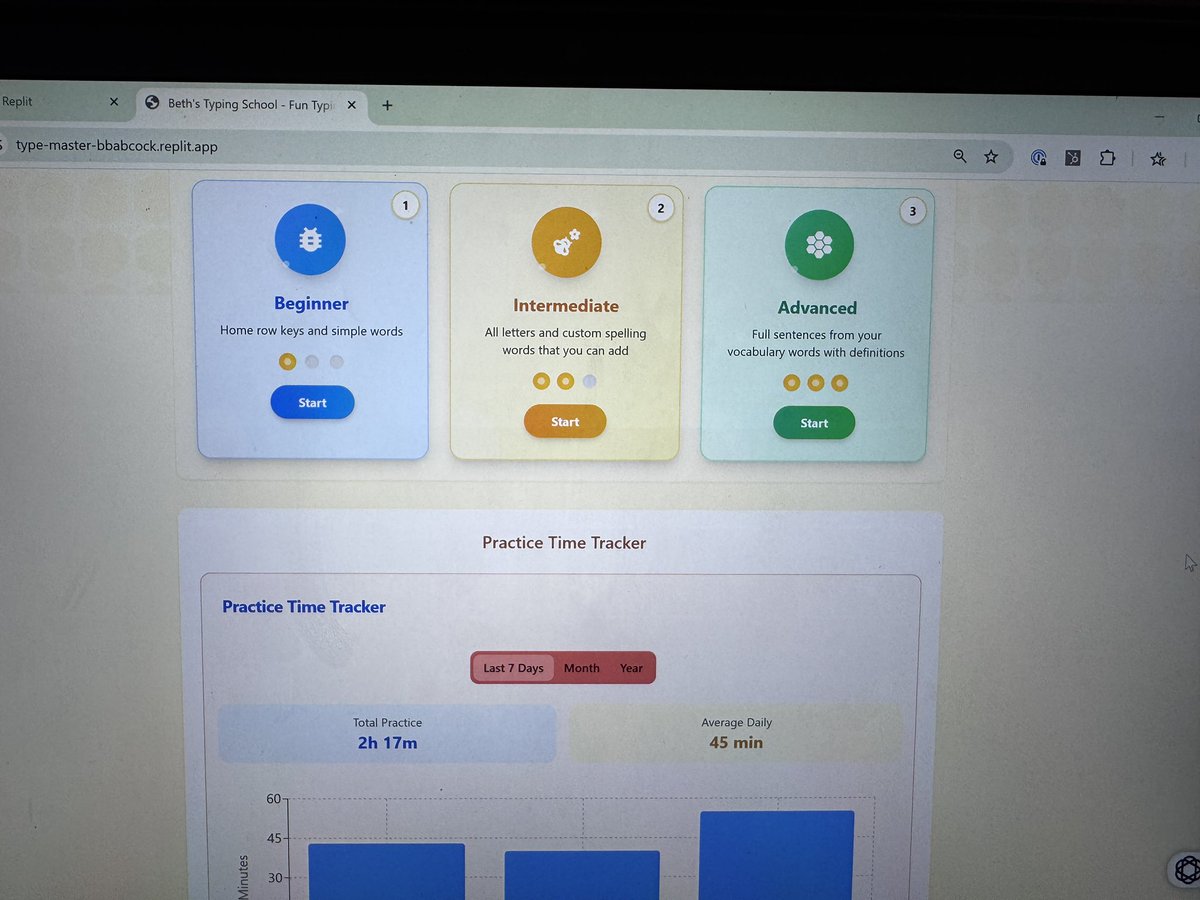
All in, we created a usable website (designed for desktop since it is a typing tutor).
I plan on sharing it with the kids’ classes because we were all looking for something like this and we will actually use this regularly.
Would love to know what you think!
Feel free to use for your kids. Set up a family account, then add your kids and let them compete against each other.
Link to the program below in the comments (if it looks bad on your phone it’s because it’s for desktop)
@semaphoreci , please fix it so I don't have to see this and re-authenticate every time I click a link. It may be specific to Okta sign in, but it's super painful. After completing sign in, the requested page is forgotten, make this even rougher.