@mfranz_on@threejs@MixlyDesign Cheers, thanks! 🙂It's a web app/editor.
Once your project is ready you can export it as a standalone WebGL module and add to your website. Or import it directly into Framer.
WebGL made easy!
Build your #webgl projects in an intuitive #figma -like editor. Add advanced effects, bloom, true variable blur, distortion effect... Once done, export as a small optimized js project to your website, or perhaps directly to #framer#webdesign#webdev
@mfranz_on@threejs It worked! :)
I'm building @MixlyDesign in an attempt to make WebGL more accessible to non-programmers. It's kind of like Figma, but for realtime WebGL animations and interactions.
@imadetheseworks Awesome, will do! Thanks for sharing this.
I didn't realize the squircle benefits and I hate the corner issues with rects. I even tried to smooth them with a brute force blur pass but it doesn't look right, and is of course slow.
This looks really promising as an alternative.
@fidotano_@framer@MixlyDesign Thankss, and yes, absolutely! It uses WebGL to render, which should run on almost any web browser.
There should be two automatically playing live web browser versions in the link. I wonder if those showed up for you.
They may look like videos, but are interactive animations.
@fidotano_@framer@MixlyDesign You mean to the live version? Sure!
It' s live here: https://t.co/tpnHzx9zTy
The demo reacts to the mouse so the interaction works better with a pc.
It can take a few seconds to load (you get a white screen initially)
@framer My take https://t.co/tpnHzx9zTy
WebGL, RGB distortion/refraction, light reacts to mouse and picks up ambient color from the background.
Shapes are liquid and melt to each other. Tunable variable blur for edges. Editable in Framer.
Made with @MixlyDesign editor that I'm building
@framer My take https://t.co/tpnHzx9zTy
WebGL, RGB distortion/refraction, light reacts to mouse and picks up ambient color from the background.
Shapes are liquid and melt to each other. Tunable variable blur for edges. Editable in Framer.
Made with @MixlyDesign editor that I'm building
@framer@MixlyDesign The page can take a few seconds to load.
It loads quite a few images and compiles multiple projects worth of shaders. Unfortunately I didn't have a chance to add a preloader.
@framer My take https://t.co/tpnHzx9zTy
WebGL, RGB distortion/refraction, light reacts to mouse and picks up ambient color from the background.
Shapes are liquid and melt to each other. Tunable variable blur for edges. Editable in Framer.
Made with @MixlyDesign editor that I'm building
Let's build a cool #WebGL color reveal glass effect to your website. No code required!
The video explains how to build the project in the editor and export it to #Framer. Works on normal HTML websites as well.
Check the full Youtube video below👇
#WebDevelopment
Do you have #WebGL effect you'd like to have on your website? I'd be happy to build it for you! (If it's doable)
I'm updating Mixly tutorials and it'd be lovely to build something that web designers want/need 🙂
This mouse cursor was an effect someone was asking on Reddit
Want a cool #WebGL mouse cursor effects on your website?
Here's a video tutorial how to make them in Mixly and then use it in your #Framer project.
No coding knowledge needed! :)
Check the link below👇
Quick Mixly test project running in #Framer.
Mouse follow helper and HTML element matching makes it easy to build this kind interactive things.
#webdev#webdesign#webgl
WebGL made easy!
Build your #webgl projects in an intuitive #figma -like editor. Add advanced effects, bloom, true variable blur, distortion effect... Once done, export as a small optimized js project to your website, or perhaps directly to #framer#webdesign#webdev
WIP abstract background WebGL element for Mixly's website. Uses progressive blur, liquid shapes and distortion filters.
The effect is available as a template if you want to have something similar :)
These are super fast to pull off with the visual editor.
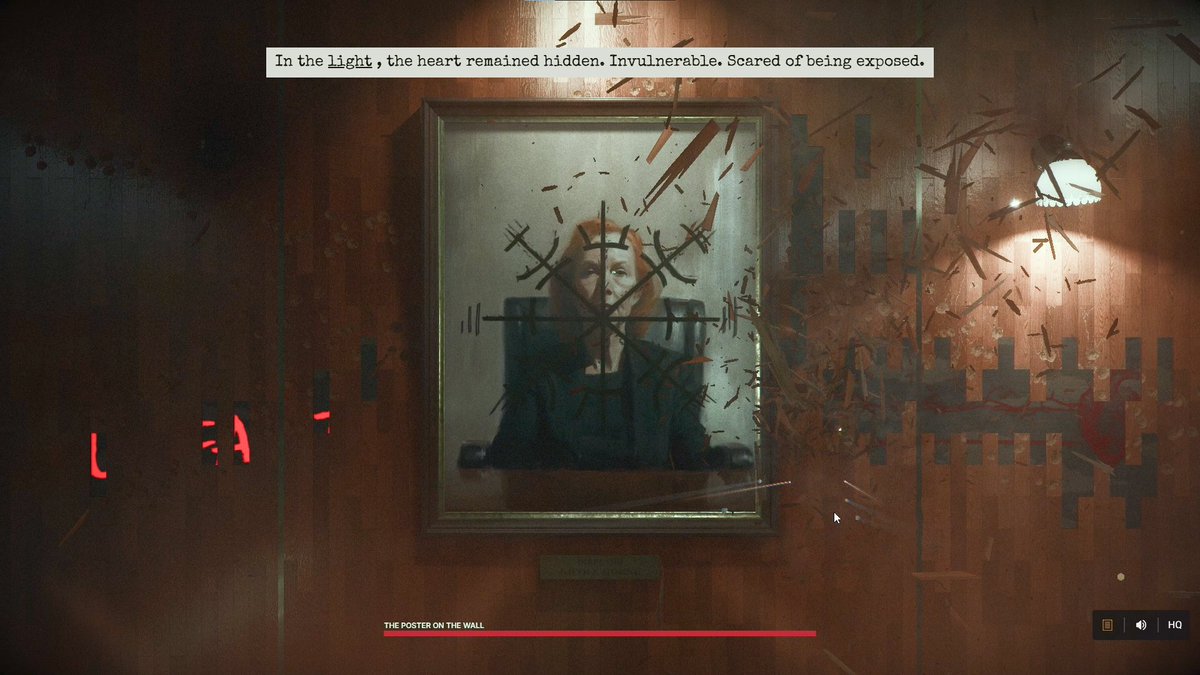
As a longtime Max Payne fan and admirer of the @remedygames I created this web-based tribute demoscene (link in the comments). I’d be grateful if you could check it out, any feedback or a repost would be greatly appreciated. Thank you!