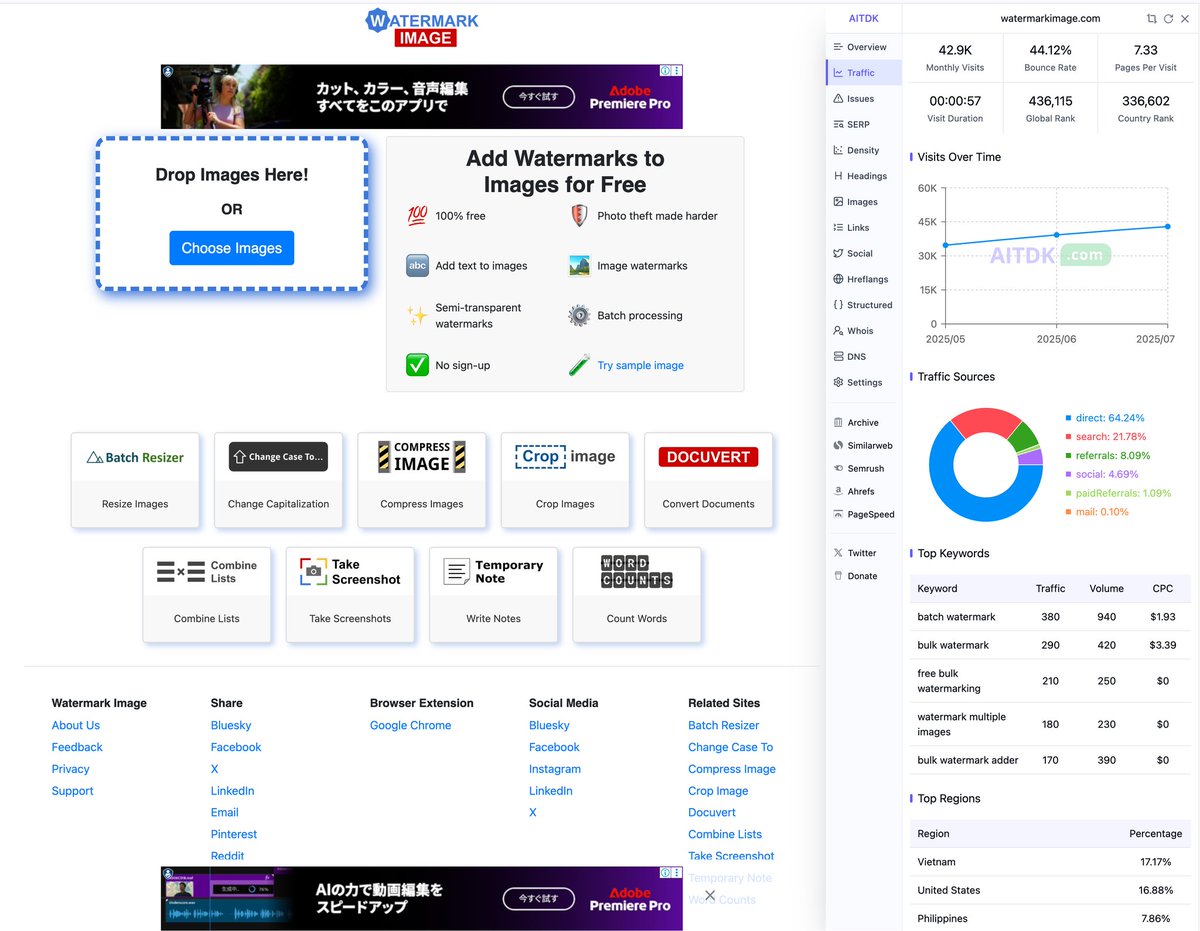
@Cape_Dave@markjszymanski If you only need to optimize the images, you can also try our sister site, https://t.co/I2rpqdq9hX
Even easier image compression! 🙌
Have you tried Bulk Resize Photos' sister sites?
https://t.co/I2rpqdq9hX
https://t.co/50xKcPt1Mc
Available in many languages! Interesting new sites coming soon, so stay tuned!
Pro tip for photographers!
Use an image resizer and convert your images from jpeg to webp before uploading them to your website. I use https://t.co/sQY6lvxLSW to resize and convert images in bulk.
@maheshone It serves the same purpose. We're experimenting with having it replace Bulk Resize Photos over time. Updates will be increasingly focused on Batch Resizer.
A new simpler & easier to use site we’re experimenting with as a replacement to Bulk Resize Photos: https://t.co/36f8mjZn9L
Bulk Resize Photos will remain online in order to not break Automatic Preset URLs. 👍
Follow @BatchResizer for updates! 😍🙏
Still on the fence about WebP Images and https://t.co/qXJOeFX61C - then see this!
https://t.co/LbxgsVC7c1
See real worked examples. PS - I used Safari all the time and have Zero issues with WebP. https://t.co/LbxgsVC7c1
@edy_werder Hi Edy. This will depend on which browser you are using. We fully believe in supporting any format that Bulk Resize Photos users want, if we are able to.
Now there's a browser extension for Bulk Resize Photos, available on Chrome, Firefox & Edge.
Chrome: https://t.co/PzuomlcFb4
Firefox: https://t.co/LVxdvgI07C
Edge: https://t.co/jrutBB0soI
After installing, right-clicking images will include a "Resize Image" option.