It is super valuable to hear about the AI perception from inside China from someone that knows a lot about global business. It's ok to disagree or dismiss his POV, but the knowledge is useful no matter what. I enjoyed this.
EXCLUSIVE: New censorship legislation would let the Australian government spy on US & European citizens and report "sensitive information" about their lawful political opinions, religious beliefs, sexual orientation, and health records to foreign spy agencies, including the FBI.
From the following conversation with @grok, I’m calling for @Apple and @johnternus to require per-thread consent from all conversation participants for OpenAI to access those iMessage conversation histories in the chatGPT macOS desktop app.
Scoping Full Disk Access (FDA) separately between messages, contacts, etc. would also be helpful in reducing how much private information is over shared by FDA.
Did you realize Claude or Codex has read access to everything in the folder your projects are kept in? Make sure, for example, if you’re used to keeping code within Documents that you move it out into a totally separate folder. Otherwise, everything in Documents can be read by Claude Code or Codex, even if you only open them from the project subdirectory itself!
Open Claude Code in your home folder and 𝗶𝘁 𝗰𝗮𝗻 𝗿𝗲𝗮𝗱 𝗮𝗹𝗹 𝗼𝗳 𝗶𝘁: the API keys in your .env, the private keys in ~/.ssh, the cloud credentials in ~/.aws.
If you've ever clicked "always allow" on curl, or run it with --dangerously-skip-permissions, one hidden line in a web page or a README is enough for it to 𝘀𝗲𝗻𝗱 𝗮𝗹𝗹 𝗼𝗳 𝘁𝗵𝗮𝘁 𝘁𝗼 𝘀𝗼𝗺𝗲𝗼𝗻𝗲 𝗲𝗹𝘀𝗲'𝘀 𝘀𝗲𝗿𝘃𝗲𝗿. When a security firm reproduced the attack by planting a CLAUDE.md in Downloads, Claude Code followed it 𝗮𝗯𝗼𝘂𝘁 𝗵𝗮𝗹𝗳 𝘁𝗵𝗲 𝘁𝗶𝗺𝗲 and pointed its API address at the attacker's server.
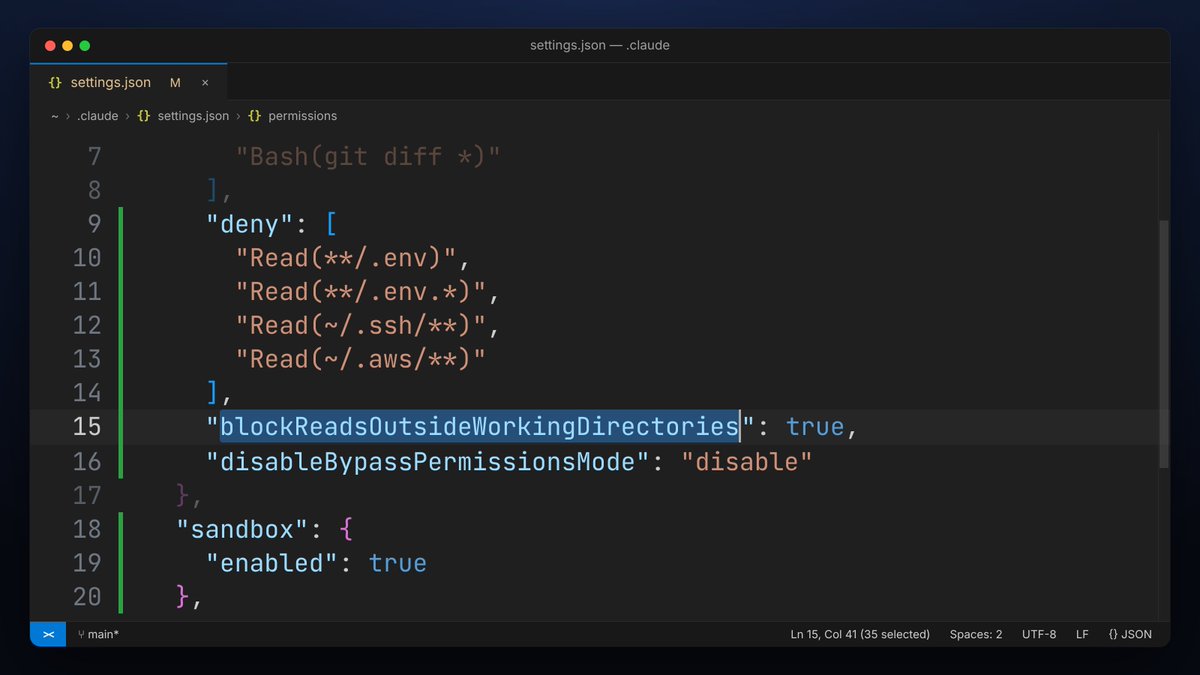
Only start it inside a project folder, never in your home folder or Downloads. Then merge this into ~/.claude/settings.json, keeping your existing settings:
{
"permissions": {
"deny": [
"Read(**/.env)",
"Read(**/.env.*)",
"Read(~/.ssh/**)",
"Read(~/.aws/**)"
],
"blockReadsOutsideWorkingDirectories": true,
"disableBypassPermissionsMode": "disable"
},
"sandbox": {
"enabled": true
}
}
disableBypassPermissionsMode turns off --dangerously-skip-permissions. sandbox makes the commands and scripts it runs follow these rules too, enforced at the OS level, and any connection to a site you haven't allowed gets stopped first. On Linux, install bubblewrap and socat first.
Then type /permissions in Claude Code, go through every rule you once set to "always allow," and delete anything like Bash(curl *) that can send your files out.
@MiaAI_lab OpenClaw! Claude Code’s the daily driver, but OpenClaw seems worth a mention here, as its stability has been drastically improved relative to a few months ago.