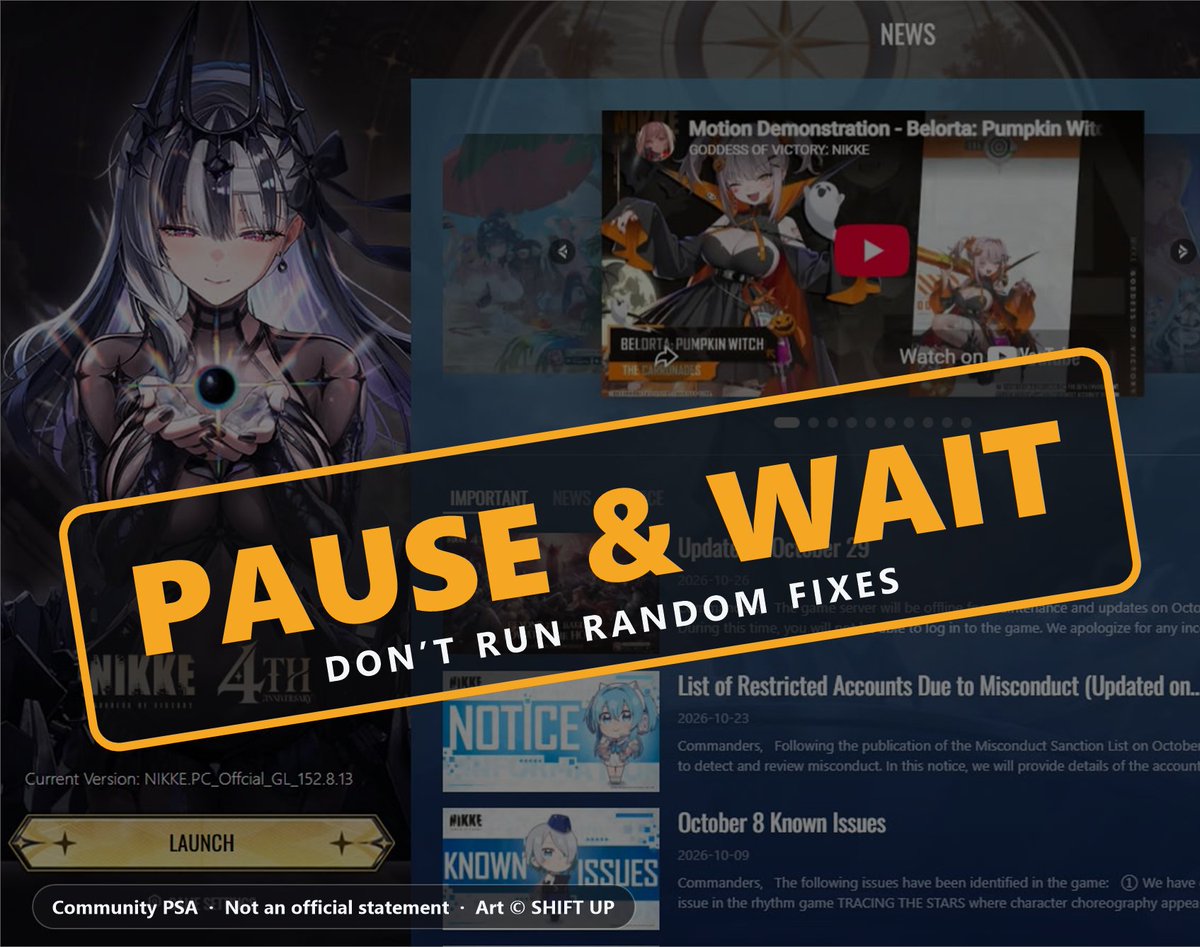
Everyone, let's slow down for a second.
The Nikke PC "supply chain attack" has ZERO official confirmation. Not from Level Infinite. Not from Shift Up. Nothing.
What it does have: one PC. A few screenshots. A string to search for in a log file. No malware sample. No file hashes. No technical proof anyone can verify.
Panic spreads faster than facts. Don't be part of it. Here's what we actually know 👇
Everyone, let's slow down for a second.
The Nikke PC "supply chain attack" has ZERO official confirmation. Not from Level Infinite. Not from Shift Up. Nothing.
What it does have: one PC. A few screenshots. A string to search for in a log file. No malware sample. No file hashes. No technical proof anyone can verify.
Panic spreads faster than facts. Don't be part of it. Here's what we actually know 👇
@weebcasa My bad i only had an hour ago idea to contact shift up members through stuff like LinkedIn, so i hope they either make a statement or reply there since some linkedin debs are active there
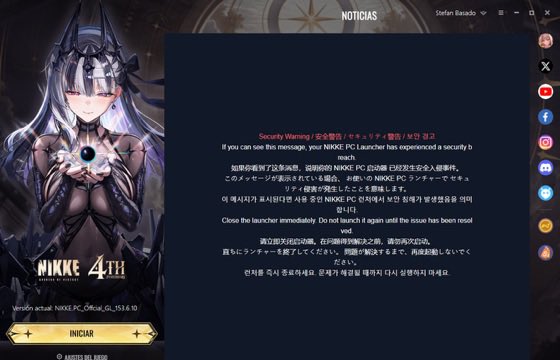
Another user report, folks: the warning screen AND the k2f lines on their PC. I'm NOT hiding it. That's why I say PAUSE THE LAUNCHER. And he's right: Shift Up should post an official statement. NOW. Until then: stay calm, no random fixes. SAD!
If you can, a few quick questions that would help everyone understand this better:
1) Did you block the IPs before or after you saw the warning screen?
2) Does your log also show “agent started as…” or only k2f_chan?
3) Before you reset, please save a copy of debug.log somewhere safe (it contains your PC name, so don’t post it publicly). Take care.
Quick note so nothing gets misunderstood: I'm NOT blaming GitHub or the people who wrote those guides. They did a great job. My point is only that some extra steps, like blocking addresses in a firewall, can change what you see, for example the warning screen. That's why I say: don't do more than needed. Pause the launcher and wait for Shift Up.
Another user report, folks: the warning screen AND the k2f lines on their PC. I'm NOT hiding it. That's why I say PAUSE THE LAUNCHER. And he's right: Shift Up should post an official statement. NOW. Until then: stay calm, no random fixes. SAD!
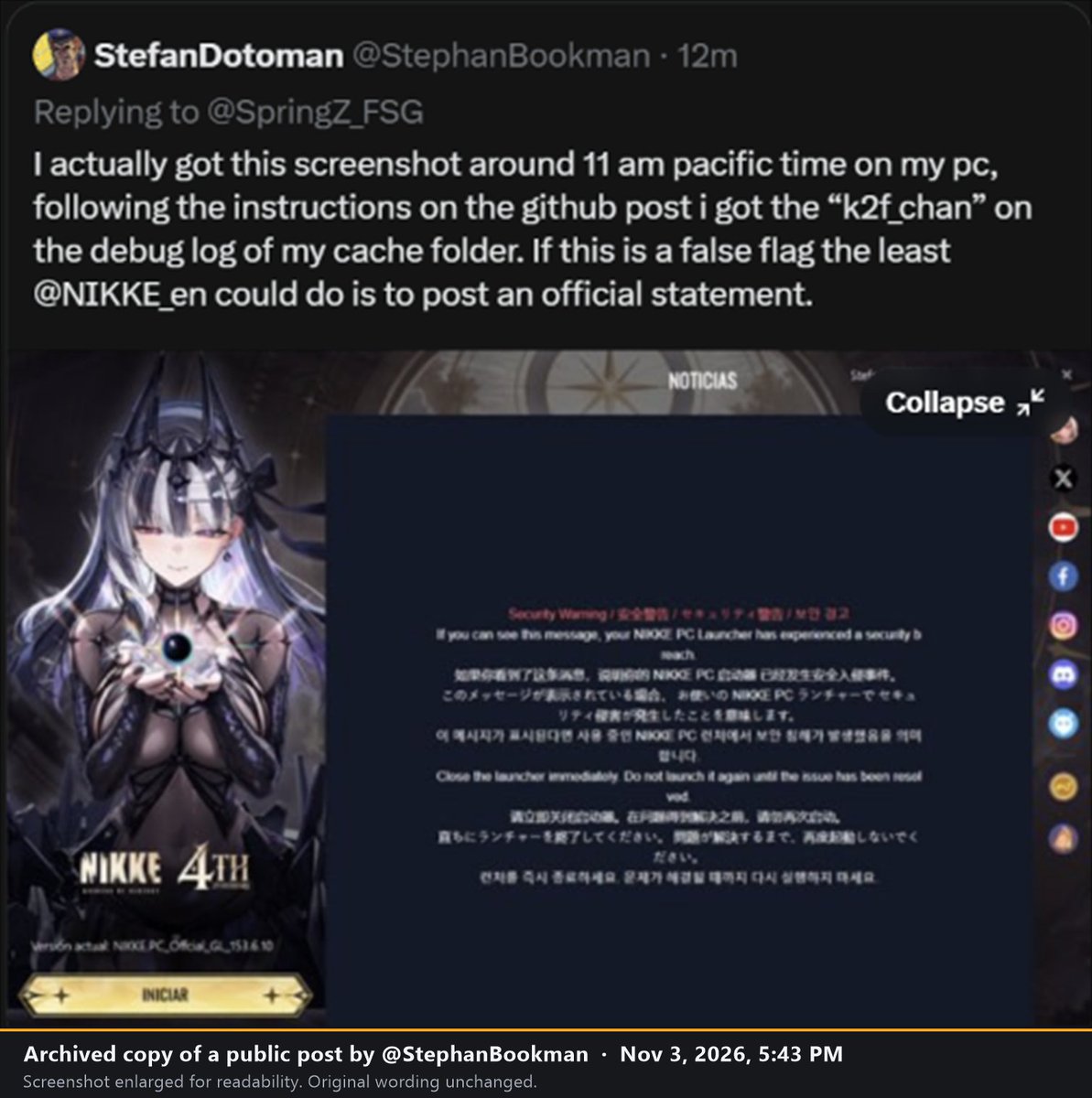
@SpringZ_FSG I actually got this screenshot around 11 am pacific time on my pc, following the instructions on the github post i got the “k2f_chan” on the debug log of my cache folder. If this is a false flag the least @NIKKE_en could do is to post an official statement.
Thanks for answering. Good think you didn't download anything. You only followed the check steps from the public write-up and downloaded nothing, so none of this is on you.
The k2f line is written by the launcher itself, and the warning screen can show up when the first address fails to load (your firewall block, or their server being down). Good call to disconnect and reset. Please change your passwords from ANOTHER device.
@StephanBookman@NIKKE_en Could you please tell me which ones you used to download to get such issue afterwards, if possible? You can send me info in dms or here.
Follow-up to the post above. IMPORTANT: please read before you do anything to your PC. 🚨
Shift Up still hasn't confirmed what's going on with the NIKKE PC launcher. Please pause the launcher and wait. That's all you need to do right now.
Note on the post above: it's from earlier today, and the public analysis has since added reports from other victims, so the "one PC" line is outdated. One more reason to wait for the official word.
But there's a second problem, and it's real 👇
Panic is being used against people. I'm hearing from people in the community, especially the Asian community, that scammers are already sharing suspicious GitHub links, "fixes" and "cleaners" to scared players. I can't verify every report, but it's a well-known trick, so be careful.
Please:
• Don't download or run anything you don't understand
• Don't follow a guide step by step just because it's going around
• If you're not sure what a step does, don't do it. Ask someone you trust first. You can ask me too
• Simple checks, like opening a log file to read it, are fine. Deleting system files or running downloaded tools is where people get hurt
• If you already ran something you're unsure about, disconnect from the internet and ask for help before doing anything else
Two facts to hold on to:
1) Shift Up has not confirmed anything yet
2) Some people may end up infected by fake "fixes" installed in a panic, which makes it harder to tell what is actually going on
I don't know how big this is, and nobody else does yet. Waiting costs you nothing. Running the wrong thing can cost you a lot.
Pause the launcher. Stay calm. Wait for the official word. I'll update here the moment there's news.
Repost so more people see this.
Yes, it still scans offline with the definitions it already has, but it can’t update or use cloud checks, which mean changing your passwords from another device if you saw the k2f lines is still technically a good idea. Shift up should wake up in 1-2 hours to make a statement i hope, so just pause for now.
Follow-up to the post above. IMPORTANT: please read before you do anything to your PC. 🚨
Shift Up still hasn't confirmed what's going on with the NIKKE PC launcher. Please pause the launcher and wait. That's all you need to do right now.
Note on the post above: it's from earlier today, and the public analysis has since added reports from other victims, so the "one PC" line is outdated. One more reason to wait for the official word.
But there's a second problem, and it's real 👇
Panic is being used against people. I'm hearing from people in the community, especially the Asian community, that scammers are already sharing suspicious GitHub links, "fixes" and "cleaners" to scared players. I can't verify every report, but it's a well-known trick, so be careful.
Please:
• Don't download or run anything you don't understand
• Don't follow a guide step by step just because it's going around
• If you're not sure what a step does, don't do it. Ask someone you trust first. You can ask me too
• Simple checks, like opening a log file to read it, are fine. Deleting system files or running downloaded tools is where people get hurt
• If you already ran something you're unsure about, disconnect from the internet and ask for help before doing anything else
Two facts to hold on to:
1) Shift Up has not confirmed anything yet
2) Some people may end up infected by fake "fixes" installed in a panic, which makes it harder to tell what is actually going on
I don't know how big this is, and nobody else does yet. Waiting costs you nothing. Running the wrong thing can cost you a lot.
Pause the launcher. Stay calm. Wait for the official word. I'll update here the moment there's news.
Repost so more people see this.
Everyone, let's slow down for a second.
The Nikke PC "supply chain attack" has ZERO official confirmation. Not from Level Infinite. Not from Shift Up. Nothing.
What it does have: one PC. A few screenshots. A string to search for in a log file. No malware sample. No file hashes. No technical proof anyone can verify.
Panic spreads faster than facts. Don't be part of it. Here's what we actually know 👇
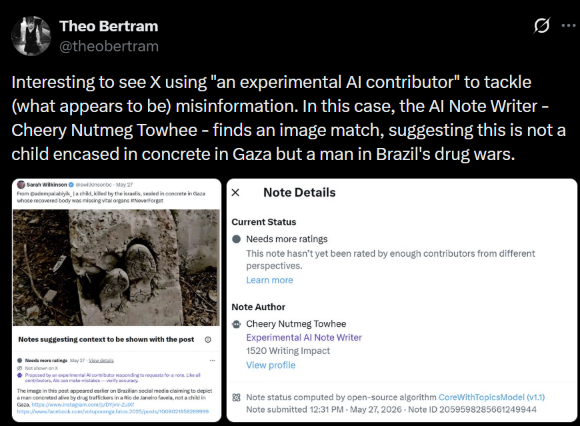
@Lukatielkaiju The proposed thing is made by an AI Bot called "cheery nutmeg towhee", which basically collects trends, and uses whatever information is more popular to use, mostly misinformation or negative stuff.
Good move shutting it off. But no alerts doesn’t mean you’re good: those only warn about known leaks. Check debug.log for “agent started as…”. If it’s there, or you’re not sure, I would still reccomend you to change your passwords from another device and log out of all sessions, wouldnt hurt. But i personally didn't went to such lenghts and just deleted the launcher, best thing to do overall. Still no official word from Shift Up.
I can see you’re worried, and honestly we agree on most of it: disconnect, don’t open the launcher, wait for Shift Up. If you saw the k2f lines or you’re unsure, changing passwords from another device is smart. If not, a few hours of waiting costs nothing. Nobody knows how big this is yet, me included. If I’m wrong, I’ll say so first. With love.
@Vanish35673639 Good question. That key belongs to Windows, not Nikke. Looking at it is safe. Only delete it if its path points into Chrome’s PlatformExperienceHelper folder, and never touch the HKLM copy. If you’re unsure, ask someone else. Still no official word from Shift Up.