🚀 Sale on this St Patricks Day weekend 🚀
📅 From Fri 14th March to Monday 17th March
⭐️ 25% off our Lifetime Pro, Zero licenses, and a discounted yearly subscription too! ⭐️
🛠️ Put it in your diary and support your favourite indie devs!
Password fatigue is real. Luckily it doesn't need to exist to still use secure passwords. Here are our 4 favorite password managers:
✅ @Proton_Pass
✅ @Bitwarden
✅ @1Password
✅ @KeePass
All providers allow easy import/export - so shop around and see which works best for you!
Speaking of monumental failings, I'm not going to go into the details, and definitely won't be the first to tell you (h/t @tayvano_), but if you are still storing anything on LastPass then you need to migrate to a new password manager immediately.
In general, centralized password managers are problematic due to being a honeypot for attackers. It takes just as much effort to compromise a single user as it does to compromise the entire user base. If you must choose a managed service, bias toward one with a better track record of security and protecting user data (e.g. @Proton_Pass).
A better alternative is a self-hosted, free, open-source password manager such as @KeePassXC (h/t @LefterisJP). To ensure availability across multiple devices, simply store a copy of your encrypted database file in your own cloud storage solution of choice (e.g. iCloud, Google Drive, DropBox, OneDrive, etc.).
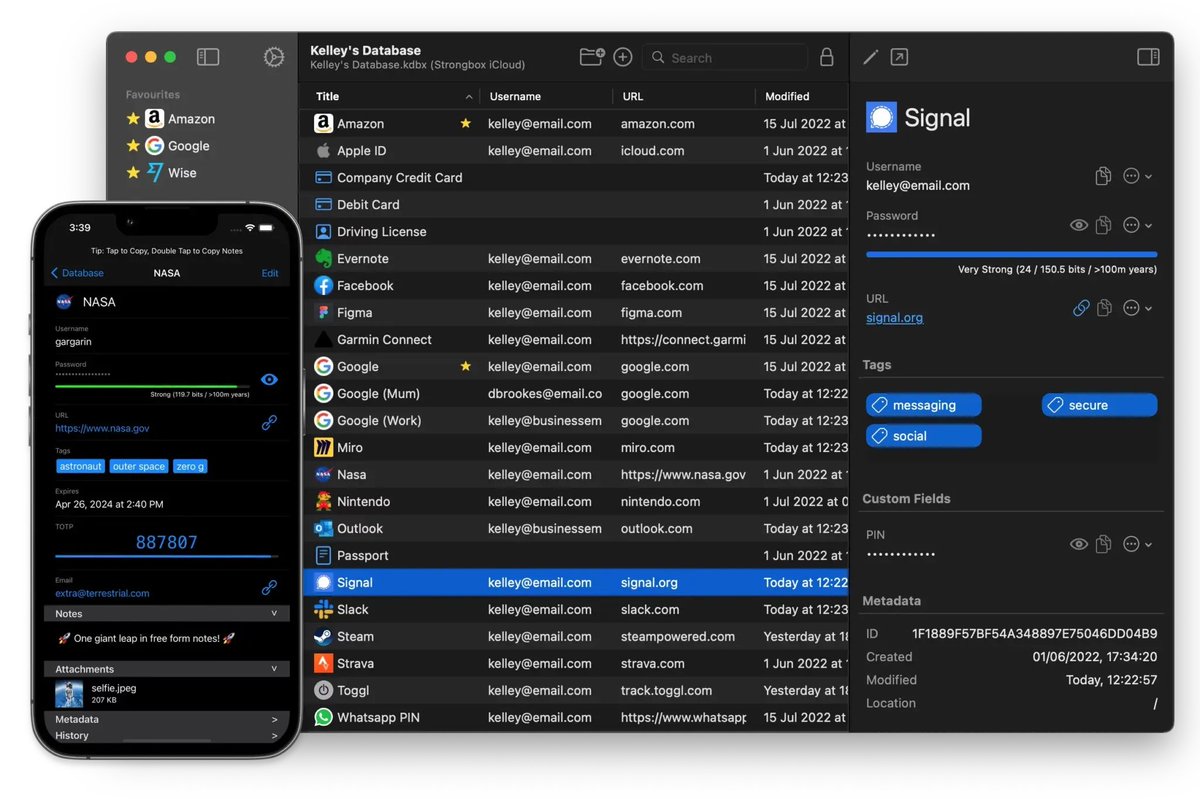
There are also paid services such as @StrongboxSafe which offers additional features for KeePassXC databases such as autofill, sync, YubiKey support, and lots more.
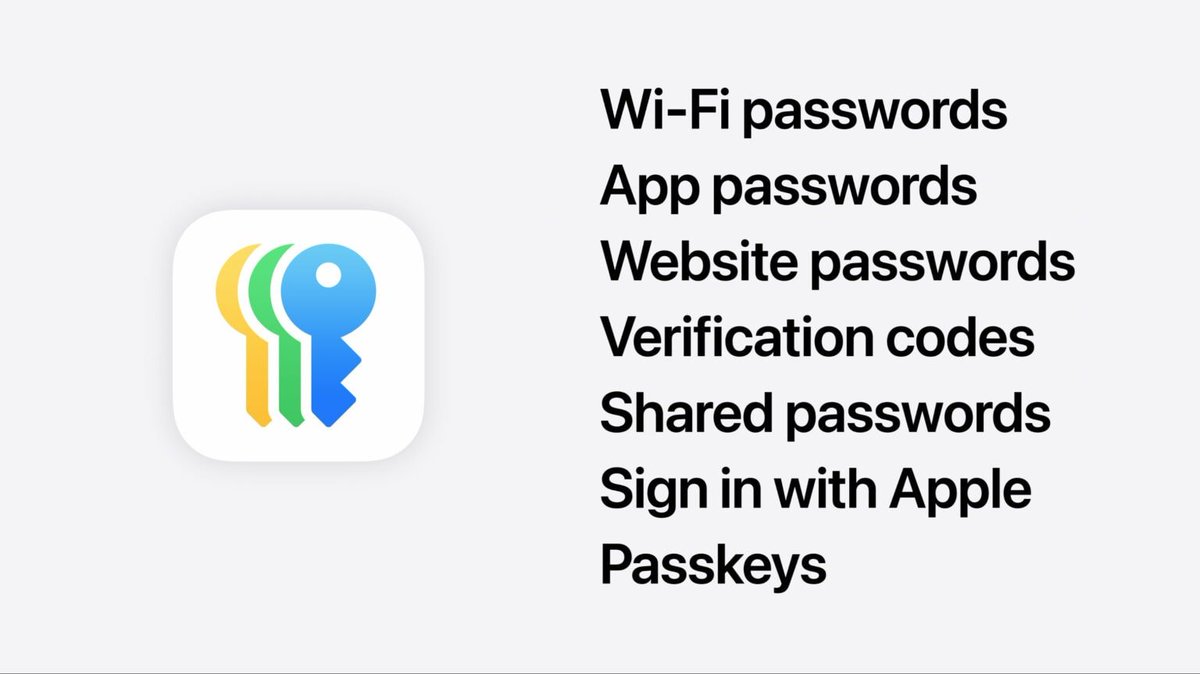
If you own a lot of Apple devices and don't want to worry about keeping a database file safe, their new Passwords app may also be a good option; however, note that unlike the alternatives mentioned above it does not have a dedicated master password which could be an issue if your device is stolen or your iCloud account is compromised.
For user using old iOS versions (15.x or 16.x): We are aware of a crash when editing with our latest version 1.60.25
A fix is on the way and is with Apple now for review, but if you can, upgrading your iOS to 17.x or 18.x will also resolve this problem. ETA for fix: 24-48 hours.
@Harrycain72 Hi Roland, this should be fixed for you with 1.60.31. To update, simply open the App Store app on your device and search for Strongbox to see the Update button. Please let us know how it goes.
@ViktorW127@linbse For a discounted subscription you need to use code BF24 or this link here:
https://t.co/ZXjFhzTdz2
We'll get a tweet out now announcing that!
@linbse You should see the bundle here:
https://t.co/TPfU4w50b9
Note that we are not able to offer it at a reduced price due to Apple bundle pricing rules, if that's what you were looking for.
There's a known issue affecting users who have updated to the iOS 18.1 beta that is causing the Strongbox app to crash. We apologise for the inconvenience caused. You'll need to leave the beta to get the app working, until a fix is released.
Update for macOS Sequoia Key File users
We've released an update (1.60.20) which should address this issue.
The problem is caused by an issue in macOS. Apple have acknowledged this and believe they have already fixed it in macOS 15.1 Beta 4.
Your feedback is very welcome.
@TheGrosOurs Unfortunately the bug is in macOS 15.0 rather than Strongbox. Apple is aware of the issue and believes they have fixed it in 15.1 beta 4. We've got what we believe is a workaround on the way now, hopefully releasing today as Strongbox 1.60.20. Stay tuned...
There's currently an issue affecting users with key files on macOS Sequoia. If you use a key file, we recommend not updating macOS until further notice. Apologies for the inconvenience!
@AppleMentalist Hi Felix, for sure, might take us a minute, but in the meantime we've heard that you can use the existing "White" icon (Settings > App Icon > White & Blue) which appears as a nice tinted icon on iOS 18.
@LSiazsaHrd Hi, we're working on a fix/workaround, in the meantime a device restart appears to help temporarily, or you could use an alternative App, KeePassXC for example to access your database, since it is in the standard open KeePass format. Apologies, looks like a Sequoia/Apple bug...
Did you know you can use @mailbox_org and @KoofrNet to host your Strongbox database?
You can connect Strongbox directly to them for flawless sync using WebDAV. We've just created two new guides that show how easy that is: