Key takeaways:
1. https://t.co/4dfNws4Yfy = a visual companion for Claude Code. It doesn't replace Claude Code; it complements it. The core problem it solves: everything you build gets lost in long chat scrolls. Fil puts prompts, screenshots, and assets on an infinite Figma-style canvas instead.
2. Always ask for progress screenshots and before/after shots. These are his two most-used prompts. They make reviewing changes and giving feedback much easier, especially on large projects like 3D games.
3. Fil has an MCP server, so Claude Code writes directly to the canvas. One prompt ("put all the prompts and 3D models I used into a new canvas") produced a fully organized visual history, including 3D models with file sizes. File size matters: a model of a few MB is too heavy for a website.
4. His creative pipeline: image gen (planning landing pages and marketing) → video gen (getting cheaper daily) → 3D gen (procedural for simple assets, Tripo/Meshy for rigged characters with move sets) → combine into a website or 3D experience.
5. Turn anything into a workflow. Once Claude Code produces something great, convert it into a reusable node-based workflow. Others can recreate it with their own steering ("same holographic card, but pink") without a $200/month subscription or prompting skills.
6. Workflows contain cost. Open-ended sessions with big models in Claude Code or Codex can cost hundreds of dollars. A scoped workflow costs about $0.33–$1. One credit is $0.01, code gen is about 50 credits, and 1–2 images are 7–14 credits.
7. The agent plans at every step. Vague prompts like "create an app" stall people because they don't know what they don't know. The workflow agent asks for direction and decides the output type (image, HTML, video), just as Claude Code asks clarifying questions.
8. Example workflows: brand guide/logo exploration, manga (Nano Banana 2.1), 3D assets (concept → angles → model), holographic card (took hours in Claude Code, now one click), story video (character sheet → scenes → video), Instagram slides, product launch promo.
9. Built-in video editor. Select generated clips plus sound, click "add to video editor," and they're merged instantly. It has Descript-style text editing, caption styles, B-roll, and ElevenLabs voice. Promo scenes can be rendered as HTML motion design, not even video files.
10. Content planning in one prompt. Give it a webinar link and it plans the session and previews the post as it would look on X, Threads, LinkedIn, Instagram, TikTok, and YouTube, with AI-suggested edits.
11. Use cheap models for testing, better ones for output. Grok's video model is fine for testing a workflow; Seedance gives much better results.
12. "AI has no taste" is no longer true. His claim is that with Opus 5.5, you can build anything you can clearly describe.
13. Name a gold-standard reference and say what "done" looks like. The Fil Mac app took one or two prompts: "Build a Mac app for https://t.co/4dfNws4Yfy pretty much exactly like Figma." Naming Figma as the benchmark is why he says the quality is so high.
14. Ask before prescribing. When unsure about the stack, ask "how would you do it?" instead of dictating (e.g., Electron). Then add specific touches from the reference, like Figma's translucent native nav bar.
15. Export to push further. Fil workflows output HTML you can hand back to Claude Code. Claude Code keeps the upper edge for deep iteration, and Fil handles the scoped, repeatable, visual parts.
Bottom line: Claude Code builds, and Fil remembers, visualizes, and productizes. Ask for screenshots and before/afters, anchor prompts to a gold-standard reference, then freeze your best results into cheap, shareable workflows.
banned for reverse engineering work? that’s wild
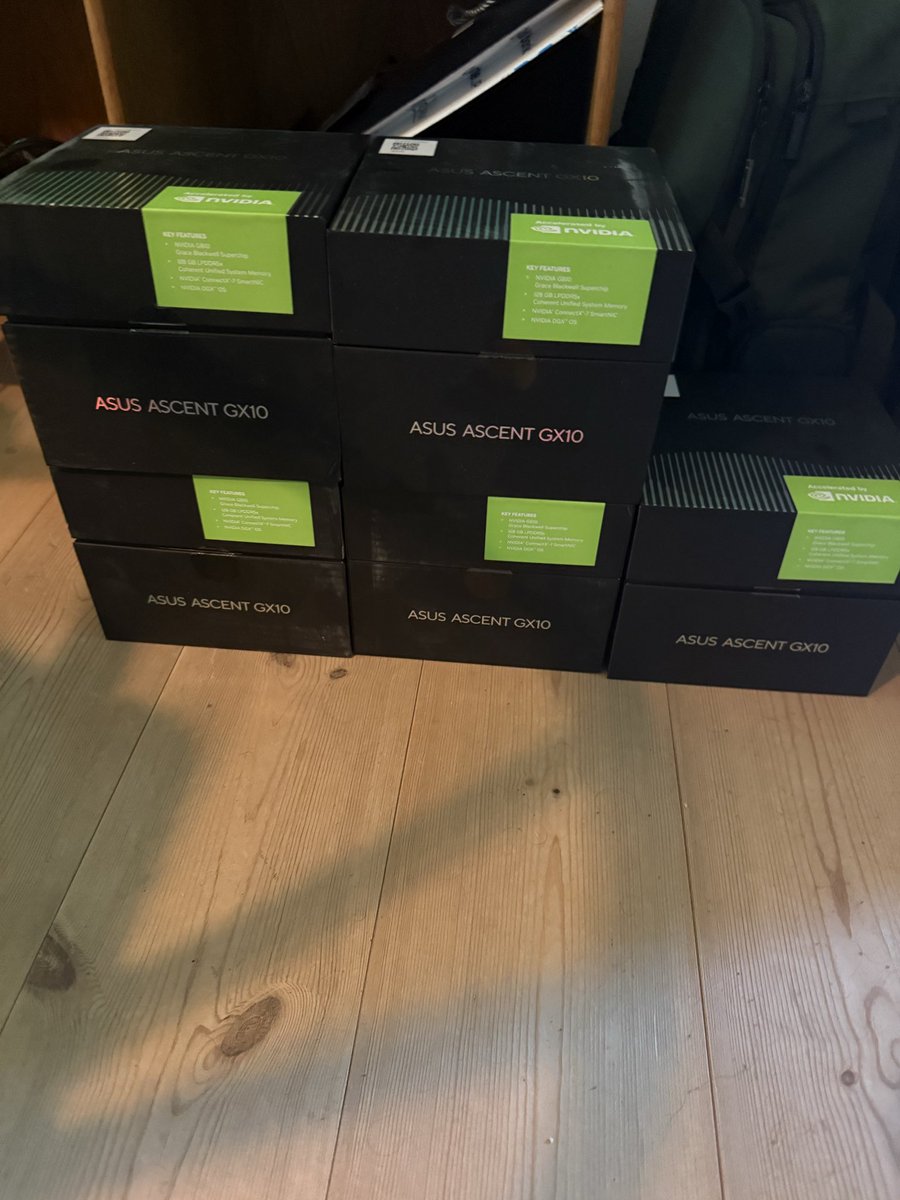
oh well, -$500, and a bunch of banked resets) but gained motivation to get 3 more machines and finish my cluster.
i have never used openai to exploit or find vulnerabilities, only local reverse engineering which tripped daybreak.
@marclou Recommend to also test ApoB and Lp(a).
Some people have genetically higher LDL and there is nothing they can do about it but their ApoB ad Lp(a) are actually fine.
These two markers are much better predictors of cardio health.
We’ve added a CLI for Claude Platform to make every API endpoint runnable from your terminal.
Call the Messages API, stand up Claude Managed Agents, pipe results straight into your shell.
The ant CLI is well understood by coding agents (Claude Code) using the claude-api skill.
Having tried the Meta Display glasses, I’m not convinced that a visual overlay interface is the right direction.
The overlay sits in your field of view and pulls attention away from the real world. Once you lock onto the visuals, everything else effectively fades out. Your focus becomes fully absorbed by the UI, and you’re no longer really seeing what’s around you.
At that point, it isn’t meaningfully different from using a phone. The difference is that the interface is now in front of your eyes, partially blocking your vision, and you can’t easily “look away” while it’s still present.
Take navigation as an example. It feels far more natural to raise your wrist and glance at a smartwatch than to keep checking a corner overlay in your glasses.