I rebuilt a $19 @AppSumo product using AI in one afternoon.
Yesterday, I took GoEmailTracker — an email tracking tool that sells for $19 on AppSumo — and rebuilt it from scratch using https://t.co/axIaMiRIIr.
AI email writing powered by Gemini, email templates, tracking pixel detection, email open tracking with Supabase backend, link click tracking, and a live activities feed with analytics.
Four prompts . That's it.
Prompt 1: AI email writer that injects directly into Gmail compose, with tone picker and reusable templates.
Prompt 2: Tracking pixel detector that warns you when someone is spying on your inbox + email signature generator.
Prompt 3: Full email open tracking with Supabase Edge Functions. Invisible pixel injection, real-time logging, green badges in sent folder with open counts, Chrome notifications.
Prompt 4: Link click tracking + live activities feed showing every open and click as it happens.
The part that surprised me most?
The backend.
I expected PlugThis to handle the frontend — content scripts, DOM manipulation, popup UI.
The surprise was how it also walked me through deploying Supabase Edge Functions, setting up database tables, and wiring the tracking pixel infrastructure.
It generated the SQL setup scripts, the edge function code, and guided me through deployment.
Was it smooth?
No.
I hit build errors, and a few stubborn bugs. But every issue was fixable with a follow-up prompt.
The core logic — the actual extension code — was solid every time.
The AI understood Chrome extension architecture, Gmail's SPA behavior, MutationObserver patterns, and Supabase integration without me having to explain any of it.
Here's what to take away:
The gap between "idea" and "working product" is collapsing.
What used to take a developer weeks — understanding Chrome extension APIs, setting up a backend, handling authentication, deploying serverless functions — now takes an afternoon.
I'm going to keep doing this. Next up: rebuilding WriteSeed's AI content writer. Same approach — one AppSumo product, rebuilt with PlugThis, documented start to finish
What AppSumo product should I rebuild next? 👇
https://t.co/QQva5oGN38 - Vibe code full stack chrome extensions
Describe what you want in plain english.
Get a working extension with front-end, backend and AI built in.
Download the folder, install it and done.
The most interesting finding:
PlugThis and Lovable both produced working Chrome extensions. Both were fast. Both worked.
The difference is pricing:
• Lovable: $300/year (subscription)
• PlugThis: $89 one-time (lifetime deal)
Same result. Very different cost model.
@adamsilverman https://t.co/6iBM5KggW2 - I built a tool that lets you create Chrome extensions just by describing what you want — no code, takes about 2 minutes.
cc: @levelsio@marclou@dankulkov
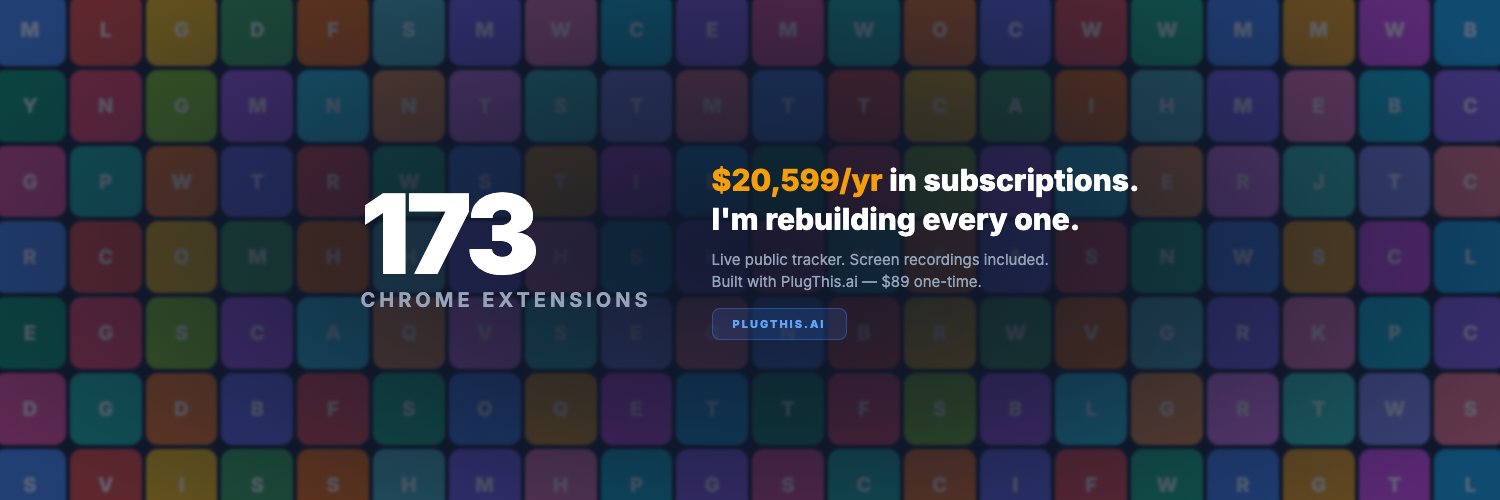
I found 173 paid Chrome extensions. 137 can be built with AI. I'm building all 137. Publicly. With recordings.
Build #1: screenshot tools. 16 million combined users. All three built from one paragraph each.
The full tracker is a public Google Sheet. Link in the article.
GoFullPage has 9 million users.
It takes a full-page screenshot.
That's it. It scrolls down the page and stitches the images together.
9 million people installed this.
I rebuilt it in 10 minutes.
Then I rebuilt FireShot (5 million users) and Awesome Screenshot (2 million users).
All three. From one-paragraph descriptions. With @plugthisai .
This is Build #1. I found 173 paid Chrome extensions. 137 of them can be built with @plugthisai . I'm building all 137.
The full list is public: https://t.co/nNB5v5T5du
Here's how all three work under the hood. And why you can build your own. 👇
I spent weeks analysing every Chrome extension currently sold as a lifetime deal in @AppSumo@StackSocial@dealmirror@dealifyhq@RocketHub . @Flippa@micronsio
I also looked at trending extensions on @googlecws
I found a total of 173 paid extensions. $20,599/year in subscriptions.
Now I am going to rebuild one by one, using @plugthisai
Live tracker:
https://t.co/nNB5v5T5du
Like and Bookmark this thread to follow along the journey.
If you have an extension idea you want to see me build, reply in comments, I will add it to the list and give it a shot.
I saw a post the other day that really resonated.
It was from @stepheniez on Threads, and she said, "Yesss. I really wish someone would create a browser extension for this!"
She wanted to add "-ai" tag to every input in a search engine to remove the AI slop that was clogging her search results.
https://t.co/IegcKBVw66
I built it.
Using PlugThis, I created a Chrome extension that adds a simple "-ai" tag automatically to the search input.
I've attached a screen recording of the build process.
The source code is also available for free on GitHub.
Feel free to fork it, modify it, and make it your own! https://t.co/VeCZwh2pBv
Build your own extension in minutes: https://t.co/KBAwdsWJwG
Original request: https://t.co/IegcKBVw66