I should share more features, I default to thinking they're basic and no one will care. Meanwhile developers on other platforms are creating plugins to do the same.
Shipped some QOL updates
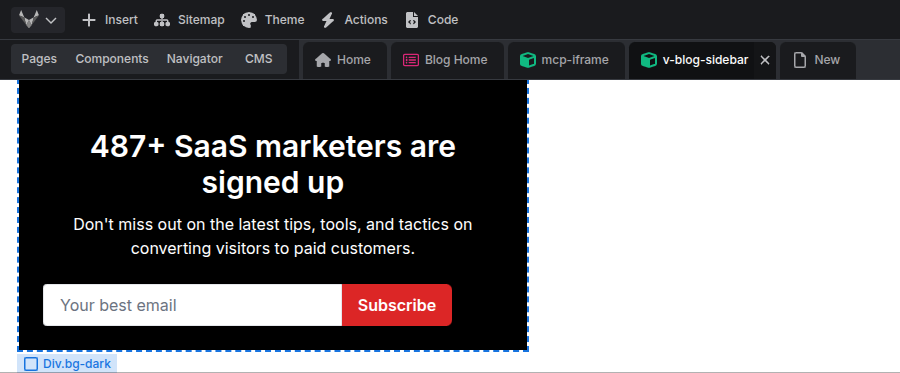
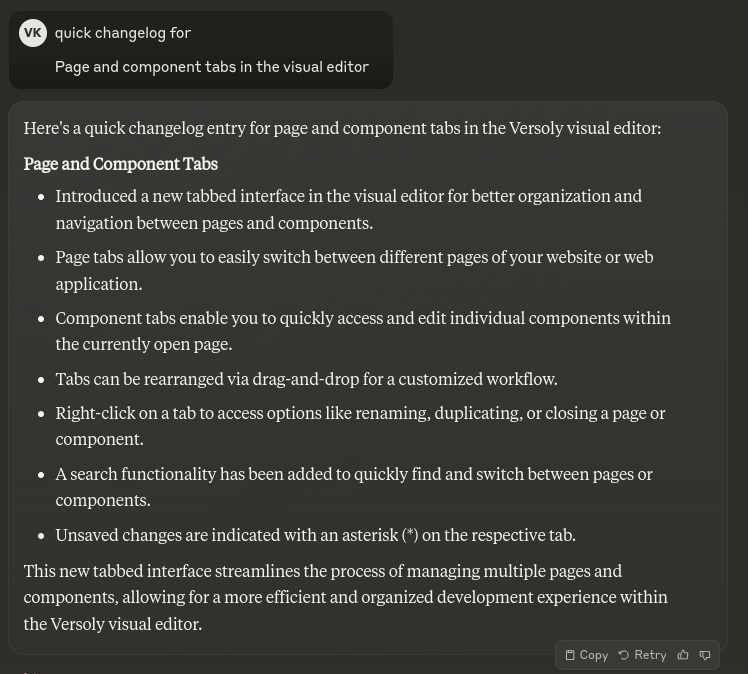
📜 Store and use scroll position when previewing or coming back from other pages
↔️ Go to prev and next element without having to first go to the parent element. Saves 3 clicks.
I see a lot of content with complex setups to handle basic JS library implementations in no-code tools.
There are ways to do it cleanly using developer best practices.
For example using data-toggle and other data properties.
Life is much easier when you follow developer best practices.
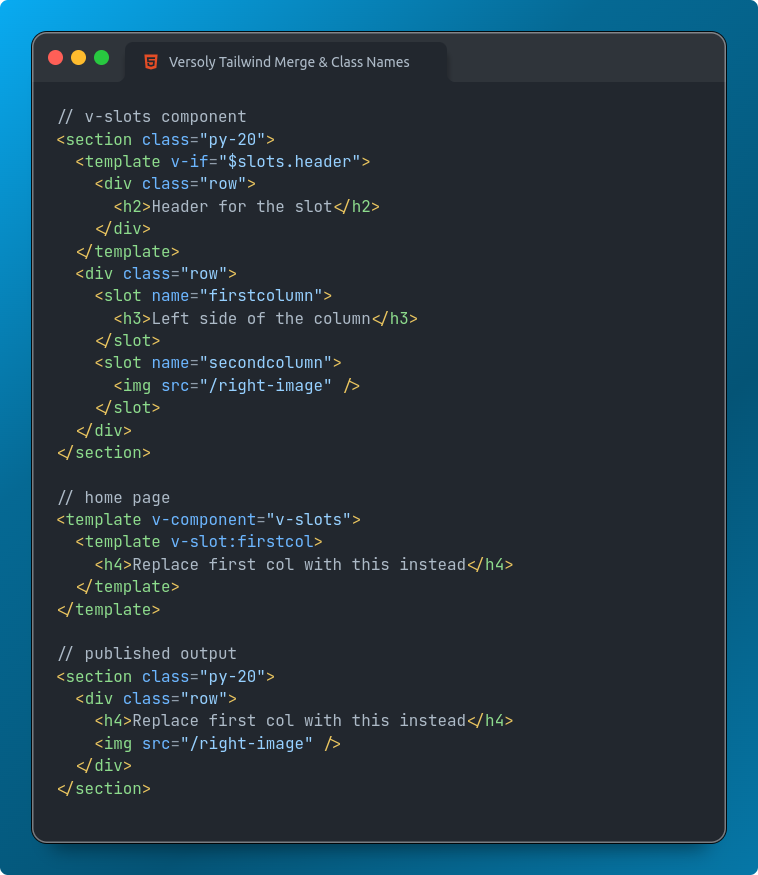
For example other visual editors limit what you can put inside a slot, while Versoly allows you to insert any element.
It is more flexible, easier to reason about and leads to less customer support.
If you're looking to create/publish a new single HTML page @Versoly is by far the best tool
- Tailwind CSS
- No NPM etc
- Tailwind forms/prose
- Upload images
- Components
https://t.co/bW8Rs650rI took me 15 minutes to prototype a GSAP timeline animation tool.
For freelancers what would the perfect edit/build mode be for your clients?
- Create pages from templates
- Add components to the page
- Can easily add elements/components inside slots
- Filter CMS collections on component
Anything else?
Had this day 1 with @Versoly
Started of opening the code editor and pasting the table, now there is a table UI.
Customers are using the code editor to add lists inside of tables, in the future it will support them as well but no migration required as it is just HTML.
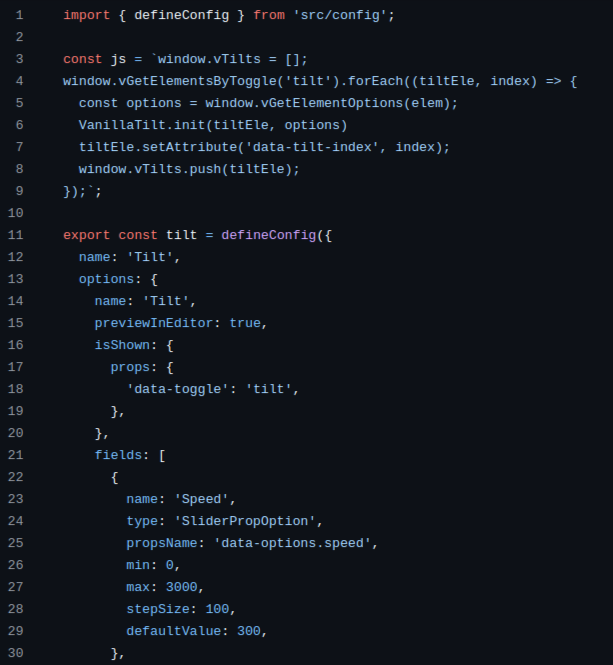
Shipped inline plugins for open source and external packages.
- Swiper
- Tilt.js
- Calendly
- Marquee
- Many more
Can add form inputs inside the visual editor that change the data attrs on elements.
Launching early access for Versoly public API.
Starting off it comes with
- List sites, pages and forms
- Create, update and delete items and assets
- Publish site
If you have a use case/want access to the API just message me on live chat/dm.
Clients will start to expect high quality components come with their website.
Best practices from web dev such as
- Slots
- Classes
- Folders
Makes it possible to do so in no-code platforms.
They can create great looking landing pages by themselves, no going back from that.
I just improved FPS by 2-6x for slower devices.
I recently added a lot of features such as slots and that led to reduced FPS on advanced/long pages.
- Remove unneeded code
- Reduce amount of work done on click/scroll/hover
- Better caching
@kalesh_13@ImSh4yy After 6 years wasted on this whole thing my stack is once again simple almost where it was: Django, tailwind, htmx, alpine, @appliku
Also @Versoly UI library is super useful
Finally getting around to making Youtube content.
The latest video is about updates to playground mode.
Plan is to ship fast so I can learn quickly and iterate as I go along.
I love still being able to ship features within hours of a customer request 5 years in.
Fonts can now be extended and will be shown in the dropdown inside the visual editor.
Opens up a whole new world for other CSS properties to be extended.
Component slots and class names are now possible in Versoly.
A game changer for freelancers looking to build the most maintainable sites for customers.
Also easier than ever to change styling and elements inside a component.
The component updates shipping next week are mind blowing.
They build on top of existing features and unlock a whole new world.
Will most likely set the roadmap for other no-code tools for the next 2-3 years.