🎬 A native media experience for ZimaOS is here!
You’re invited to try ZimaOS Movie Beta! Discover an easier way to organize and watch the movies and TV shows on your NAS:
🎞️ Automatic media organization: Add your media sources, automatically identify movies and TV shows, and fetch posters, synopses, and other metadata.
🔎 Browse your collection: Explore your library in a visual poster view, with search and filters to find what you want to watch.
▶️ Watch in your browser: Supports software and hardware decoding and transcoding, playback speed controls, audio and subtitle selection, resume playback, and automatic playback of the next episode.
👤 ZimaOS account integration: Use your existing ZimaOS account, with personal favorites, watch history, and access permissions for each media library.
📱 Mobile and TV apps are also in development. Stay tuned!
🛠️ Installation: Run the following command in the ZimaOS terminal:
curl -fsSL https://t.co/T3VEnteIwc | sudo bash
💡 Tips:
1. ZimaOS Movie requires ZimaOS 1.6.2 or later.
2. Hardware acceleration currently supports mainstream Intel and NVIDIA GPUs. AMD GPU support is coming in the next ZimaOS release.
3. Metadata lookup requires internet access.
Join the beta, try it and share any issues or suggestions with us! Thanks in advance! 🙌
#ZimaOS #Movie #NAS #SelfHosted #MediaServer
#Media
What would you put on your own NAS first? Your photo library, your movie collection, or all the files scattered across your devices? 👀
Here’s a look at #ZimaCube2.
🎥 Video by DerJotech (Instagram: @ derjotech)
#NAS#HomeLab#SelfHosting
Heads up, homelab builders!
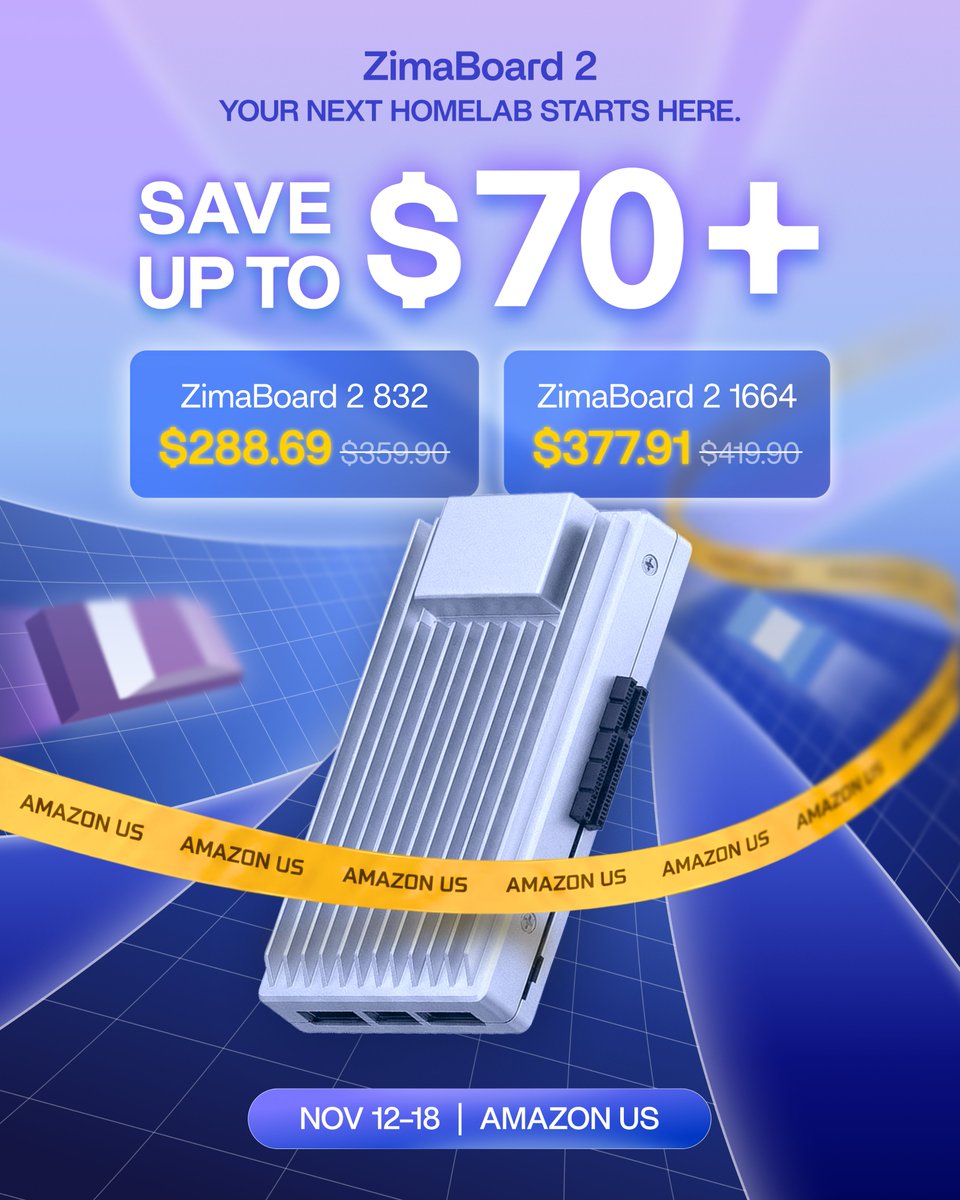
Our #ZimaBoard2 sale starts Nov 12 on Amazon US. Save up to $70+ from Nov 12–18, with the 832 model starting at $288.69.
What would you build first? #HomeLab#HomeServer
Heads up, homelab builders!
Our #ZimaBoard2 sale starts Nov 12 on Amazon US. Save up to $70+ from Nov 12–18, with the 832 model starting at $288.69.
What would you build first? #HomeLab#HomeServer
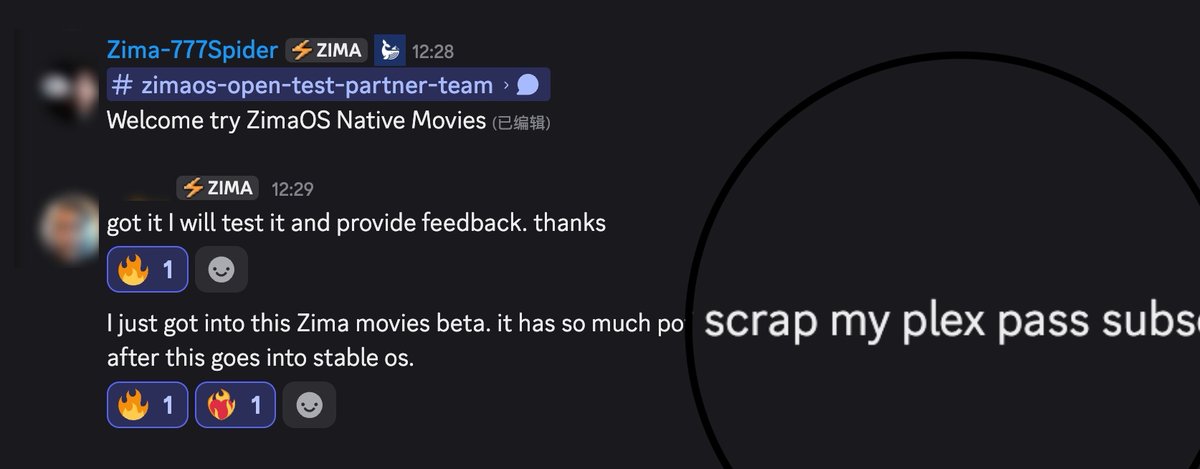
Still in beta, already earning this kind of love. 🔥
One tester is considering retiring their Plex Pass once ZimaOS Movies reaches stable. That’s a huge vote of confidence and a lot to live up to.
Thank you to everyone testing, sharing feedback, and helping us make it better. This is just the beginning.
🛠️ Installation: Run the command in the ZimaOS terminal:
curl -fsSL https://t.co/T3VEnteaGE | sudo bash
📱 Mobile and TV apps are also in development. Stay tuned!
#ZimaOS #HomeServer #NAS #Movie #TV
🎬 A native media experience for ZimaOS is here!
You’re invited to try ZimaOS Movie Beta! Discover an easier way to organize and watch the movies and TV shows on your NAS:
🎞️ Automatic media organization: Add your media sources, automatically identify movies and TV shows, and fetch posters, synopses, and other metadata.
🔎 Browse your collection: Explore your library in a visual poster view, with search and filters to find what you want to watch.
▶️ Watch in your browser: Supports software and hardware decoding and transcoding, playback speed controls, audio and subtitle selection, resume playback, and automatic playback of the next episode.
👤 ZimaOS account integration: Use your existing ZimaOS account, with personal favorites, watch history, and access permissions for each media library.
📱 Mobile and TV apps are also in development. Stay tuned!
🛠️ Installation: Run the following command in the ZimaOS terminal:
curl -fsSL https://t.co/T3VEnteIwc | sudo bash
💡 Tips:
1. ZimaOS Movie requires ZimaOS 1.6.2 or later.
2. Hardware acceleration currently supports mainstream Intel and NVIDIA GPUs. AMD GPU support is coming in the next ZimaOS release.
3. Metadata lookup requires internet access.
Join the beta, try it and share any issues or suggestions with us! Thanks in advance! 🙌
#ZimaOS #Movie #NAS #SelfHosted #MediaServer
#Media
What would you put on your own NAS first? Your photo library, your movie collection, or all the files scattered across your devices? 👀
Here’s a look at #ZimaCube2.
🎥 Video by DerJotech (Instagram: @ derjotech)
#NAS#HomeLab#SelfHosting
FiLens: Make better use of the information inside your files.
Your files hold information worth putting to work.
Contract clauses, report data, presentation proposals, and text in scanned documents—all of this lives on your devices. It can also become input for search, knowledge bases, and AI workflows. The first step is reading it.
But that isn’t always straightforward. Word, PDF, Excel, and PowerPoint each present different parsing challenges. Legacy documents, complex tables, and scans add even more complexity. Sometimes, extracting the contents of a single document means deploying an entire office suite or a heavy conversion service.
We want to make that first step lighter.
Meet FiLens, a lightweight, embeddable file processing engine from IceWhale.
It reads multiple file formats locally, extracting text, tables, and available document structure. It also supports OCR to recognize text in scanned PDFs and images. Results can be exported as JSON and other formats for downstream processing, providing content for search, knowledge bases, and AI workflows.
From files to content, and from content to usable information, FiLens packages complex file parsing capabilities into reusable components that developers can integrate into their own products.
That lightweight design takes engineering work. The current CLI Lite offline download is approximately 7 MiB, with the OCR runtime and models available as optional additions. The Full edition includes the OCR components. From format compatibility and content extraction to package size and integration options, FiLens reflects our team’s technical experience in complex file processing.
This technology is also coming to ZimaOS.
We plan to integrate FiLens into ZimaOS, making the contents of files on your devices easier to read, search, and use. The technology we’re sharing today will help support future product experiences.
If you’re a developer, explore the implementation, test your own files, and see how FiLens could work with your knowledge base, Agent, or other products.
If you’re less technical, look forward to its integration in a future ZimaOS release. As one of our developers put it: “Just sit back—we’ll serve it up!” 🍽️
FiLens is open source under the MIT license. Give it a try, and tell us: How would you like ZimaOS to help you make better use of the information inside your files?
👉 Explore FiLens: https://t.co/1fw0UPpUi0
#FiLens #ZimaOS #OpenSource #LocalFirst
I built my own private AI server for cybersecurity.
Right now it's a @ZimaSpace ZimaBoard 2 + RTX 5060 Ti running a 9B model. Very limited, but a good starting point for experimenting with local models and harnesses.
The goal: work up to 100B+ on the right hardware.
Here's how it went, and what it cost:
Shoot on your phone. Edit on your Mac. #ZimaCube2 handles everything in between.
Every clip backs up to the NAS in real time. Your team reviews it on their phones in full resolution. Then it drops right into the timeline over Thunderbolt 4.
No AirDrop. Just shoot and edit.
#ZimaOS #NAS
A whole home server, right on your desk. 👀
Compact hardware. Expandable storage. Your own private cloud.
What would you build with a #ZimaBoard2? 👇
#HomeLab#SelfHosting
🎬 A native media experience for ZimaOS is here!
You’re invited to try ZimaOS Movie Beta! Discover an easier way to organize and watch the movies and TV shows on your NAS:
🎞️ Automatic media organization: Add your media sources, automatically identify movies and TV shows, and fetch posters, synopses, and other metadata.
🔎 Browse your collection: Explore your library in a visual poster view, with search and filters to find what you want to watch.
▶️ Watch in your browser: Supports software and hardware decoding and transcoding, playback speed controls, audio and subtitle selection, resume playback, and automatic playback of the next episode.
👤 ZimaOS account integration: Use your existing ZimaOS account, with personal favorites, watch history, and access permissions for each media library.
📱 Mobile and TV apps are also in development. Stay tuned!
🛠️ Installation: Run the following command in the ZimaOS terminal:
curl -fsSL https://t.co/T3VEnteIwc | sudo bash
💡 Tips:
1. ZimaOS Movie requires ZimaOS 1.6.2 or later.
2. Hardware acceleration currently supports mainstream Intel and NVIDIA GPUs. AMD GPU support is coming in the next ZimaOS release.
3. Metadata lookup requires internet access.
Join the beta, try it and share any issues or suggestions with us! Thanks in advance! 🙌
#ZimaOS #Movie #NAS #SelfHosted #MediaServer
#Media
Okay, but how good do these shots look?! 😍🔥
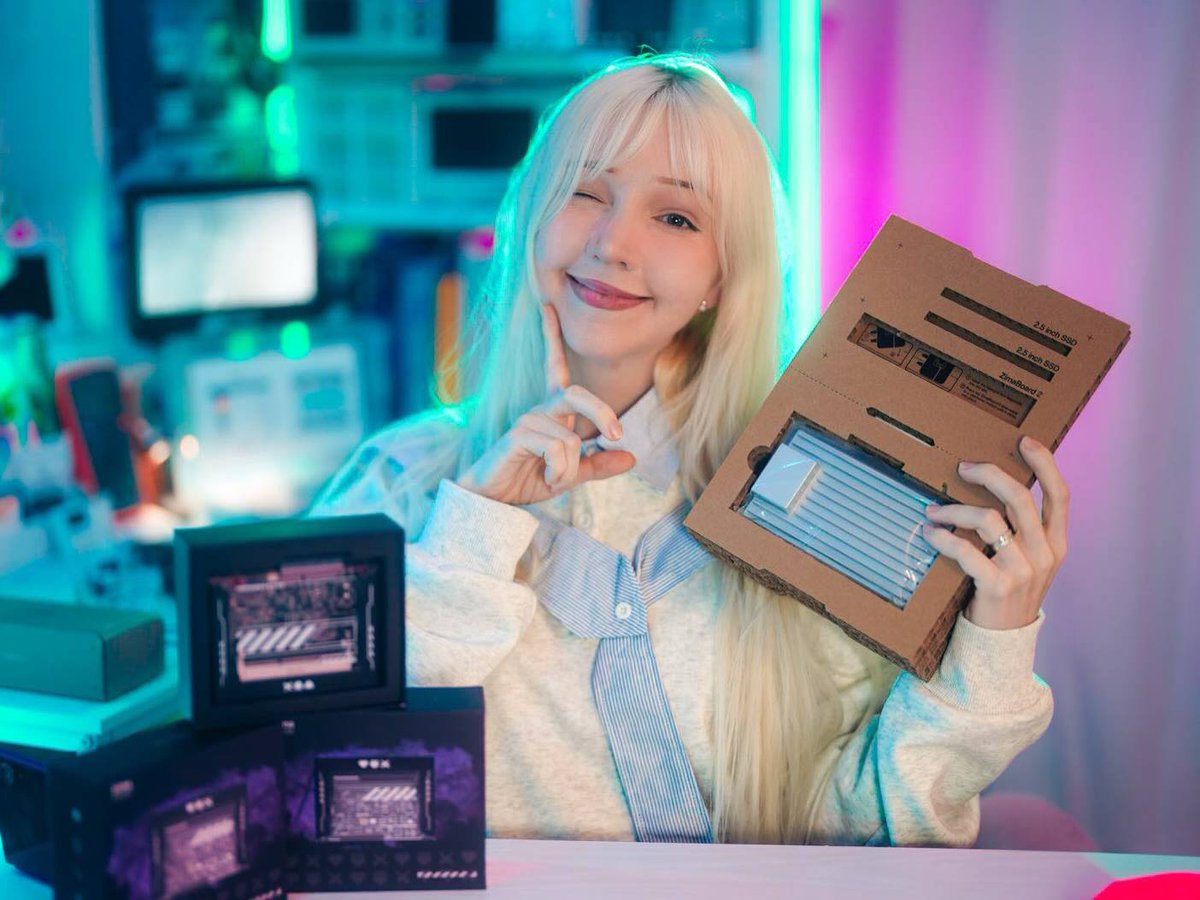
Love seeing #ZimaBoard2 in such a colorful setup!
Huge thanks to @AtaraByte for these amazing photos!💙
#Homelab#SelfHosting
@nocthost Of course it's supported! It supports Intel iGPUs and Nvidia GPUs, and the next version will support AMD iGPUs. No complex configuration is needed, you can simply choose to enable it.