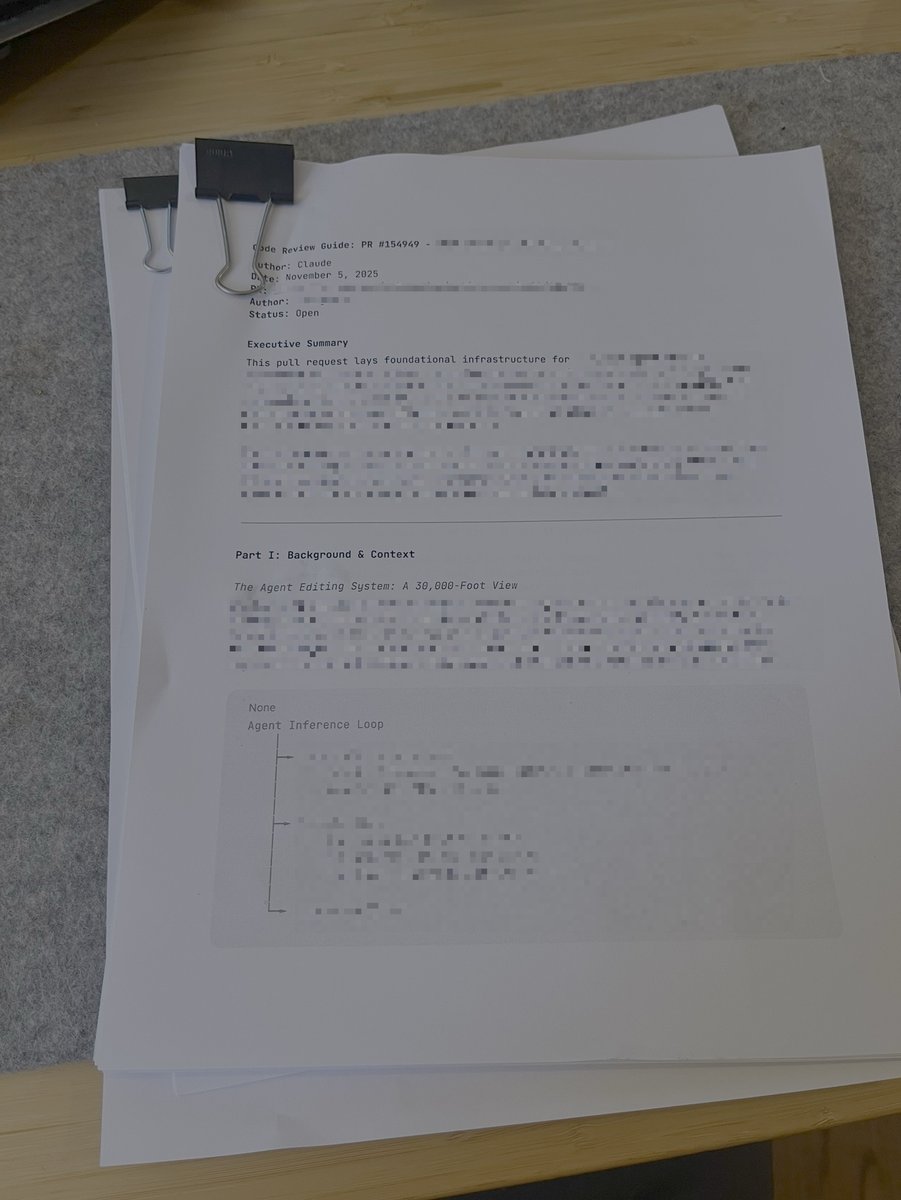
Tried printing reports with detailed instructions before coding but didn't like it.
Claude code's solution was not great in the first iteration, but I only noticed it after printing, so I felt bad for wasting time (and a lot of paper.)
Will keep iterating, though.
When I read "The Mythical Man-Month," the idea of a "software surgeon" stuck with me and I think about it periodically.
I really enjoyed reading @geoffreylitt's "Code like a surgeon". I want to experiment with more things along these lines
https://t.co/olxy2PFSgw
Today in "coding like a surgeon":
Before doing a code review, had Claude write a brief for me explaining the area of the code that's being touched, with diagrams. (And printed it out, because I like reading on paper!)
Great way to naturally learn more about a big codebase. Reading this first makes me better equipped to consider the details of the PR once I'm in the GitHub UI.
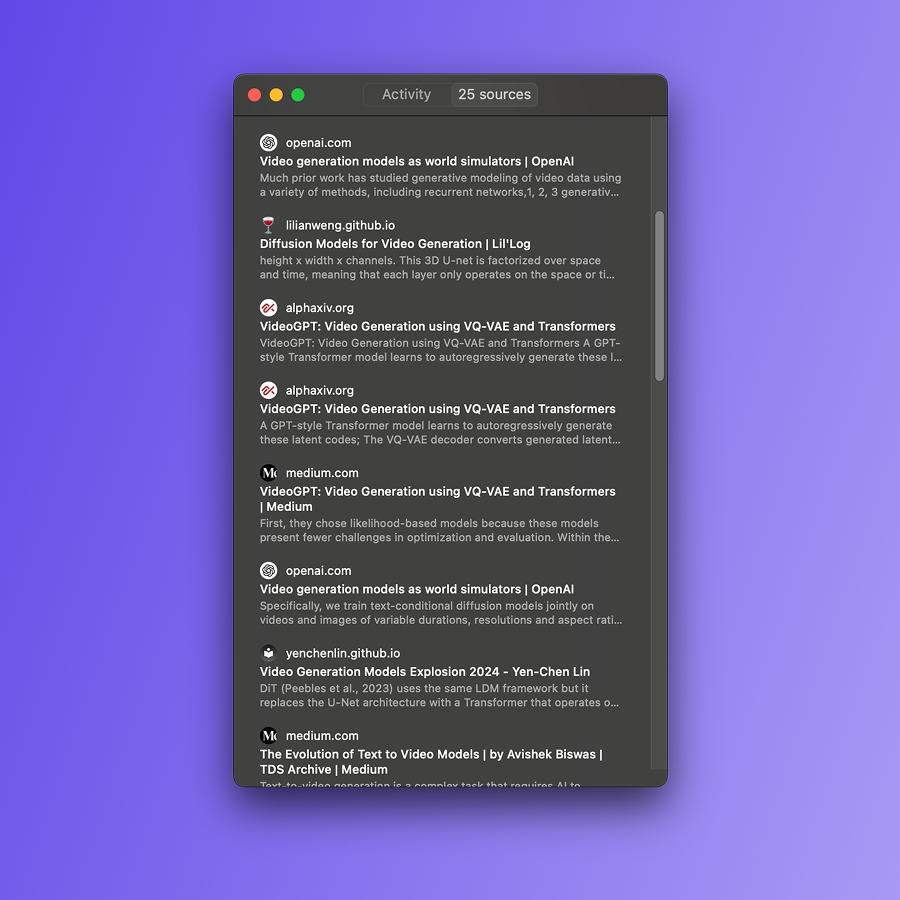
Feels kinda similar to how Deep Research turns a bunch of web browsing into a report you can read. Instead of frantically jumping around an interactive thing, I can calmly read and annotate a written guide.
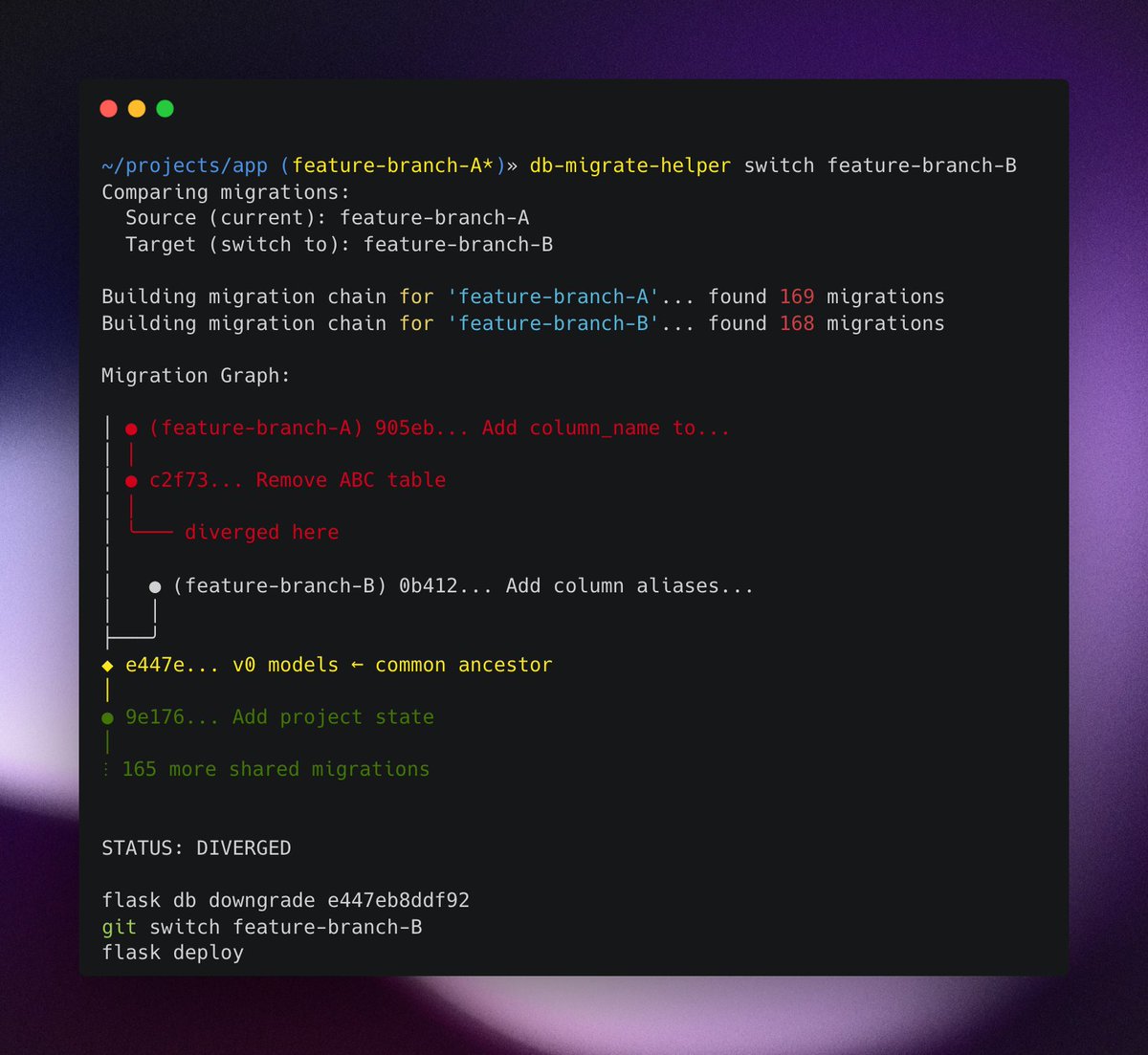
Fun little weekend project: a CLI tool that helps with db migrations between feature branches
I'm often switching between feature branches that involve db migrations.
Managing the state of my local db in these cases is annoying, so I built the tool to handle that for me.
Behind the scenes, it constructs the migration chains in both branches, finds the common ancestor, and gives me (or runs) the commands I need to downgrade/upgrade my local db.
The tool is super simple and tailored to my Flask/Alembic my setup, but I learned some interesting things about CLI tools along the way.
Some great resources:
- Command line interface guidelines: https://t.co/x2va3Em6xi
- How Claude code is built: https://t.co/1vmbffrxUy
For next steps, I'll probably try to make the tool handle rebases, when the migration files might need to be rewired.
We were tired of manually writing git commits for @linear issues. So I built a @raycast extension.
Simply copy the Linear issue ID → hit your hotkey → paste the commit message.
That's it!
Why build it?
We love how you can link Git commits to @linear issues. However, doing this while also following other best practices (like Conventional Commits) made writing commit messages painful.
For example, for a Linear issue with ID 'ENG-123' and title 'Some bug', we'd have to:
1. Type the commit type ('fix')
2. Copy the Linear issue ID from Linear
3. Paste it with 'closes' (or some other magic word) → 'fix(closes ENG-123):'
4. Copy the Linear issue title from Linear
5. Paste it → 'fix(closes ENG-123): Some bug'
6. Lowercase the first letter → 'fix(closes ENG-123): some bug'
We'd bounce between Linear and Terminal 3+ times, copying/pasting/editing until we got it right.
The team was rightfully complaining that the process was annoying. We even considered changing how we name Linear issues to minimize the number of edits.
That's why I built the @raycast extension!
Behind the scenes, the extension fetches the Linear issue with the specified ID using Linear's API and constructs the full commit command. The conventional commit type ('fix', 'chore', 'docs', etc.) is inferred from the Linear issue label.
The extension is private to the @openlayerco org, because it follows our commit message formatting, but hopefully you can build your own version of this!
We’re heading to @databricks#DataAISummit (June 9–12)! We’ll be on-site all week connecting with teams building GenAI & ensuring their AI systems are reliable + prod-ready. Booth info drops May 30. Swag? 🔥
Congrats to the team @openlayerco on their $14.5M Series A!
Built for enterprise teams deploying everything from traditional ML to Generative AI, Openlayer helps organizations test, monitor, and govern their AI systems with confidence.
https://t.co/8SVN6HgYGB
Grateful for where we are, even more excited for where we’re going.
Proud of the team and what we’re building @openlayerco — this is just the beginning!
Yeah!
Tbh, day-to-day, I'm not using (at least as far as I'm aware) any MCP server. However, I don't think this goes against my belief that MCPs are great (and potentially game-changing.)
I believe that very soon, MCPs will be an "implementation detail" that, in most cases, will be hidden from the user.
Talking about Openlayer MCP specifically: it's nice that you can use the MCP on Cursor. However, (imo) what's waaay nicer is that now, if we want to build an agent on our backend that does stuff for the user on the platform, we have an easy way to expose features and info to that agent.
The Openlayer MCP is a "toolbox" that agents can use to see and do stuff on Openlayer. If we decide to implement this agent, our users don't need to know the specifics of the agent or whether it's leveraging MCP or something else. They mostly care about the end-result, the magic experience of accomplishing something useful.
Right now, I feel like people are overindexing on the details. MCP is allowing us to easily define these "digital environments" that agents can interact with.