introducing muse wonder
our new frontier model. state-of-the-art at personal agents and professional agents.
our largest and most capable model yet—rivals the big bois
🚨 MUSE ECOSYSTEM ALERT 🚨
today we are announcing Muse Gadgets!
this is an open-source ESP32 firmware and Linux SDK for anyone to make hardware that works with Muse
we are also releasing our own gadget—Muse Home Link—to enable your muse to work with your smart devices (TV, speakers, etc.)
Meta's @Muse is the best personal agent I've tried to date.
It actually save me $800+ a year on my cable and phone bills, which is just insane value for a free AI agent.
Here's my new video where I walk through 10 of my favorite Muse use cases, including a personalized morning news feed, a habit tracker, and how I got Muse to call customer support and negotiate my bills for me.
Honestly, I can see Muse becoming Meta's next billion-user app.
📌 Watch now: https://t.co/jte6evu5iI
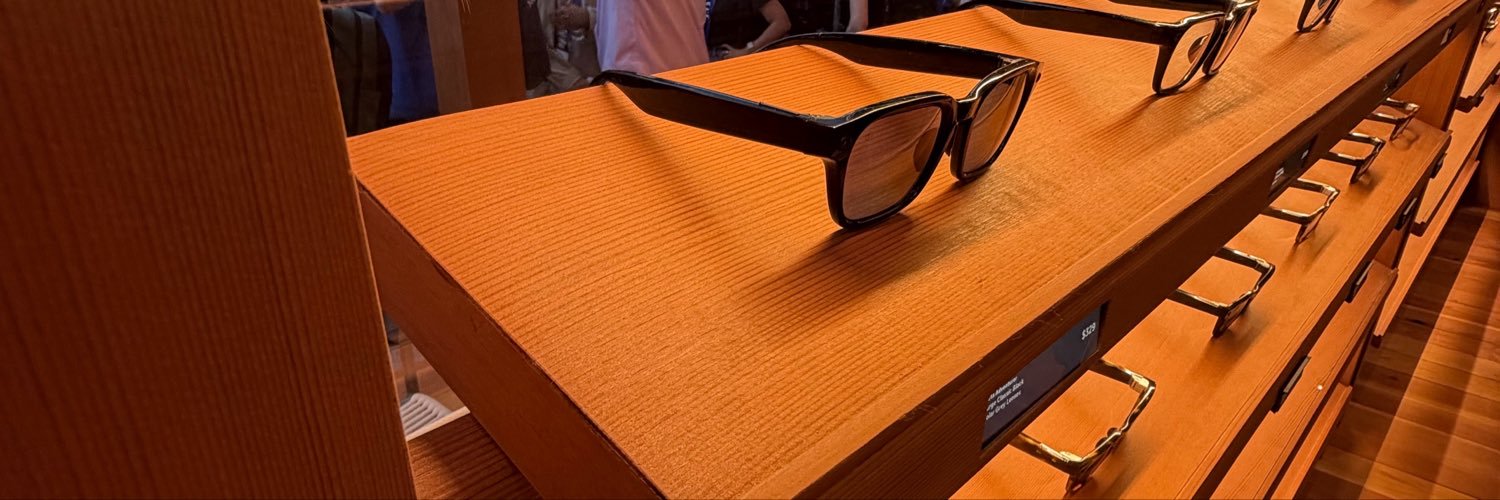
It was fun riffing with @boztank on my first 3 months at @Meta 😅, Muse, Wearables, Muse on Wearables (MuseWare? MuseWear?) and building products that live at the intersection of art and tech, with a crack team!
New episode with @aparnacd, who leads product for wearables @meta. We recorded this at Connect after announcing Muse is coming to AI glasses. We talked about what it means for AI assistants to become wearable agents that can actually get things done, and the four simultaneous feedback loops — AI, software, hardware and human taste — that make wearables such an exciting hardware category to work on.
https://t.co/B7VEY1hNoK
I’ve seen a couple of posts about this so wanted to demystify. Today, every Muse user gets a free computer in the cloud. It's a real computer, and we’ve designed the security architecture of the Muse Secure VM carefully so you and your Muse can do almost anything you could with a computer sitting under your desk while keeping you and the system safe from threats like prompt injection. We wrote about this at length in our security blog post – https://t.co/7HmiTrzoTd. Activity in the “runtime cell”, which you share with your Muse is unfettered, but sensitive actions are all overseen by the Sentinel, which runs outside of that cell. Similarly, all sensitive secrets - like the passwords you enter into Muse’s secure credential storage - are also stored outside the runtime cell.
The runtime cell gets its own root filesystem (including a full Ubuntu linux image) separate from the host filesystem where your other more sensitive data lives. Because it is isolated from the sensitive stuff that runs on the same box, this means that we can, and do, offer users full visibility and control over the files in the runtime cell. Just as you can when you install Linux on your home computer, you can poke around and see all the files that make the system work - both debian system files and the binaries and data files that implement the parts of Muse which run in the runtime cell.
This was a very deliberate choice - your Muse Secure VM truly is your own computer in the cloud. You can install software in it, write and compile code, use the browser to surf the web: it is your own Linux box that you can operate as you choose with your Muse. Poking around in this computer doesn't give you any privileged access to Meta infrastructure, or to other people's data
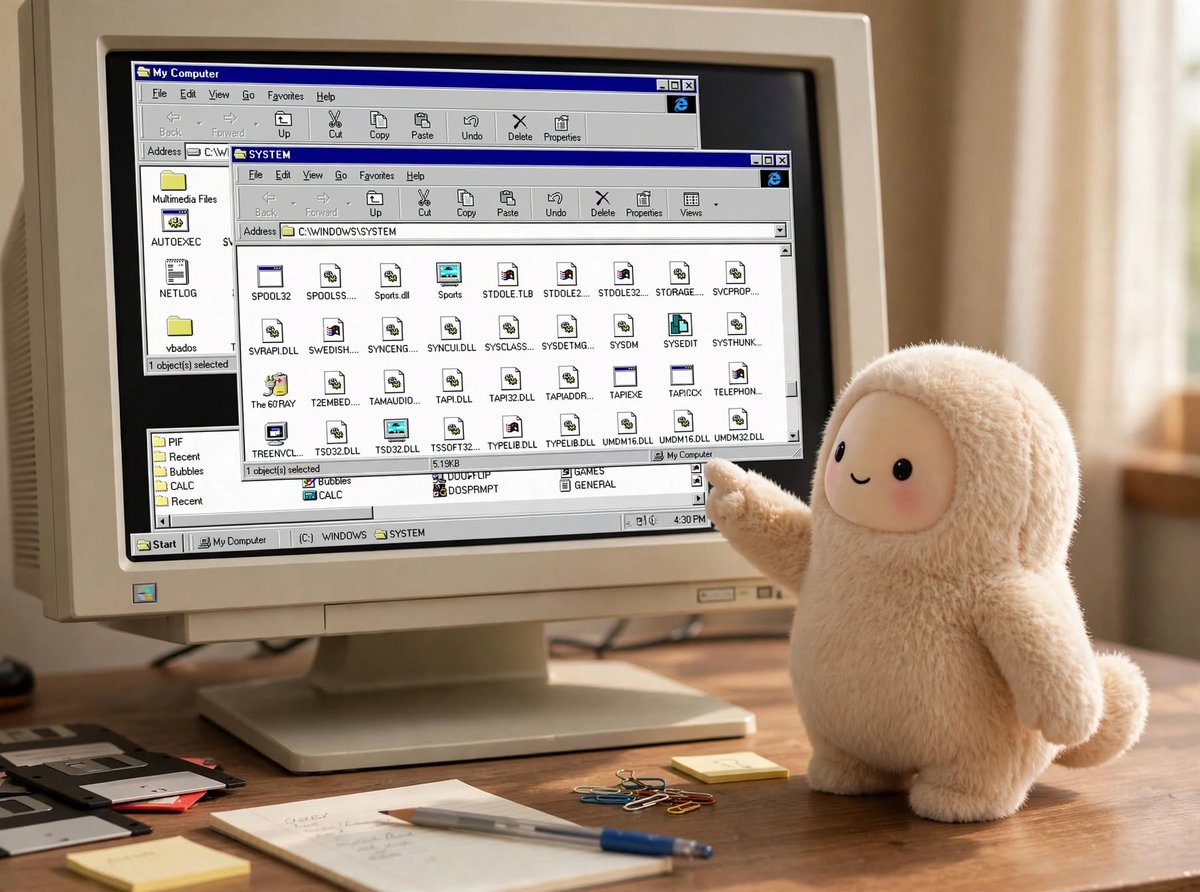
If I may geek out a little here for a second… As a kid I loved to take things apart to see how they worked. As a teenager I got into computers and soon found myself drawn to C:\WINDOWS\SYSTEM and the system registry, later Slackware’s /dev/, /proc/ etc – I could see how the system was laid out and as I explored what DLL files and .so files actually did, I gradually became able to meld the computer to my own will.
We’re really proud to be able to put a real computer in millions of people’s hands with a similar level of transparency. We built a file explorer right into the Library tab of the UI. We want you to be able to see the markdown files Muse writes while it thinks about how to serve you better, and explore the internals of the system if you’d like to.
So, when you ask your Muse to show you its entire filesystem, and receive gigabytes of files you’re seeing the full contents of the runtime cell. It’s yours to explore and enjoy!
If you’re not a geek like me, or simply want to download the data that you personally have created directly with your Muse, we added a feature for that too in Settings > Data controls > Download your agent data.
@EngramLab Congratulations @dan_biderman and @EngramLab team!
Public-data trained models are only good for building AI that’s a librarian, not a deeply personal assistant for work and life.
Very excited about your approach and the unlock with contextual learning.
And now ClawPilot has hatched.
Microsoft Scout announced today at Build and rolling out to customers.
Go team! @jakwern@OmarShahine and gang.
https://t.co/rv7V6ANxLa
@ParthaSundaram@karpathy This is being rolled out for enterprise customers. No easy way to kick the tires as a consumer yet, sorry! Team's looking into ideas like a dummy company/ guest pass.
Another goodie from the team -- "Council"!
Inspired by @karpathy LLMCouncil, we designed and built this ground up, to work for you in your work context.
This was a labor of love and learning for me personally -- e.g. you can see where the models agree, where each one shines, and most importantly, bringing users the best of all model worlds - a council of experts just one prompt away!
New in M365 Copilot: Council.
You can run multiple models on the same prompt at the same time, so you can see where they align and diverge, and understand what each adds.