🎉 Apptorium turns 14!
Celebrate with us and get up to 40% off on our apps — including SideNotes, Workspaces, and FiveNotes.
We’re not celebrating alone — other great devs joined with awesome discounts too!
👉 https://t.co/T0oP9k5ZP7
New in Dropzone 4: Terminal control 🔧
Meet dz — a command line tool to run actions, manage your Drop Bar, and automate workflows with ease. Perfect for scripting and power users.
Read more here: https://t.co/ZpbtilFNtY
Today we have released a new ImgBB Action for Dropzone 4! Instantly upload images & get shareable links with a simple drag & drop. Simplify image sharing in seconds. Try it now 👉 https://t.co/mPwqbgrsjW #Dropzone4#ImgBB#Productivity#ImageSharing
Btw, here's the app on the Mac App Store if you want to check it out: https://t.co/6JbwW8az6C
It doesn't need any AI accounts or signups and just works out of the box. Even includes some free credit.
Check this out, just released a new https://t.co/fToaRO5BC8 feature that makes any text selectable in any app even if it's in an image or video #buildinpublic
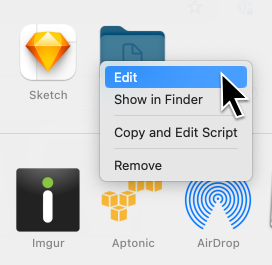
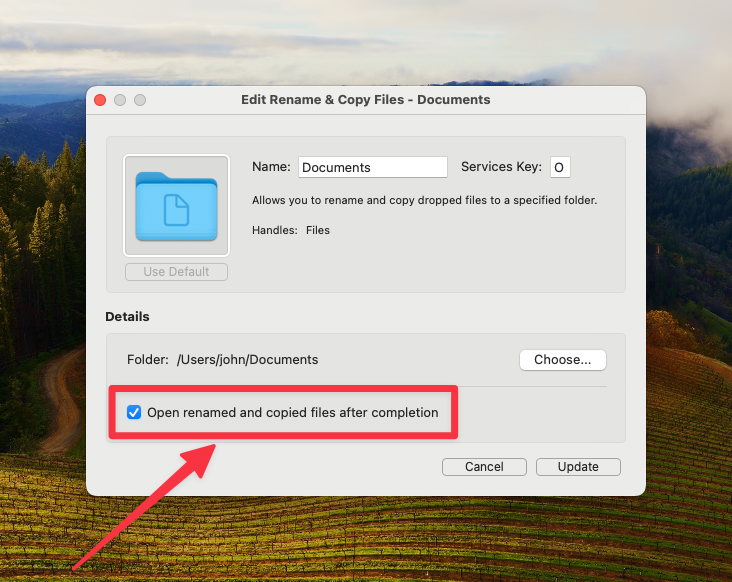
@YVavruk Have added this feature for you. You can now right-click on a Rename & Move or Rename & Copy action, click Edit and tick the 'Open renamed and copied files after completion' checkbox.
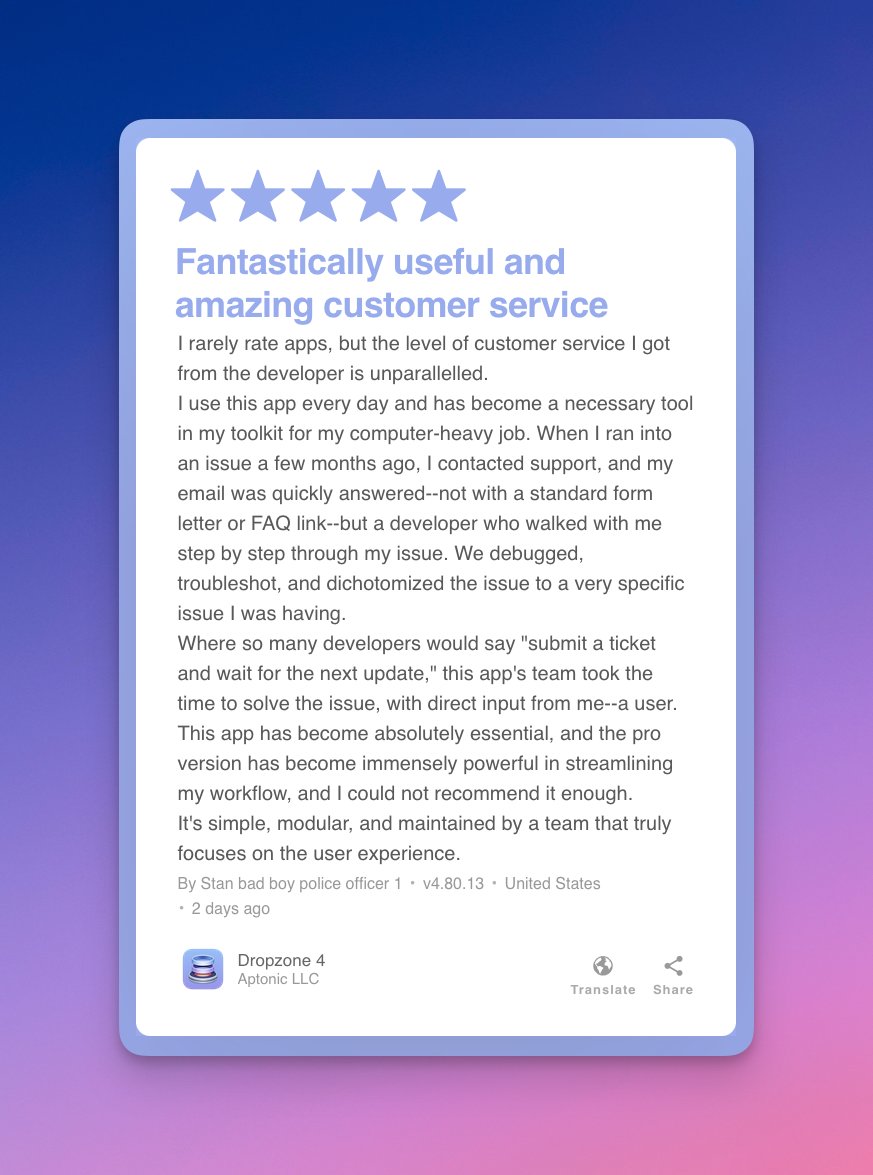
It's so cool to see how people are using Dropzone 4. Occasionally I catch a glimpse of someone's grid in a screenshot while doing support and I get to see some super-packed grids with actions doing some neat stuff.
@YVavruk Awesome, glad you're liking it! There isn't a way to do this currently but I love this idea. Think I will add an option to the 'Rename and Move' action to open a file after rename in a future version. I think this would handle your use case. Chaining actions would be even better.