RadialZ is live 🔴
https://t.co/toJjjRQOfV
Radial brush menus for ZBrush + a floating searchable brush library. Your brushes, one flick away.
This started as a personal tool. After seeing how much it helped me, I refined it to fit any workflow so I could share it.
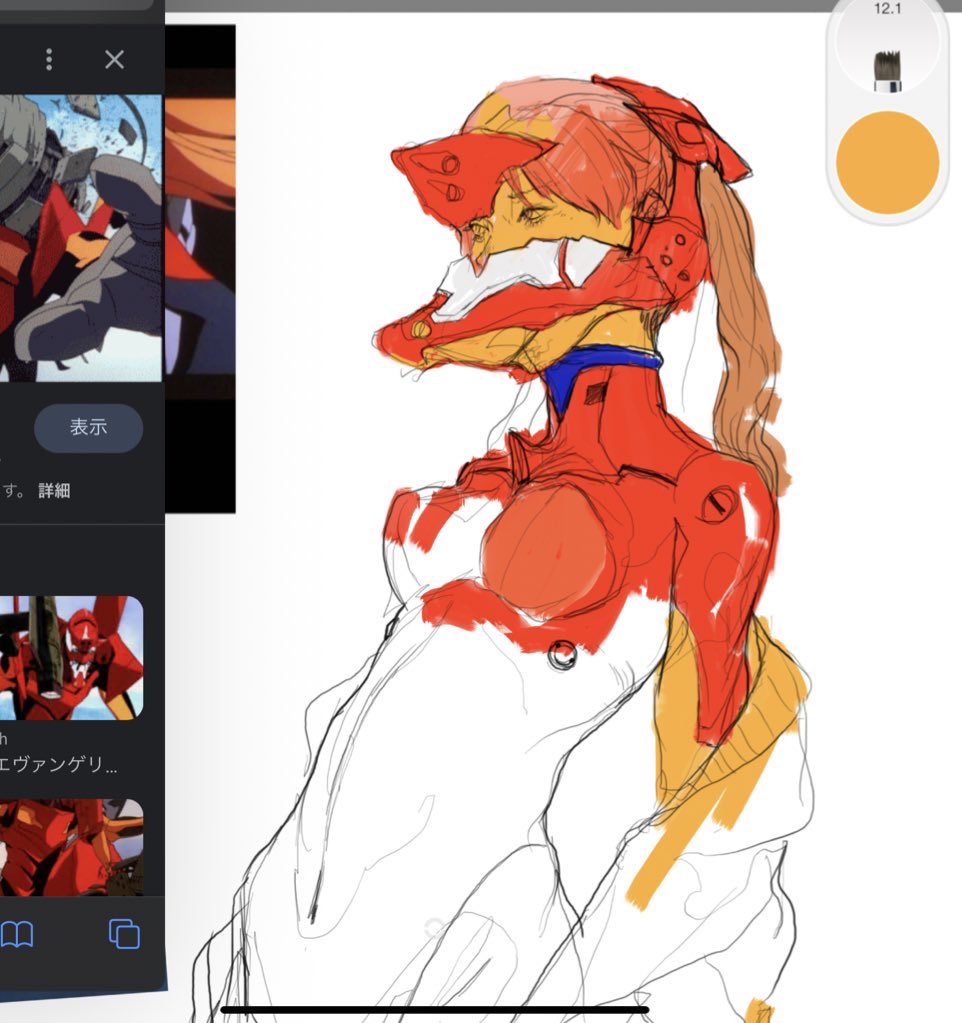
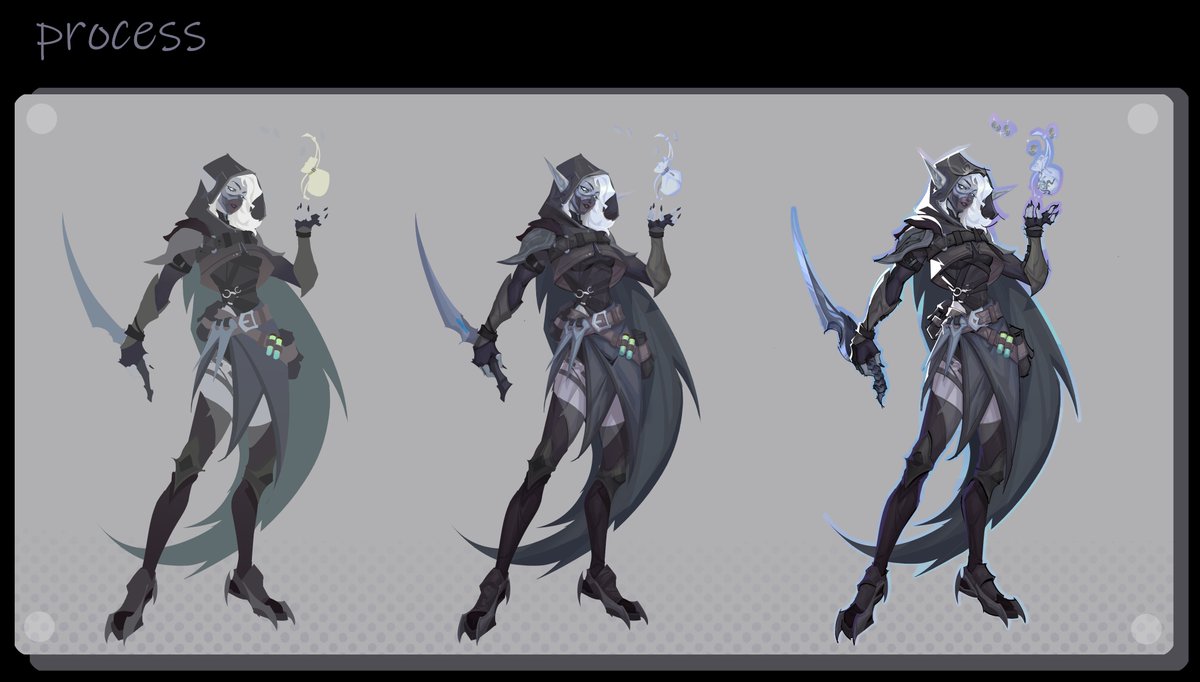
Always love a bit of dithering even if it doesnt always show up too clearly. For this effect ill save out a copy as a PNG with reduced colours and then overlay the copy on the original as a lighter or dark colours blending mode before cranking the saturation.
Free source files!
At the request of the guys from the Deadlock Modding community,
I am making the Yamato files available for free to other modders and enthusiasts. Love you guys!
https://t.co/9JuDvfcQOa
I would be very thankful for your follow
Part 2 of my Intro to ZBrush for Beginners is now up!
In this video we look into subtools and primitives. If you’ve ever wanted to try 3D sculpting but felt intimidated... this is the perfect place to start.
Check it out and give sculpting a shot!
https://t.co/fhmV9K0zUv
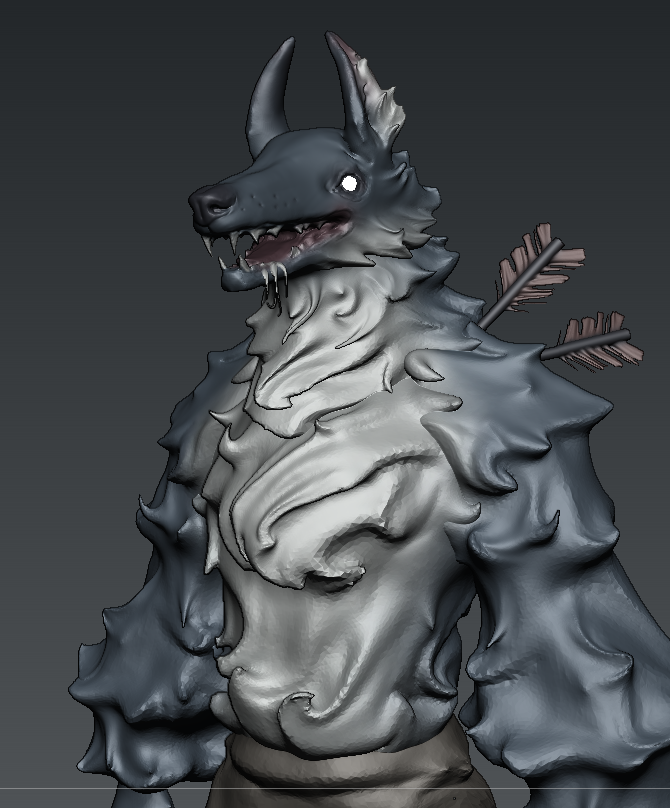
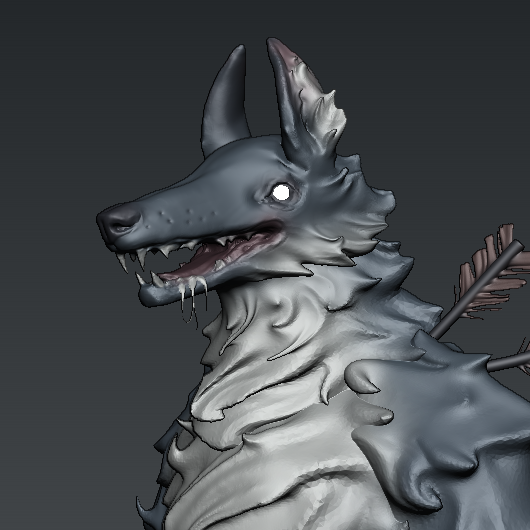
You can incorporate stuff like fur into bodies nicely by dynameshing with polypaint turned off to retain the polygroups before zremeshing down and smoothing the transition areas a bit
I've created a 25-minute long video explaining everything I've learned about Nomad Sculpt as a Zbrush user. If you're struggling with switching over then consider viewing this video.
https://t.co/G4e0799MIg
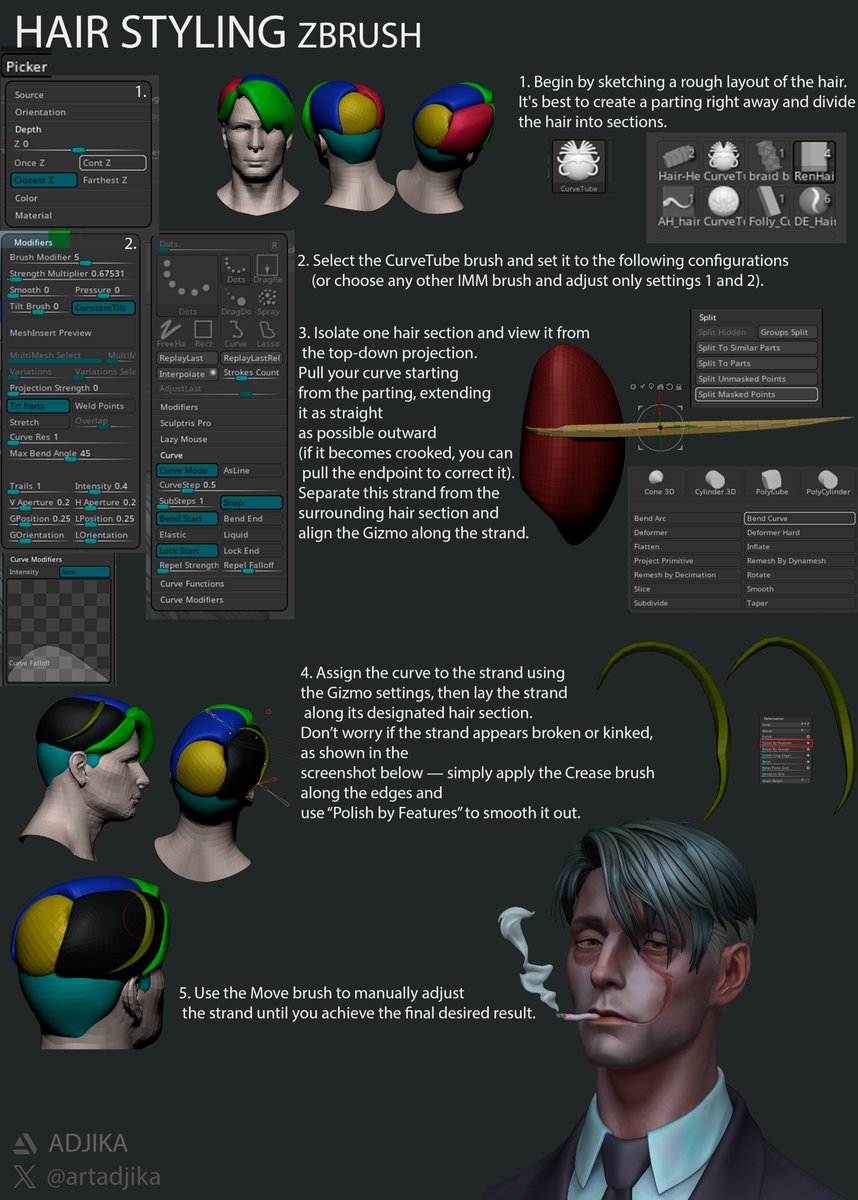
3D Character Artist Artur Mekhtiev, also known as @artadjika, shared his approach for styling hair in ZBrush.
More tutorials on stylized 3D art: https://t.co/L8TrPalqrp