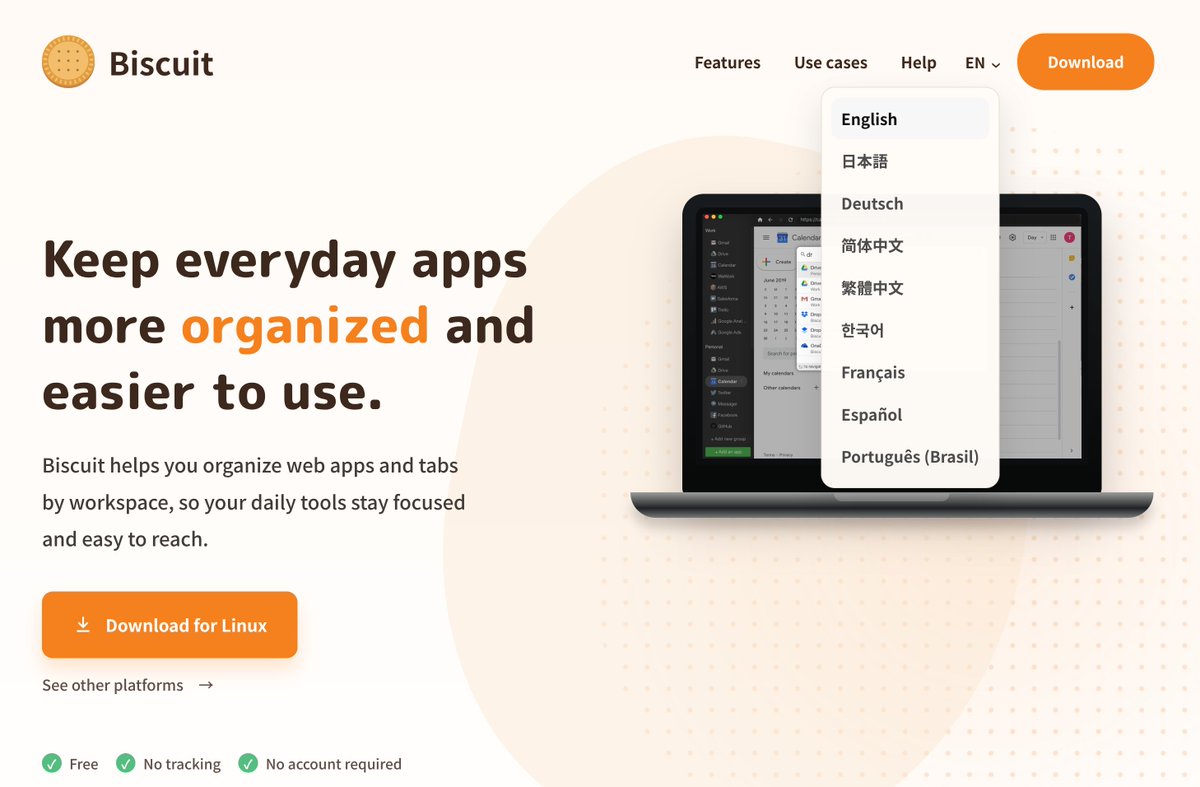
Biscuit 2.2.5 is here 🍪
Read the web in your language.
Right-click to translate pages in 9 languages. Your page text stays on your device, and language packs let you translate offline, too.
Biscuit 2.2.4 is here 🍪
• Better password autofill and save prompts
• Smoother split-view controls
• Search settings, saved passwords, and download history
Small improvements for a smoother everyday workflow.
Biscuit 2.2.2 is out! 🍪
This update brings security fixes with updated Electron and Node.js.
Restart Biscuit to update, or download the latest version and install it over your existing installation.
https://t.co/NcCjHJjJ1x’s website and help center now support all 9 app languages! 🍪
We’ve also expanded the guides with browser imports, link previews, browsing history, and downloads.
Explore what’s new in your language:
https://t.co/TQ9A7S8vsM
Looking for an Arc alternative? 🍪
Meet Link Preview in Biscuit.
Shift + click to preview links without leaving your page. Close the preview and pick up where you left off.
Try Biscuit at https://t.co/TQ9A7S8vsM
Biscuit 2.2.0 is here 🍪
• Preview links with Shift-click
• Import from Arc or browser bookmarks
• Address bar suggestions
• Downloads in the toolbar
Restart Biscuit to update, or download and install over your existing version.
Biscuit 2.1.3 is out! 🍪
・Updated Electron to 43.8.3
・Added security protections to reject compromised eMudhra certificates
Restart Biscuit to apply the automatic update, or download the latest version and install it over your existing installation.
Please update!
Biscuit 2.1.3 is out! 🍪
・Updated Electron to 43.8.3
・Added security protections to reject compromised eMudhra certificates
Restart Biscuit to apply the automatic update, or download the latest version and install it over your existing installation.
Please update!
@Z3nlyte Sorry about that! Cloudflare checks can have trouble with Biscuit’s embedded browser. We don’t have a confirmed workaround yet, so please try opening the site in Chrome or Firefox for now. Which site is affected, and what Biscuit version are you using?
Biscuit 2.0.0 is out! 🚀
Cloud sync is here — sign in with email and keep your setup in sync across devices. Plus a built-in ad blocker.
A new chapter for Biscuit. Free as always.
https://t.co/hEP1bxJU6T
Biscuit update 🍪
Smoother first-run experience for new users + a round of UI polish across the sidebar, icons, and settings.
If you tried it before and it felt rough around the edges — now's a good time to revisit. https://t.co/hEP1bxJU6T
Sent a Slack message from the wrong account. Liked a meme on work Twitter. Replied to a client email as your personal self.
It's not carelessness. It's just what happens when everything shares one browser session.
② Built-in ad blocker
Biscuit can't use Chrome extensions by design. So we're building the most-requested ones directly into the app.
The ad blocker is the first. Find it under Settings > Extensions.
Have an extension you'd love to see built in? Let us know ✨
① Multi-device sync
If you use Biscuit on more than one PC, you can now sync your setup across devices. Once enabled, sidebar apps, their order, and layout changes will sync automatically.
Note: passwords and login states are not synced.
Your work apps are in there somewhere. Buried under research tabs, a YouTube rabbit hole, and whatever you opened at 9am. Biscuit keeps them in a sidebar. Always visible. One click away.
You open your browser to check one thing. Twenty minutes later you have 30 tabs, none of them what you came for. Biscuit keeps your apps in a sidebar, separate from your tabs, always one click away.
20,000 of you are using Biscuit. That genuinely means the world to us 🍪
Thank you for trusting a little free browser to bring some calm to your workday. If you haven't tried it yet — it's free, private, and we think you'll love it. https://t.co/hEP1bxJU6T
Mac (Intel + Apple Silicon), Windows, and Linux. Biscuit runs on all of them — so your whole team can use the same browser, no matter what machine they're on. That's rarer than it should be.