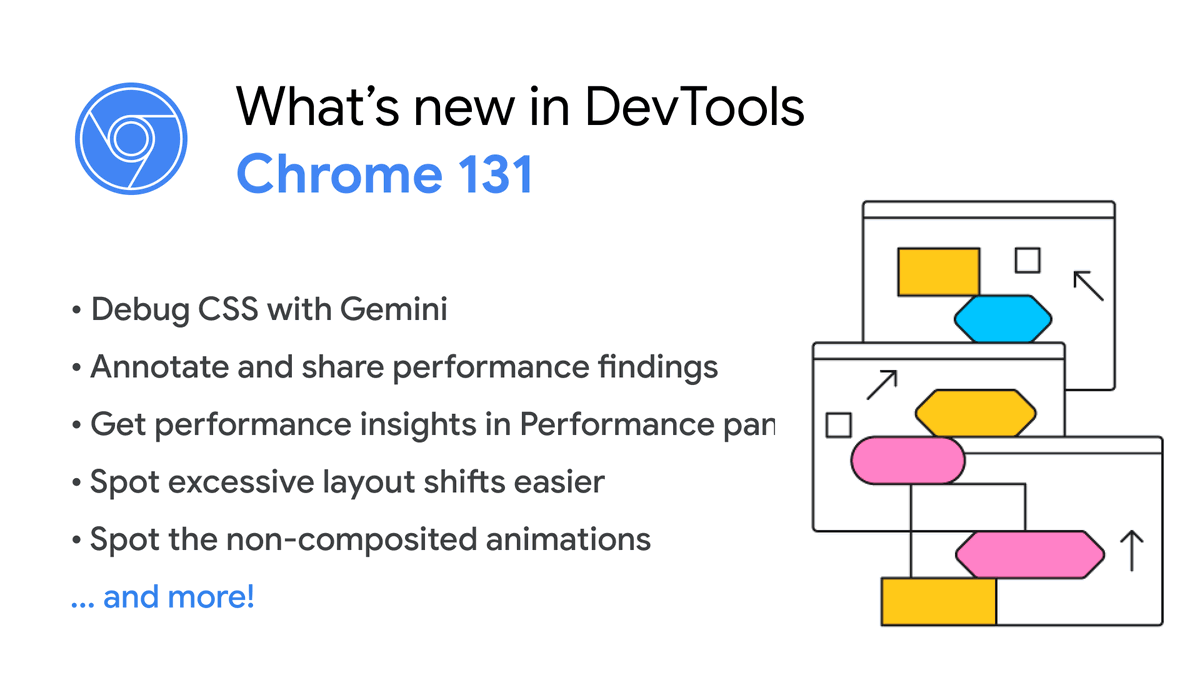
⚡️ Chrome 131 is rolling out! What's new in DevTools
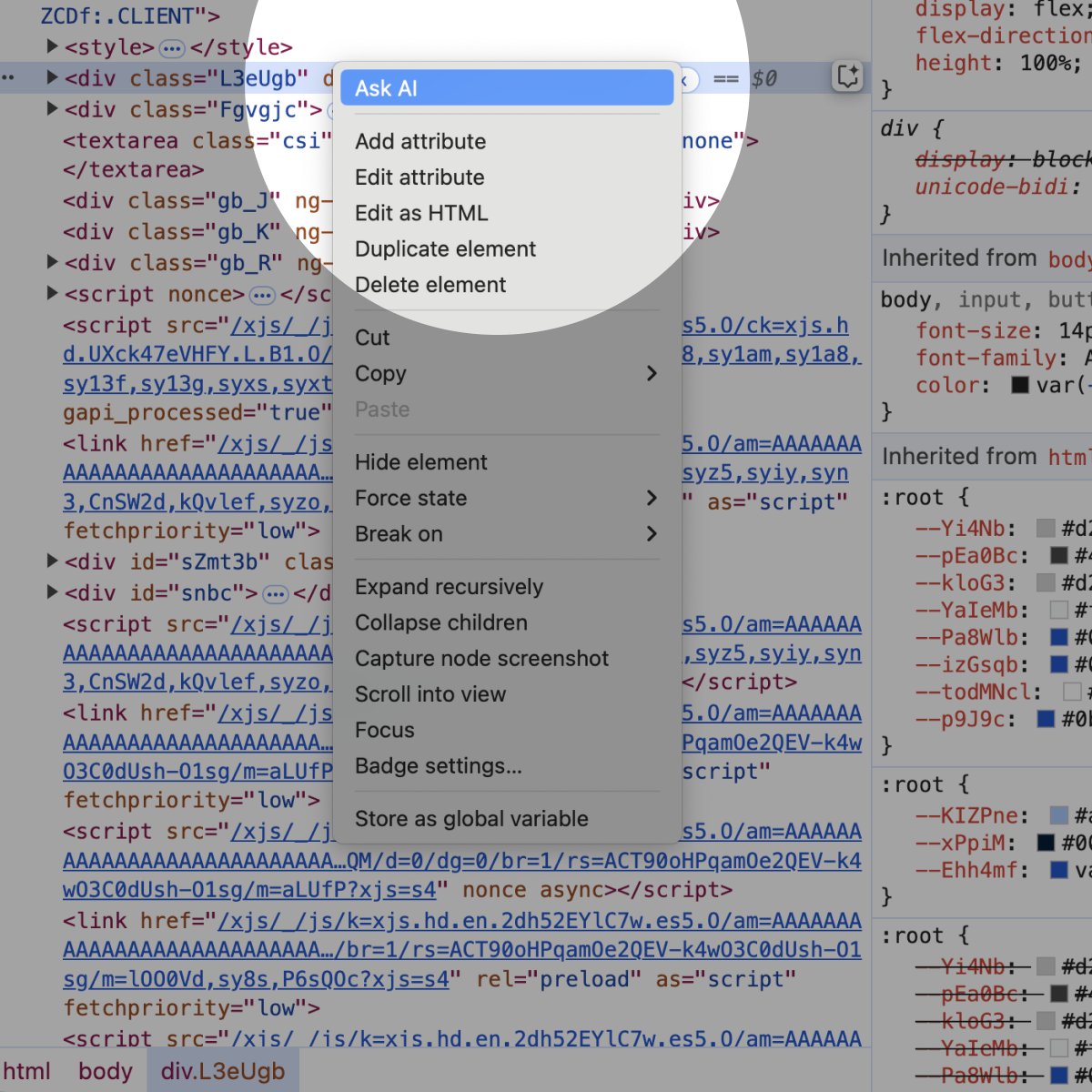
✨ AI Assistance - Debug CSS with Gemini
📍 Annotate & share performance
🏃🏼♂️ Spot layout shifts easier
....and more! Update your browser and try them out! Learn more
https://t.co/rdrldzKkoK
Ever spent ages trying to figure out which element is actually scrolling on a page? #ChromeDevTools added a new scroll badge to help you spot them easier!
Ionut & @jecfish will walk us through the technical implementation behind the scenes.
Read: https://t.co/lr1TF29um2
✨ More Gemini is coming to DevTools! ✨ Try the new experimental AI assistance panel in Chrome Canary 131 and later to get help understanding layouts and debugging your CSS. Learn more at https://t.co/TWJ01bJKkY
Introducing AI Assistance in @ChromeDevTools! 🤯🚀
Ever wish you could have a coding buddy to help you with CSS and layout? Well, your wish is granted! The new AI Assistance in Chrome DevTools is here to make your life as a developer easier, powered by Gemini.
The new panel aims to help you find and fix issues. Just ask it questions about your code, and it provides tailored explanations and even suggests solutions. This is our first exploration into agentic AI in DevTools and we're excited to hear what you think of it.
Some key features:
1. Conversational prompts: Get tailored suggestions and code snippets.
2. Contextual understanding: AI understands the code you're working on.
3. Step-by-step guidance: Get help with everything from styling to debugging.
Want to see it in action? Check out my screencast below to see how I used it to add a dark mode.
Debugging async JavaScript exceptions can be tricky! 😖 Learn how #ChromeDevTools predicts if an exception will be caught – and how we make it more accurate! ✨ #engineering#JavaScript#Debugging
👉 https://t.co/OKsSwdvZpq
😍 Woohoo, the Styles tab got an upgrade! In this article, Philip and @ergunsh walk us through how they transform the CSS parsing process from regex matching systems to a more robust parser. #ChromeDevTools
👉 https://t.co/IThdnyjlZq
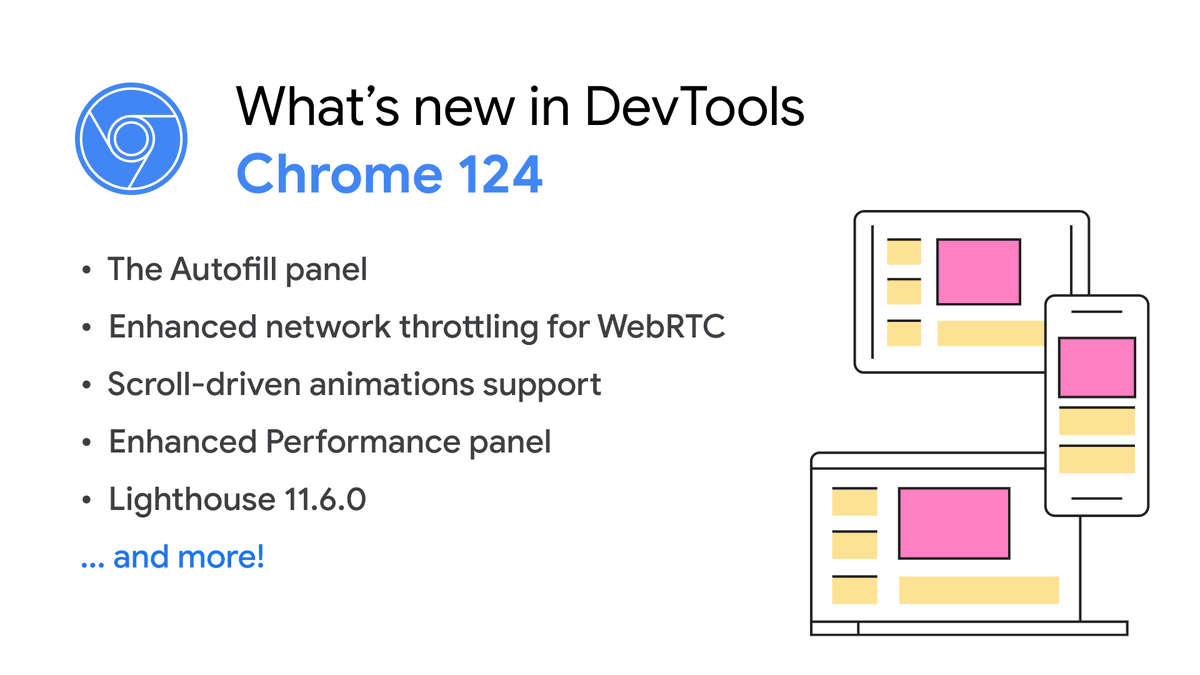
⚡️ What's New in DevTools (Chrome 124)
🧻 New autofill panel
🕞 Throttle WebRTC
🧮 Enhanced scroll-driven animations inspection
... and more! Update your Chrome and give them a try.
👉 https://t.co/GVfnMGOJsp
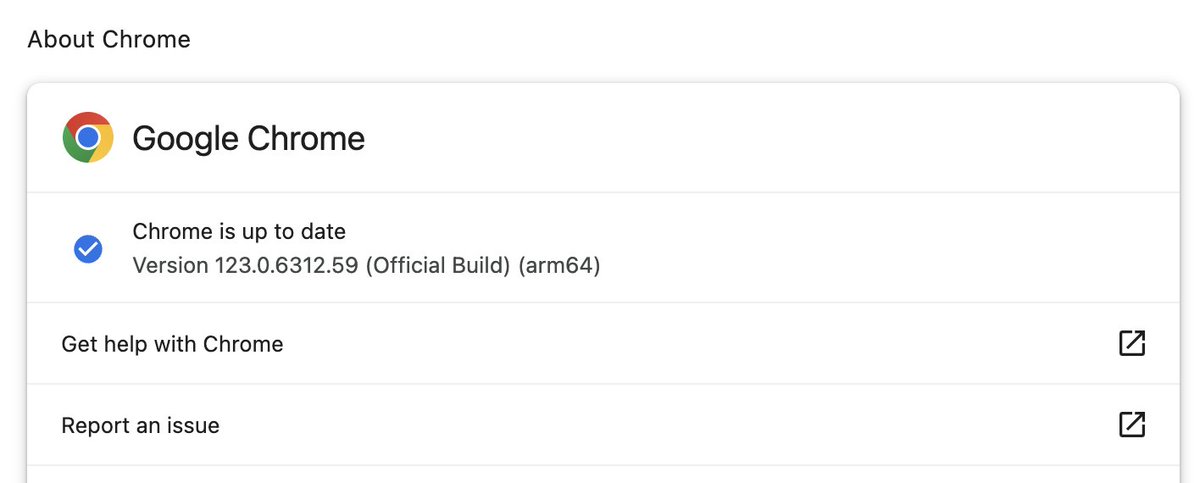
🚨 We’ve identified a bug in Chrome 123 that might prevent you from opening DevTools.
In the meantime, you can still launch DevTools in Incognito mode, with a new user profile or with Chrome Canary.
A new update is coming. Follow the progress here: https://t.co/lzl9lbN7EM.
In @ChromeDevTools we’re reworking how to display CSS Nesting.
Based on your feedback we now indent the code and show the curly braces.
Update to Chrome 124.0.6341.0 to test it out.
It still has got some rough edges, which should get ironed out during the next few days.
@Jhnnns@kuvos@tmikov With inlining the optimizing compiler can use escape analysis to eliminate the allocations in these cases. Without inlining, the allocations cannot be eliminated in practice (in theory you can build machinery for this, but the ROI would be marginal).