A backup that took minutes was suddenly running for hours.
The culprit: a menu bar clock app that grew 1,000,000 empty folders, echoing across Macs, iPhones & the cloud.
How our support team caught it with CCC's stall detection:
https://t.co/EoCB0zIHYv
Imagine someone walks off with your Mac backup drive. Now they've got your photos, your tax returns, your everything.
Or... they've got a drive full of gibberish, because you flipped one switch in CCC.
Encrypt your backup:
https://t.co/Xckcri8KNm
CCC 6.1.7 is ready for Sonoma! In addition to Sonoma support, it includes a new option to temporarily download cloud-only files to make a local backup, which is handy if you want your Dropbox/OneDrive/etc. content backed up locally. Check it out! https://t.co/QIynE2yzYw
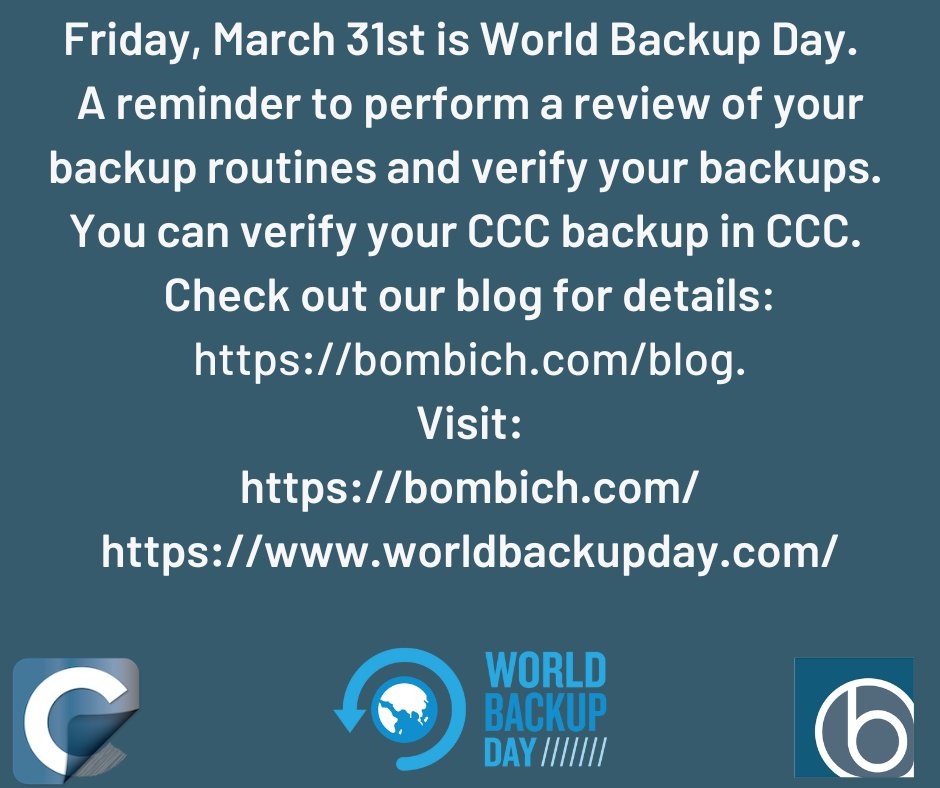
Friday, March 31st is "World Backup Day” A reminder to perform a review of your backup routines and verify your backups. You can verify your CCC backup in CCC. Check out this blog article for details https://t.co/Z6k8Rf2wKw #worldbackupday@WorldBackupDay
@RichardTaylorTV Hi Richard, No plans to go to NAB (I've never been). Regarding v7, I added your name to a beta testing list, I'll let you know when we're ready to start testing (no announcements yet though)
@GertKracht FWIW, 6.1.5 will suppress the time remaining estimate if it appears to be woefully inaccurate (e.g. not dropping over the course of 10 seconds)
@GertKracht "Time remaining" is an estimate, and it's virtually impossible to make it perfectly accurate in every scenario. Why are you waiting? Perhaps there is a postflight activity that can solve that? https://t.co/y0LBbIosDN
I've been heavily based on #SuperDuper for years on Intel macs. But today I gave a try on the new #CCC for M1's and OMG @bombichsoftware what have u done. Haven't try bootable BUs yet but scheduling folder BUs is super smooth and fast!
@cafe_racer I'm not sure (I don't use Time Machine). I believe there is a command-line option to the tmutil utility, though, that would allow you to adopt a new volume. I'd have to defer to Apple on that one.
@felixthehat There are no date restrictions like that imposed by CCC. Choose "Report a problem" from CCC's Help menu to open a support request so we can take a closer look at this. We can probably improve the performance of the task too.
@parkerdigital @DaveHamilton@johnfbraun Just for grins, I'd select that backup volume in CCC's sidebar to see if there are snapshots on that volume. I know you said it's HFS+ formatted, but this is the sort of result I'd expect if the destination was APFS formatted and had snapshots on it.
@parkerdigital @DaveHamilton@johnfbraun If Disk Utility is showing the same disk usage and free space values for both volumes, then I'd try "killall Finder"in Terminal
@spinphoto What are the specs of the disk? We see that pattern on disks that use Shingled Magnetic Recording when they're rewriting large numbers of tracks. We also see it on SSDs when they're (slowly) doing their TRIM business.
@bnSonic@felixkling @AlFora3 The "real bummer" is that disk images have grown so fragile. This sort of strategy (disk image on NAS) used to be more reliable and had more potential.
@bnSonic That's correct. If you want a full-featured, faster, and more reliable backup, we recommend that you make that to a locally-attached storage device. NAS devices are alright as secondary backups, but they're just never going to provide the feature set of a locally-attached backup