@qustodio As the current app does not support an iPad having a school MDM profile I can no longer recommend you to our community as a product of choice (familyzone replacement here in Australia).
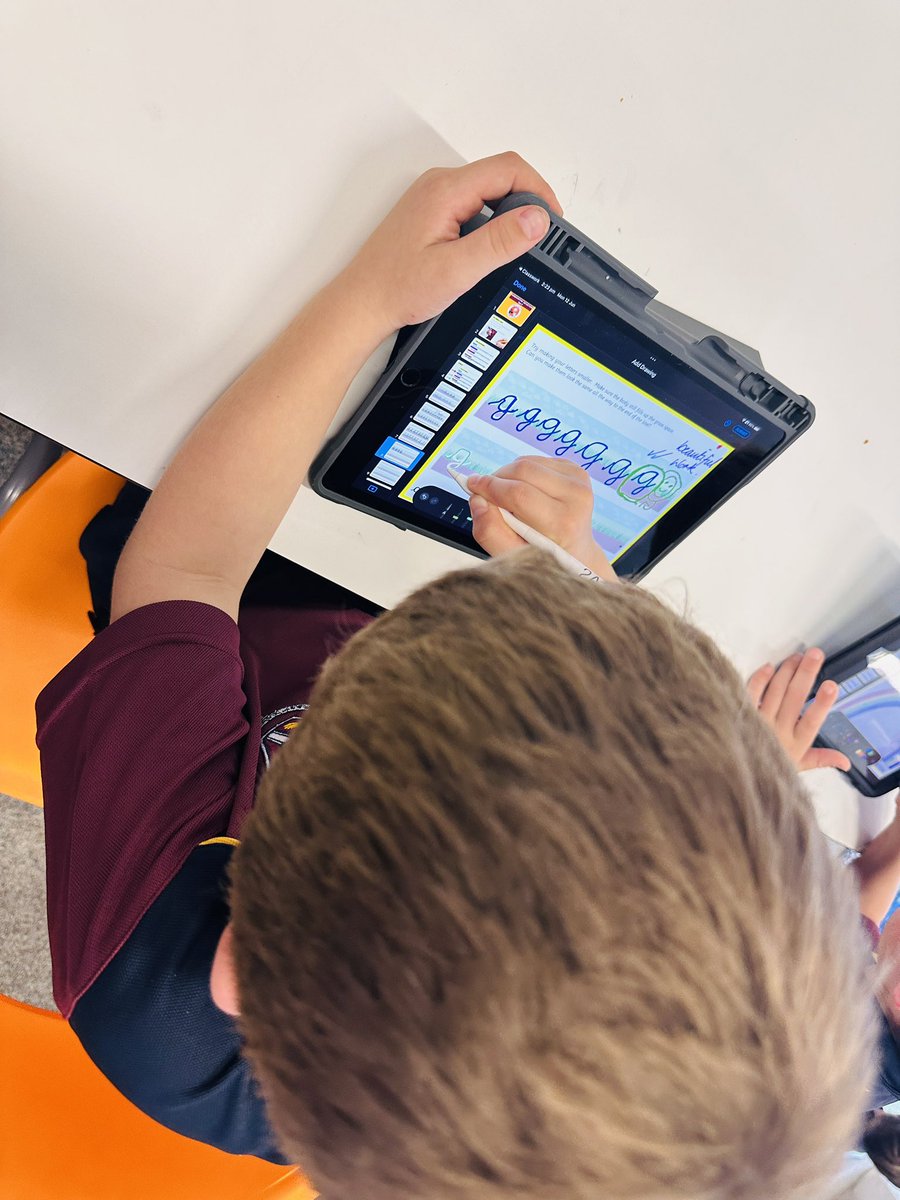
Preprimary name practice on glass and beginning looping in Y2. The students ❤️❤️❤️ handwriting on glass. So many options with pens and colours. #AppleEDU#WATechTalk
Working with Y5 to discuss Principles of Design before embarking on their crest creations! Giving choice to which app they prefer, Tayasui Sketches Pro, @AdobeExpress and KeyNote 🌱
#WATechTalk
Some great tips for introducing technology into the early years. Follow @tech_play_teach to learn more.
Love this… “Keep it simple, Keep it creative”
@AppleEDU#iPad#Camera
Another review booklet with example questions and answers made using #pages to review grammar concepts for their upcoming quiz!@KaemmerSchool @AppleEDU
Setting up students with choice is key to differentiation and inclusivity. Teaching students to have voice in the accessibility options they choose to use empowers them to set themselves up for success. @renaecirillo is a powerful advocate for #inclusivity#WATechTalk
To enhance and support student revision for quizzes and assessments, I have finally completed my first revision e-book using pages @KaemmerSchool @AppleEDU#appleteacher 👩💻
Inspired by @AppleEDU Community
❤️ the inspiration its sparks & the opportunity to innovate on things shared by others. It’s all about sunflowers 🌻 here & this is a perfect scaffold for Ss to learn by doing. So quick to adapt for my context 🙌🏻 Thanks @kmi_edu 📔 & @kcasw1 📸
Remember when spell check was considered cheating? We now use spell check all the time. What was once a tool for “cheating” is now a tool we use for writing.
The Future of Writing in a World of Artificial Intelligence #ChatGPT https://t.co/BDJHZdZLIS
Join the ADE community. I love being an Apple Distinguished Educator. So many opportunities to connect with amazing minds. @msbehiels @aewellsedu @renaecirillo #WATechTalk https://t.co/vcMsnY0yvI
Access key functions quickly using the new right-click context menu on desktop. When you’re ready to visualize your model, control the focal point with Aperture and Blur Intensity.
Follow along with Seb for a detailed run-through⬇️
https://t.co/VxRDjqx6K9
#Shapr3D#3dmodeling
🚨 This one-pager summarises some of @m_chiles most influential ideas from his upcoming book, Powerful Questioning with @CrownHousePub
Download the high-res PDF here: https://t.co/to98KgwPt4