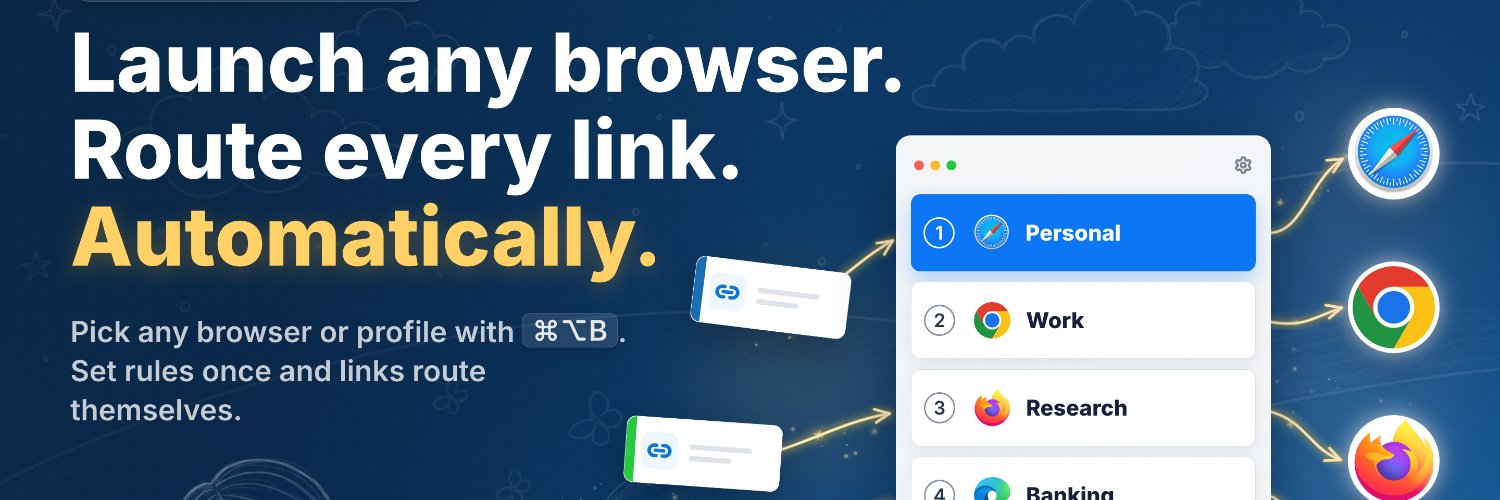
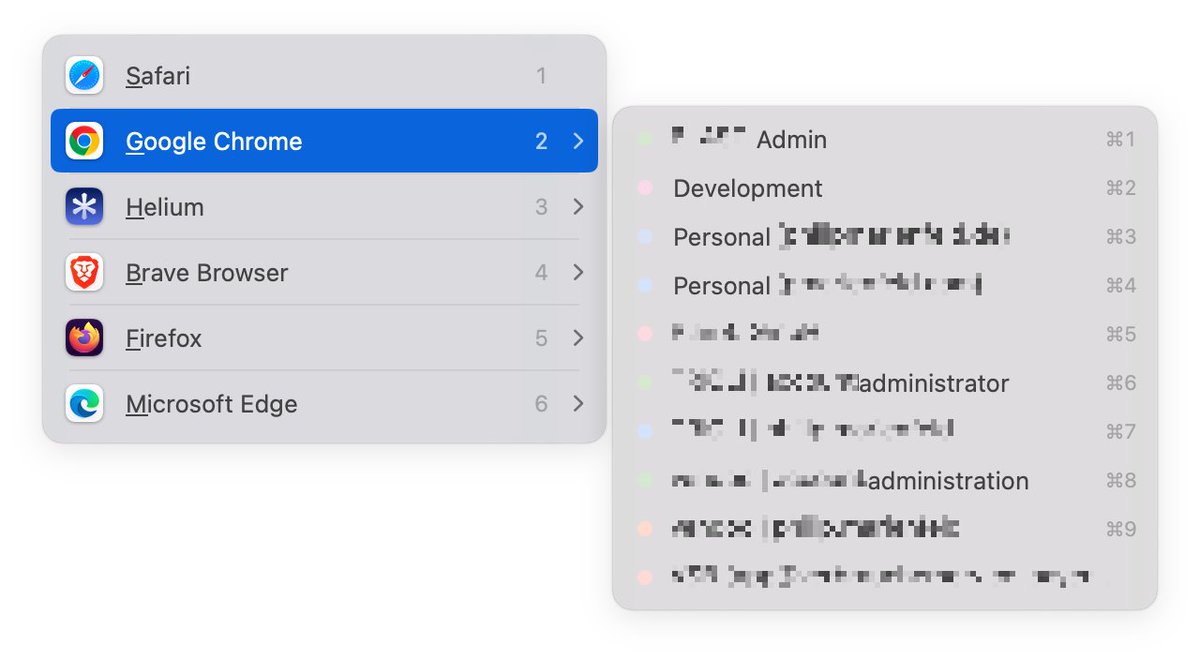
A tiny macOS app that puts every browser at your fingertips. Hit ⌘⌥B to launch any browser or profile in an instant. Set a few rules and every link routes itsel
@GetExalted Do you keep separate Chrome profiles per account? If so, BrowserFairy can open each site in the right profile automatically. It can't stop Google switching accounts inside one profile, though.
@huang47@ryolu_@zanweiguo Same split here. BrowserFairy can make it automatic: localhost/GitHub links to Chrome, everything else to Safari. https://t.co/yw5pk9jnnS
@WillCastelletto@StickWithNate BrowserFairy gives you a ⌘⌥B launcher for any profile and can send links (KDP, GA, YouTube) to the right one automatically. Would that save a few clicks?
@JasonSouthwell@diabrowser BrowserFairy can't fix what happens inside Dia, but it can route each link to the right browser or profile before it opens, even Chrome for the Google stuff. If you want a walk trough - feel free to DM me.
@maomao000211@xltheg BrowserFairy sends links to a specific browser profile based on the source app or domain, so work stays in work. https://t.co/lNFAHpjizz
@MarkZofMarkZ@xltheg BrowserFairy routes links by the app they came from (or by domain) to any browser or profile. I guess that cover your split? https://t.co/y8j54sAtmJ
@bradvin@xltheg BrowserFairy does per-app routing, e.g. URLs clicked in Slack links open in Brave and everything else in Safari, plus rules by domain: https://t.co/AldPB6pXLY
@messutied@zenbrowser Nice. If you end up using both Zen and Safari, BrowserFairy can pick the right one for each link (by domain or source app) so you don't have to choose all the time.
@Rish_builds If spaces were mostly about keeping logins apart, real browser profiles plus BrowserFairy gets you close: ⌘⌥B opens any profile, and links route to the right one by rule. It won't copy Arc's sidebar, but the switching gets easy. Worth a look?
@hobdaydesign@WKCosmo That's exactly the case BrowserFairy is built for. It sits as your default and sends just the links you pick (by domain or by the app they came from) to Chrome, and everything else stays put: https://t.co/AldPB6pXLY
@amanjotx_@dhruvalgolakiya What do you miss most from Arc? If it's Air Traffic Control, BrowserFairy can route links to whichever browser or profile you end up with, so you're not locked into one choice.
@Michaelchoong5 Too many 😅 What helped me: give each test role its own profile and have links open there by rule, plus a hotkey to jump into any profile. That's basically what BrowserFairy does on Mac. Would that help?
@yke10003 Juggling a pile of Google/dev accounts in Safari is rough. One option without switching browsers: BrowserFairy sends each link to the right browser or Chrome profile by rules, so dev stuff can live in its own profile. https://t.co/yw5pk9jnnS
@not_sacke Why not all three or even more? 😄 BrowserFairy picks per link: work stuff in Chrome, everything else in Safari, by rules, plus a hotkey to launch any of them.
@FI_InvestIndia Nice setup. If you're on a Mac, BrowserFairy can open every Zoho link in Ulaa and everything else in Chrome automatically, so you never have to copy URLs across.
@anperesdc If no single browser ticks every box, BrowserFairy lets you mix them: links go to the right browser or profile by rules, and ⌘⌥B jumps to any of them. Would that help?