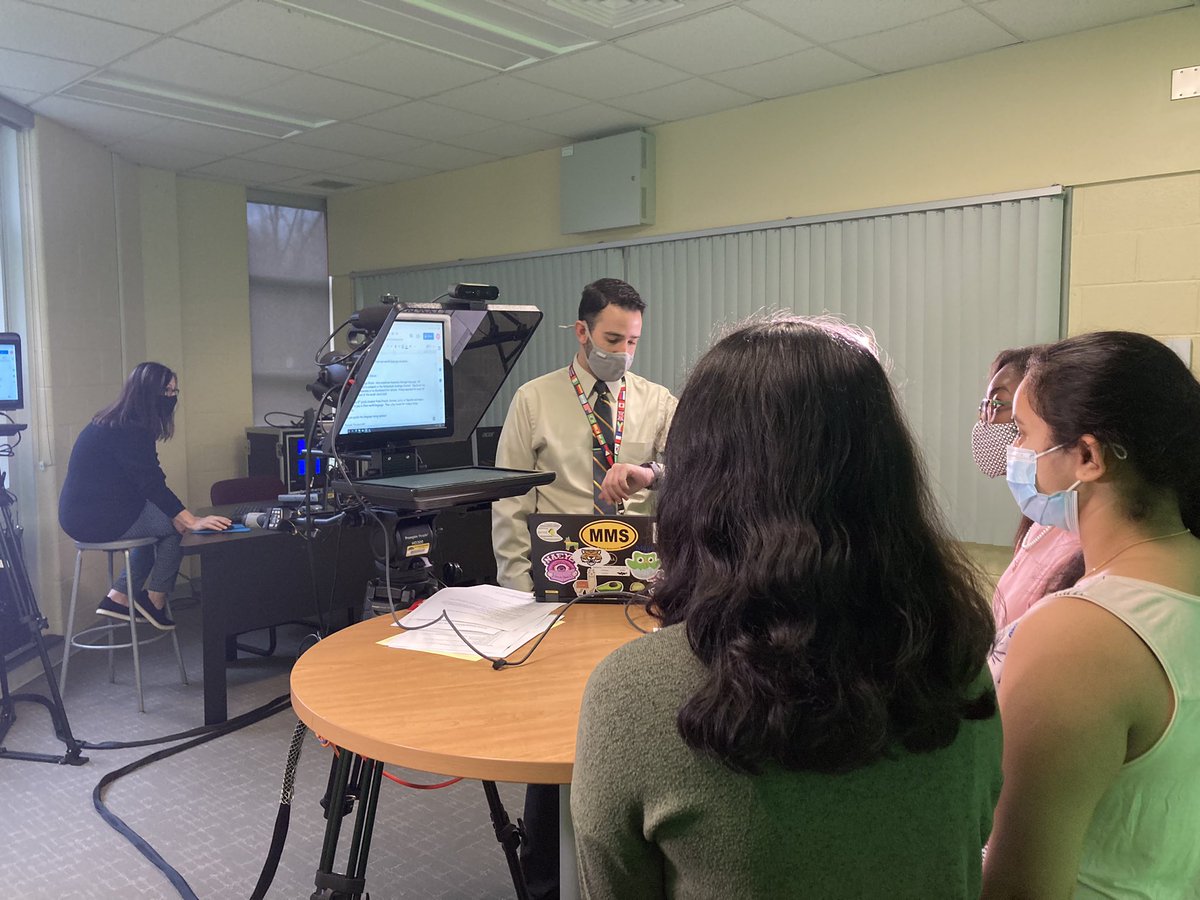
@alicekeeler This is AMAZING! I used it for a recent Google Form that almost 800 students filled out. I was able to quickly identify the students who didn’t fill out the form yet. Thank you!!
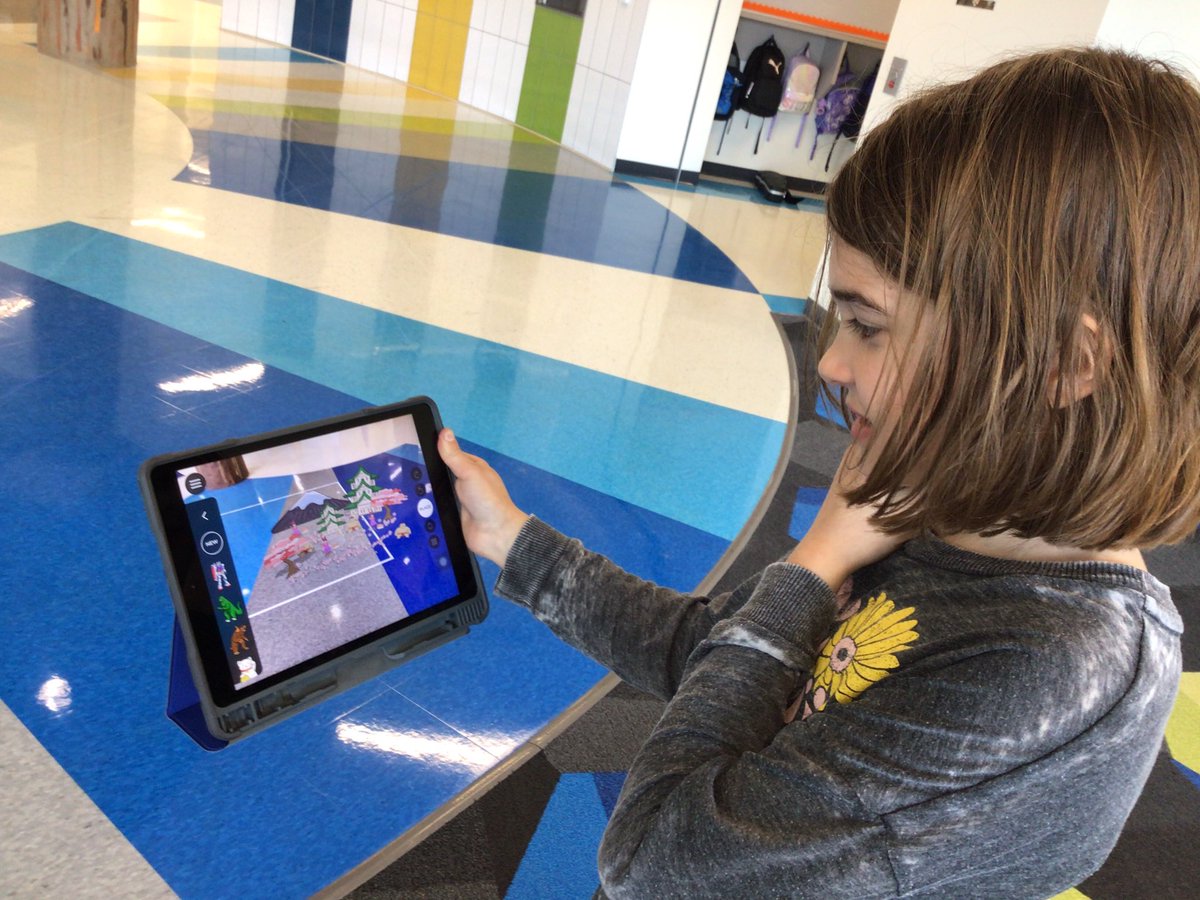
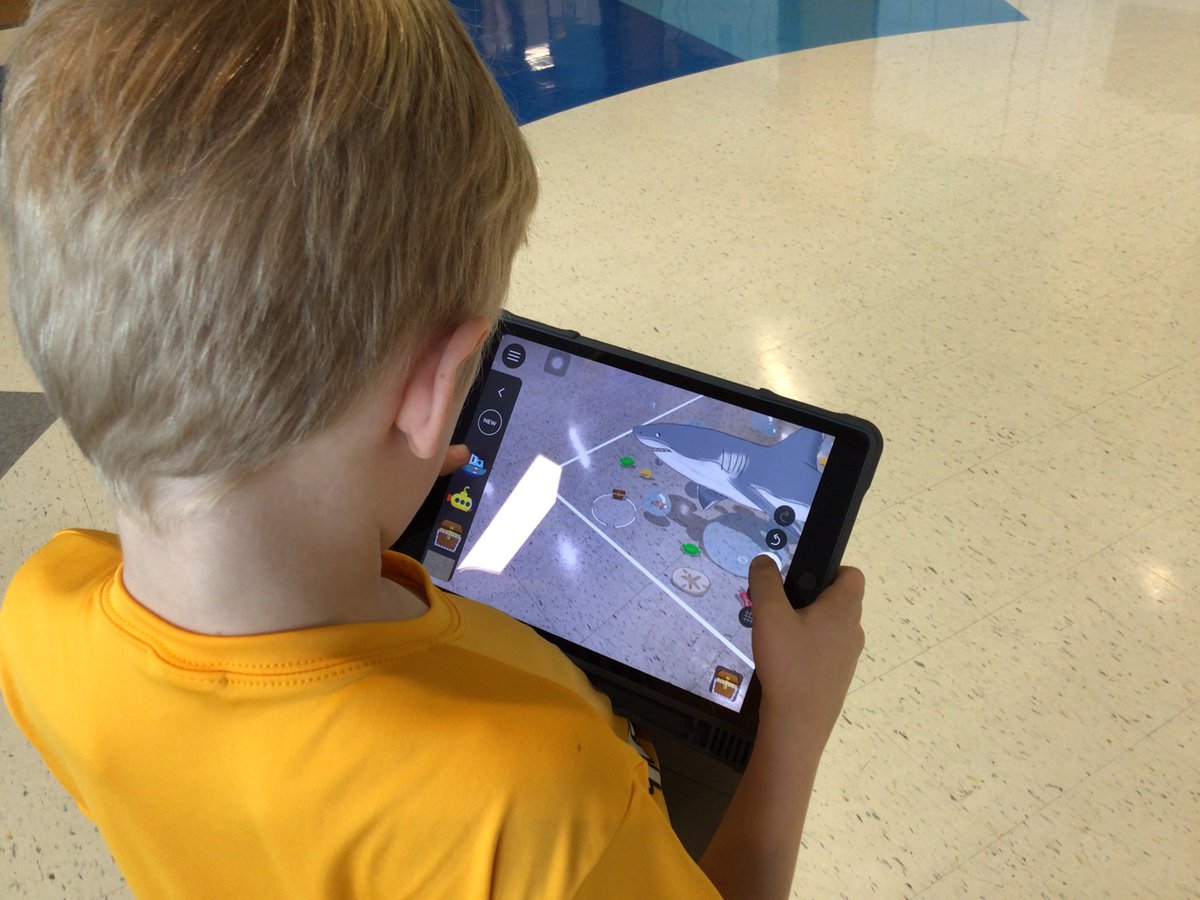
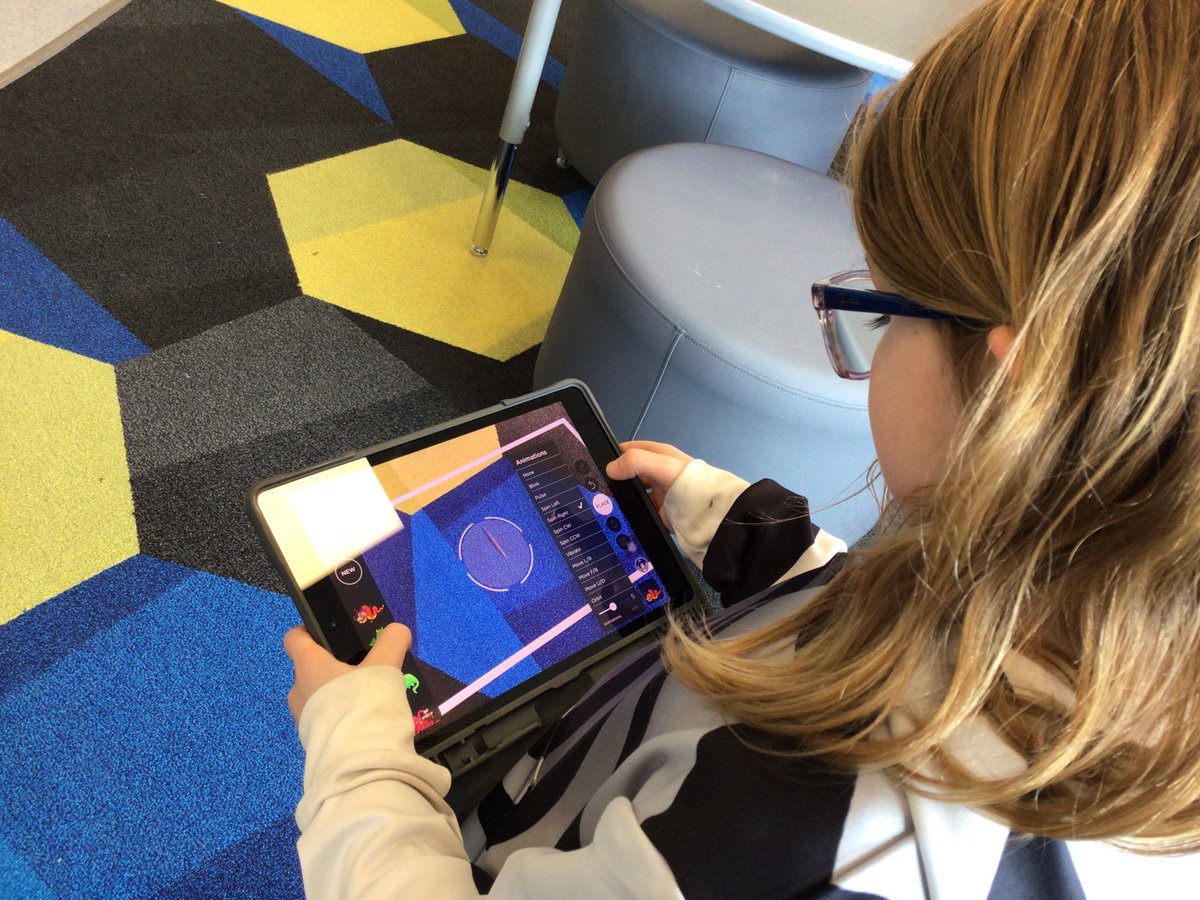
PLEARN! Grade 2 students are exploring the AR Makr app. Next, they’ll research animals and design AR environments. We’ll show the students how to create their own drawings in Keynote to add to their environments!
#everyonecancreate#NASDlearns@AppleEDU
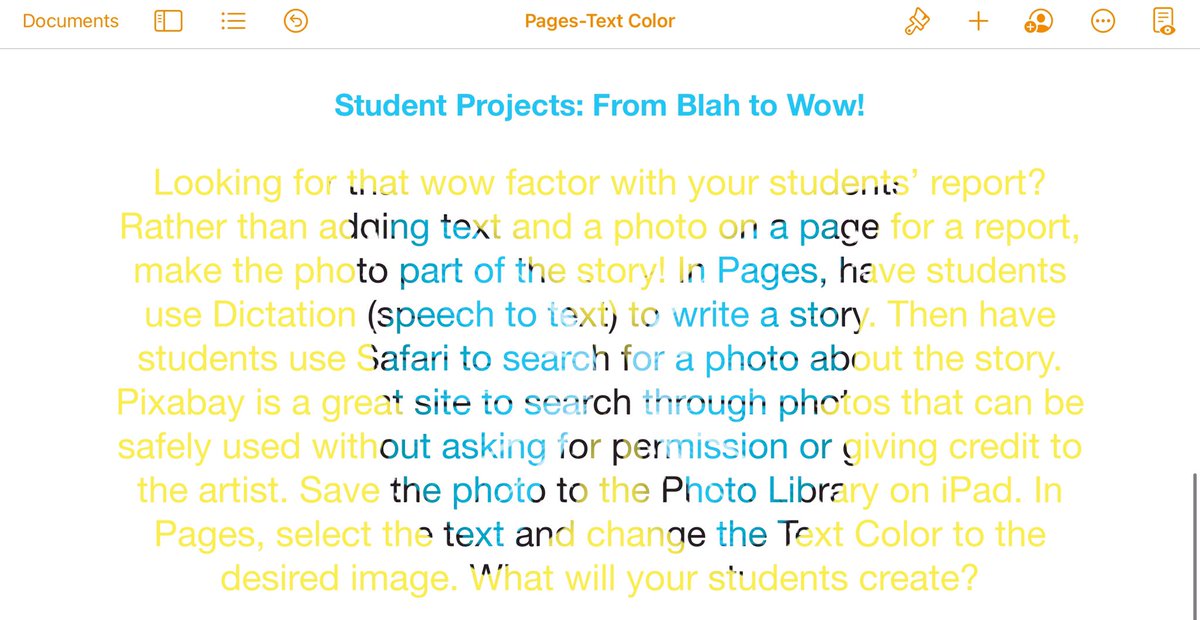
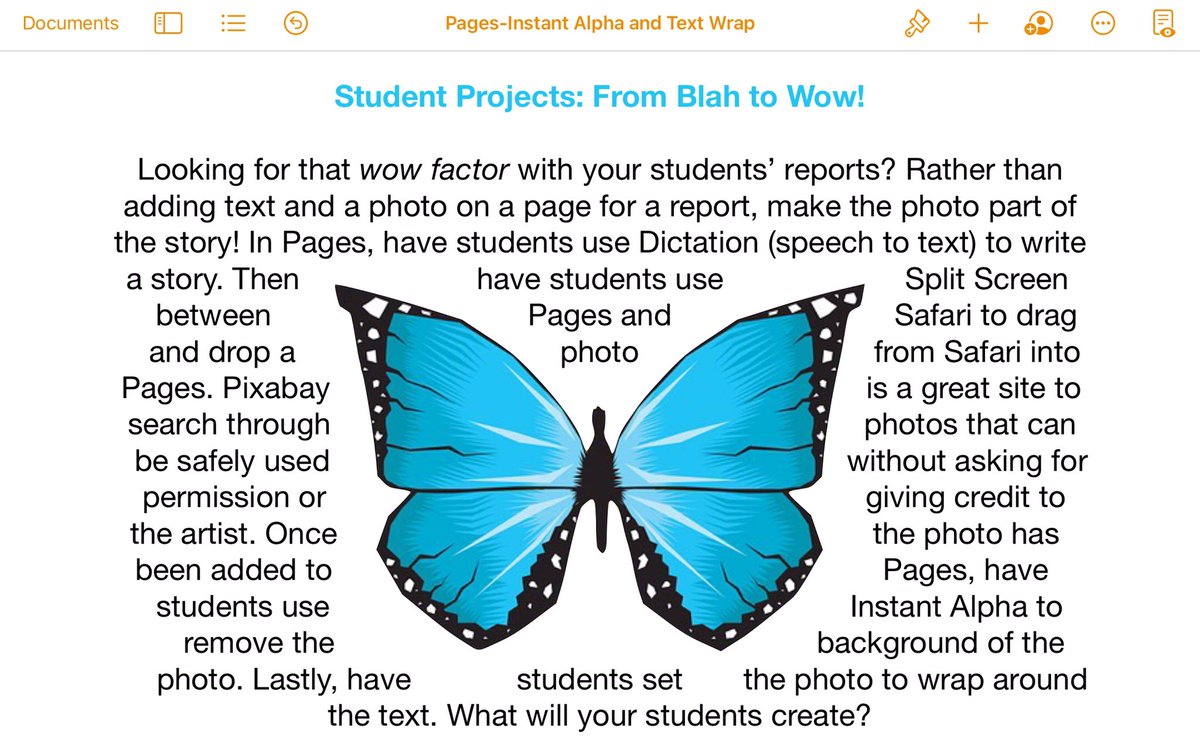
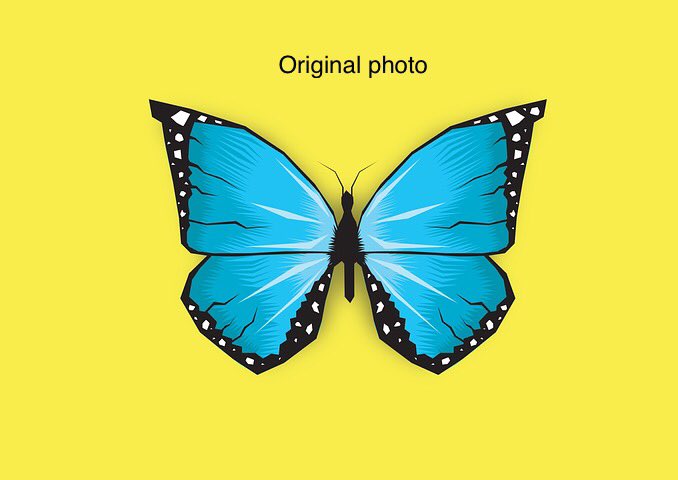
Another great FREE PD session with Apple! Use Pages for that wow factor with reports! Students can use Instant Alpha to remove the background of a photo and then wrap it around text. Students can also change the text color to an image!
#everyonecancreate#NASDlearns@AppleEDU
Loving the FREE PD with Apple! These sessions complement Coaching Cycles with my colleagues. No need to worry about copyright or lack of artistic ability when you can use Keynote to make Line Draw animations and GIFs!
#LordoftheFlies#everyonecancreate#NASDlearns@AppleEDU
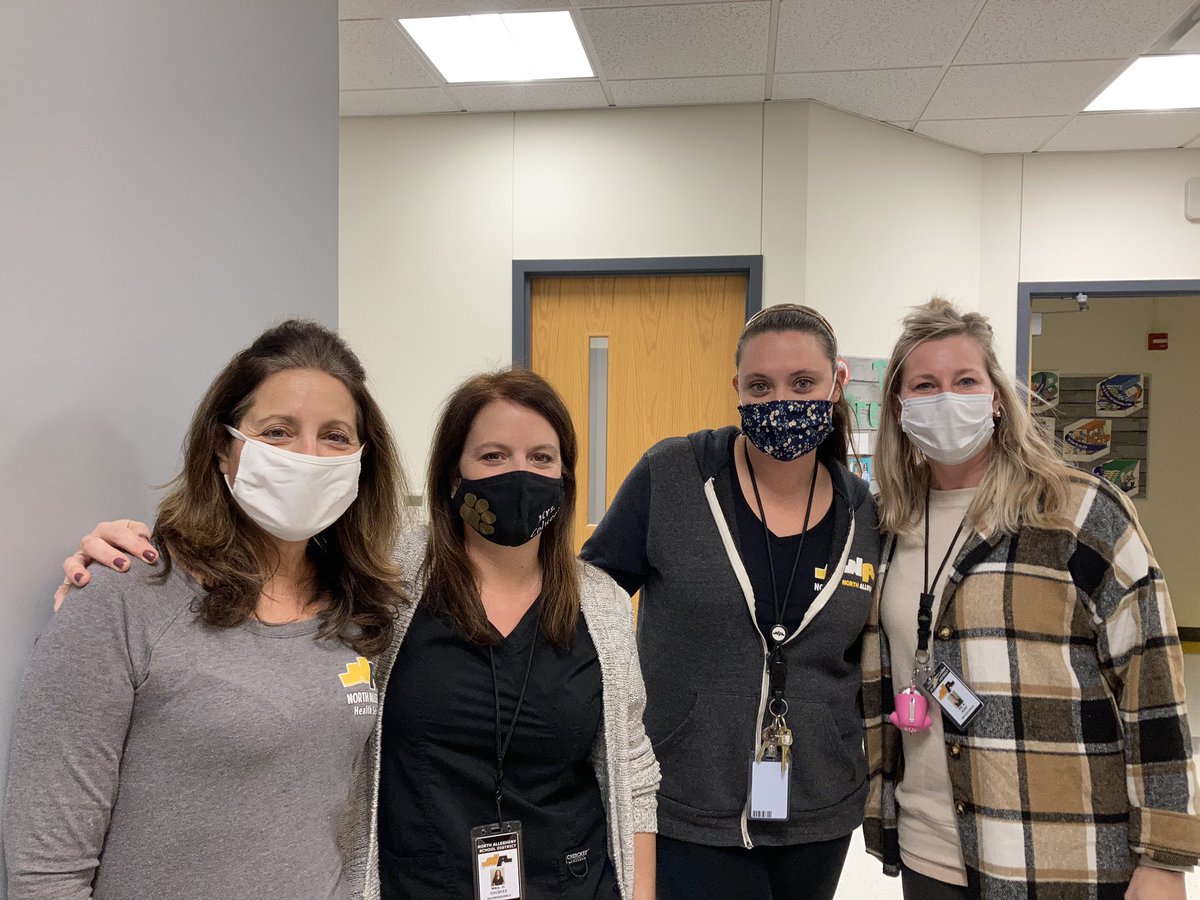
A special shout-out to our ⭐️nurses⭐️ who are true heroes for always helping others! The elem. nurses offered in person and virtual meetings for parents! Have you thanked a nurse lately?! 🖤💛 @NA_Schools#nasdlearns
Day 1 with Ss. I was training a new staff member when the principal made an all-school announcement about our school’s 3 rules. I paused my training to listen attentively:
1 Be kind.
2 Be kind.
3 Be kind.
It’s that simple! Be kind, and watch your kindness spread!
#NASDLearns
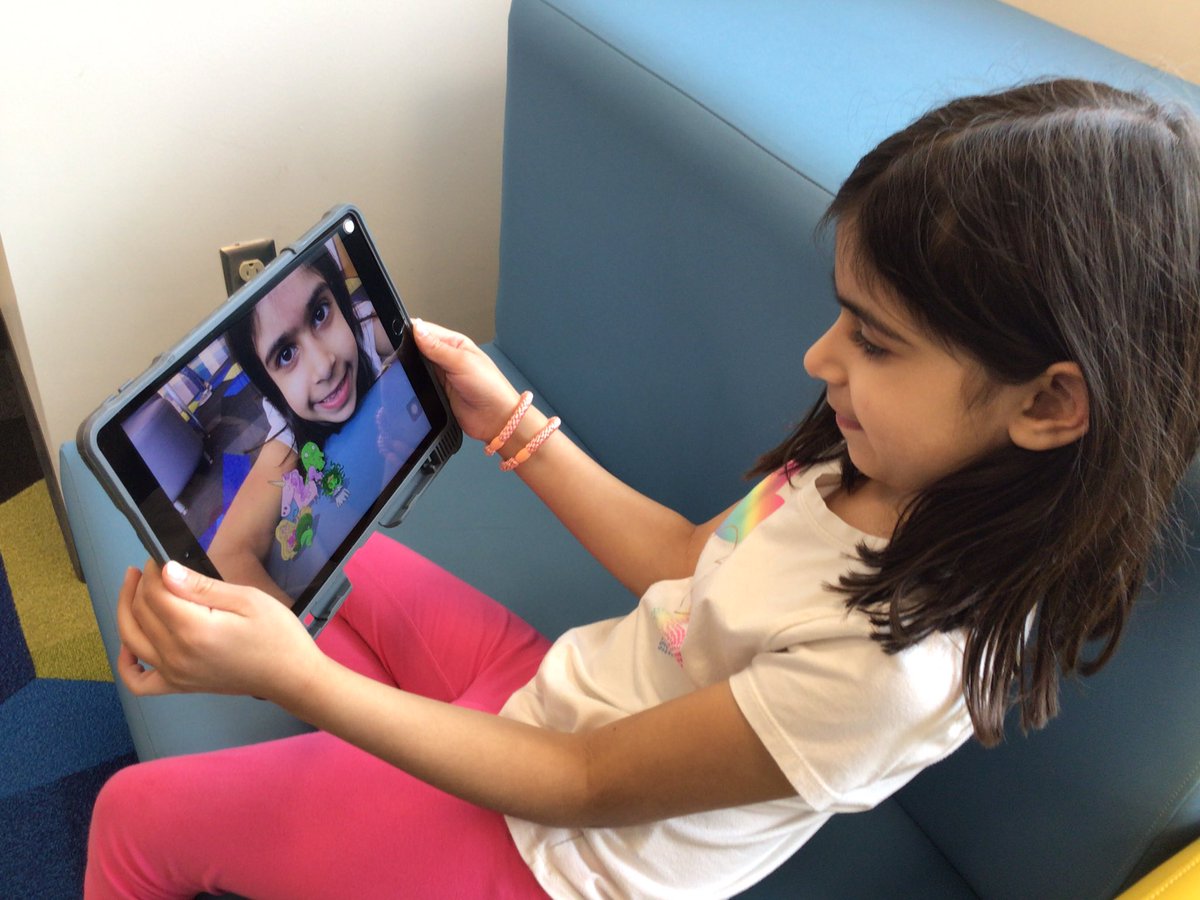
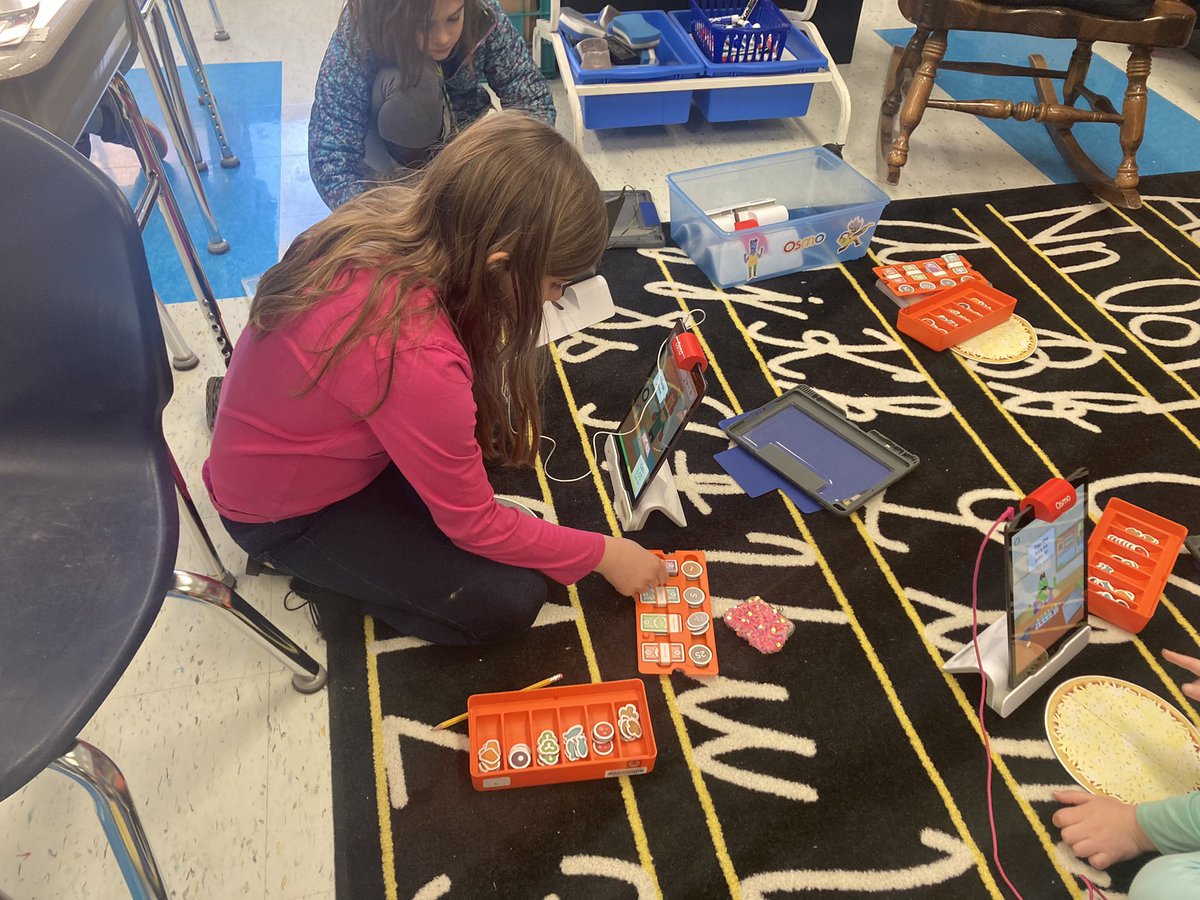
Teachers, looking for All About Me activities to get to know your students using iPad devices?
iMovie using Green Screen https://t.co/tBJq79gbFd
Keynote https://t.co/otNFRtjGcc
Pages https://t.co/WnGCxXeg5y
#everyonecancreate#AppleTeacherLearningCenter#NASDlearns