Exciting news! 🎉 We have just released a new template collection in PowerPoint for iOS. With an expanded library of 71 social-friendly templates, you can now quickly create posters, flyers, invitations, and more.
Get the details here: https://t.co/rpuU4YpGXh #PowerPoint
🌈 Join the global celebration of love, acceptance, and the LGBTQIA+ community and make Pride all year long with this special Show Your Pride theme available in Microsoft 365 apps for Mac and iOS.
Learn more here: https://t.co/VWmrr2A0tS #Pride
Searching in Word, Excel, and PowerPoint for Mac is easier than ever. 🔍 With this enhanced search experience, you can:
📝Use search suggestions
✍️Tailor your results
💡 Make the Smart Lookup pane more accessible
Learn more now: https://t.co/D5D442sEO9 #Microsoft365
🌈 Make Pride all year long in the New Outlook for Mac! 🏳️🌈 With five new colorful themes inspired by the Pride, Lesbian, Bisexual, Non-binary, and Transgender flags, you can personalize your Outlook experience, spread the love, and embrace diversity. https://t.co/r4zZryO4Vb
Today is a special day as Microsoft Designer enters Public Preview! Try it out now for free at https://t.co/XoFyuqFIVG.
When we started this journey to create Designer, I had no idea what I’d gotten myself into leading product for a v1 AI product at Microsoft. The last couple years have been exciting, challenging, and everything in between, but I couldn’t imagine any other way in retrospect. When the AI revolution took the world by storm, we were prepared: our team has been building with AI for over 7 years. This enabled us to come together to build something truly unique with AI at its very core, poised to revolutionize the design process for people everywhere.
To the Designer team and all our (many!) partners across Microsoft, thank you for putting your heart and soul into making this product, challenging the status quo, and coming together like no team I’ve ever seen. Your work is appreciated, and you should be proud of what we’ve built! Thank you to the leadership of Microsoft for providing the space and trust to build such a unique project for a new market.
Product leaders often focus most on the imperfections and limitations of the products they’re building, but on a day like today, it’s imperative to step back and admire the product and the incredible team we’ve built along the way. We’re just getting started. 🚀
Profiles, now in Outlook for Mac in Microsoft 365 Insider! Tie your email accounts within Outlook for Mac to Focus Filters you've set up on Apple devices! #Microsoft365#Mac
Multiple email accounts, one inbox? No problem! Outlook for Mac now lets you create profiles so you can switch between work and personal accounts to best manage your time and inbox.
Get started today: https://t.co/QjeezPJYxl #Outlook
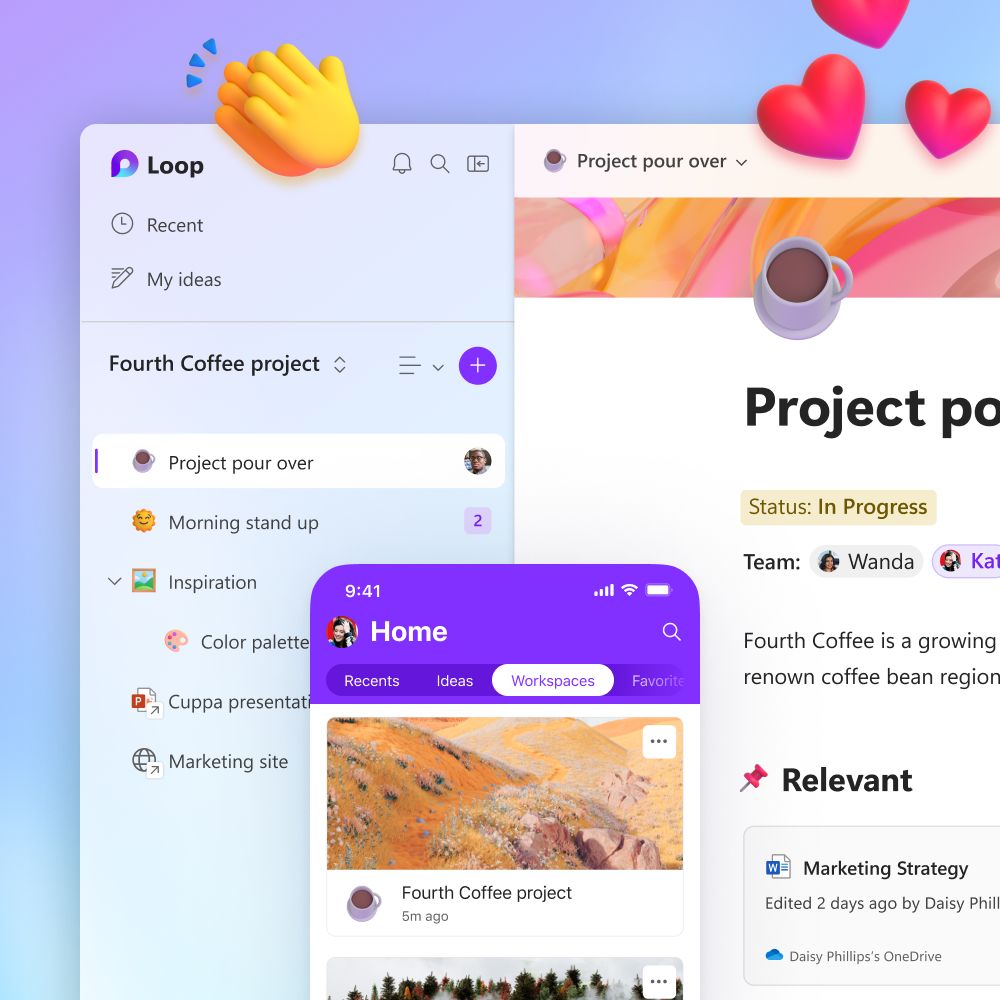
📱 Personal accounts are now supported in the Loop mobile apps! 🚀
We also have opened a limited number of spots for iOS, so try it out today!
🤖 Android: https://t.co/IOa3NPOTHQ
🍎 iOS: https://t.co/XMqM3UcyQt
#MicrosoftLoop
Sweet! Send your Word documents to your Kindle device or app, now in Microsoft 365 Insider for Mac and Windows! #Microsoft365#Kindle https://t.co/vhUBnUJdH1
Today - check out best practices from #SAP on day-zero support for software updates including #Microsoft365 apps on #Mac -- Sign up: https://t.co/0hXMqEAUAL
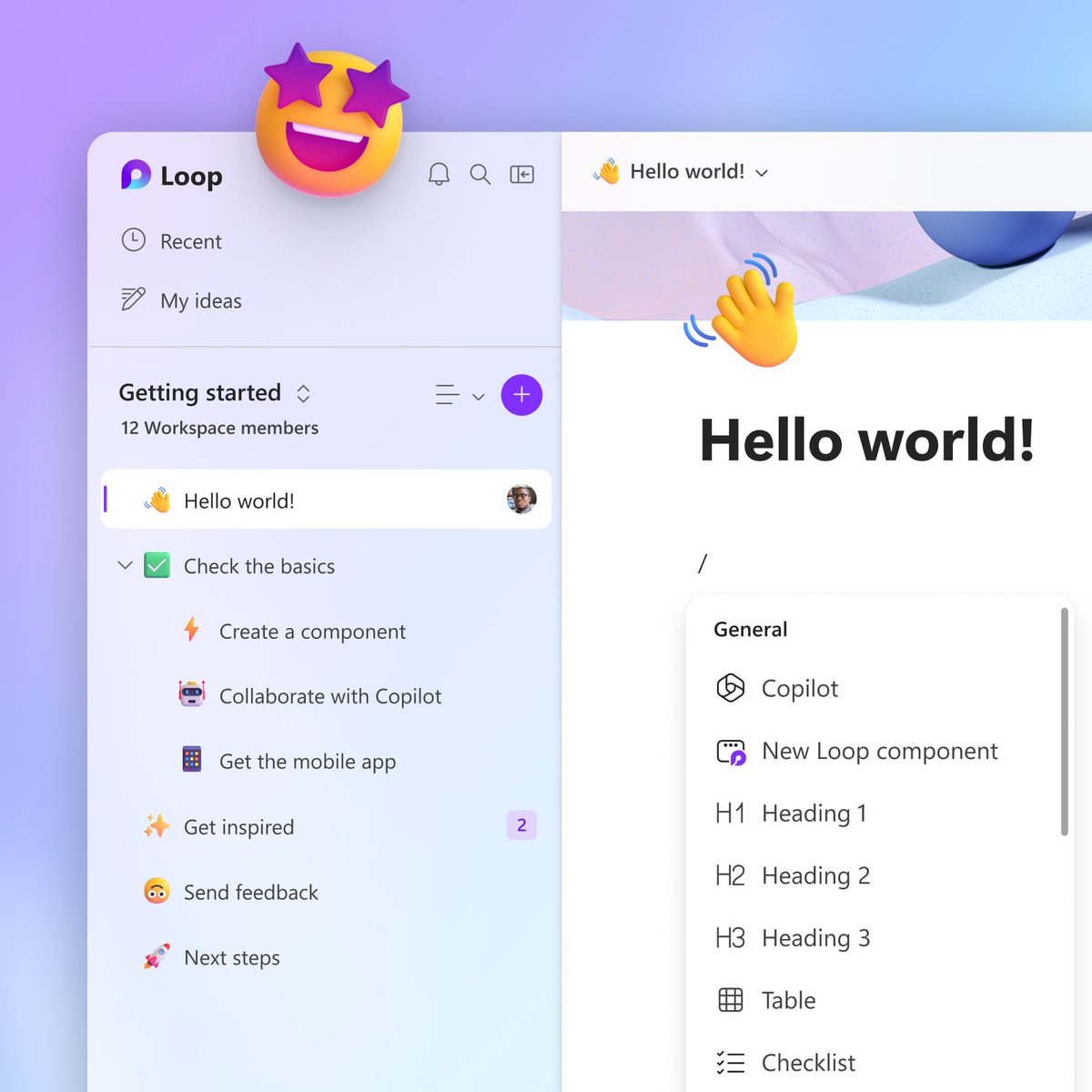
Continue your freaky fast collaboration everywhere on iOS and Android with #MicrosoftLoop mobile apps. Today, sign in with work and organizational accounts, once your Admin has opted in. For mobile apps, Microsoft Account support coming soon! #MicrosoftEmployee
Outlook for Mac - use it for free with consumer email accounts! Plus learn about Profiles using Apple focus filters. #Outlook#Mac https://t.co/ItqZIHXd6K
@caseycgolden@anothercohen Hi Casey, I work on Microsoft 365/Office for Mac. Can you share more about the Excel update that affected Mac? I want to share back with the team.