I can connect with 90% of this.
Don't agree with this:
The bottleneck of user research is gone. It takes us just one mention of an agent to kickoff research and analyze results.
(I believe UX Research - especially Qualitative Interview, User Observation, Talk-It aloud protocol, Competitor analysis and User Testing is really important. )
Agree with this:
Designers that have customer focus, become more like product managers.
And product managers that have intuition for UX become more like designers.
Also controversial today - I believe that the wrong strategy is to have your PMs shipping code - that just introduces another bottleneck that the best engineers will waste their time on.
To be clear, PMs should be coding but they should do this in a playground to iterate, validate, and scope. That code should not go to production.
One-on-one meeting time with customers is something that shouldn't be automated.
Today we reduced headcount by 22%. The business is the strongest it's ever been. So I think it's important to be direct about what I'm seeing and why.
First, I made this decision and I own it. I did it because the way to operate at the highest level of productivity is changing, and to win the future, ClickUp needs to change with it.
Second, this wasn't about cutting costs. Most savings from this change will flow directly back into the people who stay. We'll be introducing million-dollar salary bands. If you create outsized impact using AI, you'll be paid outside of traditional bands.
Most importantly, I have the deepest gratitude for those affected. We're doing this from a position of strength specifically so we can take care of people properly. Everyone affected receives a package aimed at honoring their contributions and easing the transition.
I only see two options: wait for this to play out gradually in the market or be honest about what I'm seeing and act proactively.
THE 100X ORGANIZATION
The primary change is that we're restructuring around what I call 100x org. The goal is 100x output. The roles required to build at the highest level are fundamentally different than they were a year ago.
Incremental improvements to existing systems won't get us there. We need new ones. That means creating enough disruption to rebuild rather than iterate on what's already broken.
The common narrative is that AI makes everyone more productive. It doesn't. Many of the workflows of today, if left unchanged, create bottlenecks in AI systems.
These roles will evolve. But waiting for that to happen naturally means falling behind now.
The 100x org is actually heavily dependent on people - infinitely more than today. This is only possible with 10x people that have embraced and adopted new ways of working.
THE BUILDERS, AGENT MANAGERS, AND FRONT-LINERS
— THE BUILDERS: 10X ENGINEERS
I don't think most companies have internalized what's actually happening with AI in engineering. The common narrative is that AI makes all engineers more productive. That may be true in isolation, but at an organization level - that is the farthest thing from reality.
Here's what we've validated recently at ClickUp: the great engineers, the ones who can orchestrate, architect, and review, are becoming 100x engineers. They're not writing code. They're directing agents that write code. The skill is judgment.
AI makes the best engineers wildly more productive, and everyone else using AI slows these engineers down.
Think about it - the bottlenecks are (1) orchestration - telling AI what to do, and (2) reviewing - what AI did. Everything is leapfrogged and no longer needed.
So who do you want orchestrating and reviewing code?
And how do you want your best engineers to spend their time?
If your best engineers are spending time reviewing other people's code, then this is inherently an inefficient bottleneck. These engineers can review their agent's code much faster than reviewing human code.
The new world is about enabling your 10x engineers to become 100x.
The wrong strategy is to push every engineer to use infinite tokens. Companies doing this are celebrating 500% more pull requests. But customer outcomes don't match the volume of code being generated.
I call this the great reckoning of AI coding, and every company will face this soon if not already.
More code is just another bottleneck to the best engineers, and ultimately to your company's impact as well.
— THE BUILDERS: 10X PRODUCT MANAGERS
Product management and design roles are merging.
Designers that have customer focus, become more like product managers.
And product managers that have intuition for UX become more like designers.
The bottleneck of user research is gone. It takes us just one mention of an agent to kickoff research and analyze results.
The bottleneck of product <> design iteration is also gone. The product builder iterates on their own, along with agents and skills that ensure alignment with quality and strategy.
Also controversial today - I believe that the wrong strategy is to have your PMs shipping code - that just introduces another bottleneck that the best engineers will waste their time on.
To be clear, PMs should be coding but they should do this in a playground to iterate, validate, and scope. That code should not go to production.
Everything outside of managing systems, orchestrating AI, and reviewing output becomes a bottleneck.
That's why the other roles that are critical along with these are the systems managers (to reduce bottlenecks) along with a bottleneck you can't replace - customer meeting time.
— THE SYSTEM MANAGERS
Ironically, the people that automate their jobs with AI will always have a job. They become owners of the AI systems - agent managers. We have many examples of these people at ClickUp.
The underlying systems in which we operate are absolutely critical to get right. I think most companies are delusional to think they can iterate on existing systems and compete in this new world.
You must create enough disruption so that old systems are deprecated entirely. If there's any definition for 'AI native' that's what it is.
— THE FRONT-LINERS
In a world that will become saturated with AI communication, the human touch will matter more than anything to customers.
This is a bottleneck that you shouldn't replace - even when agents are high enough quality to do video meetings.
One-on-one meeting time with customers is something that shouldn't be automated. The systems around the meetings should be - so that front-liners spend nearly 100% of their time with customers.
REWARDING 100X IMPACT
In a world where companies are able to do so much more with less, where does that excess money go?
In our case, much of the savings in this new operating model will flow directly back to those that enabled it.
We must reward people that create productivity accordingly. This aligns incentives on both sides. Plus, in a world where your best people create 100x impact, you can't afford to lose them.
You should aim to retain these employees for decades. The context they have and their ability to efficiently orchestrate and review will be nearly impossible to replace.
Compensation bands of today should be thrown out the door. We're introducing $1 million cash/year salary bands with a path available to nearly everyone in the company if they produce 100x impact by creating or managing AI systems.
THE FUTURE
Nearly every company will make changes like these. The ones that do it proactively will define what comes next.
The future is not fewer people. It's different work, new roles, and better rewards for those who embrace it. We're already seeing entirely new roles emerge, like Agent Managers, that didn't exist a year ago.
ClickUp is positioning to lead this shift, not just internally, but for our customers too. I've never been more certain about where we're headed.
AI on Windows desperately needs its GUI moment like Windows had with Windows 95 and XP.
Build AI features that creates REAL USER VALUE instead of AI gimmicks.
Googlebooks are on the Horizon.
@pavandavuluri@marcusash@marchr@bacadd
at Build this week, Microsoft put Windows front and center for the first time in years. In my Notepad 📒 newsletter this week I speak to the head of Windows and reflect on the renewed importance of Windows in Microsoft's AI era. Live now for subscribers 👇https://t.co/L9iPC4djgq
Feature Request: Dynamic Javadoc-style GUI for Copilot
Before AI, we relied on clickable documentation maps to track classes and functions. We need a modern, simplified version of that visual map inside the IDE. Please consider building a shared graphical interface—like a live class diagram—where users can easily view the folder structure and visually track exactly where the Copilot agent is editing the codebase.
(AI Use: Idea is mine. Refined using Gemini to communicate the idea clearly)
I wish Microsoft built a product called Surface Display.
I've used an iPad and a Samsung Tablet as my note-taking device with my previous Surface Laptop 7(moved to MacBook Air M5 last month).
I use OneNote and the syncing takes a long time. The sync works on iPad. The android app requires a reset everyday to make the sync works.
I've tried the Samsung Second Screen app. Even though the implementation is great, the latency makes note-taking an awful experience.
I want a Surface Display with built-in battery and at least 500nits brightness to be used outside in the Sun.
It should look like a Surface Pro with a kick stand.
I should be able to use it as a companion device to any Windows Laptop as an external monitor or as a note-taking device.
I don't want it to have any OS.
The Surface Laptop already has a great processor and battery life.
I want to connect the display wirelessly to my laptop and just use it as a tablet to take notes with a surface pen.
8GB RAM and 128GB storage is enough for that device, if users want to use the Surface Display as a Cloud PC or a Xbox Streamer for Cloud Games. (using the Windows 365 Link OS)
Most external displays are only wired. It's impossible to find a wireless display with touch and pen support and great battery and great brightness.
In order for the device to be successful, Windows have to improve the gestures when using Windows as a tablet.
The gestures are confusing and awful compared to the UX of android, iOS and iPadOS devices.
I hope you can launch something like this by the time Googlebooks launches.
@ahillships@sbathiche@pavandavuluri@asha_shar@jaredpalmer@jronald
Seeing Martin Scorsese using FLUX for storyboarding and scene exploration was absolutely insane. Experiencing how one of the absolute masters of cinema & filmmaking uses the technology that we developed, his curiosity and creativity, and the way he prompted our models, was humbling.
I am grateful to call Martin Scorsese an advisor to BFL, and to explore the next, multimodal and interactive phases of visual AI with him.
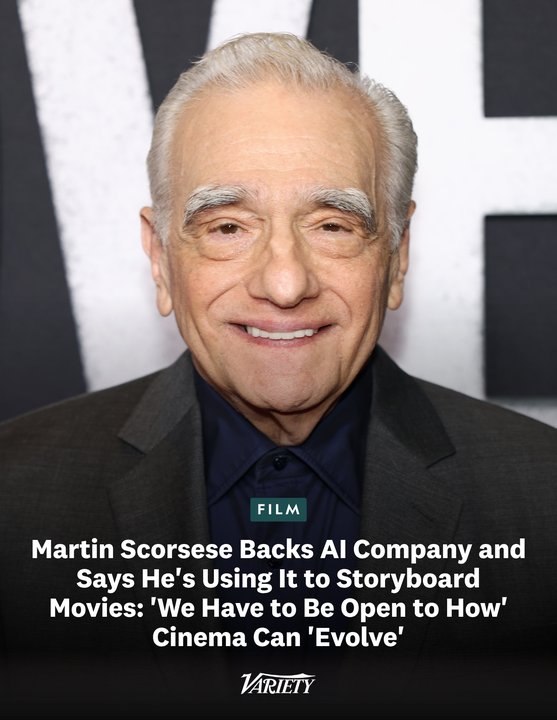
Martin Scorsese is backing an AI company to “push the bounds of creativity to create deeper and richer experiences for audiences.” He is using the technology for storyboarding purposes.
"I’m interested in the intersection of technology and storytelling, and seeing how that can push the bounds of creativity to create deeper and richer experiences for audiences. Cinema is a young medium, only around 125 years old, so we have to be open to how it can evolve. I utilized 3D with ‘Hugo’ and de-aging technology for ‘The Irishman.’ Now, with this tool, I can share what I’m visualizing more clearly and efficiently to my creative team — the production designer, art designer, and cinematographer — for them to build on to enrich cinematic intelligence."
https://t.co/53G0q5wFur
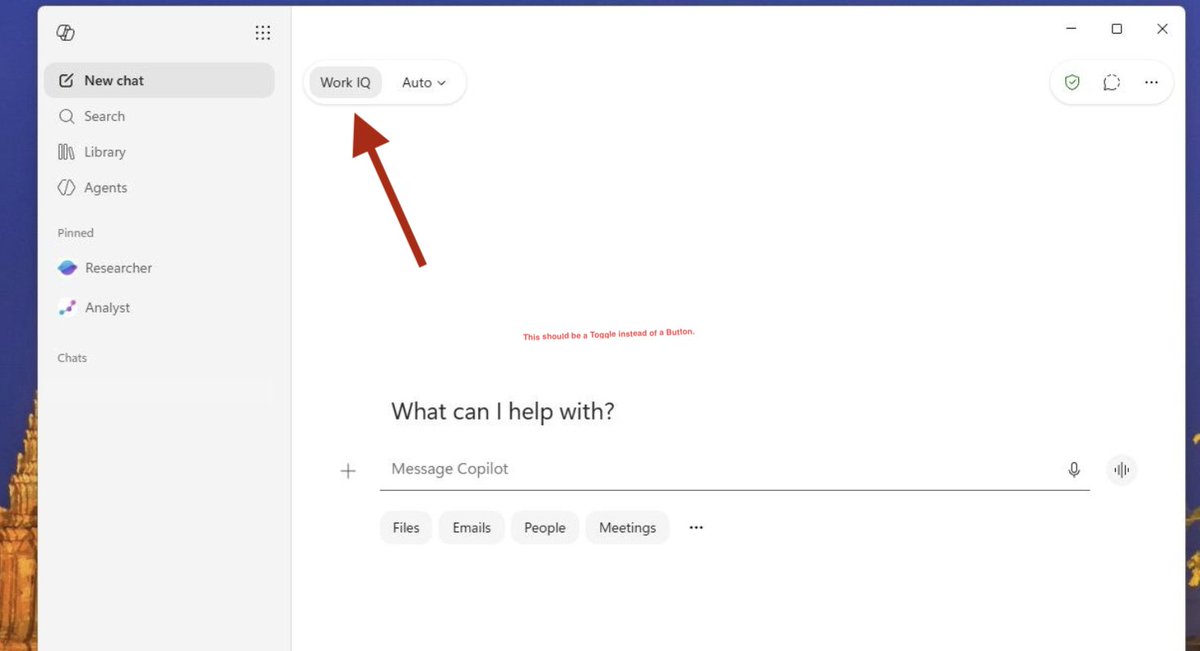
A toggle would offer stronger signifiers because users generally recognize toggles as controls for enabling or disabling a feature. This better communicates the affordance of enabling/disabling WorkIQ.
With the model selector next to it and both inside a single container, people would wonder why Copilot's responses are bad - if its turned off. A line across the button just signifies the future isn't available to you.
@jacobandreou@ankitdp_@sumit_c@clamanna@mustafasuleyman@MicrosoftAI@Microsoft365
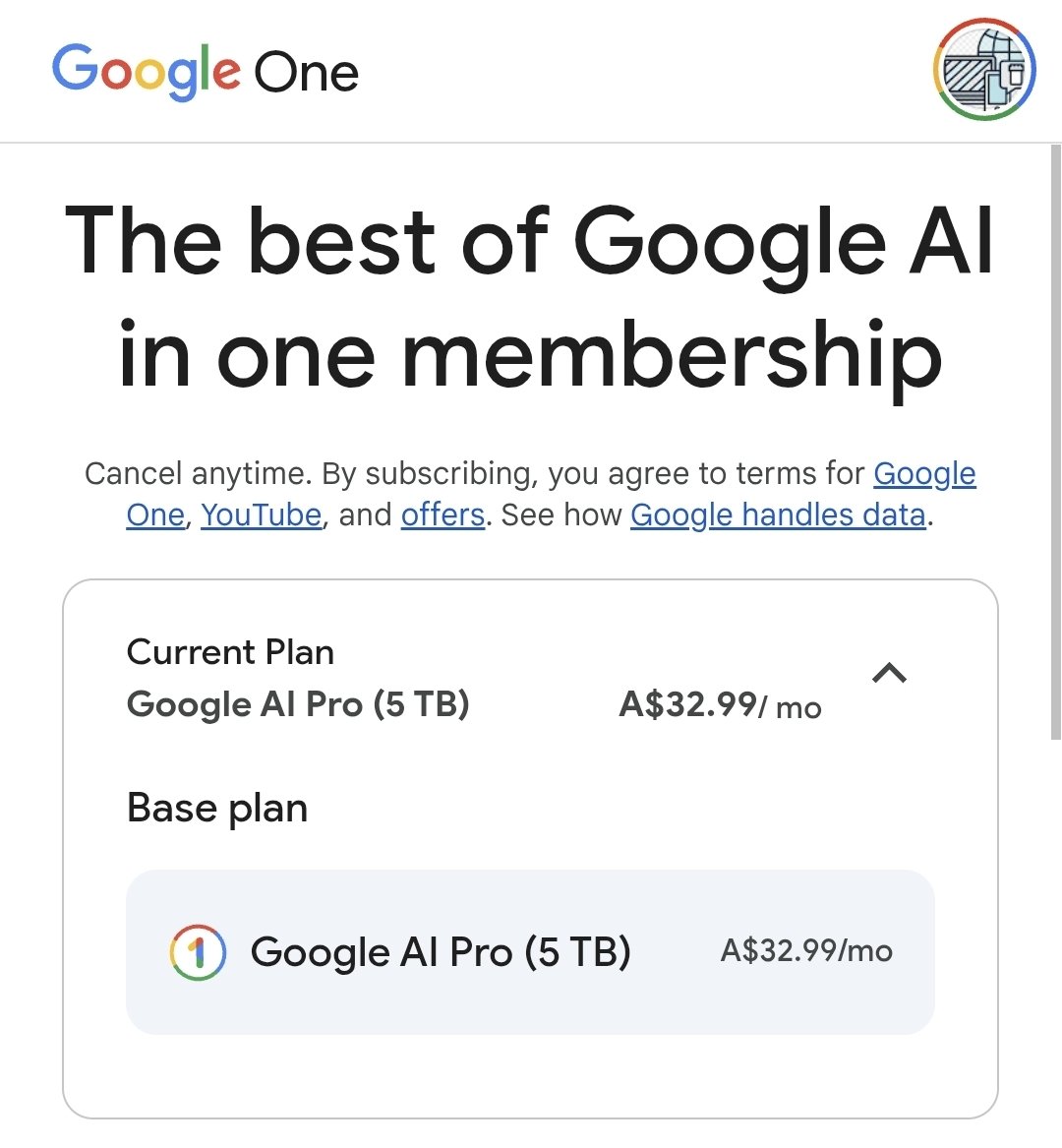
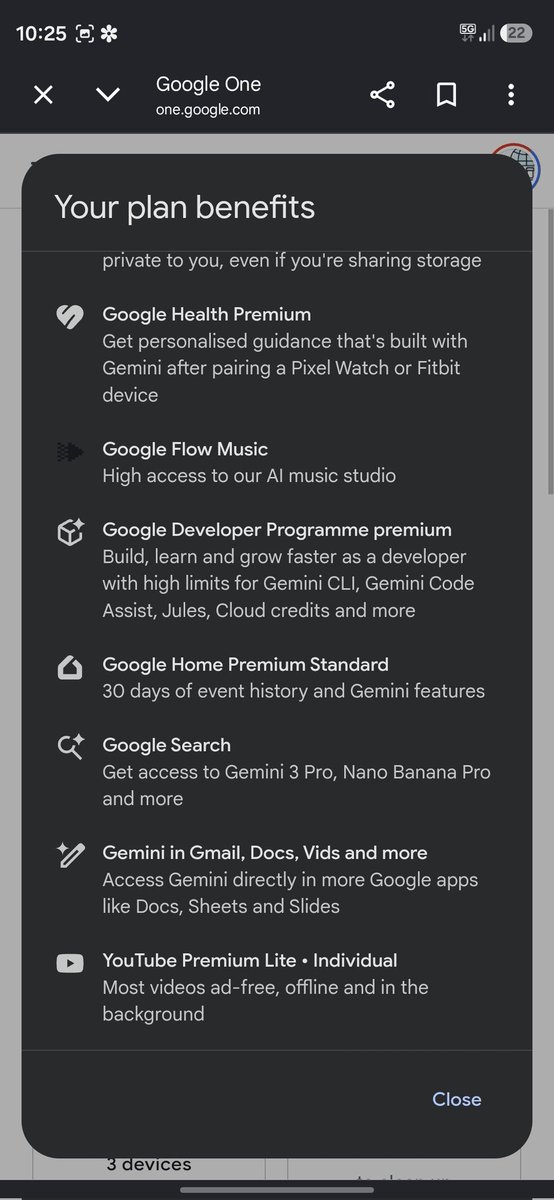
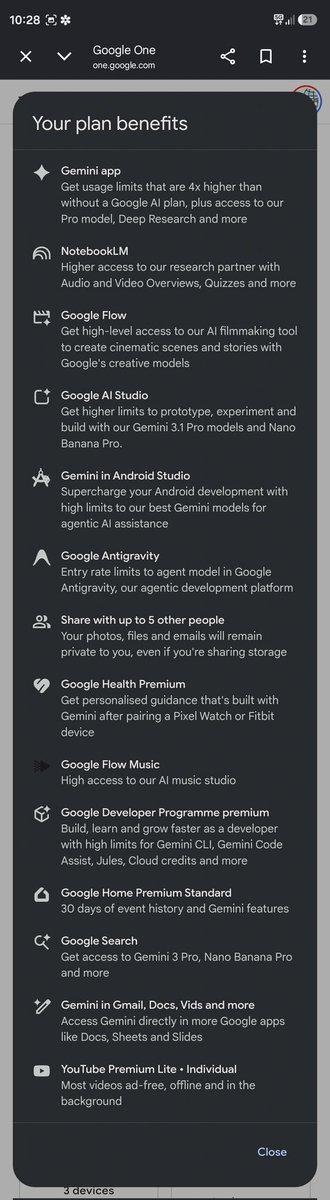
@vikaskansalHQ I got an Ad for Google AI Pro Plan saying YouTube Lite is included. Checked that I already have it.
Went YouTube to find out that I don't have access to YouTube Lite.
I'm based is Australia and I got the Google AI Pro as part of a student offer. Is that why I can't access YouTube Lite?
But when I go to the Plan Benefits page, it says I have access to YouTube Lite.
I'm a bit confused.
M365 Copilot Enterprise Web UI is different from M365 Copilot Consumer Web UI.
M365 Copilot Consumer Web UI is different from M365 Copilot Consumer macOS App UI.
M365 Copilot Consumer Web UI is different from M365 Copilot in Teams Consumer UI.
M365 Copilot Consumer Web Ui is different from Copilot Consumer Web UI.
Copilot Consumer Web UI is different from Copilot Consumer Windows App UI.
M365 Copilot Mobile App UI is different from M365 Copilot UI inside Outlook Mobile app.
There is no consistency within a single app when you switch platforms.
This is on top of the fact that Consumer Copilot and M365 Copilot are two different products that doesn't share any context or features.
Instead of redesigning the UI every 6 months, maybe they should focus on bringing consistency.
Gemini and ChatGPT are consistent across platforms and there aren't multiple Copilots.
Gamepass Essential (with limited ads) needs to be bundled with M365 Premium.
Google AI Pro Plan gives a lot of value.
@jacobandreou@asha_shar@yusuf_i_mehdi
I've described the problem in detail in the replies of the quoted post above.
I switched back to macOS again a few weeks ago after using Windows again for 1.5 years.
I had a presentation at Uni 2 days ago.
I connected the macbook to the projector in extended display mode.
I opened Powerpoint in Edge on my laptop and anabled presenter mode.
Then I kept the presenter-user view window in my laptop, while moving the presentation-slides to the projected desktop.
I also opened a link from the slides and moved it to a different desktop in the projected display.
Now, when my mouse is on the projected display - swiping on my trackpad only switches desktop on the projected display.
My laptop desktop stays where it is.
On Windows, if i do the same, desktop switches on both displays.
Then on Windows, I can't drag a Window from Desktop 1 on my laptop to Desktop 2 on my external extended display.
To do that, I have to drag the window from Desktop 1 to Desktop 2 on my Laptop first. Then, move the window from Desktop 2 on my laptop to Desktop 2 on my external extended desktop - without using Task View.
Also, on Windows, when I click on an app that was recently closed on the taskbar - it doesn't open on the monitor where my mouse is. It remembers which monitor I closed it in and it opens the app on that monitor, even if my pointer is in a different desktop in a different monitor.
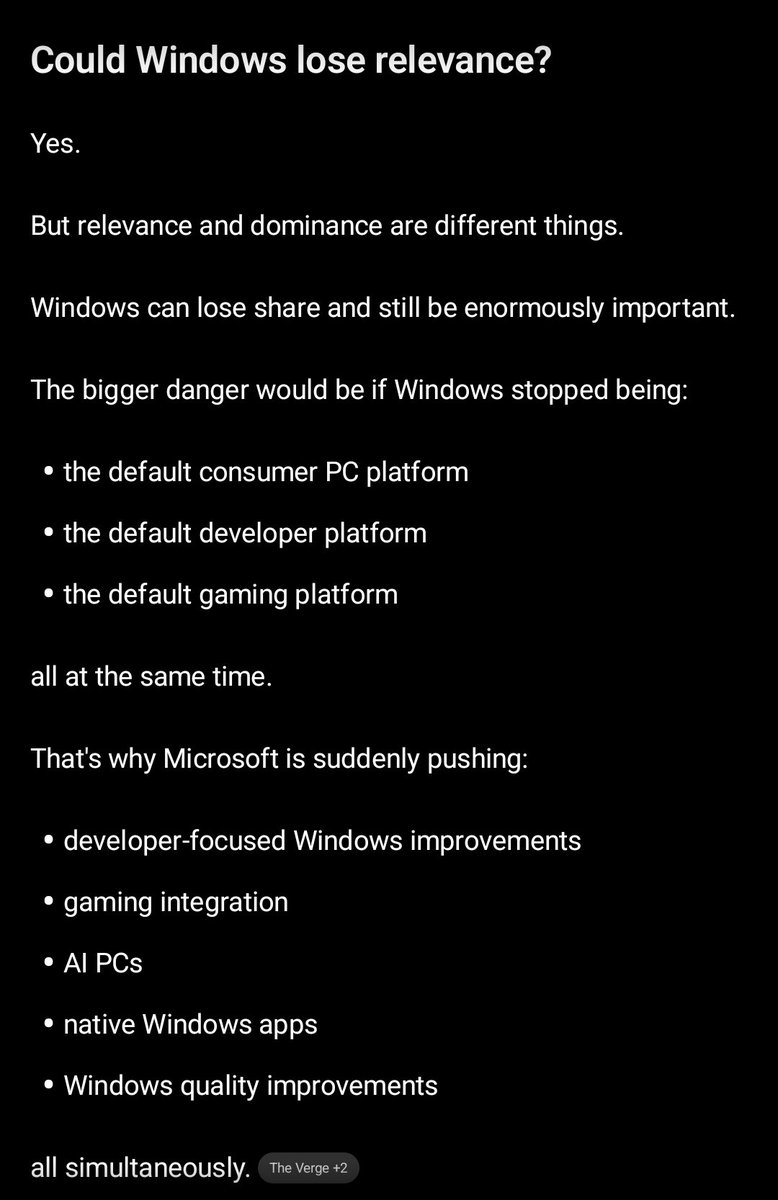
@mersomas Googlebooks, MacBook Neo and SteamOS is already making Consumers switch from Windows.
They are losing the Consumer Desktop OS slowly.
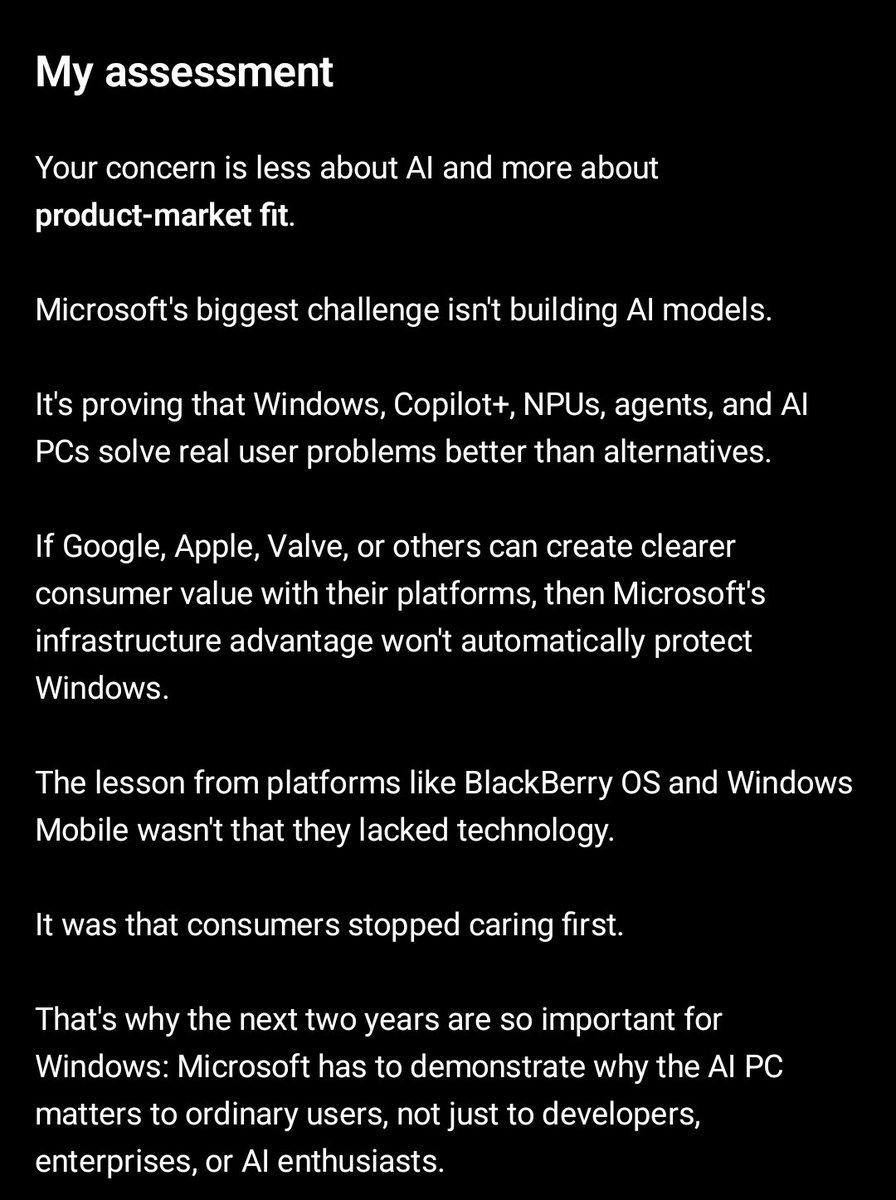
They have bet everything on AI - so they have to get Copilot work. Otherwise, investors would get super mad.
https://t.co/Tszk45Y1Bi
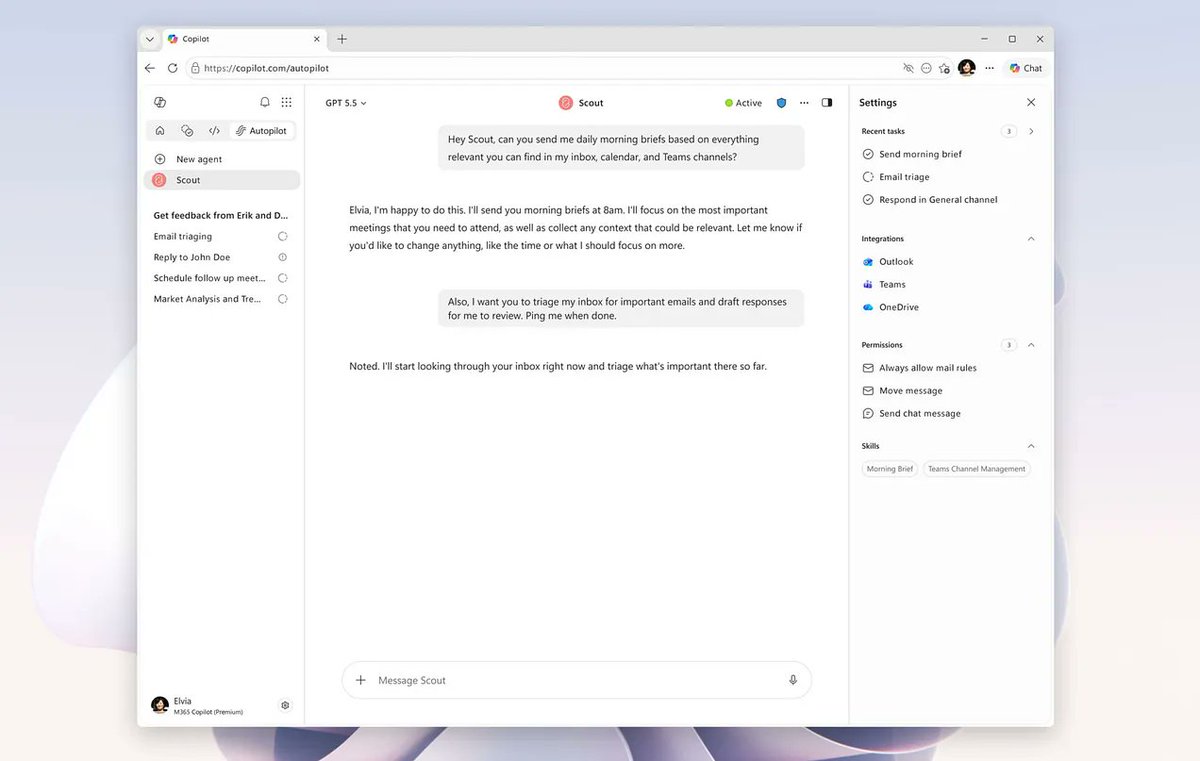
M365 Copilot vs Copilot vs GitHub Copilot vs Mico vs Cowork vs Autopilot vs Tasks vs Researcher vs Analyst vs Model Council vs Scout...
Microsoft has the most complicated AI Strategy.
Keeps adding features that confuses end users.
Would a Super app fix the foundational UX issues!