Notion Tools for Creators
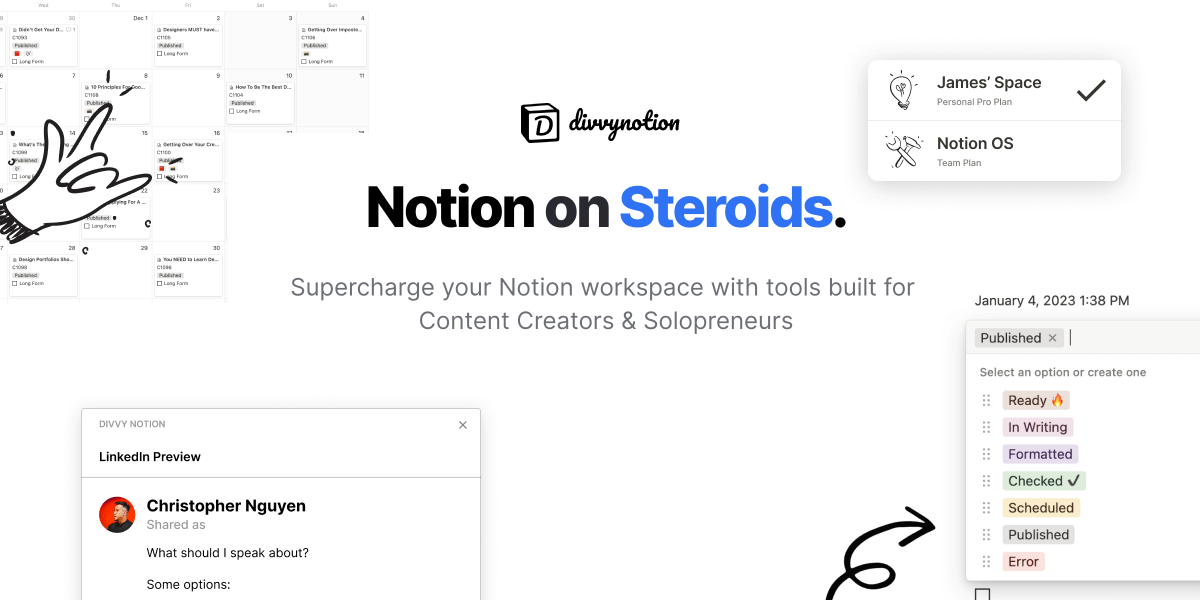
•📅 Schedule — LinkedIn Scheduler in Notion
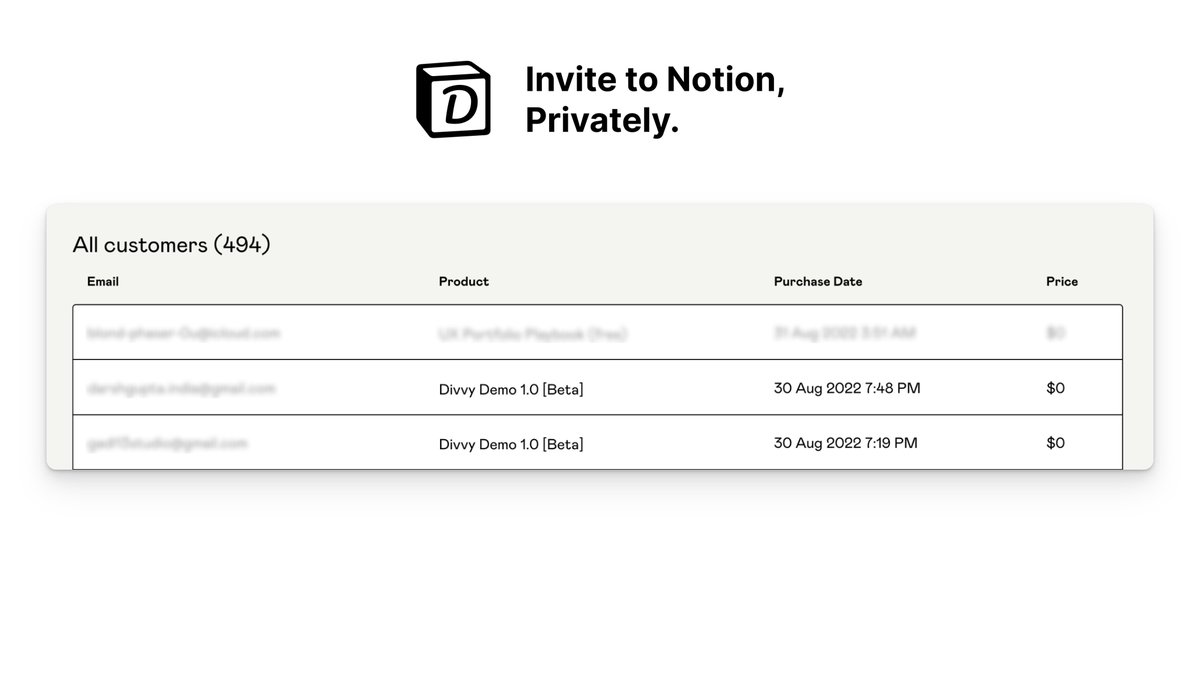
•🎟️ Invite — Private Invites to Notion w/Gumroad
•⚡️ Founded by @uxchrisnguyen @hinora98
I get asked…
“How do you format your post in LinkedIn?”
The answer: I don’t
Let me explain
I do it right in Notion.
Write, schedule & post
That’s it
You’re probably thinking…
“What’s the secret?”
I built a tool called @divvynotion
Try it, or don’t.
(please do 😅)
I’ve been manually posting content for 277 days
The problem with using Notion as my social media calendar is:
• Lack of integrations
• Too much time copy/pasting
• Format breaks when content is pasted
I love Notion. But it’s not perfect. 🥲
That’s why I built @DivvyNotion
@EverydaySheroe We just launched Divvy Schedule on the Chrome Web Store.
Write, plan, and publish on LinkedIn without ever leaving Notion 🤯
Want to give the beta a try for free?
https://t.co/ppvd2XUSI8
We just released Divvy Invite version 1.1
Major updates:
• Select different Notion workspaces
• Copy Notion URL
• Change page/product name
Here's a quick video 👇
https://t.co/nc7hUG1FYu
@TomFrankly@NotionHQ@gumroad Hey Notion Creators
With @DivvyNotion, you can automatically invite guests to a private @NotionHQ page after @gumroad purchase.
Prevent others from sharing your templates without permission and don’t miss out on potential revenue.
Interested in trying our FREE beta product?