“My App Stack” is a new series where we dig in with top CMOs, CROs, CTOs and CEOs on just what apps they’re really using to run their business. I always learn a lot from these — they are in essence a best practices list from each leader. Last week we had a great one with Sydney Sloan, CMO of @DrataHQ, check it out here: https://t.co/1LwCnQ1TcJ
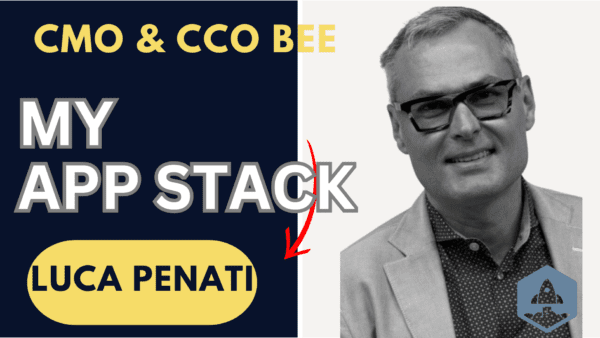
This week we have @lucapenati, CMO & CCO of @beefreeio!
#1. What’s your core stack of apps today?
I’m using Beefree, Jira, Confluence, Slack, @ActiveCampaign, @HubSpot, @MiroHQ, @webflow, @matomo_org, @databoxHQ, and @ahrefs.
#2. What’s the number one top new app you’ve added the past year?
@webflow has been a great new addition this year.
#3. Other than your own, what app would you never let anyone take away from you no matter what:
I don’t get too attached to apps and tools — or at least I try 😉
#4. What’s your top “undiscovered gem” — an app you love but others may not have heard of?
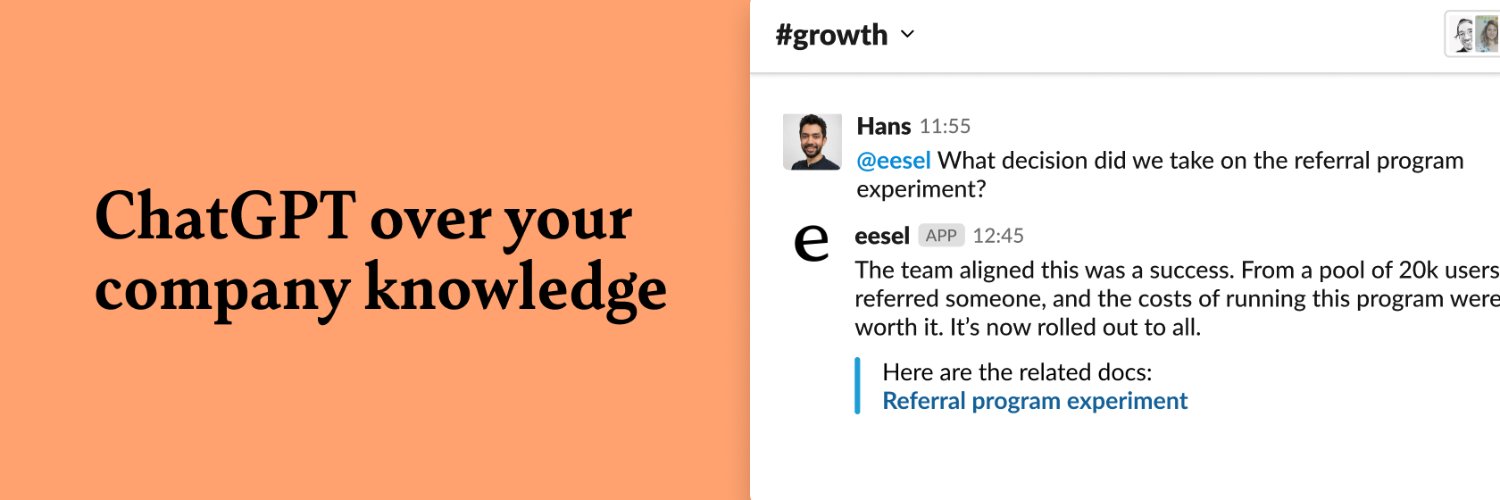
@eeselai, a web browser extension to organize all the files in one place. It’s awesome!
...
As CMCO, Luca Penati leads marketing and communications worldwide, leveraging the success of BEE’s visual builders across many industries and more than 180 countries.
With BEE, teams and organizations of any size can experience an easy, fast way of creating engaging content for their internal and external communications needs. With the help of a super talented, diverse team, BEE has the opportunity to build a terrific brand through authentic storytelling and engaging programs that drive business results.
Most recently, Penati was the founder and chief advisor at Penati and Partners, a marketing and communications consultancy that worked with startups and nonprofit organizations. Previously, he served as Weber Shandwick’s Western Region president from 2014-2019, managing a staff of 200 people. Before Weber Shandwick, Penati was managing director of the global technology practice at Ogilvy, shaping, building, and protecting brands — from startups to the Fortune 500.
Introducing the eesel AI launch video lol
100% inspired by @tldview's amazing marketing (cc @rallstadt@thissen_carlo) with 1% of the talent to execute 😂
https://t.co/8sK0JmhxU3
4. Eesel / @eeselapp
Use AI to automatically organise your Google Docs, Notion doc, & other work documents
It organises it all, right in your new tab
Best of all - it's free, and doesn't compromise on privacy. You don't even need to login to try it.
https://t.co/tJNP4ht9Tf
@patelc75 @adcock_brett You can edit folder rules by clicking "+ Add pages" and heading to "Automatically".
It's definitely a tad counter intuitive and we should fix that at some point.
Here's a quick video if that helps - https://t.co/B2Y2uNYSHy