@tamasbartal Not to mention that paid licenses have the option to configure their own AI Provider in that same Settings section, so those who have their own key (BYOK) or even their own local solution, they can connect it to eM Client instead of using OpenAI via our AI Add-on.
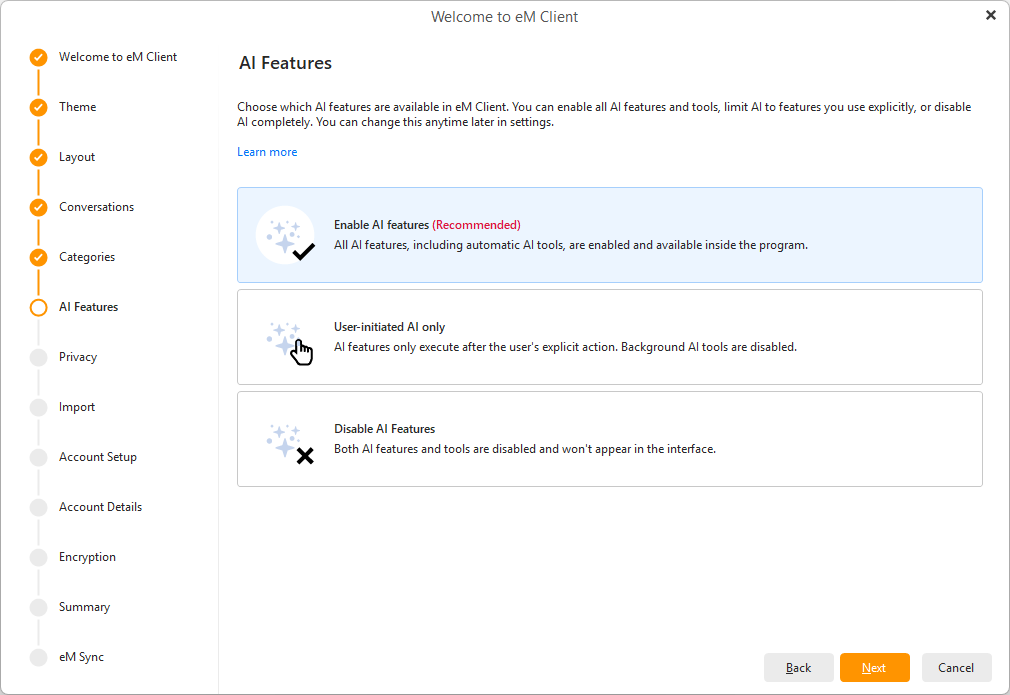
@tamasbartal Hi Tamas, but AI is opt-in/configurable, right during the initial wizard/start. And even if you accidentally skip this step, you can turn it off completely in Settings > Artificial Intelligence. Privacy is still our top priority, nothing is sent to OpenAI without your knowledge.
@tamasbartal Local-only data (like POP mail) won’t carry over, as v11 backups can’t be restored in v10. Keep the renamed folder, it still holds your v11 data. If you need help with any step, email us at [email protected] and we’ll walk you through it. 4/4
@tamasbartal To go back to v10: close eM Client, rename C:\Users\%username%\AppData\Roaming\eM Client (default) to e.g. “eM Client old”, then install v10. It starts with a fresh database, so add your accounts again. IMAP, Exchange and Google accounts sync back from the server. 3/4
@blugrg MCP support and Custom AI Provider (BYOK) settings are among the new features included with paid licenses, so they’re not available in the Free version. However, any paid license works, whether Personal or Business, and whether it’s a one-time purchase or a subscription.
eM Client 11 is here! 🚀 Welcome to a new era of eM Client with powerful AI, the freedom to choose your own AI service, native ARM & x64 support, eM Sync, Matrix, MCP and much more.🤩
See what’s new:
https://t.co/s8eQK8XpRx
Working with teammates across different time zones? eM Client 11 lets you add multiple time zones to your calendar, so you can avoid scheduling meetings at the wrong time! Check out the latest feature sneak peek! 🕑👀
https://t.co/mzBLlVNXuh
@noodles_4971166 We're sorry to hear you experienced trouble with eM Client lately, can you perhaps send us more details on which devices and eM Client versions the slowness happens with? Our team will be happy to look into it - contact us at [email protected]
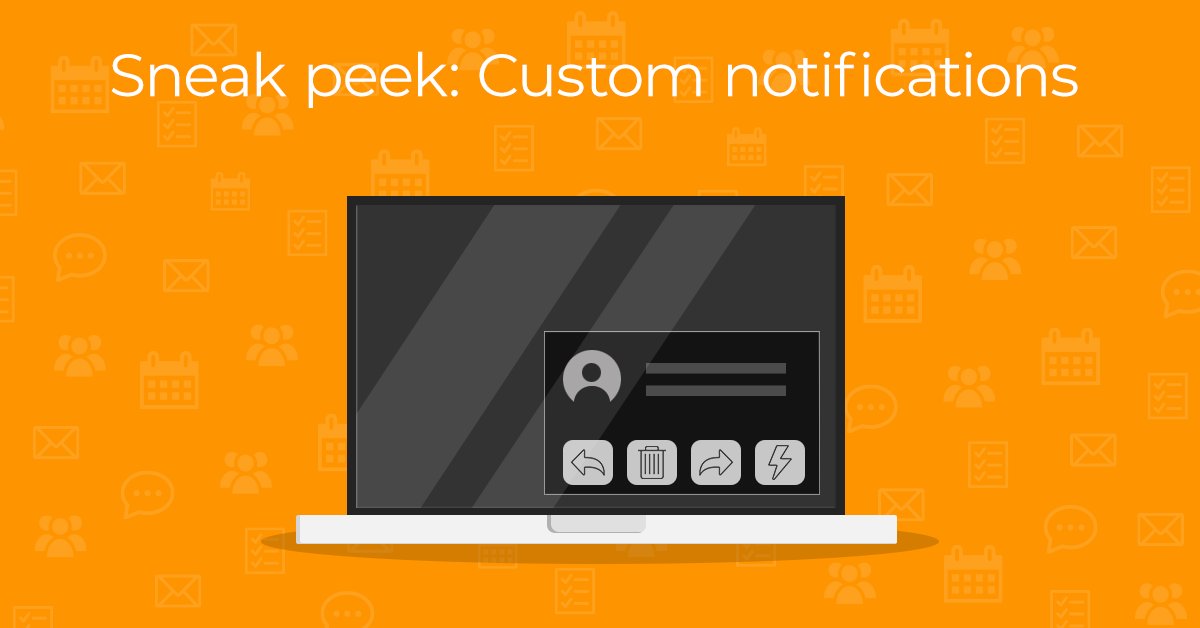
Wish your email notifications could do more? eM Client 11 lets you customize them with up to 5 actions, so your most-used tools are always at hand!
Check out the latest feature sneak peek! 🔔✨
https://t.co/GkrKnBbvOl
@pwdunn Linux version is not planned at this time, unfortunately. You can vote and subscribe to the post on our Sleekplan if you want to be notified when that changes: https://t.co/sJmbrtaZe6
@avebrosa ..headers only or full messages. Or you can long-tap specific folders, open Properties, and find these options under Offline.
If you need further help, contact [email protected] with your device, eM Client version, and affected account info so our technicians can investigate.
@avebrosa You can auto-sync other folders by downloading them for offline use.
For the whole account, go to Settings > Account > IMAP > Sync Options. We recommend limiting the download scope (e.g. last 2 weeks) to avoid using too much storage. You can also choose between downloading...
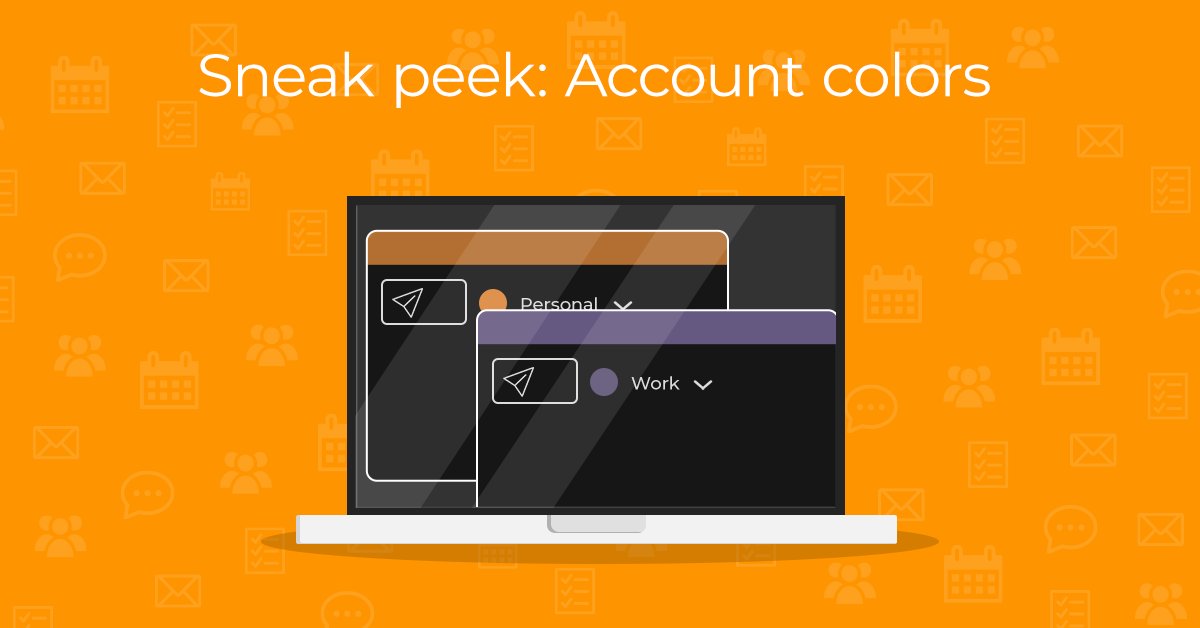
Stressed out about sending an email from the wrong email address? eM Client 11 will introduce the option to assign account colors – so you’ll immediately know which account is active! Find out more in the latest feature sneak peek! 🌈
https://t.co/BJxmLqZOBI
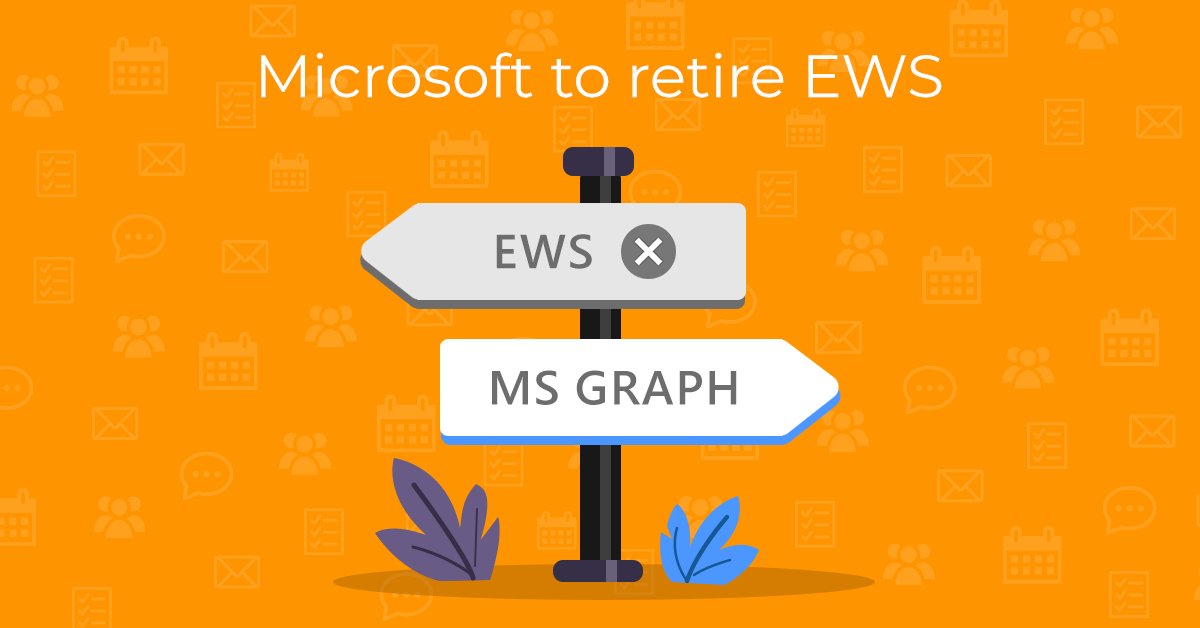
Microsoft is retiring Exchange Web Services (EWS) this October. Does this affect you? Learn how eM Client has been preparing for MS Graph and what you should do before the switch in our latest blog post. 📢
https://t.co/eFHbdtwW4L
@avebrosa Yes, eM Client is available on Google Play: https://t.co/lvazPEHvnp
The feature in this blog is not available yet, though, as it's just a hint of what's coming to eM Client 11 :)
Finding what you need is about to get easier than ever before. We’re adding natural language search in eM Client 11! Just describe your search in plain language and the app will do the rest.
Check out the feature preview! 🔎✨
https://t.co/JlbTCoiqDT
Some features never go out of style. Whether you're traveling, saving bandwidth, or avoiding distractions, Offline Mode helps you keep working wherever you are.📶🚫
https://t.co/McnlpymHjQ