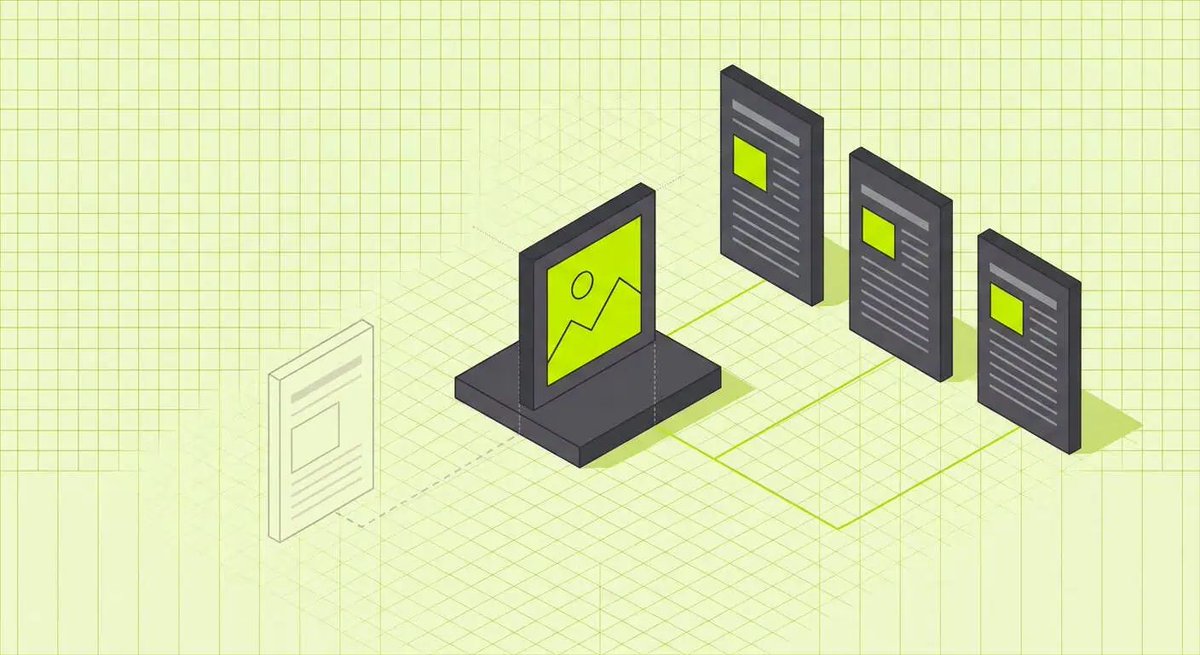
@EmDashCMS has no media trash. Delete an image and every article using it shows a broken image.
"Used in" lists where a file is used first, but it misses menus, widgets and custom blocks.
What it checks, and what it doesn't:
https://t.co/BWrnaMEHt8
"Readiness is not your blocker; the ecosystem is."
Our advice for anyone with a WordPress site that works who is watching @EmDashCMS:
https://t.co/Pphca6hNql
Launching on @EmDashCMS? Schedule a test post a few minutes ahead and check it publishes.
The scheduler took about an hour to start firing after our first deploy.
https://t.co/5diakA2gFk
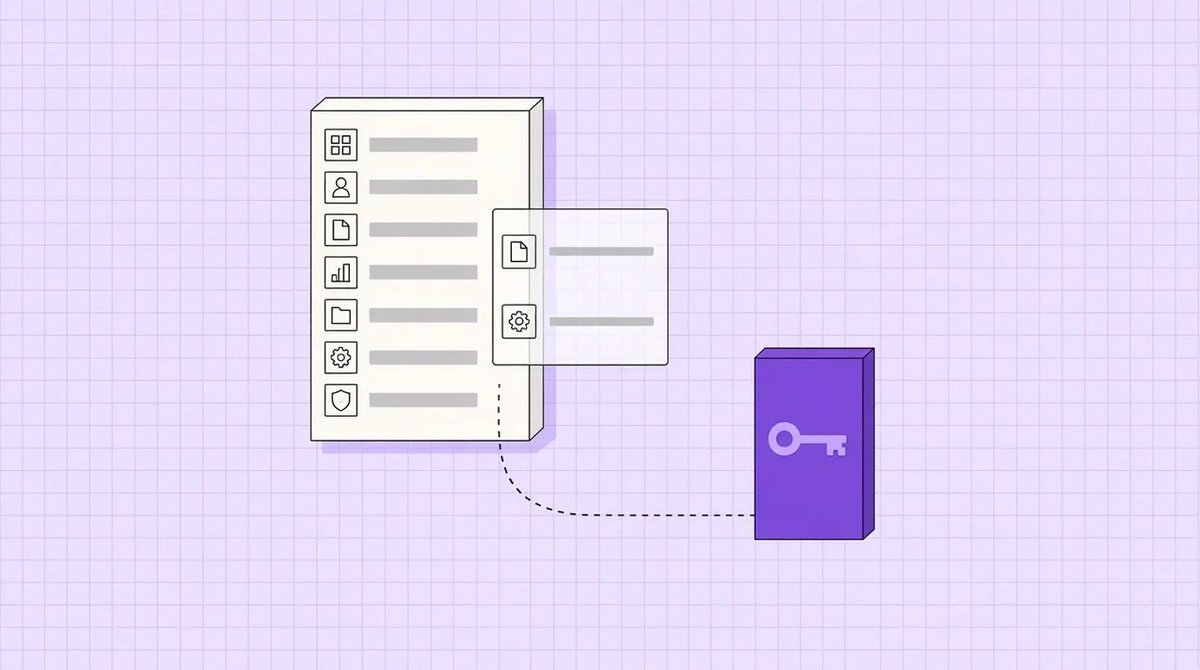
Hiding an admin page in @EmDashCMS 1.4 doesn't lock it.
In our test, an Editor still opened the hidden redirects page and read every redirect. Only their role stopped them creating one.
https://t.co/A5PAadwgzY
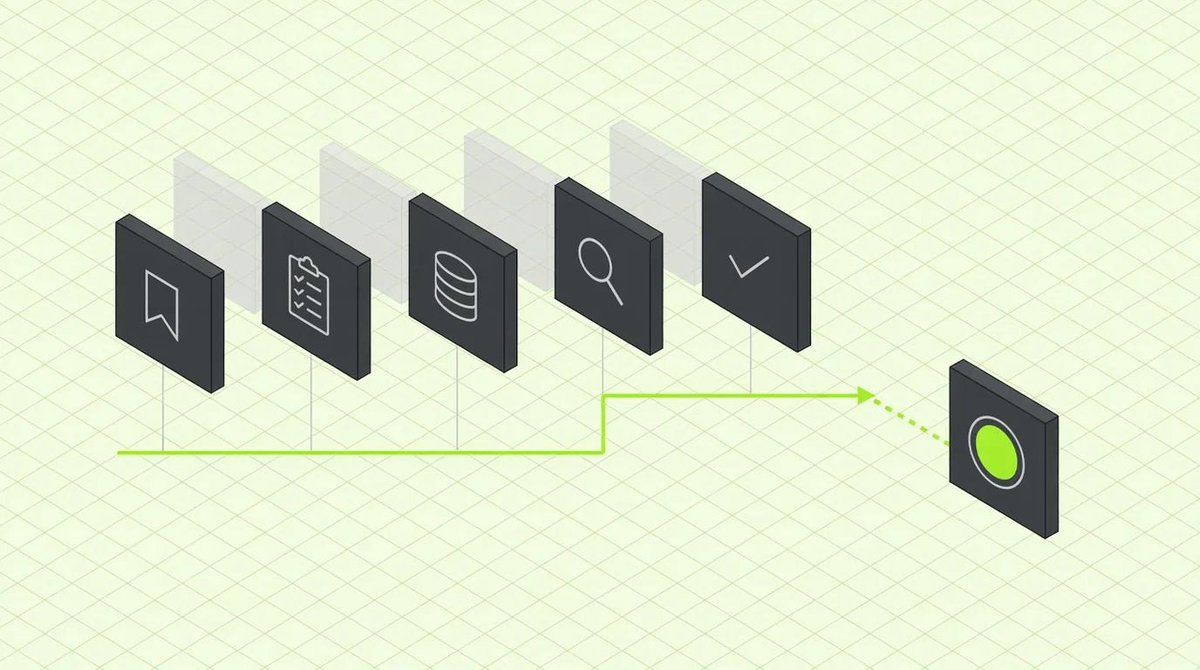
73 tools. Nothing to install.
That's the MCP server built into every @EmDashCMS site, so Claude, ChatGPT or Codex can draft and edit your content.
Our setup, and what we keep for a person:
https://t.co/ch1R3zh5s0
The @EmDashCMS 1.4 upgrade step almost everyone will miss:
Open Settings > Media usage tracking. Ours had been stuck since October 24, because the catch-up job only advances while an admin has that page open.
https://t.co/WbnZ9vMrKU
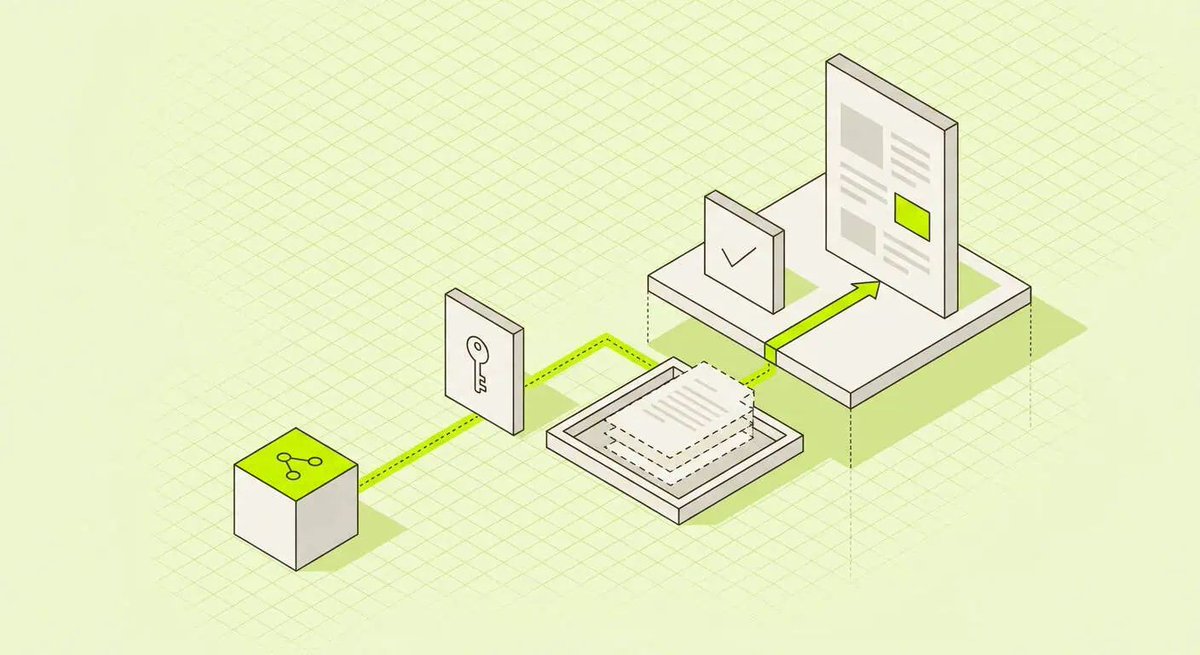
The @Cloudflare dashboard Purge button won't clear your @EmDashCMS page cache.
To refresh a page showing an old version, republish the content it displays, or wait one page lifetime.
https://t.co/CeBfDhNBpP