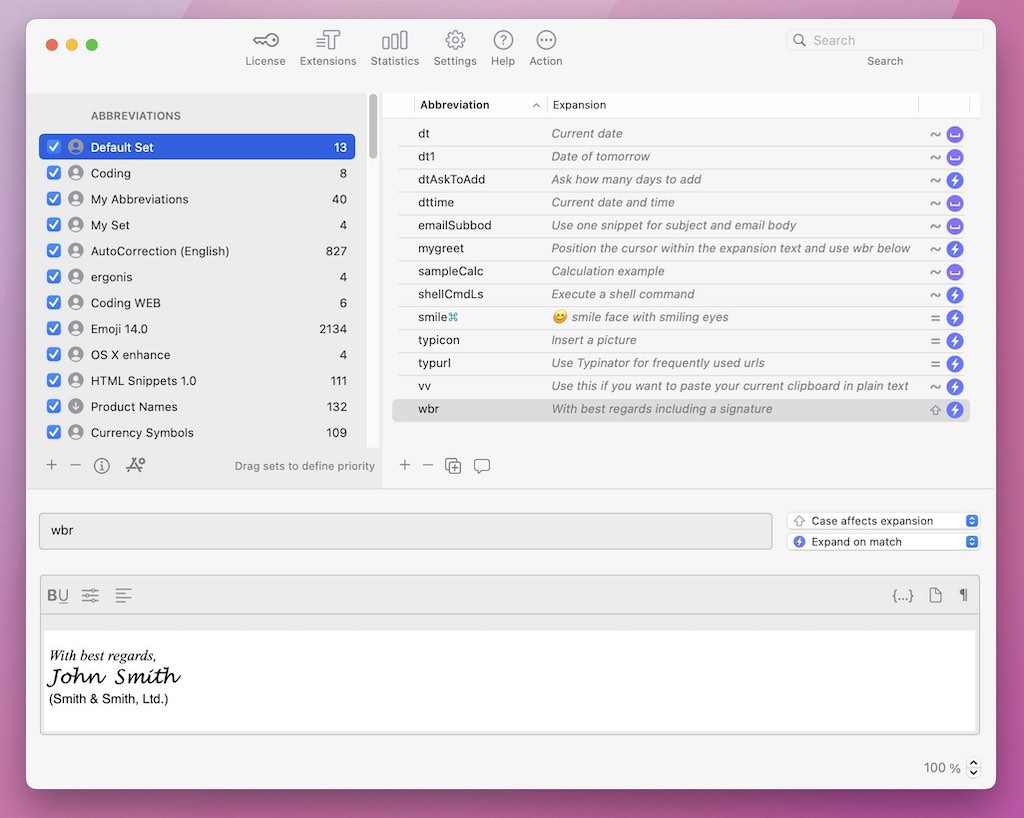
Typinator for Windows is here, in open beta. Bring your snippets, keep your data local, sync Mac and Windows.
Free during the beta, Windows 11:
https://t.co/MzOi0sJLPN
@chinajon@Typinator Sorry you're running into this. We want to get it fixed for you.
Please add the details here and our team will get back to you: https://t.co/toB1duHxyG
We're a small team in Austria. No big departments, no outside investors.
We were proud of all four. But Best Customer Support 2026 from @SoftwareAdvice hit differently.
Also: @Capterra Best Ease of Use, Best Value, Software Advice Most Recommended.
Thank you.
Typinator 10.1 is out. New: Statistics & Insights dashboard.
The number that tends to surprise people: the corrections count. Wrong spellings fixed in real time, no popup, no interruption, across every app.
What does your count look like? https://t.co/it7rVnEmMU
Typinator video tutorials are live.
Date/time stamps, built-in calculations, dynamic formatting. Short videos and practical examples.
https://t.co/F88TAiDUpM
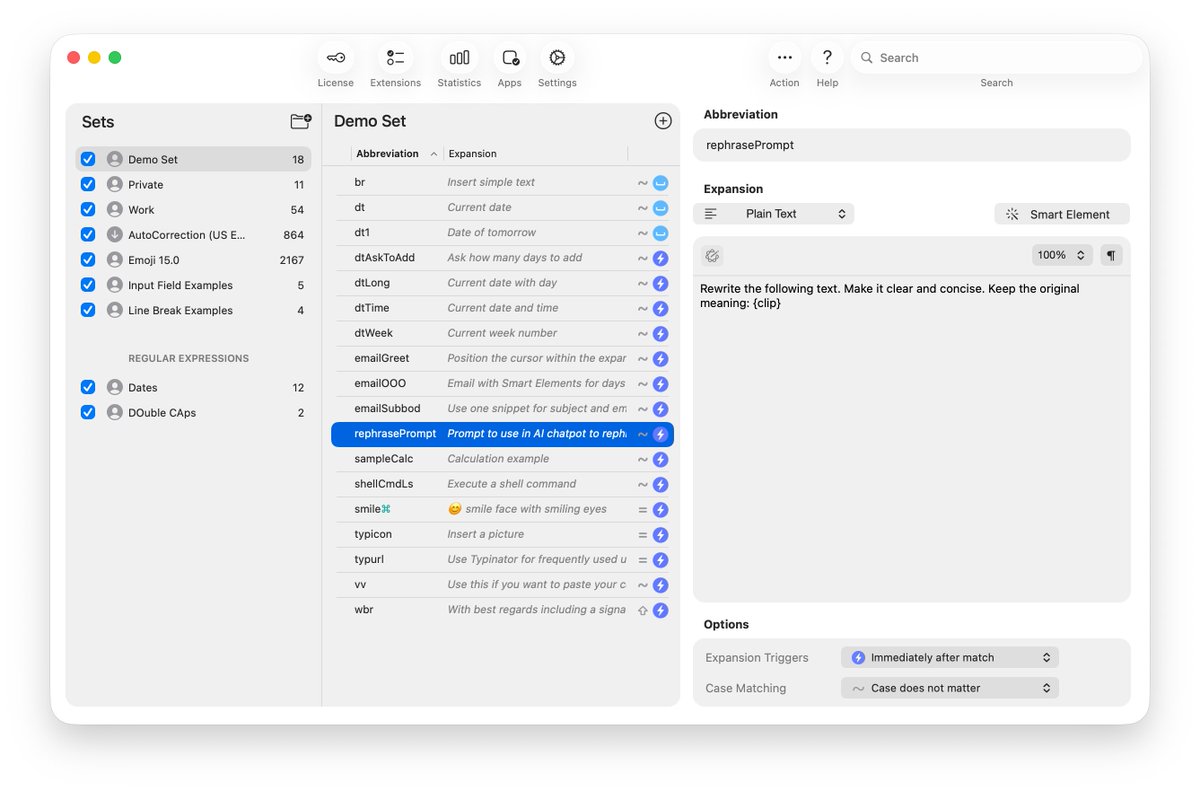
You built your text shortcuts on Mac over years. The moment you picked up your iPhone, they were gone. That changes now.
With Typinator 10, your text shortcuts are no longer limited to your Mac.
Read @nikhil_vemu 's article on why Typinator beats both Apple's built-in text replacement and AI drafting for high-volume email work. https://t.co/t43hxK0Uob
Typinator 10 is here. Now available on iOS.
Typinator is the fast and private text expander. It turns short abbreviations into full text – emails, contracts, responses, templates – across Mac, iPhone, and iPad.
Try Typinator for free.
PhotoMechanic TM, AutoHotkey, Typinator, CSV - export your code replacements in whatever format fits your workflow. https://t.co/OOqRZzFwSt #sportsphotography
Mouse-keyboard switching costs you 17 workdays of lost time annually! 🤯
KeyCue displays all essential shortcuts contextually. Less distraction, total focus.
🚀Reclaim those 17 workdays. Try KeyCue for free!
Typinator shines with its real-time auto-corrections and customizable expansions. A reliable option for Mac users focused on accuracy.
See how it stacks up: “The Best Text Expansion Tools for Mac: Save Hours with Snippets and Smart Autocomplete” https://t.co/HcWJiXcHpj
Good products explain themselves. Great products give you answers before you ask.
Our new Help Center is live, built around one core principle: Faster answers, smarter workflows.
See for yourself and let us know what you think!
We're kicking off Black Friday with the "Editors’ Choice" collection — 12 Mac essentials at 77% OFF ($331 → $76).
🔗 https://t.co/QzkU5btiDz
CleanShot X, HoudahSpot, Marked 2, Keysmith, ForkLift 4, DaisyDisk and 6 more.
✓ All proven tools, well-crafted and widely loved.
✓ One-time purchase, no subscriptions.
🧵 Full lineup in thread 👇
#BlackFriday #MacApps #macOS