I know I've reposted this before, but it's worth re-emphasizing.
If you want to get good at using AI, GET GOOD AT THE THING YOU'RE USING IT FOR
This is a great illustration of why:
Have you ever wondered what OKLCH colors are, how they work or just wanted to use them in your project?
You can use /oklch-skill to convert colors, generate palettes, check contrast, migrate colors and more.
npx skills add jakubkrehel/oklch-skill
✅ Nice little button scale-down on activation
🙈 Layout change because scroll bar disappears
🙈 No light dismiss
Let's fix it.
These UX problems can easily be solved with:
- dialog + closedby="any"
- overscroll-behavior: contain
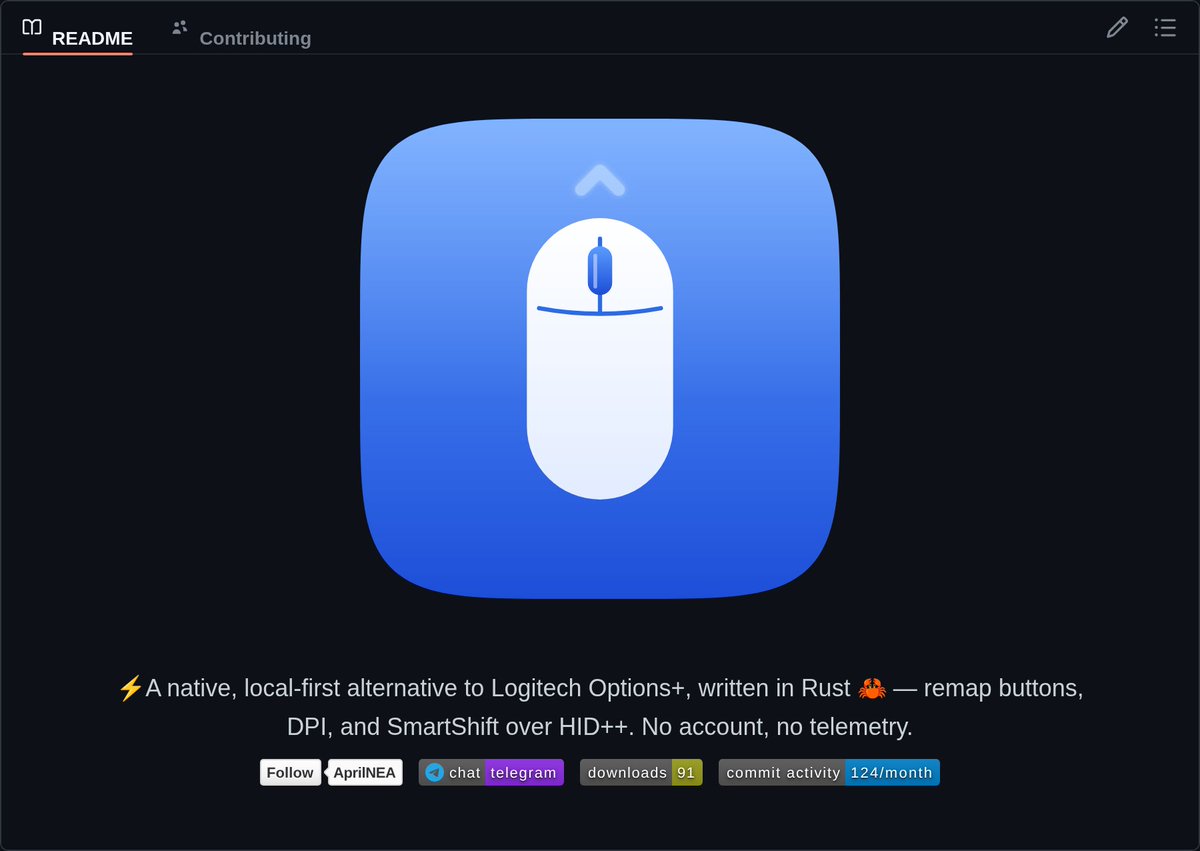
OpenLogi is a native, local-first alternative to Logitech Options+ written in Rust, controlling HID++ mice without an account or telemetry.
- Interactive GUI with clickable mouse diagram and action picker
- 37 built-in actions plus recorded custom keyboard shortcuts
- DPI presets, SmartShift toggle, and per-application profile overlays
- CLI for headless device inventory and diagnostics
This one CSS property will fix your z-index headache.
In CSS, a child element with z-index will overlap with any fixed or floating elements outside its container.
Instead of stacking higher and higher values to fix it.
Use this instead:
.card-container {
isolation: isolate;
}
With that, any elements with z-index inside the container will be contained.
If you found this useful, follow for more. ❤️
Prepare to measure Core Web Vitals for your SPAs. We are shipping the Soft Navigations API later this year → https://t.co/J6osPeZcs7
We incorporated your feedback for one last origin trial (Chrome 147-149). Test the API's expected final shape before release!
Factory game recommendation: Modulus.
Imagine Shapez, but the Shapez are solid chunks of 4*4*4 voxels that you cut, merge, paint and and eventually make cute little robots out of.
Then you send it to space or something, iunno... I treat lore like I treat tutorials.
I like it.
Here's what the Founder of Claude Code does before he starts ANY project:
1. Plans first, codes never, he goes back and forth with Claude on the plan until it's perfect. No code gets written yet
2. Creates a CLAUDE.md file (a simple doc that Claude reads every session so it knows your project, your rules, your style)
3. Gives Claude a way to verify its own work
- For backend: write and run tests
- For UI: take screenshots, check in browser
Claude should never finish a task without proving it works
4. Sets up project-level permission rules in settings.json instead of skipping permissions entirely. Shared with the whole team
5. Five more preparation steps in VIDEO BELOW
6. Only then switches to auto-accept mode and lets Claude build
The part most people miss:
he doesn't treat Claude as a magic box that gets things right first try
he treats it like a junior dev that needs clear instructions, feedback loops, and guardrails
at scale he runs multiple sessions in parallel, uses Opus with thinking enabled because it makes fewer mistakes even though it's slower
and relies on background agents that push code for later review
his setup is surprisingly simple. no crazy custom tools. just slash commands, subagents, and a clean CLAUDE.md
the difference isn't the tool. it's how you set it up before you start ❤️
P.S. for sure 99.5% of readers will scroll down this tweet, but I send it to 0.5% who loves to learn how to improve your workflow daily and control 99.5% in 2 years
Hard skills literally mean nothing in our world
The most important skills which you can have are: building architectures and orchestrations
If you master it and use a creative approach, CONGRATS