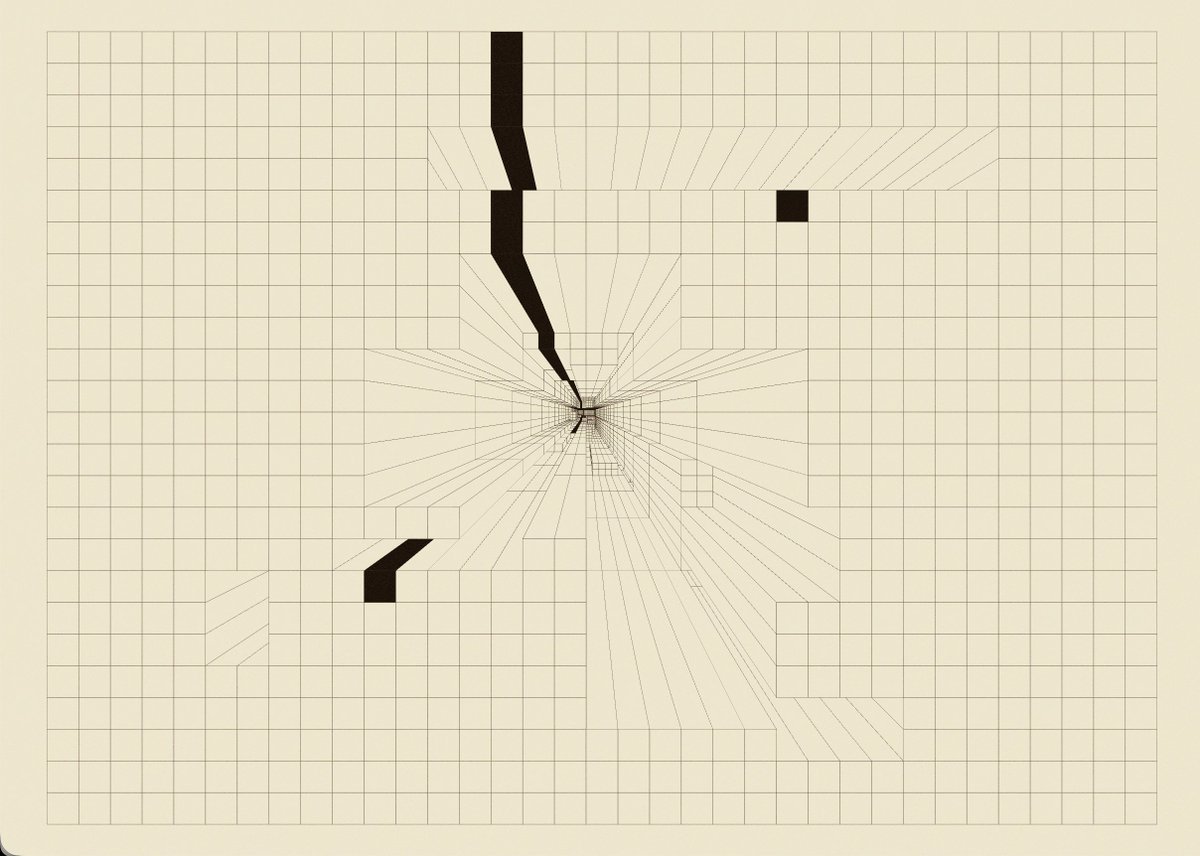
My take on the HTML-in-Canvas API that’s been trending lately.
Fetched pages from a website and took them into another dimension.
The parallax syncs with your head movement.
Built with Threejs and Mediapipe
"don't be a hammer user. be a carpenter."
I talked with @uxinstituteHQ about where interface design is heading as AI systems become more agentic, more capable, and more embedded in everyday workflows. podcast link: https://t.co/uGmk7VVEcy
"AI gets you to average quickly. Your job is to push past that."
Here's my new episode with @zoink (Figma CEO) where I asked him some tough questions, including:
→ Can you teach AI design taste?
→ Do design systems hurt creativity?
→ What's Figma's role when code is free?
Two-thirds of Figma users are now non-designers and it was super interesting to hear Dylan talk about Figma's future.
Some quotes from Dylan:
"Design is the new code. You'll be designing in a visual-first way before pushing a pull request right to production."
"If you're a PM and you think your job is to make docs and slide decks, you're going to love this new world. You get to make things too."
"If everyone agrees with your point of view, then you probably don't have one."
📌 Watch now: https://t.co/gaYK2S2cRW
Thanks to our sponsors:
@Replit: Plan, design, and build with AI agents https://t.co/w6kab0zMqN
@linear: The AI agent platform for modern teams https://t.co/lI40xrrDsr
If you want to bring your designs to life with smooth, eye-catching motion, and you’re a UI/UX designer.
I’ll show you some of the best online animation tools you should know to level up
Bookmark it for later 💜
You can now bring Claude Code UI designs work straight into Figma (as editable frames)
Absolutely a game changer feature for every designer
LET"S GOOOOO
In this fantastic new case study, @jeycode_ walks through the making of his minimalist Astro + GSAP portfolio shaped by precise motion, refined text reveals, and smooth, considered transitions.
Read it here: https://t.co/UewPVEveMg
@astrodotbuild@greensock
Here are sites to learn design for FREE in 2026:
Bookmark it for later 💜
UX → https://t.co/mvPH3tUkf1
UXR → https://t.co/rrHl6DOsxv
UX Myths → https://t.co/mLc6ZIflF7
Mobile → https://t.co/95IwCf5ViB
Shortcuts → https://t.co/x95gYMK0G6
Principles → https://t.co/TVZd3uTR50
Design Inspiration → https://t.co/YxsQM2IoaD
Design systems → https://t.co/iX38b19eZy
Good practices → https://t.co/9a3JIrHeq1
New keyboard canvas controls
→ Panning: with arrow keys and zoom
→ Placement: add frames and objects using shortcuts and a guided crosshair view
→ Selection: navigate, select, and toggle objects with just your keyboard
→ Screen reader support for keyboard canvas controls