yesterday, I shipped my 100th interaction in SwiftUI.
as a kid, I used to stare at the MSN butterfly logo and wonder how it was made.
today, I build things like that.
here are few of my favourite interactions 👇
The safe triangle / aim guard
Invisible by design, essential by experience.
The first of many "oh dang, menus are deep" moments while building @bazza_ui menu from scratch.
⊙ Cursor movement → user intent
⊙ Keep menu open, block sibling highlights
⊙ Cancel on intent change
prediction cone/safe triangle — this is something we take so much for granted in modern day native UIs.
but it's not the same for most web-based dropdown menus. it took me a while to implement this here.
Amazon, macOS, Windows all implement some version of this.
Stop building MVPs that break after 100 users.
Your startup needs an engine, not just a prototype. I specialize in building high-performance mobile apps.
From concept to production-ready in 4 weeks. Secure your slot 👇 https://t.co/pWQqETnUZ7
@contra#Flutter#Startup#MVP
introducing: burn transition for @framer
scroll or animate through a torn, glowing edge that feels alive right on your canvas.
tweak the burn, noise, edge, and glow to shape the transition you want.
comment "BURN" and i'll send it to you for free! :)
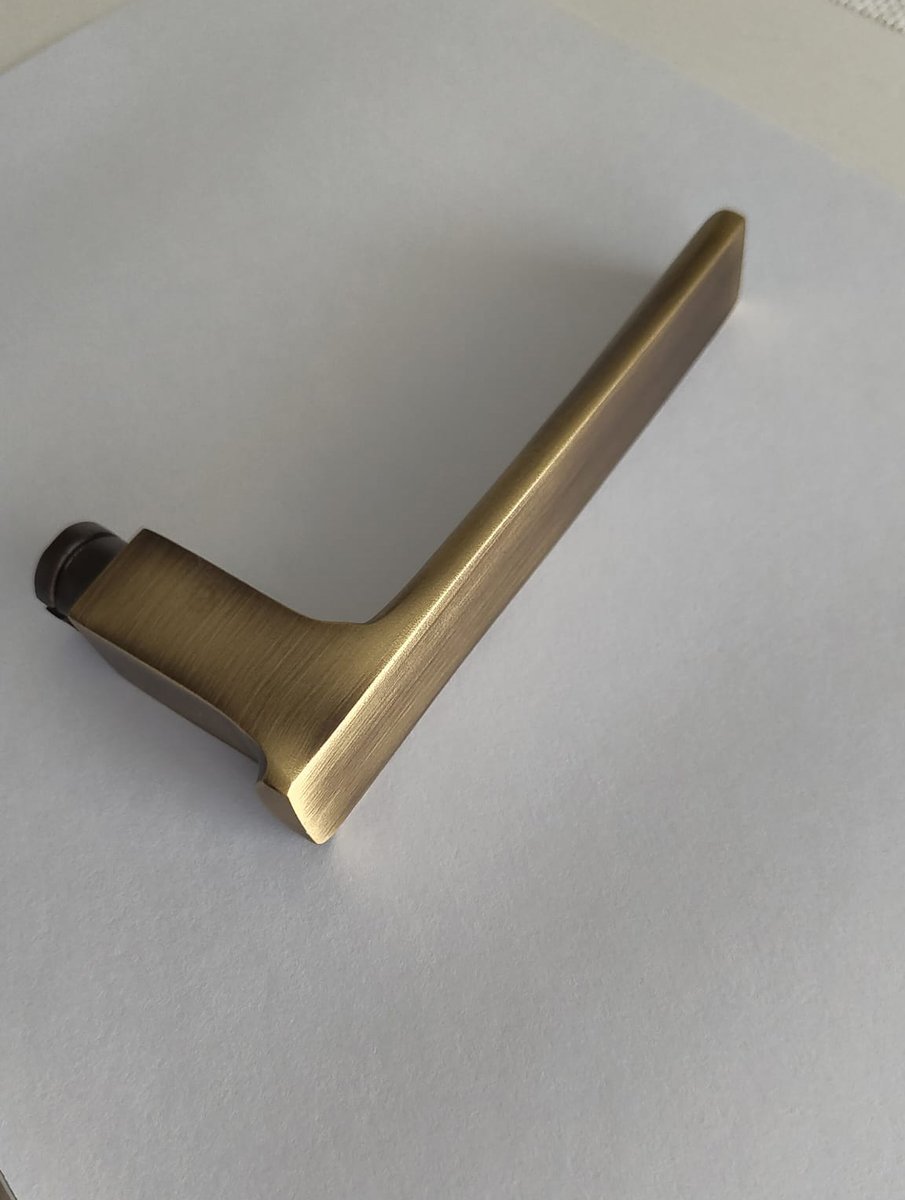
Creating realistic metal textures is one thing.❌
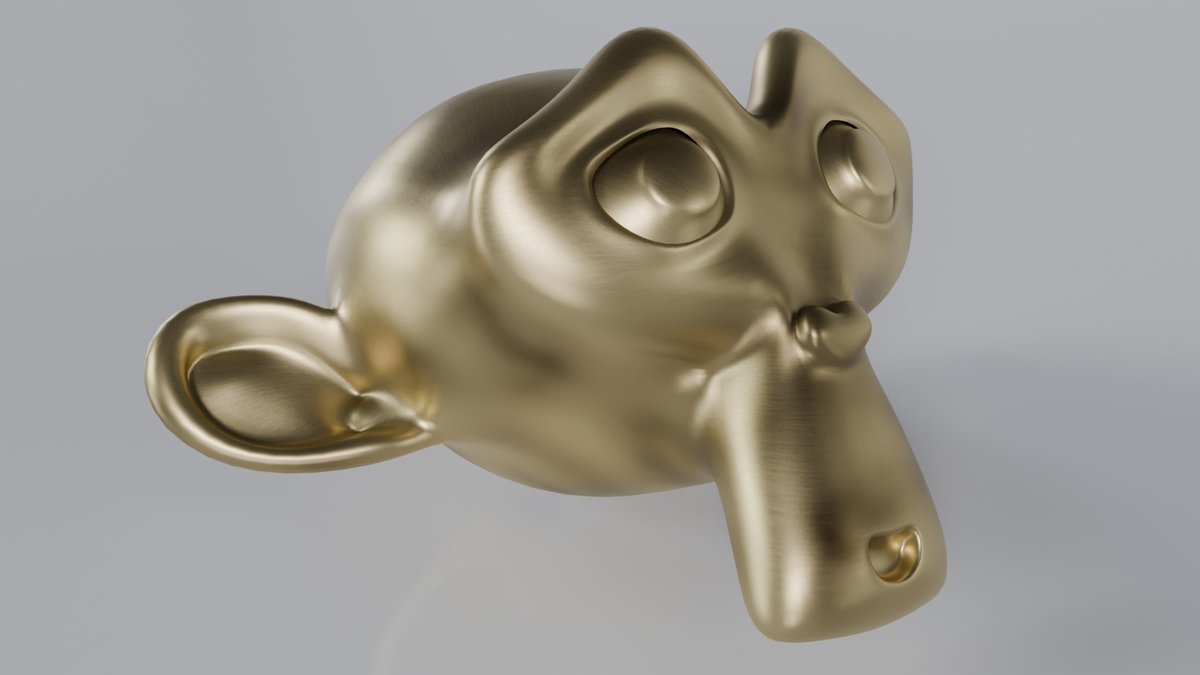
Creating a custom brushed bronze PBR material that sells a real product? That’s another level.✅
Here’s how I built a fully procedural bronze shader for a client's door handle product in Blender 🧵👇
📚 What I Learned:
This project sharpened my ability to match real-world reference materials. Additionally, I refined my ability to build clean node groups and organize shaders in a client-friendly way, ready for reuse and adaptation in multiple product shots.