@cossssmin@_this_now Yep, LG C-series 42” models are commonly used as monitors. TVs are brighter than any OLED monitor on the market. What you described is basically a C4. However imo 4K is a low res for a panel this size _as a monitor_ (for text anyway).
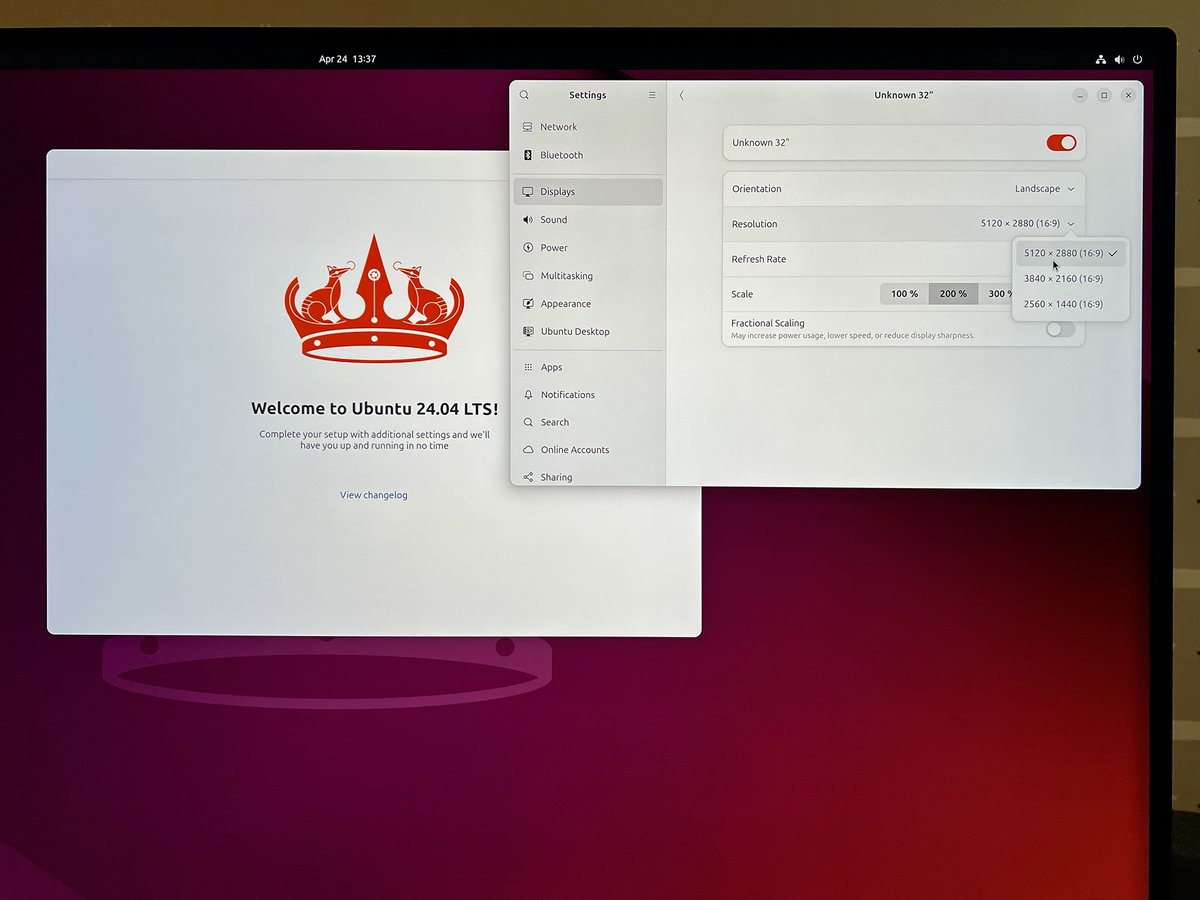
@essobi@dhh Have same setup here but using Apple Thunderbolt 4 (USB‑C) Pro Cable via DP Alt Mode and no bueno (works in Windows 11): "DP Bandwidth check failed". EDID reports fine.
@dhh If it's a DSC/NVIDIA thing then support was only added relatively recently (535.43.02) but alas it seemingly doesn't work in this setup. https://t.co/jxyOmwSaEa
@dari0x@dhh Even a 4090 can't push much more than 60fps@4K at the highest settings in the most modern AAAs, let alone 6K (native to this monitor). If OP isn't gaming with it then it's possibly an odd choice, yeah.
@DartCharge as useful as an artic lorry might be it simply wouldn't fit on my drive. But you insist on clogging up our postal service to individually send me several dozen blurry pictures of one taken by your potato cameras. Please stop (I know you—or the "relevant team"—won't).
@dhh Pro Display _is_ pretty great for gaming too tbf, sans competitive FPS or whatnot. I mean, it takes longer than 16ms to continually pick your jaw off the floor anyway.
@dhh @almormd @Dell *5K. A Pro Display XDR (6K 10b HDR) @ 200% on Windows is stunning; jaw-dropping with gaming at native res! (Much harder to find the right hardware to drive it, tho.) You’ll need good eyes with text at 8K (4K vs 3K / 200%) given the same physical area (gone are those days for me!)
@searls Amazing write-up; thanks for documenting this! I'm hoping to get your METHOD 3 to work with a Pro Display XDR using ASUS ThunderboltEX 4 PCIe card (and compatible mobo) 🤞 One question: why did you link the dGPU and TB card via _two_ DisplayPort cables and not just one?