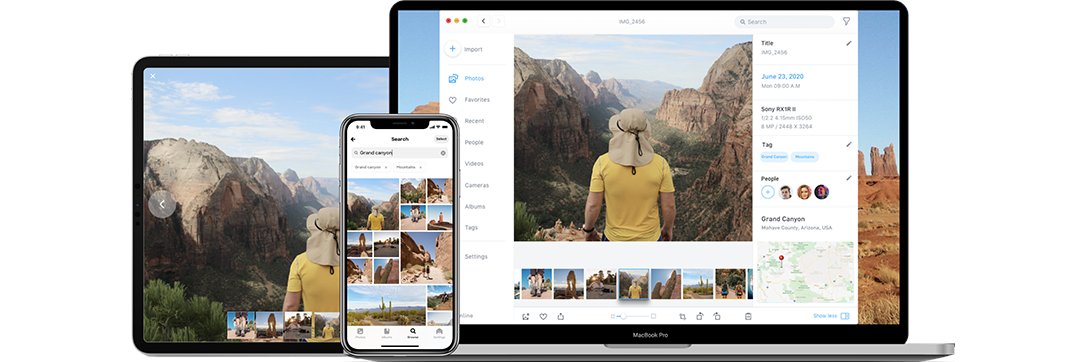
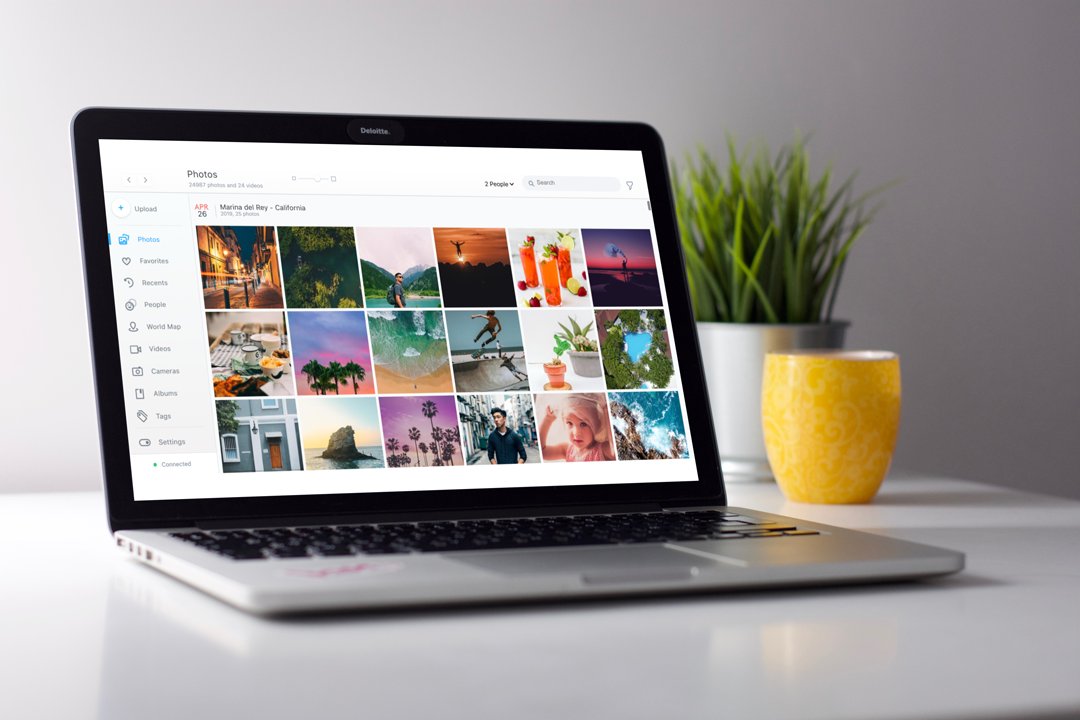
End your photo mess! Monument backs up and organizes all of your photos and videos from smartphones, cameras, and laptops. Available on iOS, Android, Mac or PC.
Excited to announce our partnership with @backblaze to bring the privacy-focused photo backup and organization to the cloud!
Monument Private Cloud is designed to protect your memories and keep your data private.
Read more here: https://t.co/T30oUeWm5v
We created Monument to keep your photos private and organized while keeping your needs in the center, not your personal data. We're excited to introduce the latest addition to our product line: Monument Private Cloud.Don't miss out on our 14-day free trial https://t.co/0n8L4x5gwM
@AS_King If you already have a pending ticket, can you please DM us your ticket number or the email address to reach out to you? We're happy to assist and make sure your Monument works as expected. Thank you for your continued patience and support!
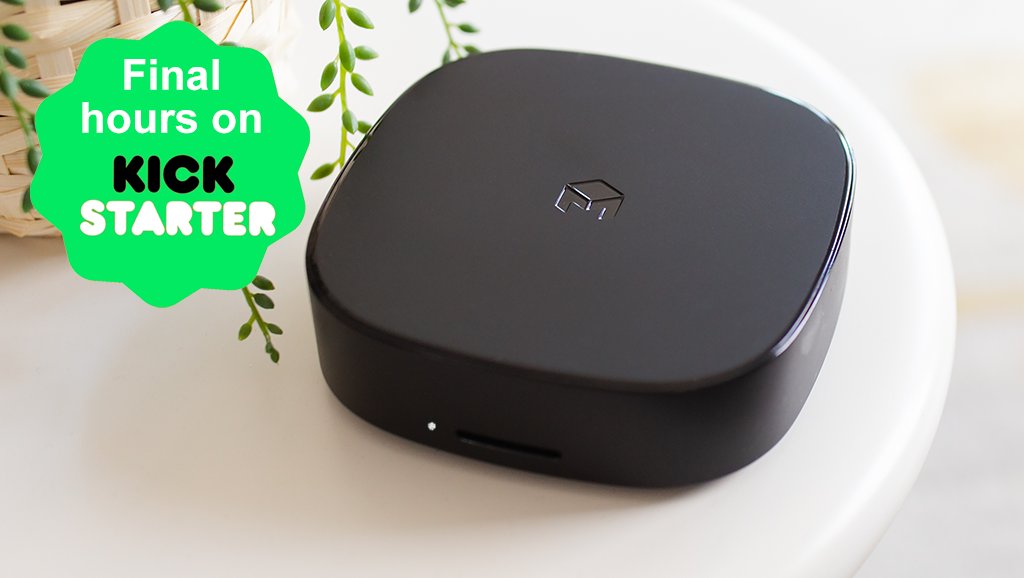
We are in the last hours of our Kickstarter campaign and there are still discounts available. If you haven't pledged yet, now is the last chance to secure our Kickstarter prices! https://t.co/Xc3EWVLVCj
@AS_King Sorry to hear your experience. We're happy to help. You can check our troubleshooting guide; For Monument 1: https://t.co/qw8YXNehNQ For Monument 2: https://t.co/dCqqMopNSO Also, connecting your Monument to the WiFi router using an Ethernet cable may help.
@hpower Apologies for the hiccup. We've rolled out a new update v3.0.11 to address common issues with mounting drives to Monument 2. This should fix the issue. The update is released and we're making it available to all Monument 2 devices in phases - should be completed by next week.
@specialktw @llorenzin@iFixit Just wanted to jump in with some details 😊 We do not offer API at this time. If the drives you're using supports energy saving, they will be spin down by default. There's no additional control on the Monument about this. Just let us know if you have other questions 🙌
@jSchlicht Thanks for reporting this. We've rolled out a new update (v3.0.11) that comes with series of fixes about grouping faces. Can you please try with this version again? The update is released and we're making it available to all Monument 2 devices in phases.
@SebBach Hi Sebastien. If you tried inserting an incompatible SSD such as NVMe/PCIe drive, or SATA drive in reverse orientation to Monument 2, this could be the reason. We're reaching out to you shortly for more details.
@schwerd This is resolved with the new version. Can you please use the updated version 1.0.2 and try installing the app again? You can find the download links here: https://t.co/wWI9r6pNdE
@ChewyStroganoff Also, you can always reach out to us by sending a message to [email protected] or joining in the conversation on our discord channel. We're happy to help.
@ChewyStroganoff Hi Chewy - We're sorry to hear your experience. We're reaching out to you shortly to understand what's causing this error. Currently, there's no known issue with the desktop app. Thank you for your patience.
@JasonWHoyt Hey Jason👋 We use BackerKit to send address surveys and manage fulfillment information. Please follow our updates to learn more details. You can also access the survey using your email:
- for Kickstarter: https://t.co/CZSnpPo5Rf
- for Indiegogo: https://t.co/kaC61q8nxU
@aesikes Making Monument available as a stand alone software is something on our radar that we would like to implement in the future but currently the timeline is not available. Having it would open up many interesting use cases! 🙌
@classicURGE Thanks for reaching out. That sounds strange; we're happy to look at this issue. Can you please send us a message at [email protected] and if possible, share a sample file so we can check this further. Have a good weekend!