@renzobxt@tomasmalamud@raycast Podés usar el Hyper Key para un montón de cosas:
❖ + u → Cursor + Arc (layout 1/3 y 2/3)
❖ + f → Abrir Finder
❖ + o → Abrir el último archivo descargado
❖ + x → alternar dark mode
También para manejar las ventanas, reminders, etc
if one day you could buy a food synthesizer that produces meals out of thin air, you'd still want chefs to invent interesting dishes for you to synthesize
the food synthesizer doesn't turn everyone into a chef, it makes it so any one chef can feed everyone
Even if you know indexes, the way Tobias explains them makes the book worth buying. Each lesson has its own examples, real world examples.
Go grab a copy!
My book is now available with a 50% Black Friday discount 🔥
The team packages are now also included: Performance shouldn't be the task of a single person in a team!
https://t.co/7pweT0kBMs
@brotzky Great stuff as always, I love all the details you put into it. I’m curious how the input knows when to switch to select a filter instead of a ticker, do you just press the space bar?
🎛️ Loved animating these isometric api illustrations by @danhollick for the new Raycast site.
They’re all SVG:s animated with CSS, here’s how it works (it’s dead simple) 👇
Alguien usando @arcinternet? 👀
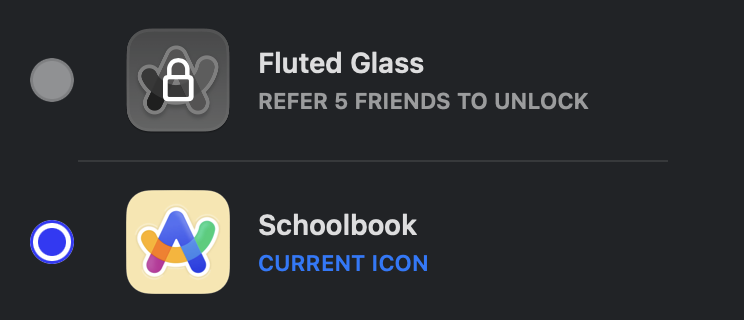
Antes hay que cambiar por un icono que tengas desbloqueado para que funcione el comando. Y después reiniciar para que tome el cambio 👌🏼
I have been using Raycast snippets *a lot* since its early days. It has gained new powers last week, so I revisited them.
Here are the ones I use the most: