After months of quietly adding to it, the Tools directory on my site is at a point I'm willing to call v1.
125 tools across 46 categories. Everything here is something I actually recommend, evaluate, or point people toward.
No affiliate links, no sponsorships, no pay-to-rank.
Each entry is meant to help you compare options fast, see the tradeoffs, and pick something that fits a real threat model instead of a vibe.
What it optimizes for: privacy by default, transparent security practices, day-to-day usability, and a strong fit for threat-model-driven choices.
I know it isn't complete. That's the point of shipping v1. A few categories are thin and a couple are missing entirely, and I'd rather hear what you reach for than guess.
So: what's the one tool you'd be annoyed to not find here?
Project link below.
When the question is about your own medical data, the best model is the one running on your own machine.
A cloud model usually reasons better. But the second you paste in symptoms, labs, prescriptions, scans, or insurance details, that stops being what matters. You want the model on your hardware.
That's the case for MedGemma. Google's open medical model family, built on Gemma 3, running fully local through Ollama:
ollama run medgemma:27b
Watch the tag. Plain ollama run medgemma pulls the 4B, fine for light use. The 27B is ~17GB and wants a real GPU or 32GB+ unified memory, and that's where I'd start for serious medical Q&A. Both Ollama tags take text and images.
A privacy-first frontend pointed at local Ollama keeps it local.
And it's not a doctor. Google says so directly: not for diagnosis or treatment, and verify what it tells you. Use it to understand your results and ask sharper questions. Leave the diagnosis to a clinician.
Skip "diagnose me."
Try: explain what these values generally mean, list benign and serious possibilities, flag anything urgent, tell me what's missing and what to ask my doctor, and don't diagnose me.
@esrtweet@nikitabier@brave we're happy to investigate with folks at @X to make sure one of Brave's privacy protections isn't incorrectly setting off some anti-bot check. legitimate Brave users getting banned from X is an extremely bad outcome for everyone.
I consider myself to be the first Swiss user of @brave Origin.
The purchase went smoothly and after waiting for such a long time, I finally can use Origin and they even made the logo dark. I love it!
Why pay money for a browser?
To support the mission and the people behind it.
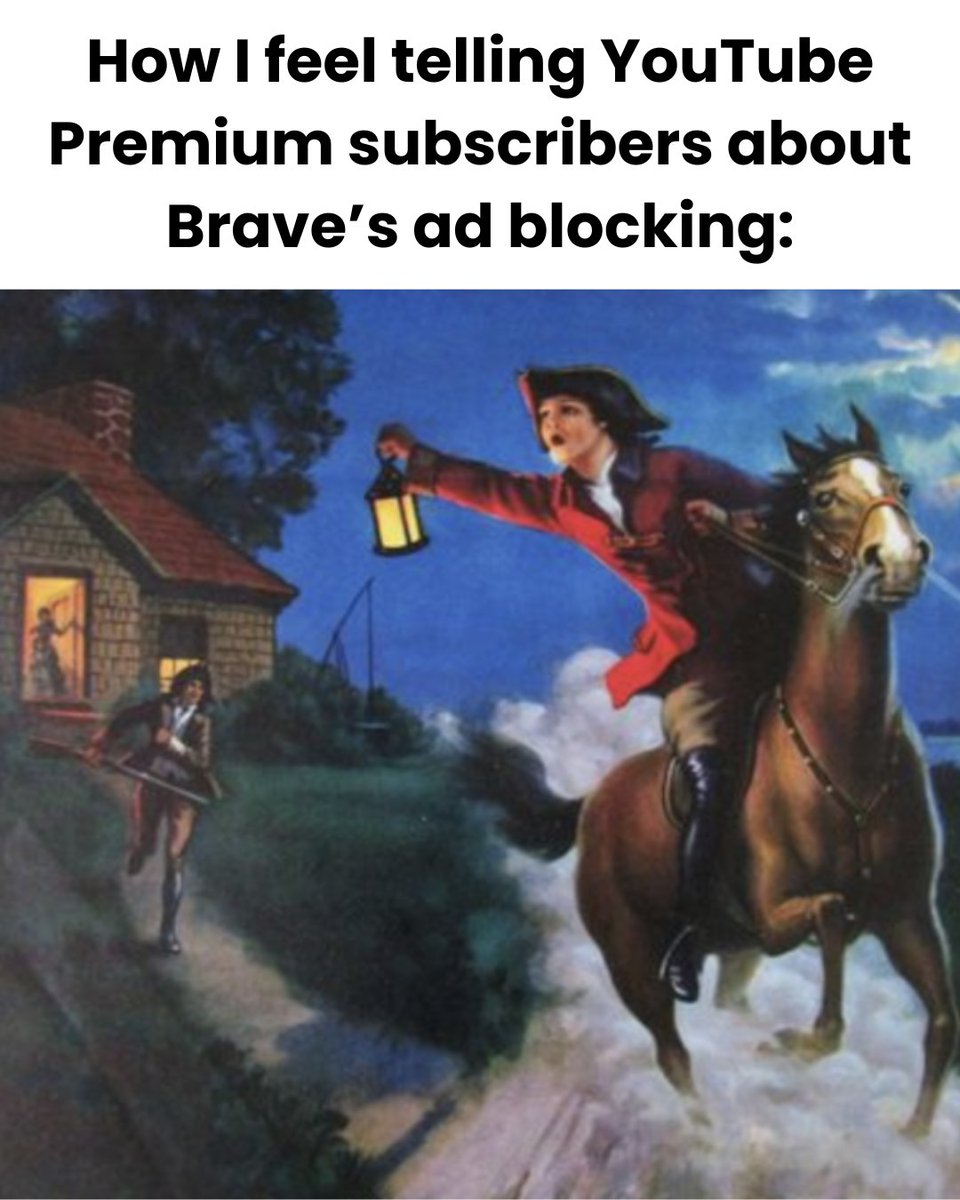
Today we launched the community-requested Brave Origin: an optional, paid version of our browser that offers Brave's leading privacy protections and ad blocker without its extra features.
Origin is live now on desktop and Android, and coming soon to iOS: https://t.co/bMnPcRUzgN
I've spent years telling people the same thing. Don't upload your private photos to online metadata removers. You're handing your exact location and device details to a random server to protect your privacy.
So I built the tool I wanted. In fact, I built it for my loved ones.
It strips EXIF, GPS, camera and device info, timestamps, author names, edit history, and more from images, PDFs, Office docs, EPUBs, MP3s, and video. Everything runs locally in your browser. Nothing gets uploaded. No server, no account, no tracking.
After it cleans a file, it re-scans the result and shows you what came out and what's left. You don't take my word for it. You watch it happen.
It's opensource, and the build is reproducible, so what runs in your browser matches the code anyone can read.
GitHub link in the reply for anyone who wants to audit.
Reminder: Firefox is NOT privacy-respecting by default.
Pings themselves aren’t the problem. What’s in them is.
Brave P3A is anonymous, aggregated, unlinkable, and opt-out. Mozilla’s pingsender is a separate program whose sole purpose is delivering telemetry pings. Some Firefox pings include client/profile IDs for correlation, including shutdown paths.
If you need a more detailed answer from Brave Search, try our Deep Research feature! 🔬
Deep Research runs dozens of queries against our independent search index to produce the most comprehensive response.
Expand the "Deep Research" panel at the top to see the steps it took.
“Secure by default” is NOT a claim you earn just like that.
Anyone can say “hardware-isolated sandbox,” “VPC-level separation,” “short-lived proxy tokens,” and “encryption at rest.”
Security is verifiability.
Perplexity Computer is a closed production agent system. The parts that actually matter are NOT independently reproducible by outside researchers:
- sandbox orchestration
- token broker
- connector permissions
- model routing
- persistent memory
- egress controls
- action approval gates
- cross-tenant isolation
The question that matters:
“What can users and researchers actually verify?”
Can we inspect the sandbox primitive?
Is it a VM, microVM, container, TEE, or something else?
The post says “hardware-isolated.” Perplexity’s own docs describe an “isolated compute container.” Those are not interchangeable terms. Publish the actual boundary.
Is the isolation per-task within one tenant, or per-tenant at hardware level?
Can customers get remote attestation? Are builds reproducible? Has the production isolation boundary been independently audited?
What persists after the “temporary” workspace resets?
Where are proxy tokens stored? Can code inside the sandbox read them? Are tokens bound to sandbox identity, task ID, audience, provider, expiry, IP, and action scope? Can the token be used outside the sandbox?
What is the default outbound egress policy?
Which model providers see task contents? Who can access those logs for support, abuse review, or debugging?
What goes into memory? What can memory later retrieve?
If task N writes attacker-controlled payloads into memory, what stops task N+10 from reading them? Persistent memory is an exfiltration channel by default.
Where is the published threat model? What does the sandbox protect against, and what does it explicitly NOT protect against? Without that document, “secure by default” maps to undefined coverage.
Where is the user-visible audit trail? Not Perplexity’s internal logs. Can a user see every connector call the agent made on their behalf, with payloads, append-only, exportable? Without it, users cannot detect a compromise even after the fact.
Which actions require explicit human approval? Sending external email, deleting data, posting publicly?
Until those answers are externally verifiable, “secure by default” is marketing.
And Perplexity has NOT earned that trust.
Comet had public prompt injection findings. The relevant question is institutional behavior since then.
Perplexity’s own docs describe Computer as an “independent digital worker” that can act across the web and a user’s work context through hundreds of app connectors.
It can use Gmail, Outlook, GitHub, Linear, Slack, Notion, Snowflake, Databricks, Salesforce, and more.
It has persistent memory, scheduling, automation, background execution, file monitoring, document creation, app building, email management, browser activity, and code execution.
A sandbox can protect Perplexity’s infrastructure from the task.
It does NOT automatically protect the user from the agent.
Short-lived proxy tokens are better than raw API keys. Fine.
But this is a confused deputy problem. The agent already holds legitimate authority across Gmail, Slack, GitHub, and Salesforce simultaneously. Prompt injection does not need to steal a token. It asks the deputy to act. Exfiltrate from Gmail to attacker-owned Notion. Open a malicious pull request. Send a Slack DM that looks authentic.
And the injection surface is enormous.
The attacker does not need a long-lived key. They need one successful action while the token is valid.
REMINDER: Starting Friday, May 8th, Instagram DM's will no longer be end-to-end encrypted.
Instagram hasn't explained why they're dropping end-to-end encryption, which raises some pretty obvious questions about what they plan to do with your private messages.
“No training” is a promise. Privacy by design is architecture.
Brave Leo’s privacy model is minimization + non-retention + unlinkability: no linkable identifiers like IP addresses, no persistent server retention of prompts/responses/context, no model training on conversations, local encrypted chat history, unlinkable Premium tokens, and aggregate query analytics via STAR/Nebula.
In Brave Nightly, we’re testing the next step: TEE-backed confidential LLM inference. The model runs in a hardware-isolated GPU environment, computation is encrypted, and cryptographic attestation can verify which model and server code ran.
The goal is to move sensitive AI from “trust our policy” toward privacy boundaries users can verify.
It should NOT be this hard to buy a home security camera that does not spy on you.
Seriously.
A friend recently asked me, “Hey Professor, what’s the best home security camera setup?”
My first answer was what NOT to buy.
I would not buy Ring.
Not just because Amazon owns it.
Because Ring has a terrible privacy track record, and it is the clearest example of the larger problem: cloud first surveillance hardware pointed at your home, wrapped in convenience, subscriptions, and privacy marketing.
A home security camera should be simple.
It sees motion. It records video. It stores footage. It alerts you when something happens.
That should be the whole relationship.
Instead, the mainstream camera market became a swamp of cloud accounts, mobile apps, subscriptions, AI detection, vendor storage, remote access, law enforcement integrations, “smart” features, and privacy claims most buyers cannot verify.
Ring, Nest, Arlo, Wyze, Blink, eufy, and the rest are not just selling cameras.
They are selling surveillance devices.
And “encrypted in transit” is not the answer.
That phrase mostly means a random person on the network should not be able to read the stream.
Good.
Necessary.
Nowhere near enough.
The questions that matter are:
- Can the vendor read the footage?
- Can they decrypt it?
- Can employees access it?
Can clips be indexed, retained, disclosed, subpoenaed, trained on, or exposed through some internal tool?
Because a porch camera is not harmless just because it is outside.
It can reveal when you leave home.
When you return.
Who visits.
What gets delivered.
Which cars are present.
Which neighbors pass by.
Which kids are outside.
What routines your household follows.
And often it captures audio from people who never meaningfully consented.
The default expectation should be simple:
The vendor cannot see your footage.
Not “we promise we do not look.”/ “we use military grade encryption.”
CANNOT.
eufy marketed privacy and local storage, then got caught with cloud accessible thumbnails and streams.
Wyze had incidents where users saw thumbnails or camera events from cameras that were not theirs.
Ring settled with the FTC after allegations that employees and contractors had excessive access to private customer videos, that customer videos were used to train algorithms without consent, and that weak security allowed attackers to access cameras and recordings.
So what did I tell my friend?
If you are already in the Apple ecosystem, start with HomeKit Secure Video.
It is still cloud storage.
But Apple says the video is end to end encrypted, and the privacy boundary is much clearer than a typical vendor readable camera cloud.
That is probably where I would start for an average person who wants outdoor cameras.
Not perfect.
Just a much better default.
For everyone else, I would ask a few basic questions before buying anything.
- Can it record locally without the vendor cloud?
- Can it keep working if the company shuts down the service?
- Can remote access be turned off?
- Can audio recording be disabled?
- Can retention be limited?
Is end to end encryption actually on by default?
Can the vendor see the video, thumbnails, events, or metadata?
If the answer is unclear, assume the answer is bad.
Curious what the privacy community would recommend.