If your AI stack has 6+ subscriptions, you’re not “ahead.”
You’re paying tuition for confusion.
My rule:
• 1 chat model (ChatGPT or Claude)
• 1 builder tool (Cursor / Notion AI / CapCut)
• Everything else: cancel in 7 days if it doesn’t save 30 minutes
I break down AI workflows that actually cut busywork — follow if you want less FOMO, more shipped work.
Which tool would you cut first?
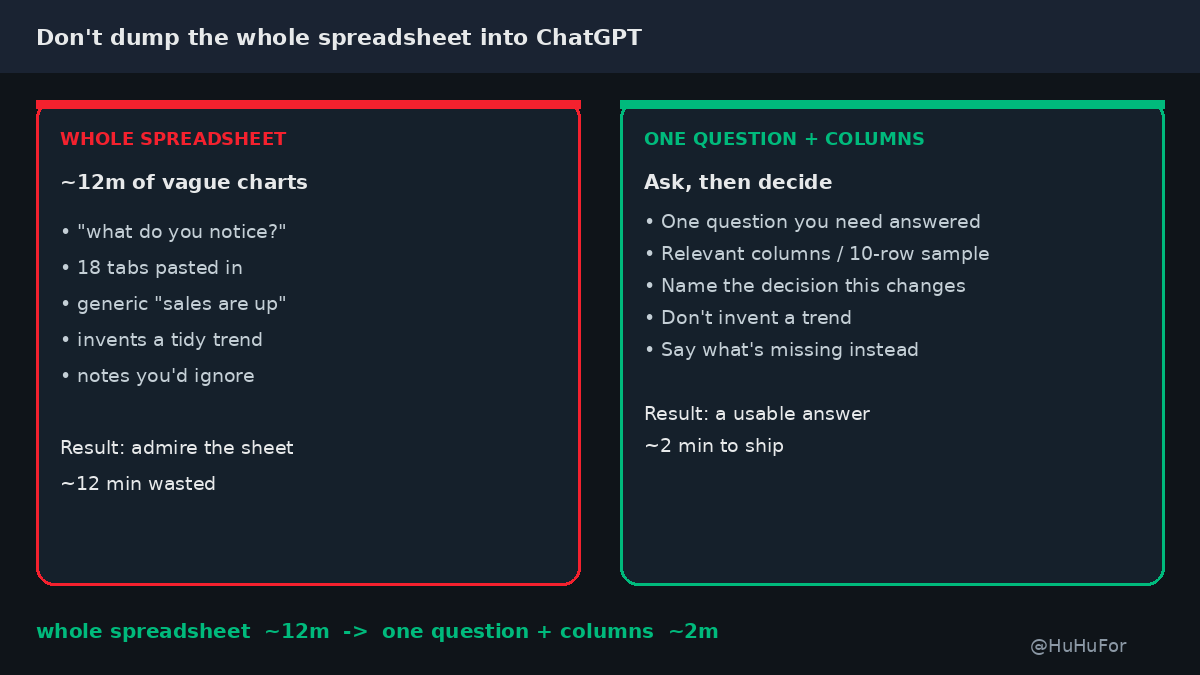
Stop dumping a whole spreadsheet into ChatGPT with "what do you notice?"
A full workbook ≈ 12 minutes of generic "sales are up on the left" notes you already knew.
One question + the columns that matter + the decision this number will change ≈ 2 minutes to an answer you can use.
What I paste instead:
• The one question I need answered
• Only the relevant columns (or a 10-row sample — not 18 tabs)
• The decision this will change (cut a SKU, chase an invoice, keep the plan)
• "If you can't answer from this, say what's missing — don't invent a trend."
Example: 18-tab export → vague patterns and a chart I'd ignore. Same file with "Which 3 SKUs missed margin last month, and should we drop one?" → Claude names three rows and a yes/no.
Are you asking AI to analyze — or to admire your spreadsheet?
@replay_0x This is the silent one. I add a last line: "For every number or claim, quote the file and line. If you can't, delete it." "2x faster" vanished the first time I required a cite — the rest of the draft was fine.
@Mr_TuanHoang Vague specs are the tax. I give the agent a one-pager before it touches code: the user-visible change, the files it's allowed to edit, one test that must pass, and what must not break. Hours of "that's not what I meant" drop fast.
@Khaled865412521 Yes — a chat that wrote the spec will rubber-stamp it. I paste the spec into a brand-new chat with 3 acceptance checks (what a user should see, one test, one thing that must not break) and no prior thread. Disagreement shows up in one pass.
@0x99M@claudeai The combo I reach for first: @ the exact file, then Shift+Tab plan mode. I ask for the files it will touch + what it won't change, and only then let it edit. /init helps the next session; plan mode saves this one.
@GavinJMXu The split is the useful part — write and fact-check shouldn't share a chat. I give ChatGPT only the 3 claims that could be wrong (numbers, names, links), not the whole draft. It catches invented stats faster when that's the only job.
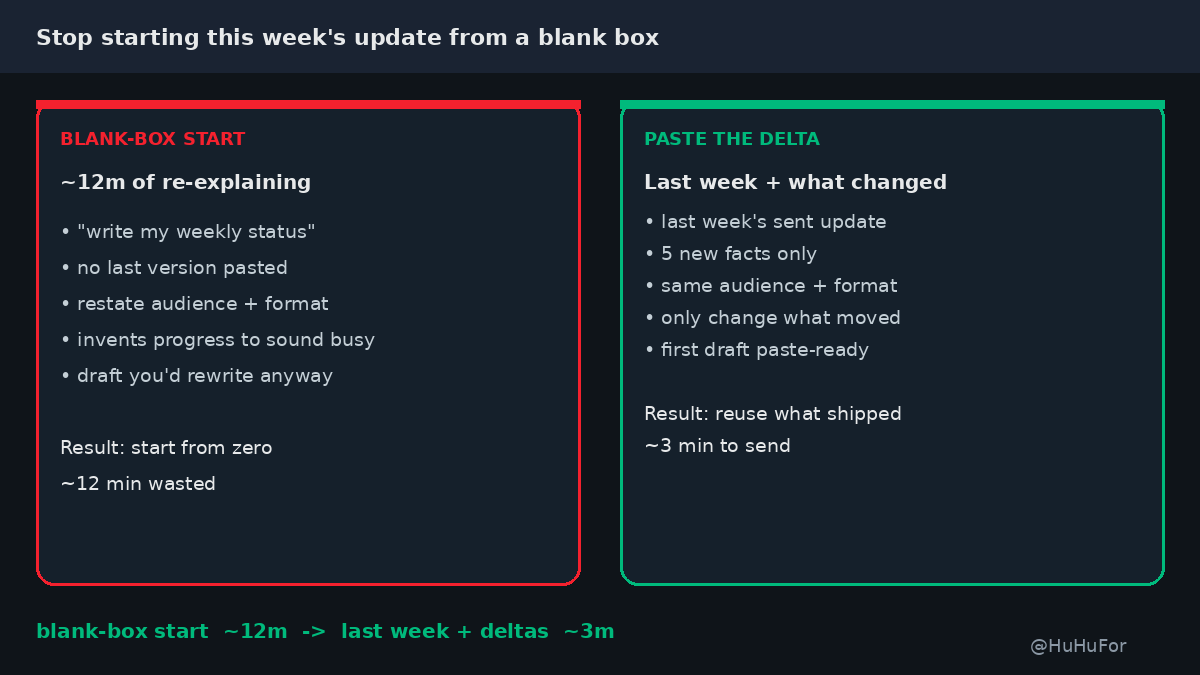
Stop writing this week's update from a blank ChatGPT box.
A fresh "write my weekly status" ≈ 12 minutes of re-explaining audience, format, and last week's work — then a draft that forgets what you already shipped.
Last week's version + this week's deltas ≈ 3 minutes to a paste-ready update.
What I paste instead:
• The update I actually sent last week
• 5 new facts only (numbers, decisions, blockers)
• "Same audience and format. Only change what moved."
• "If a bullet didn't change, keep it or drop it — don't rewrite it to sound busy."
Example: blank-box Monday status → fluff plus a made-up win. Last Friday's 5 bullets + 3 real numbers → same shape, shipped in ~3 minutes.
Still starting from zero every Monday — or ready to reuse last week's version?
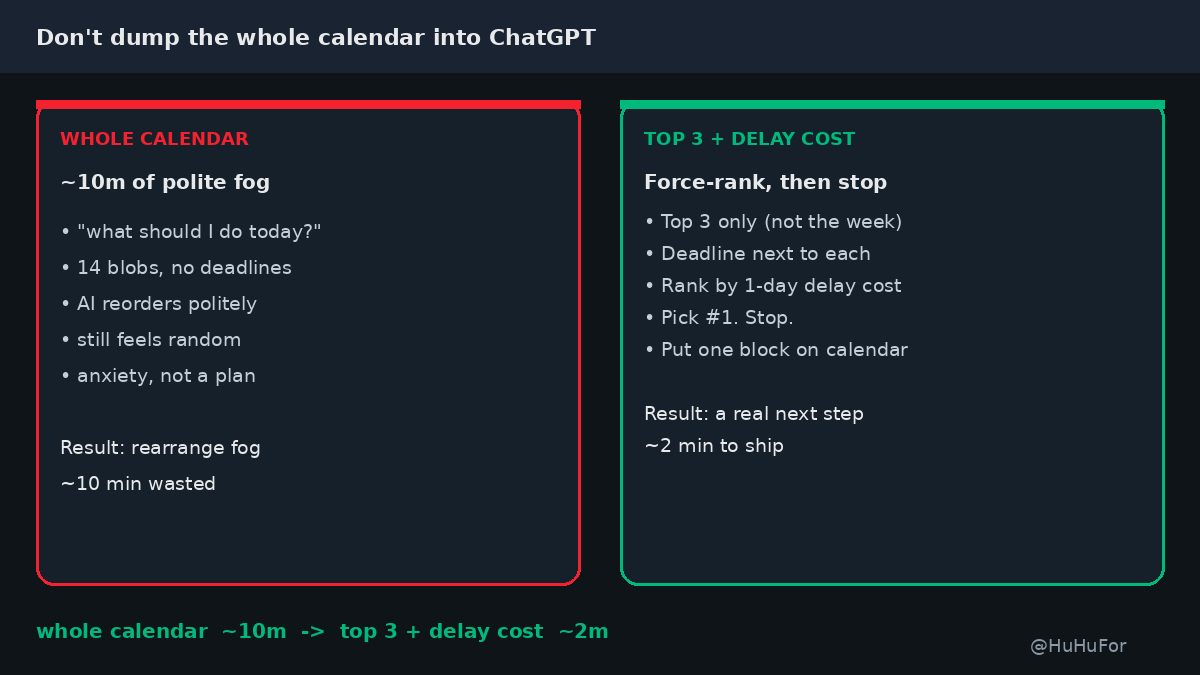
Stop dumping your whole calendar into ChatGPT with "what should I do today?"
A full dump ≈ 10 minutes of polite reordering that still feels random.
Top 3 must-dos + deadline + cost-of-delay ≈ 2 minutes to a plan you'll actually follow.
What I paste instead:
• Top 3 only (not the whole week)
• Deadline next to each
• "Rank by cost of delaying 1 day. Pick #1. Stop."
• Done-when: one next block on my calendar
Example: 14 calendar blobs → fog. Same day with 3 labeled asks → Claude names the one that hurts most if delayed.
Are you asking AI to plan — or to rearrange your anxiety?
@0x_kern Spec beats vibe. One flat blueprint per view (front/side/top + one constraint number) stops the toy-loop faster than "make it better" rounds. Same pattern works for UI: expected vs actual + one metric.
@0x_kern front/side/top + one constraint number) stops the toy-loop faster than "make it better" rounds. Same pattern works for UI: expected vs actual + one metric.
@halcyonedge The "keep the keys" rule is the useful one. I paste one gate before shipping: "list what you assumed + what I must verify." Cuts the silent invent-and-hope pass.
@NabhaniMehdi Yes — length + no-filler once in Custom Instructions beats "make it shorter" every turn. I also add a done-when line ("5 bullets max, no intro") so brevity has a shape, not just a vibe.
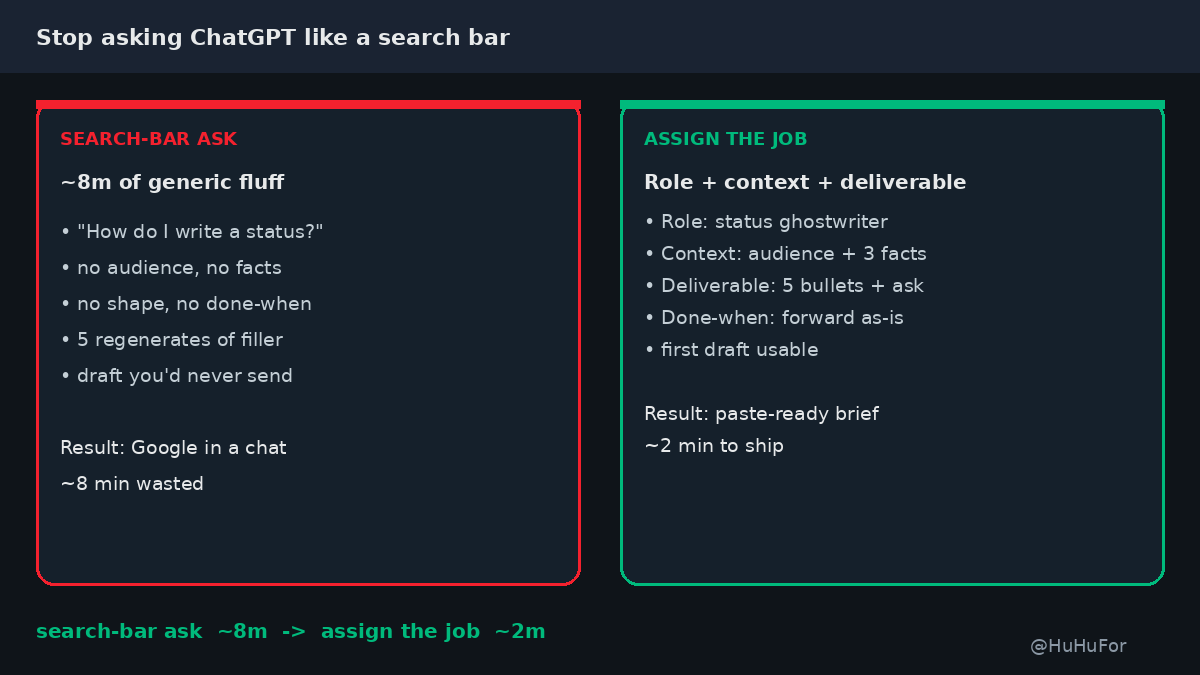
Stop asking ChatGPT like a search bar.
"How do I write a status update?" ≈ 8 minutes of generic filler you'd never send.
Role + context + one deliverable ≈ 2 minutes to a draft you can paste.
What I paste instead:
• Role: "You're my weekly status ghostwriter"
• Context: audience + 3 facts that must appear
• Deliverable: "5 bullets, no intro, end with 1 open ask"
• Done-when: "manager can forward as-is"
Example: vague "help with status" → fluff. Same facts + role + 5-bullet shape → usable in ~2 minutes.
Still googling inside ChatGPT — or ready to assign the job once?
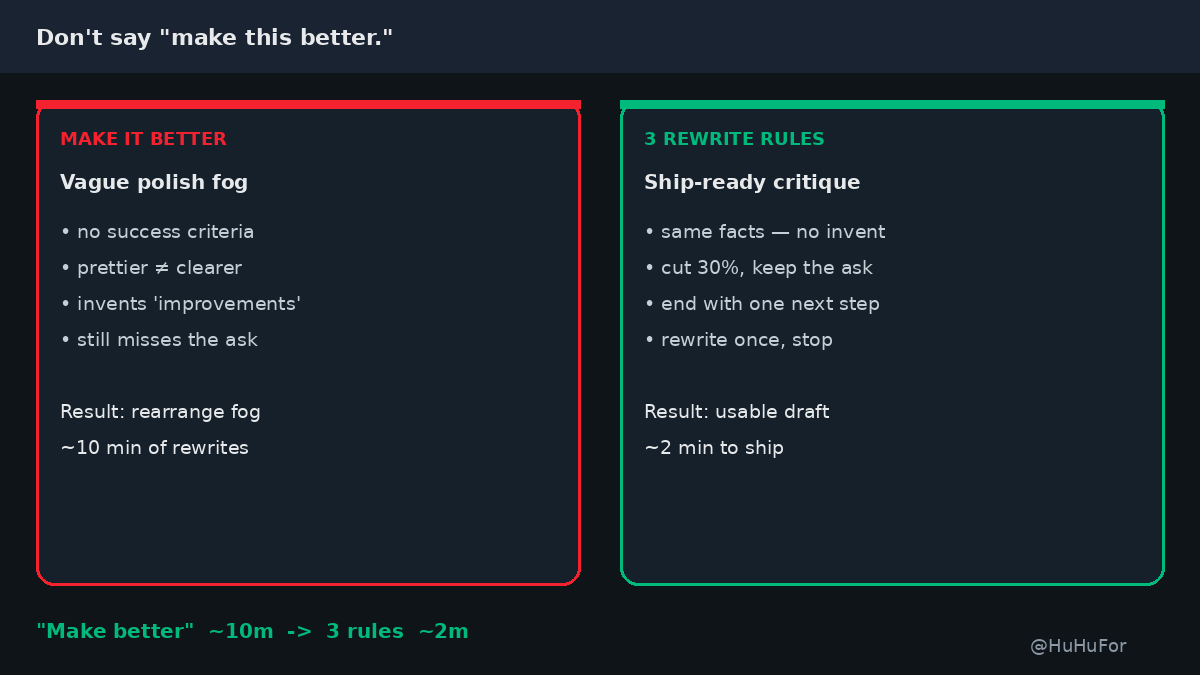
Stop telling ChatGPT / Claude "make this better."
A vague polish ask ≈ 10 minutes of pretty rewrites that still miss the point.
3 rewrite rules ≈ 2 minutes to a draft you can actually ship.
What I paste instead:
• Keep the same facts — don't invent numbers
• Cut 30% without losing the ask
• End with one clear next step (or decision)
• "Rewrite once against these rules. No vibe-check."
Example: weak status update → those 3 rules → Claude returns a tighter version with an owner + due date, not a prettier paragraph.
Are you asking it to improve — or just to rearrange the fog?
@Ken_LinkWell One more that stuck: a "refuse list" in Custom Instructions / Project — never invent numbers, never invent citations, and say "I don't know" instead of padding. Cuts the polite-hallucination loop without another paste.
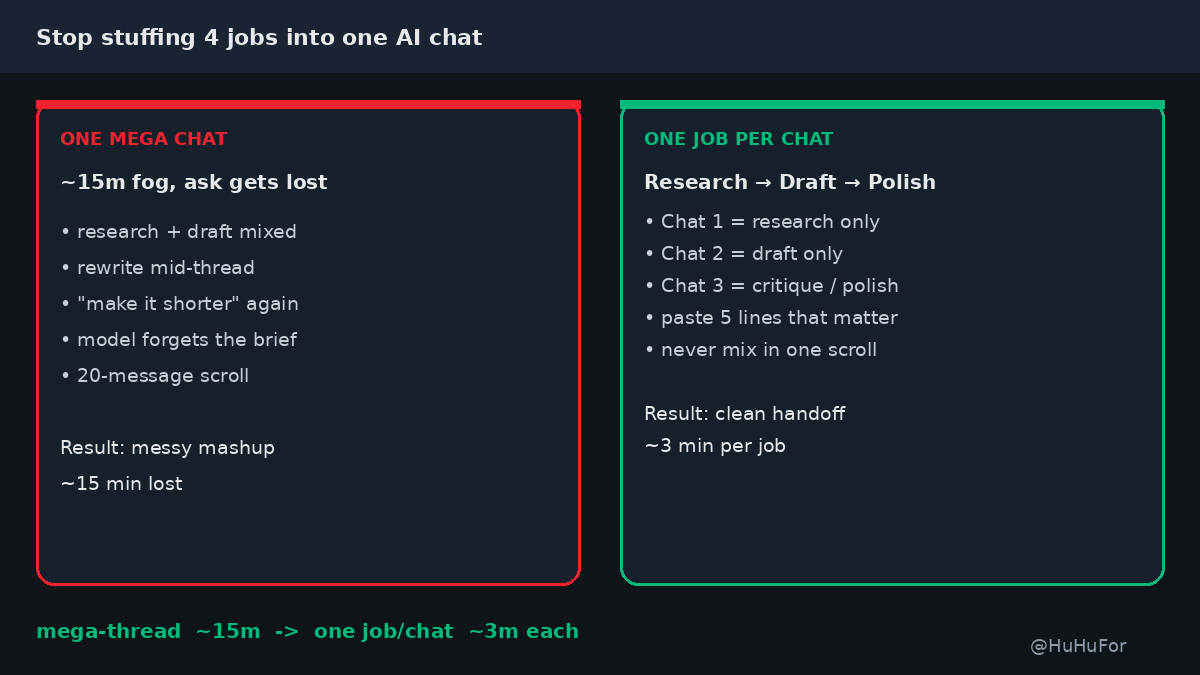
Stop stuffing research + draft + rewrite into one ChatGPT / Claude chat.
One mega-thread ≈ 15 minutes of "wait, what was the ask?" fog — and a final draft that forgot the brief.
One job per chat ≈ 3 minutes to a clean handoff you can actually use.
What I do instead:
• Chat 1 = research only (facts + options, no draft)
• Chat 2 = draft only (paste the 5 lines that matter from chat 1)
• Chat 3 = critique / polish (paste draft + "find holes, then tighten")
• Never mix all four moves in the same scroll
Example: client update → research chat finds 3 numbers → draft chat writes 5 bullets → polish chat cuts fluff. Done in ~9 minutes total instead of one 20-message mess.
Still running four jobs in one thread — or ready to split them?
Stop stuffing research + draft + rewrite into one ChatGPT / Claude chat.
One mega-thread ≈ 15 minutes of "wait, what was the ask?" fog — and a final draft that forgot the brief.
One job per chat ≈ 3 minutes to a clean handoff you can actually use.
What I do instead:
• Chat 1 = research only (facts + options, no draft)
• Chat 2 = draft only (paste the 5 lines that matter from chat 1)
• Chat 3 = critique / polish (paste draft + "find holes, then tighten")
• Never mix all four moves in the same scroll
Example: client update → research chat finds 3 numbers → draft chat writes 5 bullets → polish chat cuts fluff. Done in ~9 minutes total instead of one 20-message mess.
Still running four jobs in one thread — or ready to split them?
Stop dumping a raw meeting transcript into ChatGPT / Claude.
A full dump ≈ 12 minutes of "who decided what" fog — and a summary you still can't act on.
Attendees + 3 decisions + open asks ≈ 2 minutes to a usable brief.
What I paste instead:
• Attendees (name + role)
• 3 decisions that stuck (1 line each)
• Open asks / owners / due dates
• "Ignore small talk and tangents."
Example: standup transcript → list above → Claude returns who owns what + next step, not a novel of the call.
Are you asking it to extract decisions — or to re-watch the meeting for you?
@ai_euge Same win for me. Next three I lock with it: no "delve", 5 bullets max, and a done-when line. Style rules stick better when they sit next to an output shape.