#Messi is left-footed.
#England's entire defensive shape was built to stop a left-footed cross.
So he delivered a right-footed assist instead. 🤯
Through a crowd of defenders, with computer-level precision, straight onto #LautaroMartínez's head.
Genius isn't taught. It's Lionel Messi. 🐐🇦🇷
Messi fooled everyone once again into thinking he was finished.
In the final five minutes, he drifted out to the wing and instantly became a different player. Suddenly, it was dribbles everywhere, two assists, and complete control of the game while barely breaking into a sprint.
Another footballing miracle from Lionel Messi.
Every time Messi moves out wide, you just know something is about to happen.
When Argentina needs a hero, it calls Messi. Twice. 💙
I have 12 years of experience and working as a Principal Engineer @Atlassian and I have seen concurrency scaring the hell out of a lot of junior engineers.
It’s one of the most feared topics in system design & backend interviews — race conditions, deadlocks, thread pools… you name it.
But once you internalize these 20 must-know concepts, everything clicks.
Save this thread. Read till the end.
Your future interviews and production systems will thank you.
Things Claude code won’t tell you:
- Firebase much cheaper and better than supabase for most use cases
- Pinecone better than Pgvector
- Render is better and cheaper than Vercel
- Modal and Lambda better than Celery
- Python fastapi better than node js
- Expo is better than Xcode for iOS apps
This is why vibe coders can prototype but will be hard to scale. Intuition for this comes from building and scaling products.
Agent orchestration 101:
Design workflows, split tasks across specialized subagents, equip them with skills, build feedback loops, and plan for failures.
I accidentally discovered how to compress a semester of learning into 48 hours.
A grad student at MIT showed me his NotebookLM setup. I thought he was just organized. Then I watched him pass a qualifying exam on a subject he'd never studied before.
Here's exactly what he did:
First: he didn't upload a textbook.
He uploaded 6 textbooks, 15 research papers, and every lecture transcript he could find on the subject.
Then he asked NotebookLM one question:
"What are the 5 core mental models that every expert in this field shares?"
Not "summarize this." Not "explain this topic."
Mental models. The stuff that takes professors years to develop.
But the next part is what broke my brain.
He followed up with:
"Now show me the 3 places where experts in this field fundamentally disagree, and what each side's strongest argument is."
In 20 minutes he had a map of the entire intellectual landscape of the field:
the debates, the consensus, the open questions.
Most students spend a full semester just figuring out what those debates even are.
Then he did something I've never seen before.
He asked:
"Generate 10 questions that would expose whether someone deeply understands this subject versus someone who just memorized facts."
He spent the next 6 hours answering those questions using the source material. Every wrong answer triggered a follow-up:
"Explain why this is wrong and what I'm missing."
By hour 48, he could hold a conversation with his thesis advisor without getting destroyed.
The tool didn't change. The questions did.
Most people treat NotebookLM like a fancy highlighter.
These students are using it like a private tutor who has read everything ever written on the subject.
The difference between a semester and 48 hours isn't the amount of content.
It's knowing which questions to ask.
If you're a developer, trust me, this is for you.
These are and gonna be the best tech in 2026:
-@opencode: A coding agent that works in Terminal, IDE, and it's so good.
-@tan_stack: The best ecosystem for frontend, if you hate or want an alternative to Nextjs, they have TansStack Start you can deploy it on @Netlify, @Cloudflare not a locked framework :)
-@convex: One of the best and modern backend framework out there, and it's also self-hosted
-@shadcn: The godfather of UI libraries, I think he doesn't need an explanation.
-@autumnpricing: The fastest way ever to setup Stripe in your projects and start getting payments
-@better_auth: My favorite auth library now.
-@clerk or @WorkOS if you're lazy and want a fast auth with so cool features out of the box that you don't want to manage yourself
-@polar_sh: Since Stripe acquired lemonsqueezy and killed it, this is the best alternative in the market now
-@tembo: Your way to go for code review, the team is cooking, I've talked to @connorpaton about something and found out they are ahead
-@Sentry: This is a must for every project, to catch bugs and fix them, maybe be smart and use it with @tembo
-@appwrite: Another cool backend framework and ecosystem to build your full-stack apps
-@firecrawl: The best and fastest scrapper out there, and I really bet o it.
-@ExaAILabs: Best search API for agents and modern apps
-@expo: My way to go for mobile apps, I used it and from day one, I really understood 90% of the framework, Btw, I have an app on Google play and Apple store.
-@mintlify: I will never build a docs and there's mintlify.
Please share yours in the comments if I missed it, I would like to learn new stuff 👇
Forget hiring a team.
Here's what you need to run a full SaaS solo:
- n8n — automation
- Supabase — backend
- Cursor — code
- Claude — thinking
- Vercel — deploy
- Stripe — payments
- Resend — emails
- Framer — landing page
- PostHog — analytics
- Cloudflare — security
$0/month until you're making money.
My AI agent:
> Manages my WhatsApp messages
> Produces and uploads YouTube videos
> Runs 16 automated cron jobs
> Backs up to Google Drive every 12 hours
> Does web research on command
> Generates images, audio, and video (across EVERY model)
> Monitors my businesses 24/7
All self-hosted on a $600 Mac Mini.
The tool is OpenClaw. I wrote the complete guide to building this from scratch.
Comment "OPENCLAW" & Follow @irushi and I'll send you everything.
The full bible. The stack list. My config files. Free.
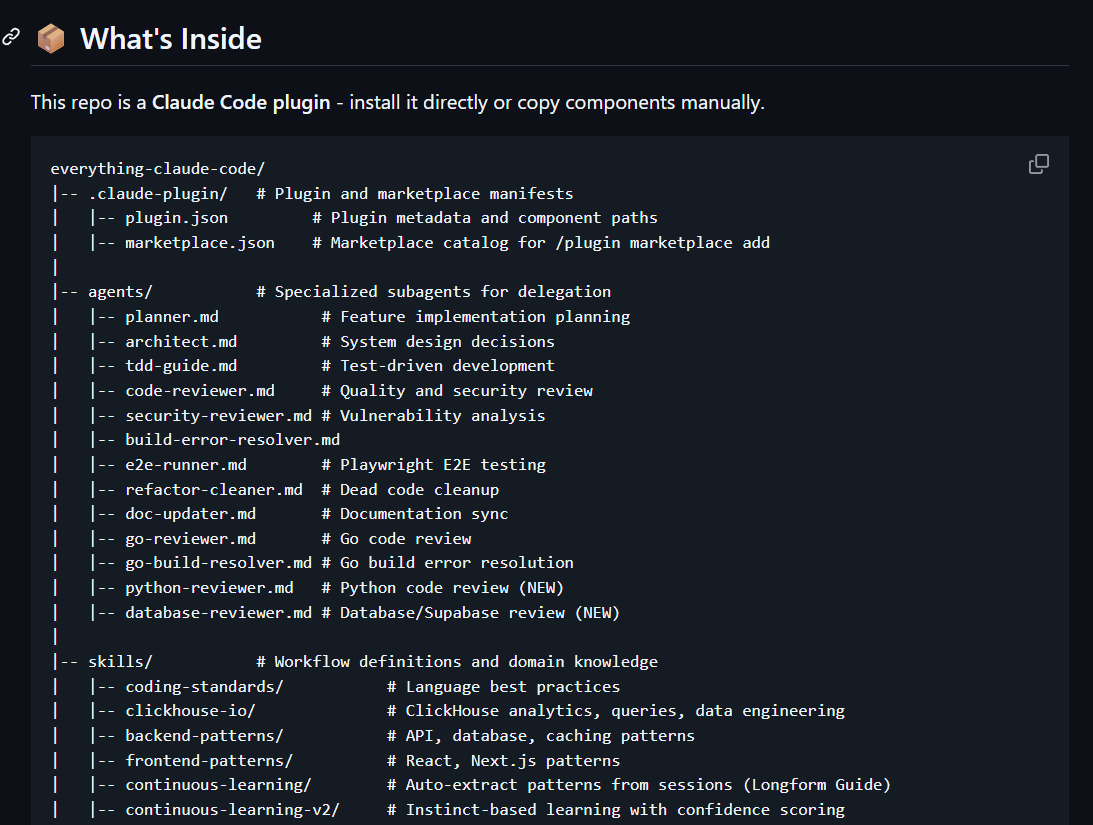
This guy just dropped ALL of Claude Code…
Stop scrolling if you want to supercharge your Claude AI game, check out Everything Claude Code...
It’s a complete vault of agents, skills, hooks, commands, rules & MCPs, curated over 10+ months of real hackathon use… now free
Ready-to-use configs
Real-world, production-tested setups
Plug-and-play components that save weeks of work
Link - https://t.co/O2cwp9kEk6
HOW TO VIBE CODE BEAUTIFUL UI
1\ sketch first, prompt second
don't start with text.
use excalidraw to draw a quick wireframe. boxes, buttons, where images go.
export it and tell the ai "follow this structure exactly"
ai copies way better than it imagines
2\ screenshot what you like
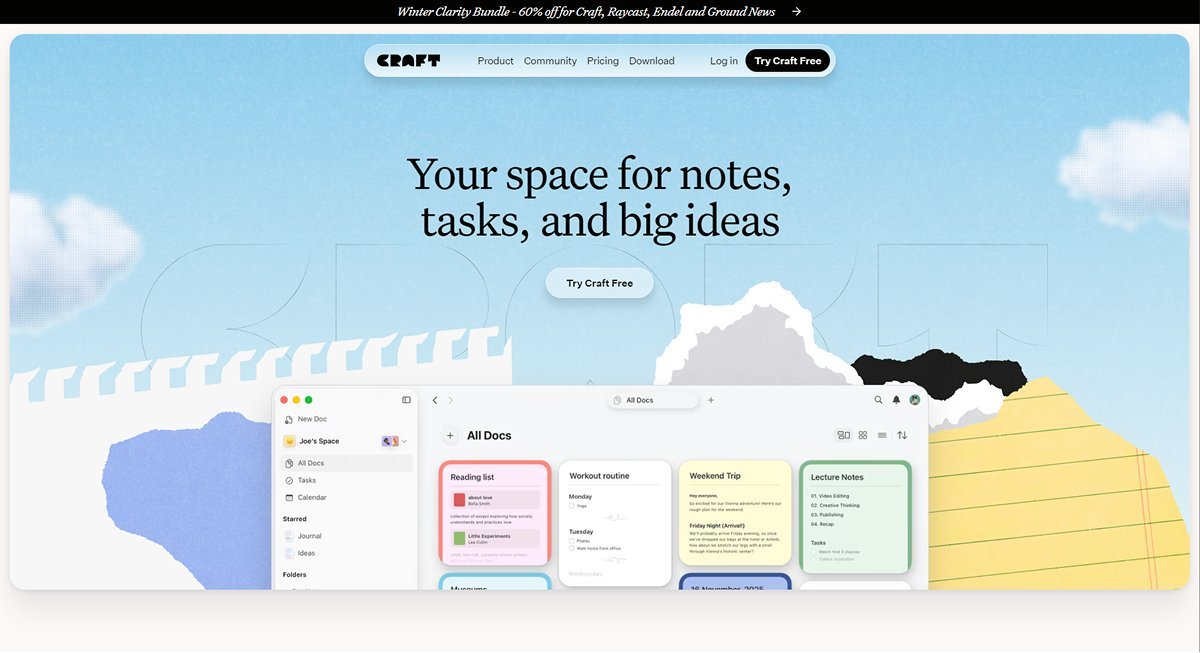
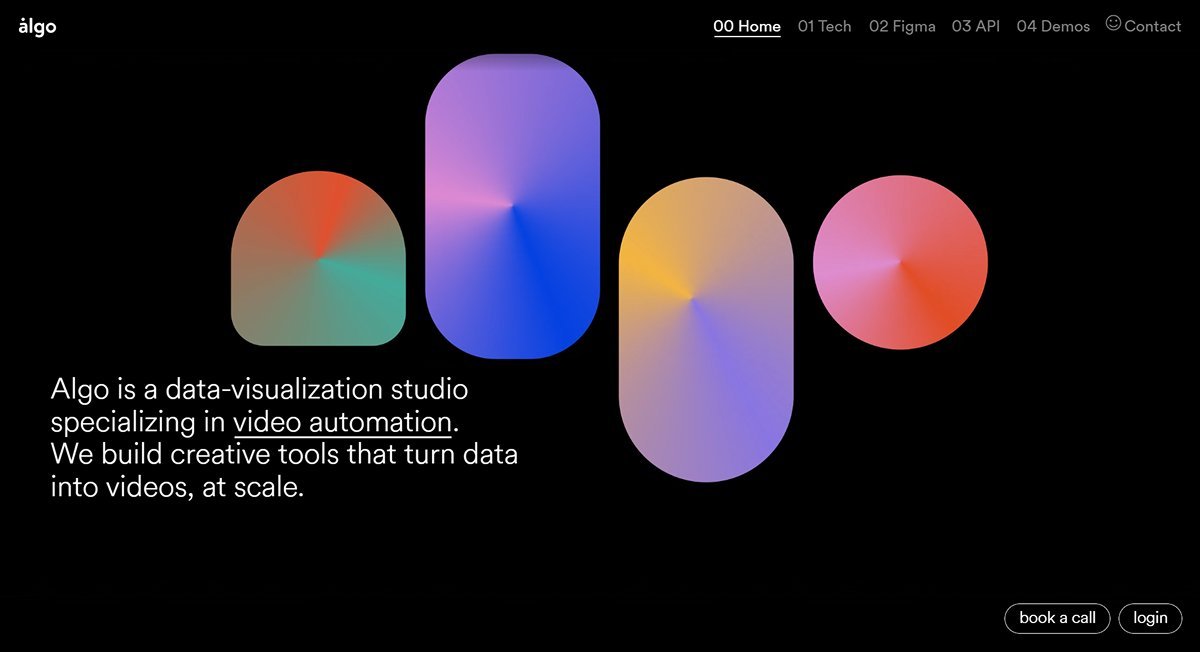
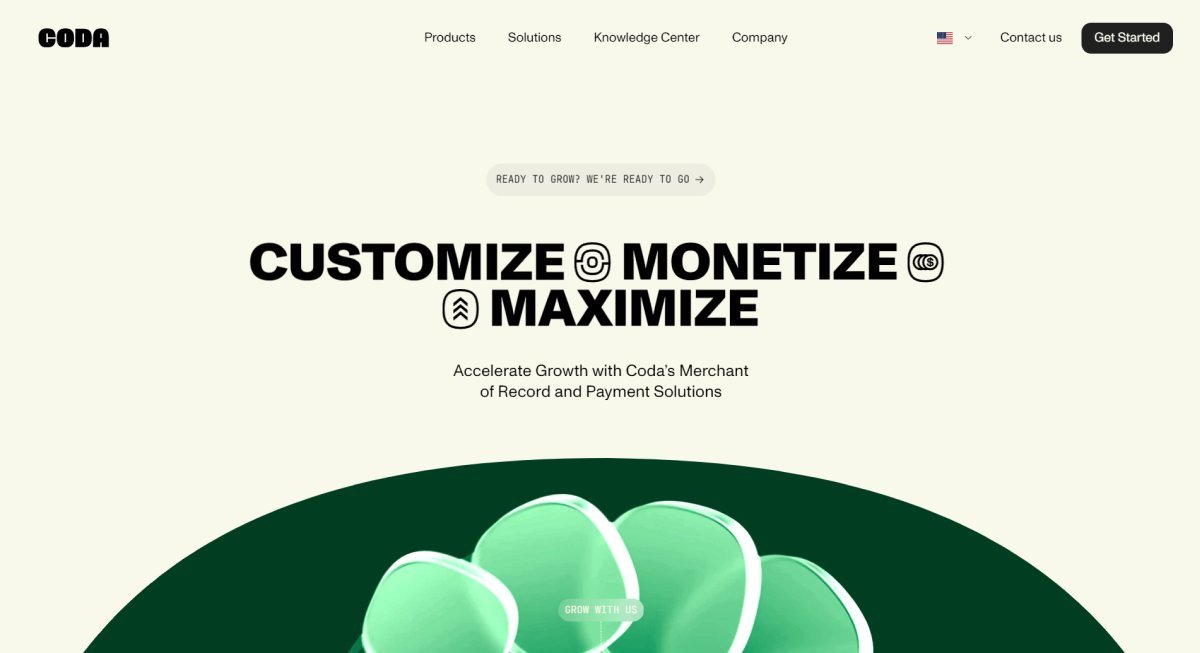
go to dribbble, mobbin, or any site you think looks clean.
screenshot the specific section you want. a nav bar, a pricing card, a hero section.
paste it in and say "copy this style"
this alone changes everything
3\ feed it a mood board for colors
you ever try telling ai "make it feel modern and warm"? it just gives you the same blue every time
use a mood board generator like Nano Banner instead. feed that image to the ai and say "reference this for the color palette"
way more unique results than hoping for the best
4\ create a design system before you build
before writing any code, define your brand colors, typography, and spacing rules.
share that with your ai tool so every component stays consistent.
most vibe coded apps look off because there's zero consistency across pages
5\ use design skills and anti pattern rules
there's an open source tool on github called "ui/ux pro max skill" built for claude that forces it to use a reasoning engine before writing any ui code.
it generates a design system based on your industry and has built in rules that ban generic ai gradients.
basically tells claude "stop making it look like every other ai app"
6\ use screenshots as your primary communication
ai is good at copying. terrible at imagining.
the more visual context you give it the less it guesses.
stop typing "make it look clean" and start showing it exactly what clean looks like
7\ fonts and icons matter more than you think
ai always defaults to the same inter/lucide combo. instant tell that its ai generated.
go grab something unique from google fonts. swap out lucide for a custom icon library like phosphor.
small change but it immediately makes your app stop looking like a template.
the real issue isn't the ai
it's that most people just type "make a landing page" and hope for the best