Access your computer from anywhere! Jump Desktop is a fast and secure Remote Desktop app available for iPhone, iPad, iPod Touch, Android, Windows and Mac.
@thexclu@ishish@sailmode Jump has a half-open mode on Duo too, it can use the external screen or the internal screen - enable virtual displays and everything gets resized optimally! https://t.co/U5MicMRtQU
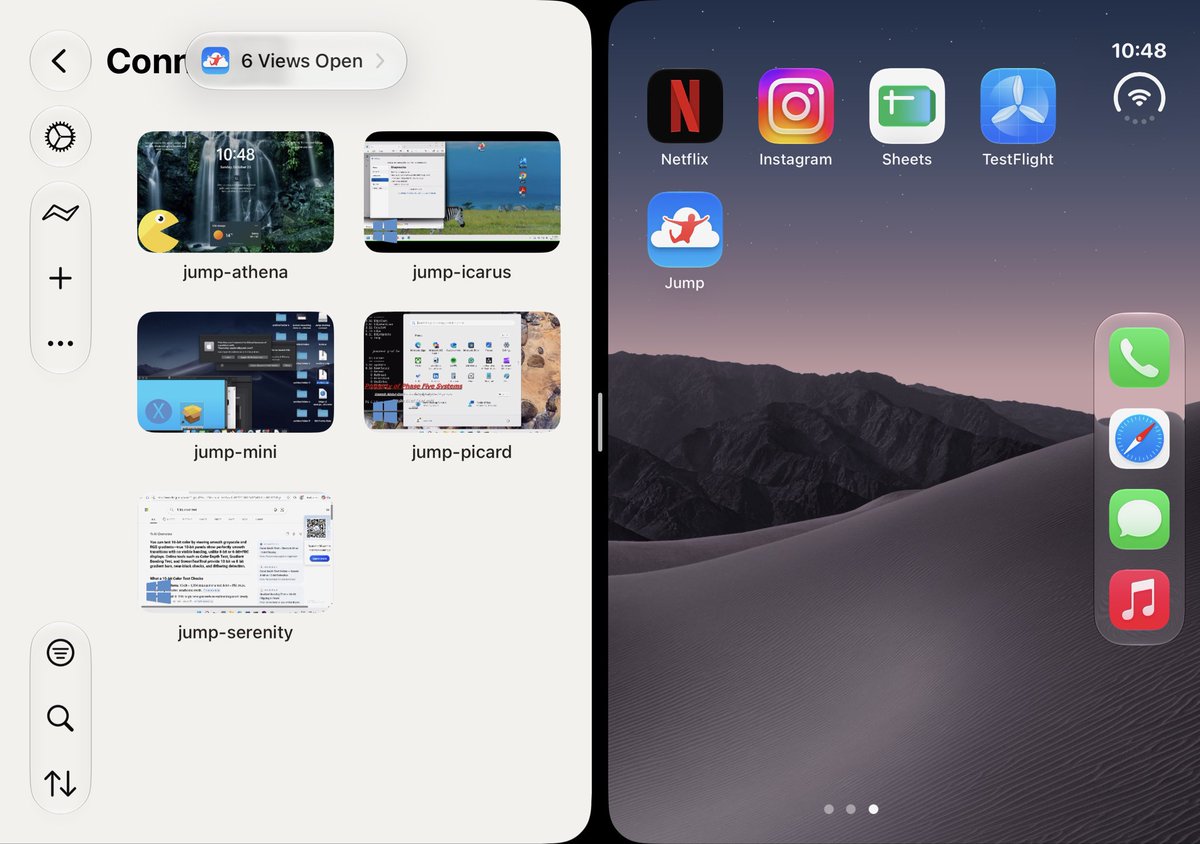
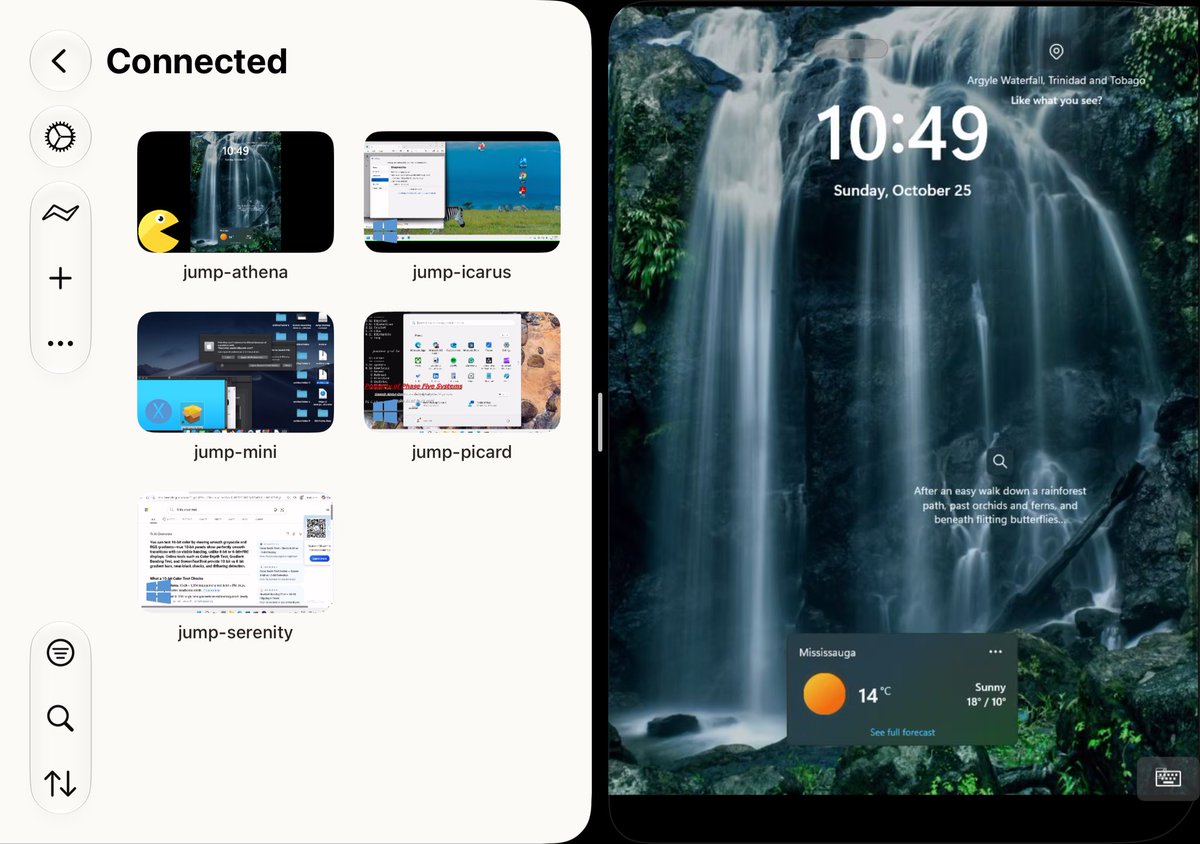
Jump Desktop on iPhone Duo is sublime.
Multiple simultaneous connections, a new multitasking UX, and full dual-display support.
Plus 120 Hz with virtual displays and on-screen controls.
We’re looking for beta testers! Email [email protected]
@ResaLoution Universal Clipboard likes to sync your iPad and Mac’s clipboard. Pressing Cmd+V causes it to cick in and we’ve seen cases where it hangs apps. Try turning off the ‘Handoff’ feature on the Mac or iPad temporarily and see if it helps.
@ResaLoution Sounds like Universal Clipboard. Are the iPad and Mac physically close to each other? Does it happen when you are outside the house or office?
@RBol360@y_ssinebenh@viticci Hi Richard. Turn on Jump’s hardware codec mode. Not only will it increase perf, it will also lower battery usage: After connecting, tap the three dots on the top and the tool icon -> Codec -> Hardware
Jump Desktop on iPhone Duo is sublime.
Multiple simultaneous connections, a new multitasking UX, and full dual-display support.
Plus 120 Hz with virtual displays and on-screen controls.
We’re looking for beta testers! Email [email protected]
@iDonato Having trouble reproducing the cursor issue. Can you please send me a screen shot of System Settings -> Accessibility -> Display -> Pointer on your host Mac?