In a recent batch talk, YC General Partner @t_blom broke down how to build a self-improving, AI-native company.
He walks through how to create recursive, self-improving AI loops, and why founders who get this right will run companies that improve while they sleep.
00:00 — Companies Are Roman Legions
00:54 — Copilots Are the Wrong Mental Model
01:55 — Extract the Domain Knowledge
02:24 — The Recursive Self-Improving Loop
04:12 — The Holy Shit Moment at YC
05:50 — Self-Optimizing Product and Support Loops
06:29 — Burn Tokens, Not Headcount
07:23 — Middle Management Is Over
08:05 — Make Everything Legible to AI
09:40 — Regenerating the YC User Manual
11:19 — Software Is Ephemeral, Context Is Valuable
12:18 — Where Humans Still Matter
On DeepWiki and increasing malleability of software.
This starts as partially a post on appreciation to DeepWiki, which I routinely find very useful and I think more people would find useful to know about. I went through a few iterations of use:
Their first feature was that it auto-builds wiki pages for github repos (e.g. nanochat here) with quick Q&A:
https://t.co/DQHXagUwK0
Just swap "github" to "deepwiki" in the URL for any repo and you can instantly Q&A against it. For example, yesterday I was curious about "how does torchao implement fp8 training?". I find that in *many* cases, library docs can be spotty and outdated and bad, but directly asking questions to the code via DeepWiki works very well. The code is the source of truth and LLMs are increasingly able to understand it.
But then I realized that in many cases it's even a lot more powerful not being the direct (human) consumer of this information/functionality, but giving your agent access to DeepWiki via MCP. So e.g. yesterday I faced some annoyances with using torchao library for fp8 training and I had the suspicion that the whole thing really shouldn't be that complicated (wait shouldn't this be a Function like Linear except with a few extra casts and 3 calls to torch._scaled_mm?) so I tried:
"Use DeepWiki MCP and Github CLI to look at how torchao implements fp8 training. Is it possible to 'rip out' the functionality? Implement nanochat/fp8.py that has identical API but is fully self-contained"
Claude went off for 5 minutes and came back with 150 lines of clean code that worked out of the box, with tests proving equivalent results, which allowed me to delete torchao as repo dependency, and for some reason I still don't fully understand (I think it has to do with internals of torch compile) - this simple version runs 3% faster. The agent also found a lot of tiny implementation details that actually do matter, that I may have naively missed otherwise and that would have been very hard for maintainers to keep docs about. Tricks around numerics, dtypes, autocast, meta device, torch compile interactions so I learned a lot from the process too. So this is now the default fp8 training implementation for nanochat
https://t.co/3i5cv6grWm
Anyway TLDR I find this combo of DeepWiki MCP + GitHub CLI is quite powerful to "rip out" any specific functionality from any github repo and target it for the very specific use case that you have in mind, and it actually kind of works now in some cases. Maybe you don't download, configure and take dependency on a giant monolithic library, maybe you point your agent at it and rip out the exact part you need. Maybe this informs how we write software more generally to actively encourage this workflow - e.g. building more "bacterial code", code that is less tangled, more self-contained, more dependency-free, more stateless, much easier to rip out from the repo (https://t.co/iKJUoHiIpl)
There's obvious downsides and risks to this, but it is fundamentally a new option that was not possible or economical before (it would have cost too much time) but now with agents, it is. Software might become a lot more fluid and malleable. "Libraries are over, LLMs are the new compiler" :). And does your project really need its 100MB of dependencies?
The Built with Opus 4.7 Claude Code hackathon is a wrap!
Thank you to the 500 participants worldwide, and to @cerebral_valley for co-hosting.
Here's how the winners combined multi-agent orchestration, persistent memory, MCP tools, sandboxed execution, and smart prompt design 🧵
In Claude Managed Agents, we’ve added multiagent orchestration, an outcomes loop for rubric-driven self-improvement, dreaming for self-learning, & webhooks.
Claude now connects to the tools creative professionals already use.
With the new Blender connector, you can debug a scene, build new tools, or batch-apply changes across every object, directly from Claude.
The secret to an articulate agent like mine isn't one file. It's three:
SOUL.md — Who the agent IS. Voice, values, operating principles, what good output looks like, what bad output looks like. Not a system prompt, a constitution. Mine says things like "brevity is mandatory," "humor is mandatory," "never open with 'Great question,'" "swearing is allowed when it lands." The more specific and opinionated this is, the less your agent sounds like a chatbot. Write it like you're briefing your smartest friend on how to be you, not like you're configuring software.
USER.md — Who YOU are. Not a bio — a deep model. How your mind works, what you're building, your strengths, your blind spots, your family, your temperament, what triggers you, what you care about. The more the agent understands about you, the better it can serve you. Mine is ~4000 words.
AGENTS.md — Operational rules. What to check on every message, what to never do, how to handle failures, lookup chains, path rules, brain-first protocols. This is the playbook for how it works, not who it is.
The articulation comes from SOUL.md being brutally specific about voice. Generic instructions → generic output. If you write "be helpful and concise" you get ChatGPT. If you write "speak like a peer with taste, one sentence when one sentence works, uncomfortable truths welcome if actually true, language with voltage" — you get something alive.
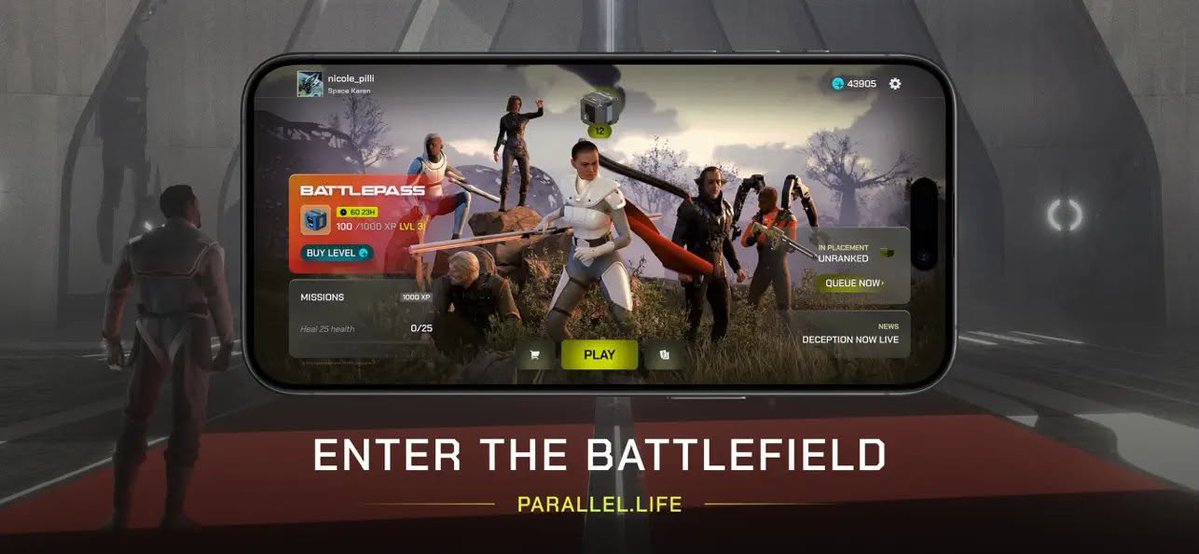
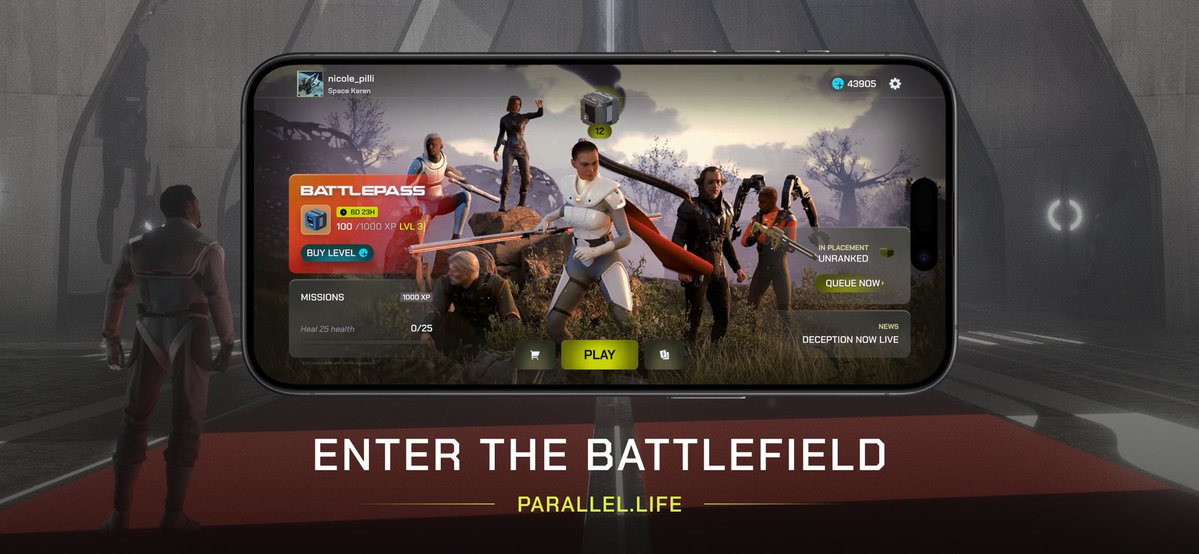
PARALLEL TCG MOBILE
If you just watched the @Parallel_League Finals and are new to the game, it's now available on mobile devices. Download it today and join the battle for Earth!
APPLE (iOS): https://t.co/tnvW3lJpIZ
ANDROID: https://t.co/8tp3ERtuK2
SEARCH: Parallel TCG
GStack is an open-source toolkit built by YC President & CEO @garrytan that turns Claude Code into an AI engineering team — with skills for office hours, design, code review, QA, and browser testing.
In this video, Garry walks through how GStack works, starting with Office Hours, a skill modeled after real YC partner sessions that pressure-tests your idea before you write a line of code. He demos it live, going from idea through adversarial review, design mockups, and automated QA in a single session.
Our official Agent Skills repository on @github is here!
Skills are a simple, open format for giving agents new capabilities and expertise. Think of a skill as compact, agent-first documentation for a specific tech or task.
Learn more → https://t.co/7w887vz3lE #GoogleCloudNext
If you’re on mobile you can now download @ParallelTCG and play it on your phone - it’s available globally for everyone. //
iOS app: https://t.co/tzMZghHRNA
Android app: https://t.co/5SMQWN3HOw
HAVEN PACK DROP THREAD
The battle for Earth takes to the skies in #Haven, with key leaders from every Parallel converging on the colossal space station known as the Sanctuary.
Read below for key #Haven Pack Drop details, Edition Sizes, and Pack Construction graphics!
LLM Knowledge Bases
Something I'm finding very useful recently: using LLMs to build personal knowledge bases for various topics of research interest. In this way, a large fraction of my recent token throughput is going less into manipulating code, and more into manipulating knowledge (stored as markdown and images). The latest LLMs are quite good at it. So:
Data ingest:
I index source documents (articles, papers, repos, datasets, images, etc.) into a raw/ directory, then I use an LLM to incrementally "compile" a wiki, which is just a collection of .md files in a directory structure. The wiki includes summaries of all the data in raw/, backlinks, and then it categorizes data into concepts, writes articles for them, and links them all. To convert web articles into .md files I like to use the Obsidian Web Clipper extension, and then I also use a hotkey to download all the related images to local so that my LLM can easily reference them.
IDE:
I use Obsidian as the IDE "frontend" where I can view the raw data, the the compiled wiki, and the derived visualizations. Important to note that the LLM writes and maintains all of the data of the wiki, I rarely touch it directly. I've played with a few Obsidian plugins to render and view data in other ways (e.g. Marp for slides).
Q&A:
Where things get interesting is that once your wiki is big enough (e.g. mine on some recent research is ~100 articles and ~400K words), you can ask your LLM agent all kinds of complex questions against the wiki, and it will go off, research the answers, etc. I thought I had to reach for fancy RAG, but the LLM has been pretty good about auto-maintaining index files and brief summaries of all the documents and it reads all the important related data fairly easily at this ~small scale.
Output:
Instead of getting answers in text/terminal, I like to have it render markdown files for me, or slide shows (Marp format), or matplotlib images, all of which I then view again in Obsidian. You can imagine many other visual output formats depending on the query. Often, I end up "filing" the outputs back into the wiki to enhance it for further queries. So my own explorations and queries always "add up" in the knowledge base.
Linting:
I've run some LLM "health checks" over the wiki to e.g. find inconsistent data, impute missing data (with web searchers), find interesting connections for new article candidates, etc., to incrementally clean up the wiki and enhance its overall data integrity. The LLMs are quite good at suggesting further questions to ask and look into.
Extra tools:
I find myself developing additional tools to process the data, e.g. I vibe coded a small and naive search engine over the wiki, which I both use directly (in a web ui), but more often I want to hand it off to an LLM via CLI as a tool for larger queries.
Further explorations:
As the repo grows, the natural desire is to also think about synthetic data generation + finetuning to have your LLM "know" the data in its weights instead of just context windows.
TLDR: raw data from a given number of sources is collected, then compiled by an LLM into a .md wiki, then operated on by various CLIs by the LLM to do Q&A and to incrementally enhance the wiki, and all of it viewable in Obsidian. You rarely ever write or edit the wiki manually, it's the domain of the LLM. I think there is room here for an incredible new product instead of a hacky collection of scripts.