✔️ Start with a tool template (like Lesson Plan Generator).
✔️ Customize fields to match your classroom’s needs.
✔️ Use new options to change how tools work—like adding differentiation or reformatting objectives.
✔️ Save & share your custom tools to spark collaboration!
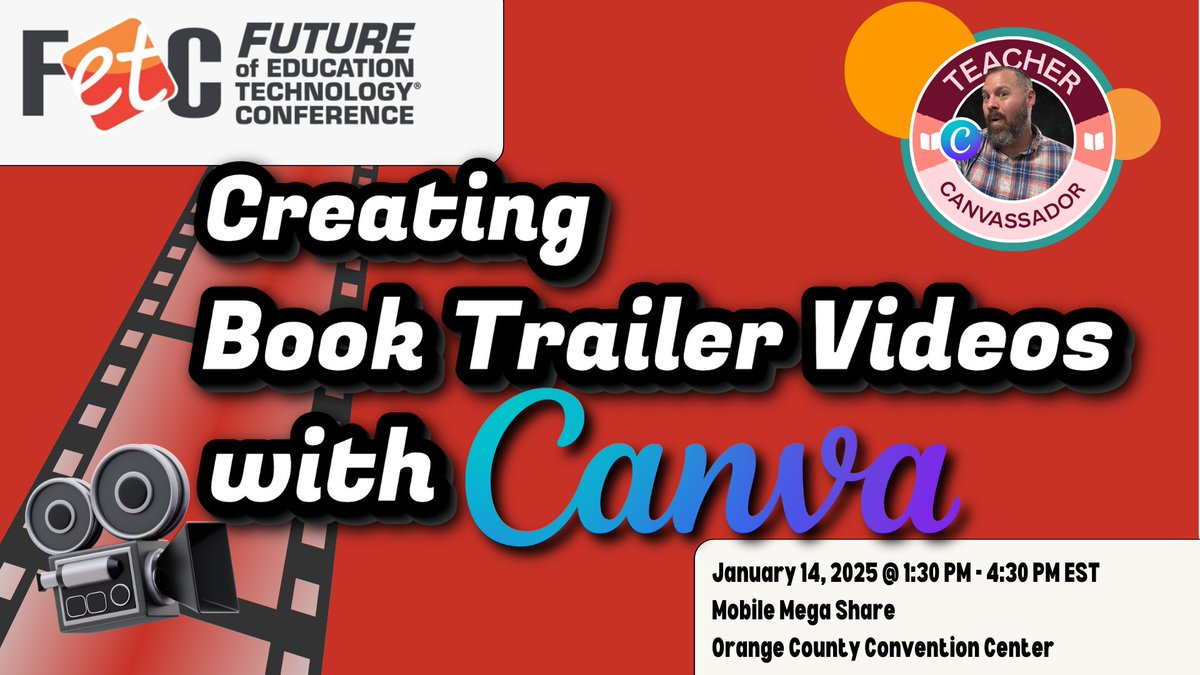
Join me at the Mobile Mega Share event
@fetc in January to learn how to create Book Trailer Videos with @canva. Check out an example project entitled "The Phantom Pen" in the comments....
@CanvaEdu
700,000 Gammas are generated every single day now.
The world has a lot of great ideas. We just help them shine a little more. ✨
#ai#presentations#websites
4D printing combines stimulus-responsive materials with #additivemanufacturing technologies. This concept of printing 3D objects opens the chance for solving processing issues that can undergo programmed temporal changes in response to external stimuli. https://t.co/lmIKIMw2dL
Just attended a workshop on using @AdobeSpark to create animated memes for storytelling. Thank you, @ClaudioZavalaJr !
https://t.co/AH4QY9b5nC
https://t.co/wDVCFJWHcW
Take a break from typing and convert handwritten notes to text with Ink to Text in Microsoft #OneNote for Windows 10. Learn how: https://t.co/9UyHXtBkou
Mission Critical: How Educators Can Help Save Democracy https://t.co/hEemVP9PeI
Great Article-"How would you feel if you discovered that 70% of middle school students could not distinguish between fake news and authentic news on the web? "
Have you used the Immersive Reader in @Flipgrid yet?
LOVE that @kathyschrock is sharing this in her #ISTE20 session! One of my FAVE features that's FULLY embedded throughout @Flipgrid - even in the brand new Text Comments! SO MANY features to support + empower! #FlipgridForAll