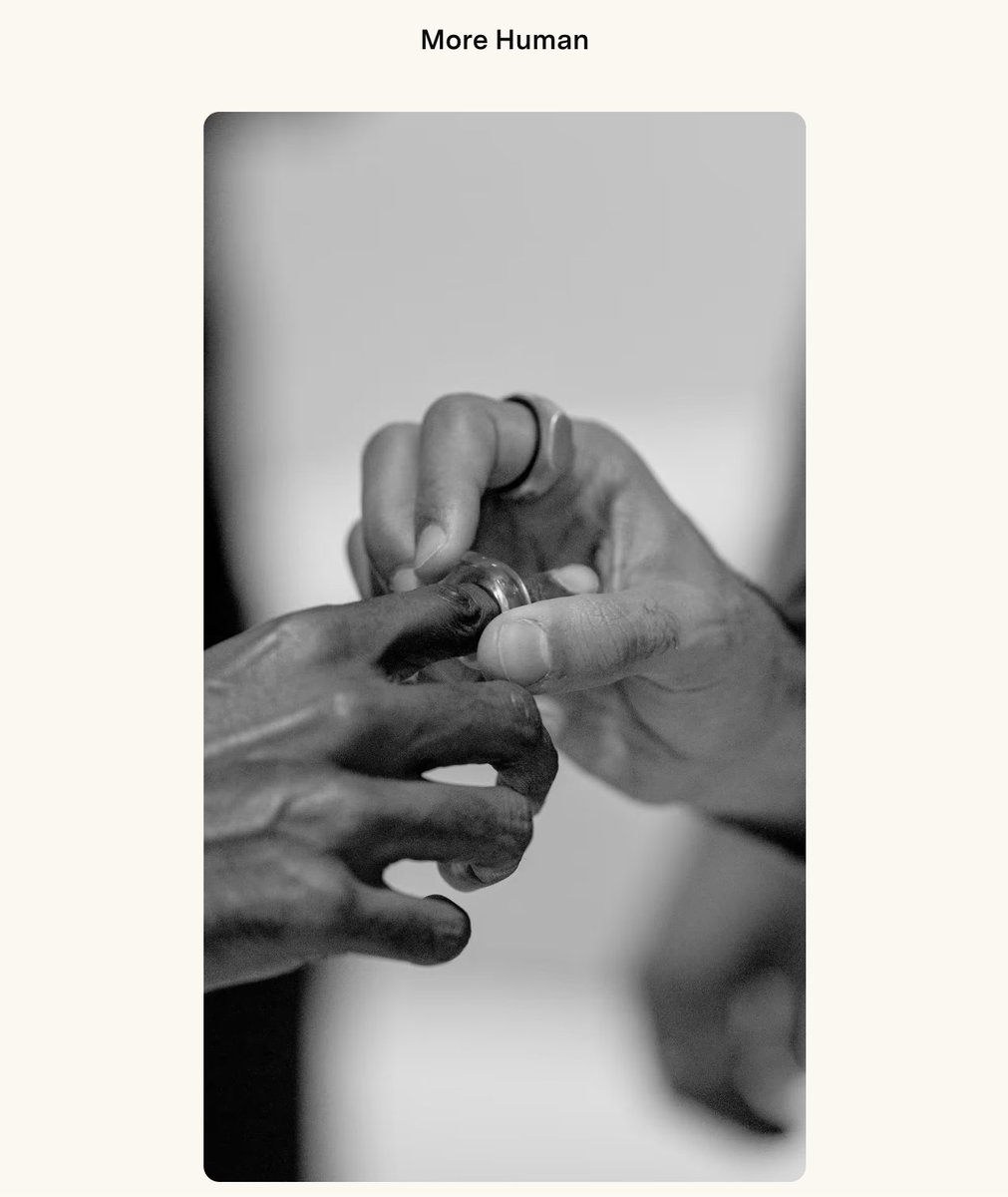
Eyes up. Phone down
Universal Dictation with Stream Ring lets you dictate across your favorite apps
No app switching, no copying and pasting — we know your thoughts move faster than your thumbs anyway
Just press and hold, speak, and let go. Available now for iOS and Mac
A bunch of people said they wanted a side by side review of the @Pebble Index 01 and the @sandbar Stream rings, so here we go!:
I spend about 3 hours a day driving between job sites for walkthroughs, estimates, and customer service. I’m a project manager and account manager in painting and remodeling, and that work generates a constant stream of tasks and follow-ups. I use @bot for most of my agent work.
I’ve been wearing the @Pebble Index 01 and the @sandbar Stream ring. This is a working man’s review.
IN SHORT
Index became an easier way to talk to my agents. Notes worked well, and it could look things up and send me a notification with a short answer.
Stream feels almost like a BCI and a companion, like the early version of Jane, Ender’s AI in Speaker for the Dead. It’s extremely intuitive, nice to talk with, and it reaches out and controls my stuff: my phone, my Mac, CarPlay, my headphones, my music, and my agents.
Note: I’m in the Apple ecosystem. Stream is currently iOS-only, and Index has more features on Android than it does on iOS. For example, Index can’t control media on my iPhone (yet).
PRICE
Index: $75. It doesn’t recharge. The battery lasts about 2 years, then you replace it. You could by 3 of them over 6 years for less than Stream. No Monthly.
Stream: $275. It’s rechargeable, and I charge it every couple of days. $10/month for certain features after 90 day free trial. All the key stuff works with no sub.
WHERE STREAM WINS
Universal dictation. The touchpad toggles between my phone, my Mac, notes, and reminders, and an indicator on the side of my Mac screen shows what’s active.
Haptics. It buzzes to confirm it’s working, and reminders buzz on my finger. I miss phone reminders unless I set an alarm, but I don’t miss these.
Touchpad media controls: play, pause, volume, and skip. I use them dozens of times a day. A flick of my thumb stops whatever’s playing so I can think or talk without pulling out a device or context switching.
CarPlay. When an audio device is connected, it just talks back and forth with me. I was pleasantly surprised when it did this through the car speakers with no set up on.
Real conversation example while driving: I tell it what I ate, and it tracks my calories and protein and helps plan my next meal. The convos are high quality, and it’s location-aware, so we can actually plan lunch while I’m on the road.
Organization. My walkthrough notes land in the right place for my agent via MCP. I can edit them by voice, or say a keyword my agent picks up to start a task.
WHERE INDEX WINS
It’s smaller and more comfortable.
It never needs a charge.
It’s less noticeable on your hand.
It’s about a quarter of the price.
ON JOB SITES
Both hear me fine over loud job site noise. I stood next to a running table saw with both and had no issues, though Stream’s dictation is a bit more accurate at whisper level. Both survive hand washing. When I’m handling tools, eating a beef (I'm from Chicago...), or at the gym, I clip them on a $20 "Gavu" ring necklace I got on Amazon, which I highly recommend.
HOW I KNEW STREAM WAS FOR ME
I’d sometimes forget Index at home because it wasn’t integral to my day. It was just became an easier way to tell Grok Bot to start a proposal or log a note in the CRM.
After a few days with Stream, using my devices without it was annoying. It’s now part of my everyday carry with my phone, keys, and Leatherman Arc. Leaving without it would feel like leaving without my phone.
WHO IT’S FOR
Index is a gadget: cool, fun, useful, and hackable. It’s for you if you want cheap, simple note capture and reminders, or if you’re on Android.
Stream is (sorry, their marketing messaging so perfectly nailed it...) a mouse for voice. It feels like an extension of yourself. It’s for you if you’re on iPhone and want your voice to run your day and more of a companion or Life OS experience vs gadget experience.
The interesting part is that these look like similar interfaces but deliver completely different experiences.
Hope you found this helpful!
Being able to think out loud on my Mac, then pick up right where I left off on my iPhone, is one of those little moments with Stream Ring that feels like magic…
“We built Stream so you can bring your voice anywhere.”
For Mina Fahmi (@minafahmi), Cofounder & CEO of Sandbar, a thought begins on the subway, continues between calls, and finishes on a bike ride home
With Universal Dictation, it can move seamlessly from a prompt in Claude to a quick text reply across his phone and computer
With Stream, your voice lands wherever your cursor is. Press, think out loud, and keep going
Cosmos is a finalist for iPad App of the Year!
Thank you to @AppStore for the recognition, and to the 5 million people who've made Cosmos what it is 🤍
#AppStoreAwards
This is a game changer for productivity if you’re a founder. Bought the @sandbar stream ring -> record all my thoughts and summaries of meetings on the go -> connects into my AI agents -> auto generates briefs, emails, calendar updates, etc without opening my phone. Pretty sick.
@minafahmi@kobiefuller nice work.
Day one summary of the things I liked about using my @sandbar stream ring.
1. It's very nice to be able to control media to stop and think about something or dictate something without having to context switch or pick up your device.
2. Reminders actually vibrate the ring with the built-in haptics so you never miss a notification like you do on your phone.
3. In car play, you can just talk to it and have a conversation without having to open an app. I drive a lot for work, so this is really helpful.
4. My Grok bot sees every message, but only activates for keywords. So the handoff to my agent has been flawless.
5. Without taking out my phone, I was able to tell it what I ate throughout the day and it added it to a folder for me and looked up the calorie count and macros to help me stay on target.
5. I used it heavily all day, especially for lots of long dictation, and I've used less than one third of the battery.
6. After one day of use, I find myself instinctively going to it as if I've been using it for a long time, which is a really unique experience with a new tech product.
Suggestions I have/things I noticed
1. Sometimes it won't dictate my email into an email field even when I have it selected.
2. If the keyboard is set to formal It puts periods after anything you say when you are in a search box on something like Amazon, Etsy, spotify, etc. This can skew results sometimes.
3. I wish the keyboard had swipe so that you could go faster when you do have to type something on occasion.
4. Clicky has a feature where you can ask it things, and it will copy it to your clipboard so you can tap in an app and paste. When you work out an x post in a conversation, for example, it would be really nice to say copy that to my clipboard and then you could just paste it right into x.
5. For to-do lists, it would be nice to be able to drag and drop for prioritization, and it has been a little clunky for me to organize tasks by when I will do them in different lists. Though you can reorganize a list with a voice, which is cool. to-do lists are a great passion of mine, and I wrote a book about them, so I may nitpick here.
Overall, amazing product that I suspect will get better as I become more of a power user.
From New York → Helsinki
Imagine a future where technology is an extension of your thinking, not a replacement for it?
Sandbar Cofounder & CEO, Mina Fahmi (@minafahmi) took the stage at @SlushHQ in Helsinki, Finland, today to share the view and world we are building toward with Stream
We’ll share a full event recap and a new demo next week!
Thank you, @FastCompany for including Stream
“We started Sandbar because we believed we would need new interfaces to fully realize the potential of AI for expanding human expression.” — @minafahmi
Sandbar Started Shipping a Ring That Records Your Thoughts
It's a New York startup that began in 2023, led by Mina Fahmi, the CEO, and Kirak Hong, the CTO. Both worked at CTRL-labs, the neural interface startup Meta bought in 2019, on technology that connects human intent to action, including Meta's Neural Band wristband.
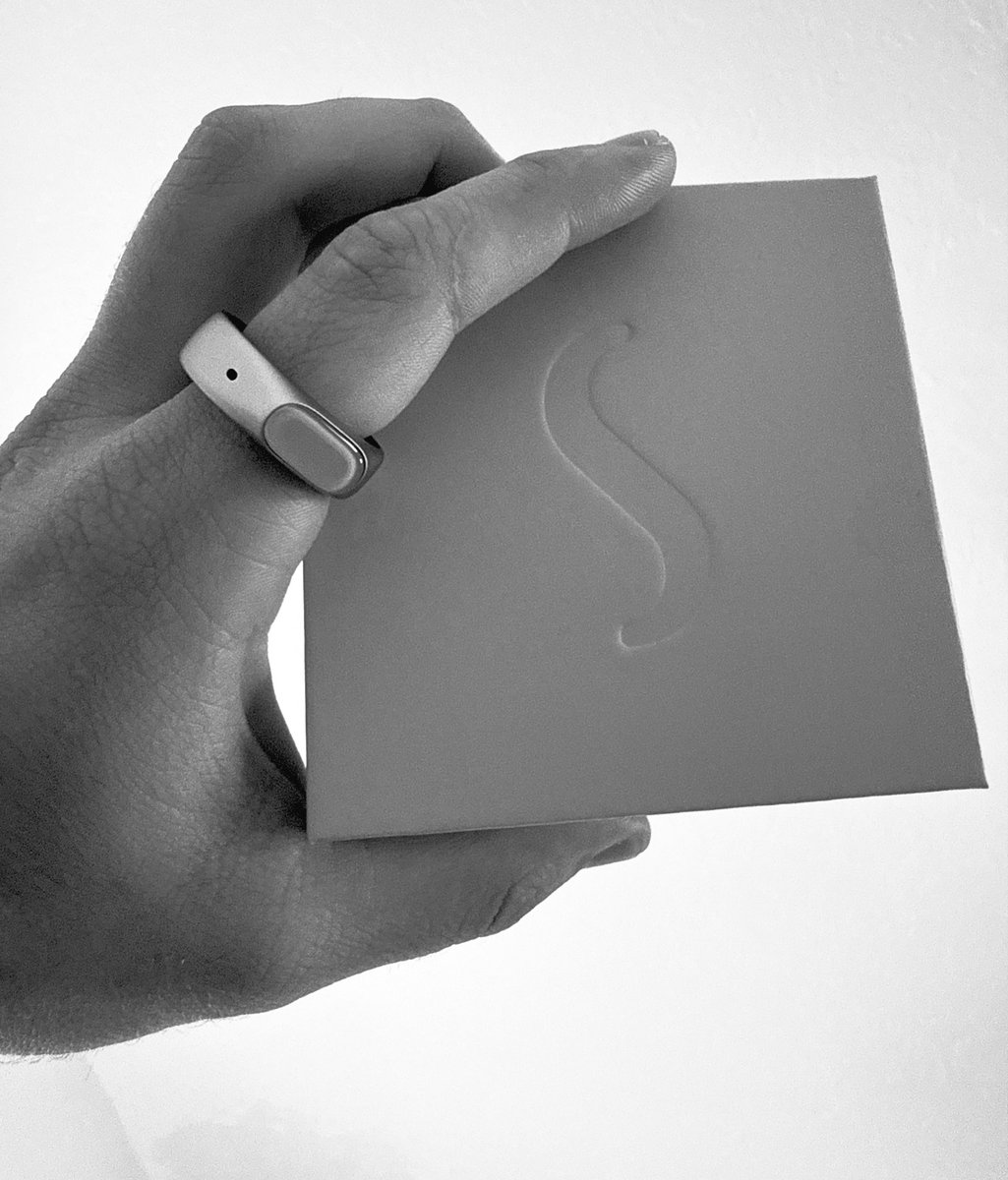
Their first product is Stream, a ring with a private microphone, a touchpad, and silent buzzing for feedback. You press to talk, even at a whisper, and let go to send. It works with an app on iPhone, Mac, and the web. You can save notes, chat with an AI that remembers what you told it and can search the web, and dictate text into any app. Your notes can also be sent to Claude and ChatGPT.
Stream Ring began shipping in early November, in the US only. Batches 1 to 5 are sold out, and batch 6 ships in January 2027. That is later than the summer 2026 target Sandbar gave when it raised money in March. Pre-orders start at $249, and a Stream Pro subscription costs $10 a month after a free three months. Sandbar hasn't said how many rings it has sold.
Sandbar has raised about $36 million. It started with a $3 million pre-seed from Upfront Ventures and Betaworks in early 2024, then a $10 million seed led by True Ventures in early 2025. On March 10, it announced a $23 million Series A led by Adjacent and Kindred Ventures. It had about 15 employees then and planned to double its software and machine learning teams and hire for marketing.
The ring has won attention. TIME named Stream one of its Best Inventions of 2026, and WSJ, Bloomberg, and Wired have covered it. Reviewers are less sure it's worth the money. One early review asked whether nearly $300 is worth it to avoid pulling a phone from your pocket, and cheaper voice rings already exist, such as Pebble's Index 01 at $75 to $99.
Fahmi calls Sandbar's idea self extension: technology that extends what people can do instead of replacing them.