How to build an AI trading bot with Claude Haiku 5.5.
Haiku 5.5 dropped this week as Anthropic’s cheapest model and strategy hunting is exactly the high-volume job it’s built for.
Here how I built mine:
Step 1: Get Claude
Claude desktop at https://t.co/5TEfliHXtl, open Claude Code.
Type /model and pick Haiku 5.5.
Step 2: Give it a backtesting engine
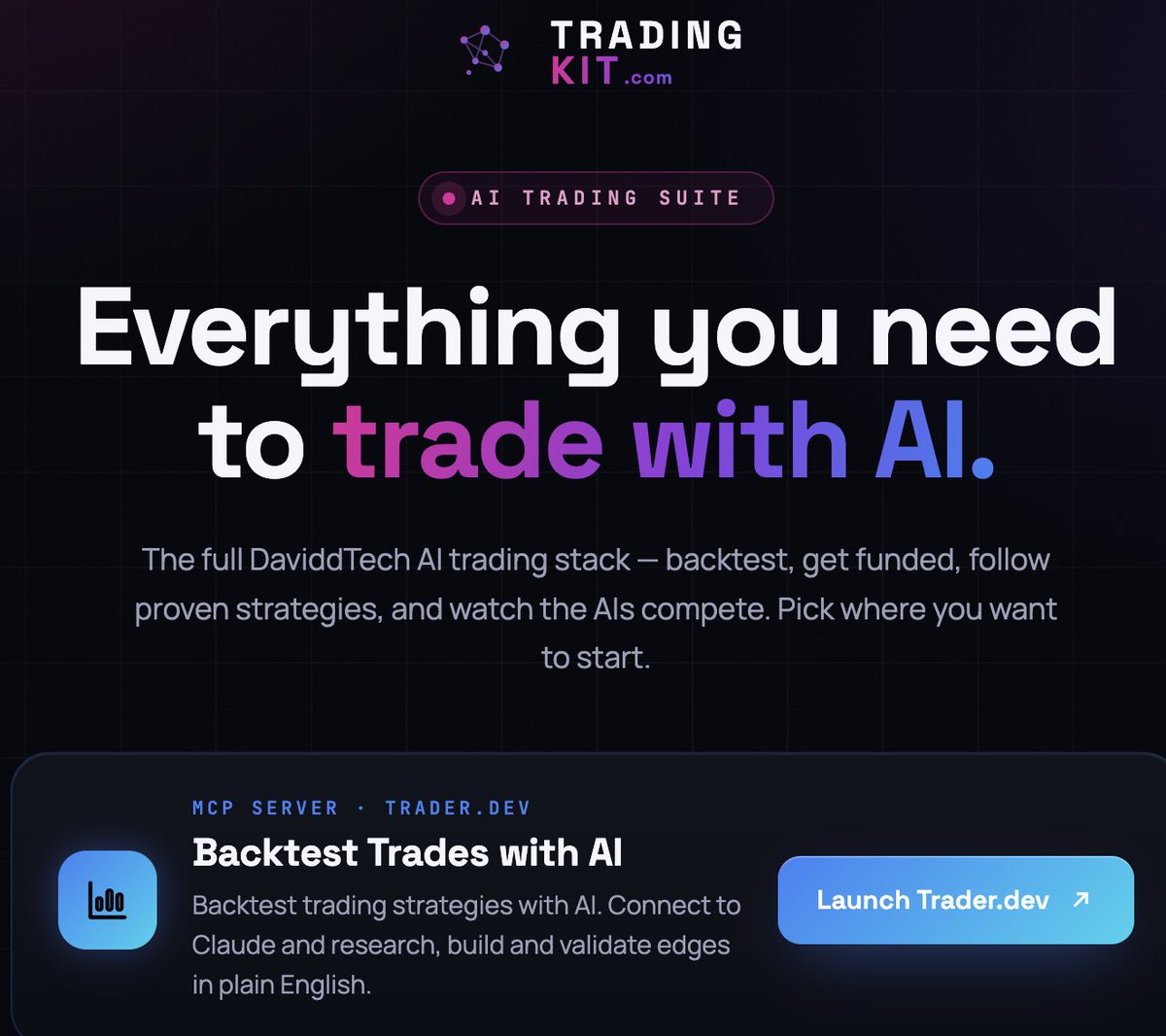
Free account at https://t.co/K0aSTn6B9p, My Account, copy the line of code.
Paste it in with prompt: “hey there buddy, could you install this globally for me”, then paste your authorisation code
Step 3: Check the connection
Prompt:
“Backtest a simple strategy on BTCUSDT 1 hour, just to make sure we’re connected”
Step 4: Set it hunting
Prompt:
“Research trading concepts, build strategies and backtest each on BTCUSDT 1 hour with fees on, full history. Run every 15 minutes for the next 8 hours. Reject anything under 100 trades, over 20% drawdown, profit factor under 1.1, or that fails to beat buy and hold. No multiple timeframes, no trailing stops. Log every result and show me the survivors”
Step 5: Verify the best one
Pine Editor on https://t.co/dxyXEXA9cD, paste, add to chart, check the numbers match.
Step 6: Forward test 3 months
Then connect your broker through https://t.co/gCY0tzZ0Ka.
A cheap model that survives the filters beats an expensive one that doesn’t
Don't chase breakouts. Buy the dip in strong trends 📈
New scanner: 21 EMA Pullback Bounce
✅ 21 EMA > 50 SMA > 200 SMA
✅ Low tags the 21 EMA
✅ Green close above yesterday's high
✅ RSI 45–65, volume above average
Run it EOD 👇
https://t.co/68j30dnRlX
#StockMarket #SwingTrading #niftyfifty
You don't need a TradingView subscription to run a trading bot anymore.
Backtest, build and connect to your broker, all free on one website.
There's 1 million backtested strategies in there already, with the code.
https://t.co/Owb7KvKrtA.
الان رسمياً
صار تقدر تربط TradingView بـ Claude 🔥
سويتها بنفسي
طلعت النتائج فتاكه ياقوم 👍👍👍👍
تسأله بالعربي وتجيك البيانات من TradingView مباشرة: ماسح أسهم، اسهم ارتداد .... وقوائم مراقبة تنعمل في حسابك 👇
١/
طريقة الربط (نفس ترتيب الصور):
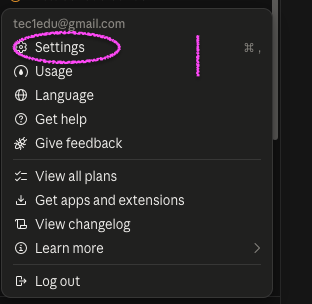
1️⃣ من القائمة اضغط Settings
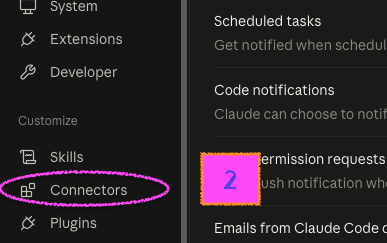
2️⃣ من القائمة الجانبية اضغط Connectors
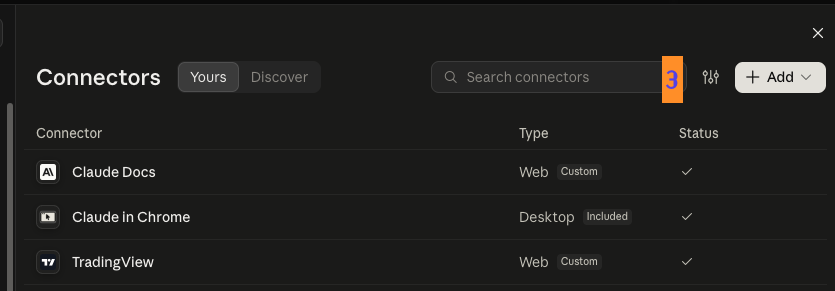
3️⃣ اضغط Add ← Add custom connector
2/
بعدها:
• الاسم: TradingView
• الرابط: https://t.co/NWL6L1HCg4
• اضغط Add ثم Connect
• سجّل دخولك في TradingView ووافق على الصلاحيات
خلاص ✅ بيطلع عندك في قائمة Connectors
وانبسط وادعيلي
يحتاج اشتراك TradingView بخطة Essential أو أعلى
#bıst#borsa#indikatör
Uzun zamandır indikatör tanıtmadığımı fark ettim. Choch ve Bos taraması, ne anlama geldiğini anlamanız sebebiyle,türkçe açıklama etiketleri ile birlikte.
Sürekli güzel çalışmalar yapan @yatirim_analiz_ e tekrar teşekkür edelim.
https://t.co/X7k7LRx9P9
Çok zor ve bizim piyasada manipülasyon çok fazla olduğu için bir hissede iyi giderken çoğunluk terste bırakıyor. Uğraştırıcı zaman buldukça devam edeceğim. Çok yordu. https://t.co/8ffawEQLzX bunu hiç bozmadan gidelim.