Most small businesses don't need a "brand experience." They need reviews, trust signals, and consistency.
The problem is, consistency is hard when you're running a business.
That's where AI automation changes the game. Social posts, review responses, content updates, all running on autopilot while you focus on the work.
The businesses that start now will have months of momentum built up while their competitors are still posting once every 6 weeks.
Your website you built and forgot about? Someone in your space is about to have AI keeping theirs fresh, active, and ranking, every single day.
The tools exist right now. The missing piece is the right strategy behind them.
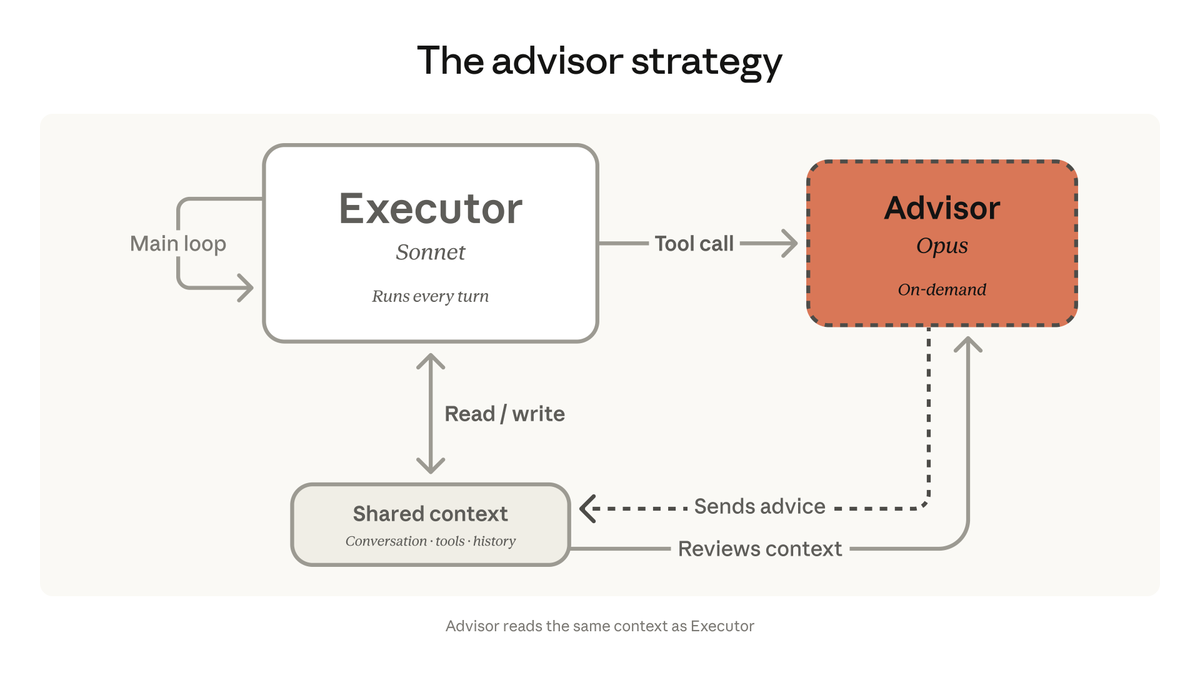
We're bringing the advisor strategy to the Claude Platform.
Pair Opus as an advisor with Sonnet or Haiku as an executor, and get near Opus-level intelligence in your agents at a fraction of the cost.
Every time you start an AI session, you're re-explaining your clients from scratch.
We connected Obsidian to Claude through an MCP server. Now our AI reads, searches, and updates client notes on its own.
The best part: it compounds. Every session adds more context. Every note makes the next one smarter.
Full setup guide on the blog: https://t.co/WcnZYcfqPv
While you're reading this, a business in your market updated their website. Added a blog post. Refreshed their service pages. Responded to three reviews. All before breakfast.
They didn't hire a team. They set up an AI-assisted workflow that keeps their site current without requiring constant attention.
Businesses that automate their web presence aren't working harder. They're just not falling behind. Fresh content signals relevance to Google. Consistent updates build trust with visitors. Regular activity compounds over time.
The gap between businesses that update weekly and businesses that update yearly is already showing up in search rankings. It's only getting wider.
@chamath Not an automatic process but we use obsidian and when I feel a session has important context I have Claude create a note out of it so that it can access it later, I explain more of it here https://t.co/PTqol2r0M7
Every agency has the same problem: client info scattered across Google Docs, Slack, random notes. Then you ask AI for help and it has zero context. You're re-explaining everything. Every. Single. Time.
We fixed that.
Obsidian as our agency's second brain, connected to Claude through an MCP server. Now AI can read, search, and update our client notes on its own. No copy-pasting. No "here's the background on this client" every session.
The real payoff: it compounds. Every session adds context. Every note makes the next interaction smarter. A month in, our AI knows more about our clients' histories than most team members would remember.
Wrote up exactly how we set it up, the vault structure, and why it works better than Notion or Google Docs for this.
Full breakdown on the blog.
https://t.co/WcnZYcfqPv
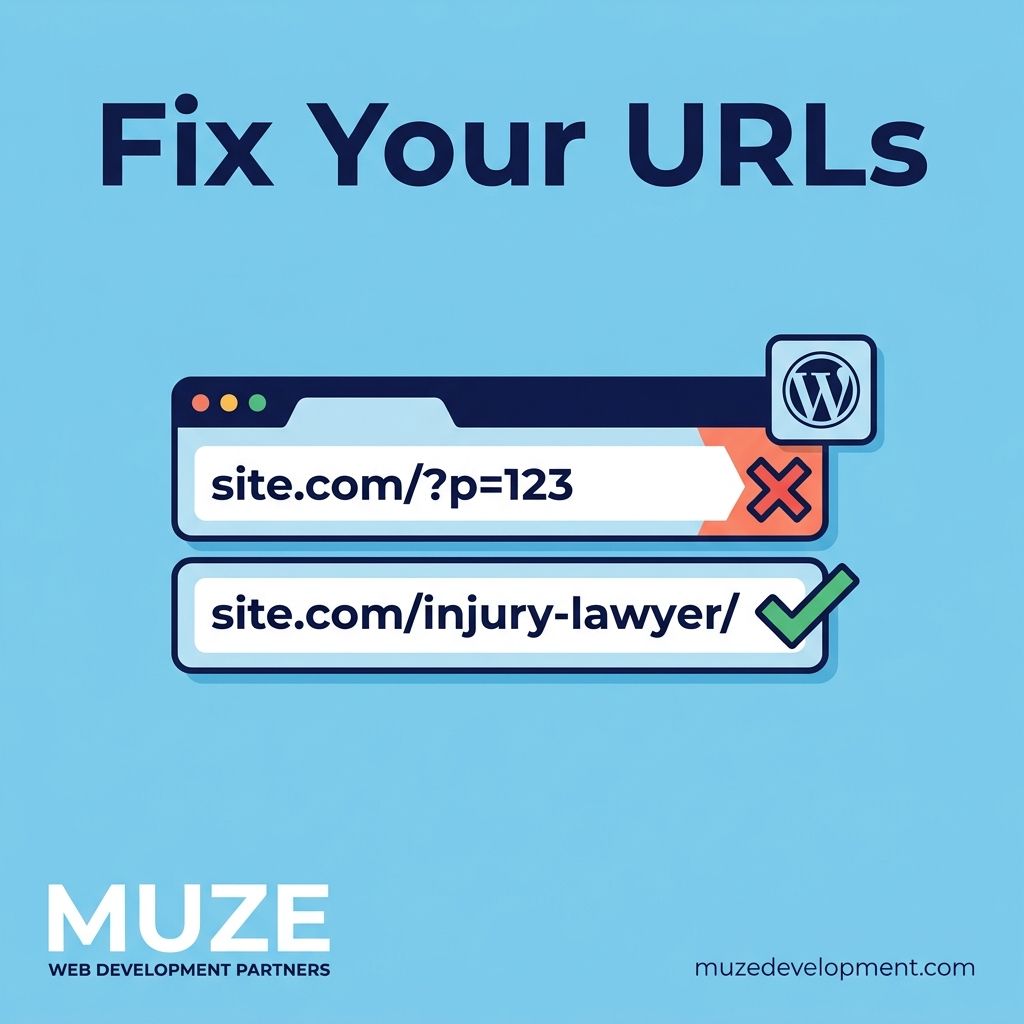
Quick one. If your law firm's WordPress site still has URLs that look like https://t.co/UmcdFf5ed8, you're leaving SEO value on the table every single day.
WordPress defaults to that format. Most firms never change it. But Google uses URL structure as a relevance signal.
https://t.co/L174ZFHUks tells Google and visitors exactly what the page is about. https://t.co/a3JRoAGPZ0 tells them nothing.
Takes 30 seconds to fix in Settings > Permalinks. Choose "Post name." Done.
One caveat: if the site has been live for a while, changing permalinks without redirects will break every existing link. Set up 301 redirects first or you'll tank your rankings instead of improving them.
Took a law firm site from a 6-second load time to 1.7 seconds. Here's what actually moved the needle.
The biggest culprit wasn't the server. It was 4 unoptimized hero images totaling 12MB, a page builder loading 800KB of CSS on every page, and 14 render-blocking scripts in the head.
The fixes: converted images to WebP with proper sizing, removed unused CSS modules from the builder, deferred non-critical scripts, and added proper browser caching headers.
No server upgrade. No CDN change. Just cleaning up what was already there.
Within six weeks, the site went from page 3 to page 1 for their primary practice area keyword. Google noticed. Core Web Vitals went from all red to all green.
Speed isn't a vanity metric. It's a ranking factor.
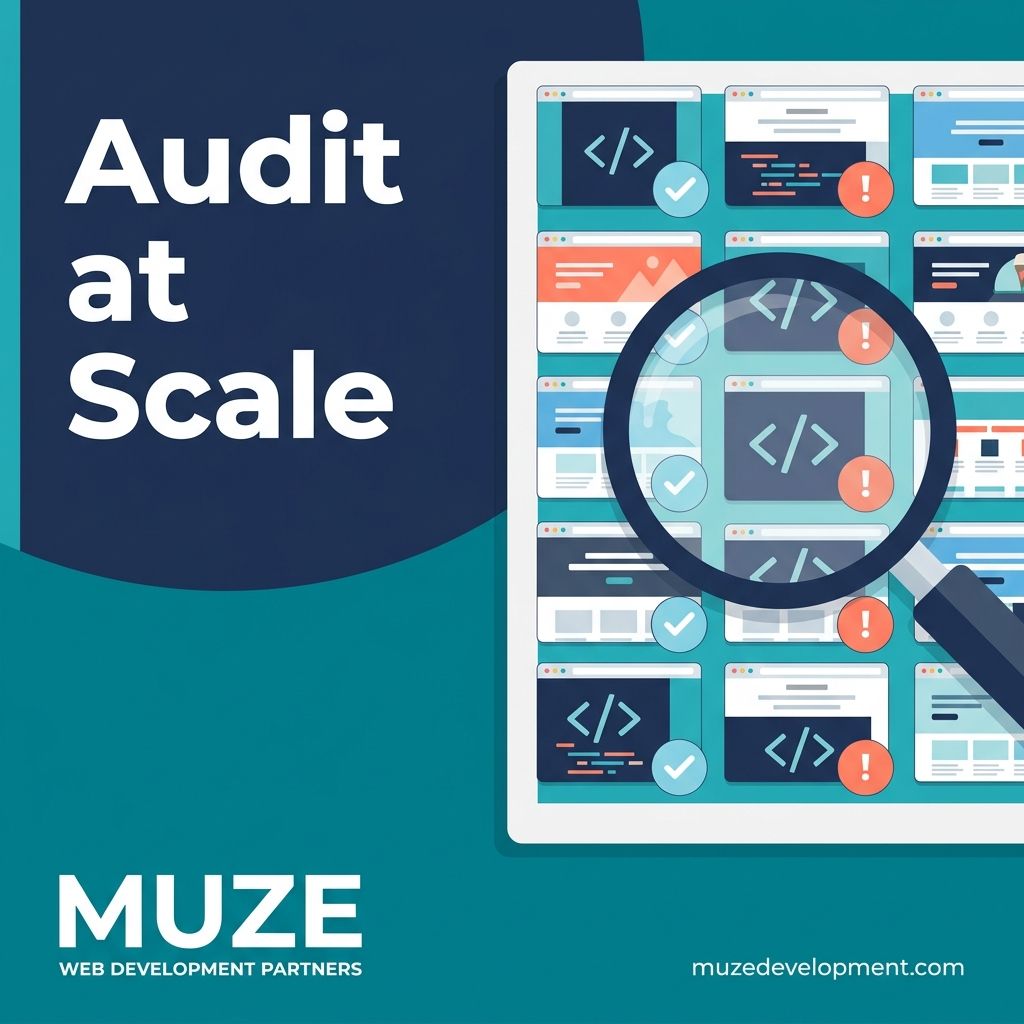
I manage structured data for over 30 law firm websites. Each one needs LocalBusiness schema, Attorney schema, FAQ schema, review schema, and practice area markup.
Manually auditing all of that used to take a full day. Pull up each site, inspect the source, cross-reference against Google's requirements, note what's missing, write up recommendations.
Now I hand Claude a sitemap and a checklist. It crawls every page, flags missing schema types, catches outdated fields, and spots inconsistencies across the site. What took 8 hours takes about 20 minutes.
The catch: I still verify every recommendation. AI is fast, but structured data has real consequences if it's wrong. Google can pull your rich results for bad markup.
Speed without shortcuts. That's the point.
I built 3 websites this week using nothing but AI.
No WordPress. No page builder. No templates. Claude AI writing the code, AI-generated images for every asset, Cloudflare Pages for hosting.
Total build time: 4-5 hours. Monthly cost: a couple bucks for the domains.
The SEO on these sites is better than 90% of the competition. Keyword research, content clusters, internal linking, schema. The whole playbook. Not because AI is that smart. Because I have 20 years of experience telling it exactly what to do.
The surprise: Google indexed the WordPress version of the same test in a day. The static HTML version? Still trickling in.
Same AI. Same content quality. Different implementation. Different result.
Full breakdown in the blog post - what worked, what didn't, and what it means for anyone in web dev right now.
WordPress auto-updates are a double-edged sword.
Minor core updates? Let them run. Security patches need to land fast, and WordPress handles these well.
Major core versions? Lock those down. A jump from 6.7 to 6.8 can break themes, plugins, and page builders without warning.
Plugin auto-updates are where it gets risky. Most plugins are fine, but anything that touches your layout, forms, or SEO settings should be tested on staging first. One bad update to a page builder can take your entire site offline.
My rule: auto-update for security, stage-test for functionality. The sites that go down are the ones where everything updates at once with nobody watching.
Too many law firm websites cram every practice area onto one page. "We handle personal injury, family law, criminal defense, estate planning..." all under a single "Services" tab.
That's not a strategy. That's a brochure.
Google ranks pages, not websites. If someone searches "car accident lawyer in Dallas," you need a dedicated page about car accident cases. Not a bullet point buried in a list.
Individual practice area pages let you target specific searches, answer specific questions, and prove specific experience. One page trying to do everything ranks for nothing.
If your firm handles five practice areas, you need at least five pages. Probably more.
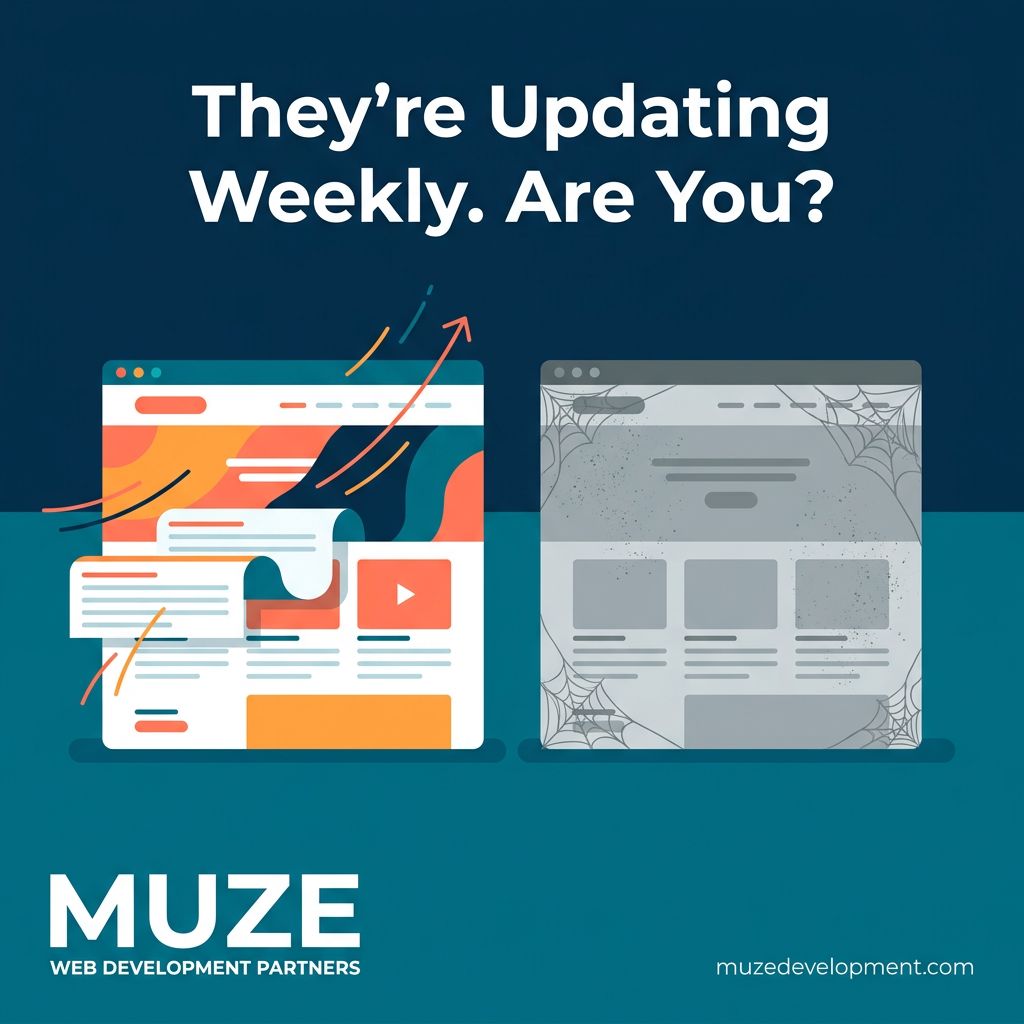
Right now, small businesses in your area are using AI to update their websites weekly. Fresh content. New service pages. Blog posts targeting the exact searches your customers are making.
Your website hasn't been touched since it launched.
Google rewards sites that show consistent activity. Fresh content, updated pages, new posts. The site that gets regular attention looks more relevant, more active, more trustworthy to search engines than the one collecting dust.
This isn't about AI being fancy. It's about the businesses using it building momentum while the ones ignoring it fall further behind every week.
The gap is growing. And it's getting harder to close the longer you wait.
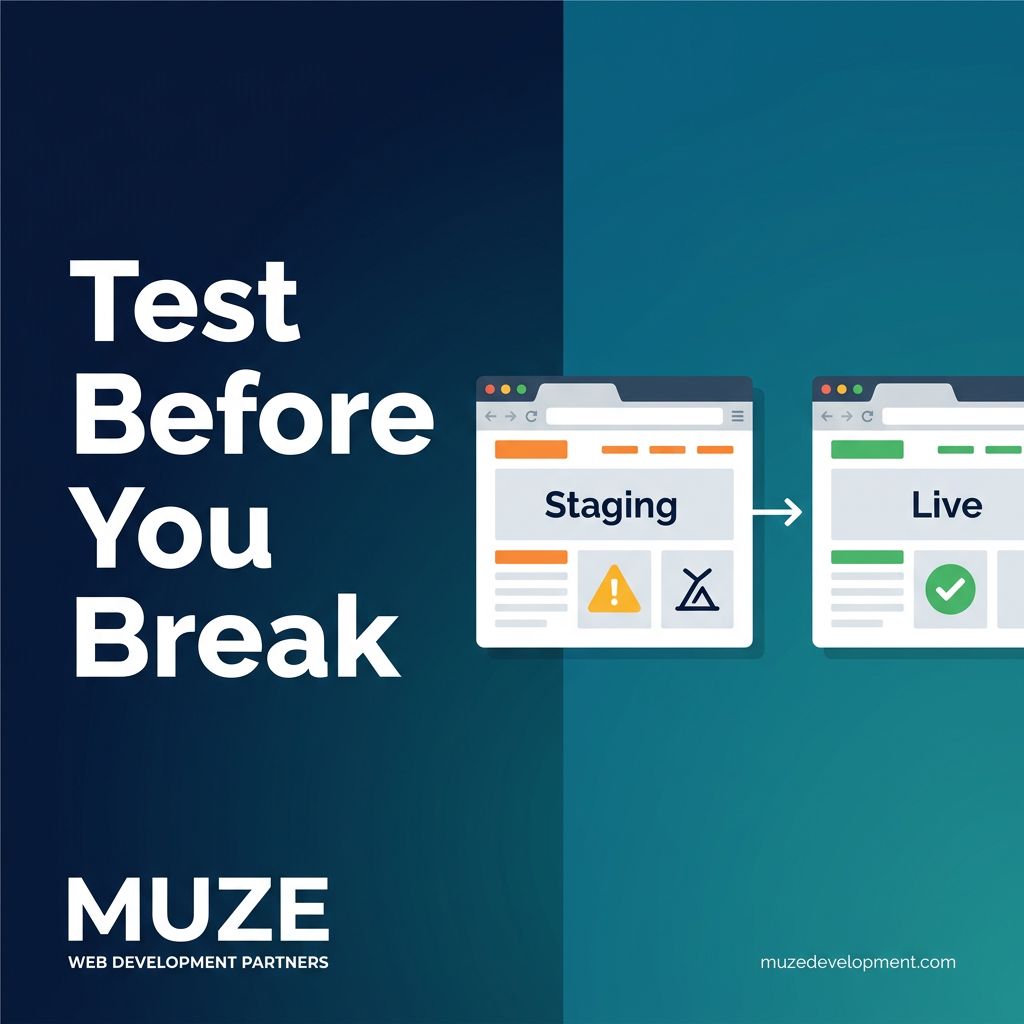
Quick tip: never make changes directly on your live law firm website.
Use a staging environment. It's an exact copy of your site where you can test updates, design changes, and plugin installs before anything goes live.
Broke something on staging? No one sees it. Fix it and try again.
Broke something on production? Your potential clients see it. Google sees it. And that "quick edit" just became an emergency.
Every site I manage has a staging environment. It takes five minutes to set up and it has saved clients from visible disasters more times than I can count.
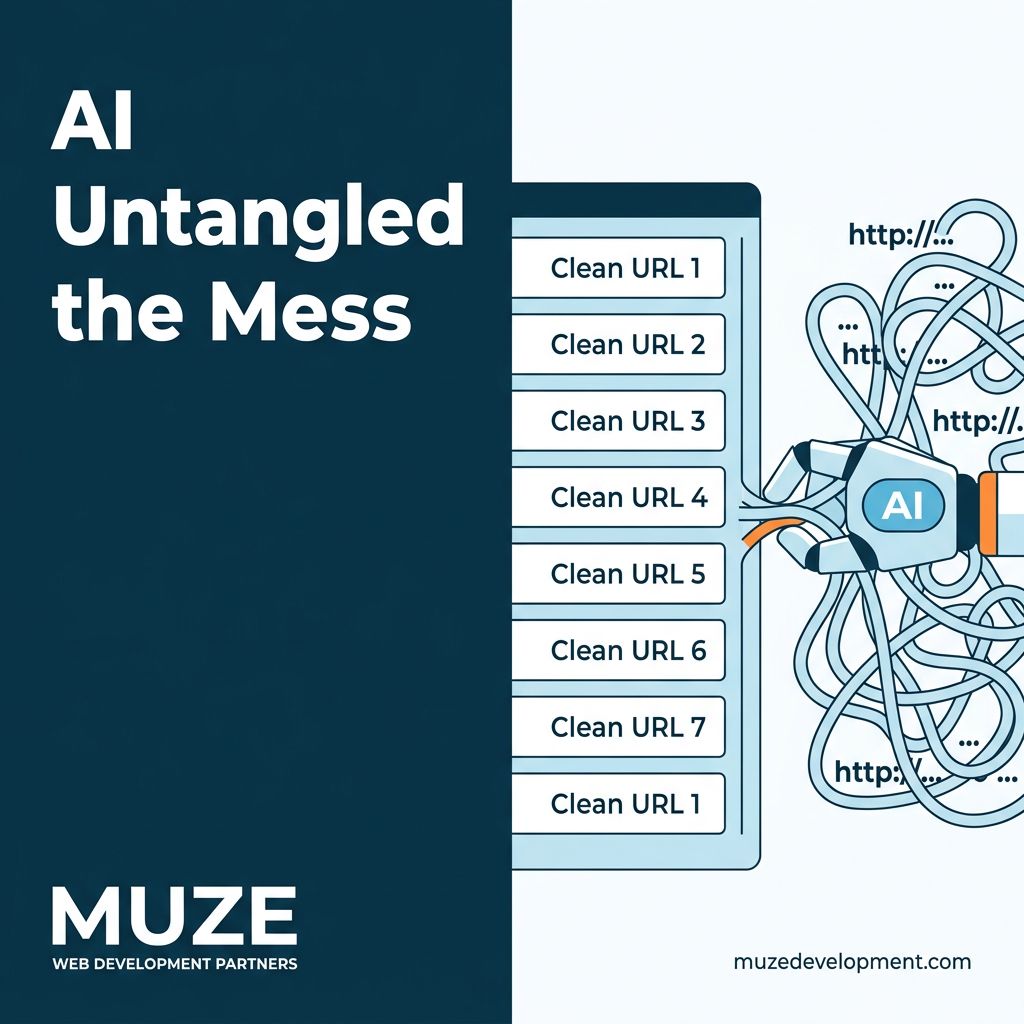
This week I used Claude to untangle a WordPress migration that should have been straightforward but wasn't.
The previous company had used a URL rewrite plugin to rename dozens of page slugs. So the REST API exported the original URLs, but Google had the rewritten ones indexed.
Two sets of URLs. No clean mapping between them.
I fed Claude both sets - the migrated posts with their true slugs and the rewritten URLs the plugin had created. Claude matched every page, identified the discrepancies, and generated a full redirect map so we could preserve what Google had indexed while cleaning up the underlying structure.
What would have been about two weeks of manual investigation and fixing took four to five hours. We manually verified every fix, because you should always verify AI output. But the heavy lifting of cross-referencing, mapping, and generating the redirect plan happened at a speed that wouldn't have been possible otherwise.
AI didn't replace the migration strategy. It compressed the execution timeline dramatically.
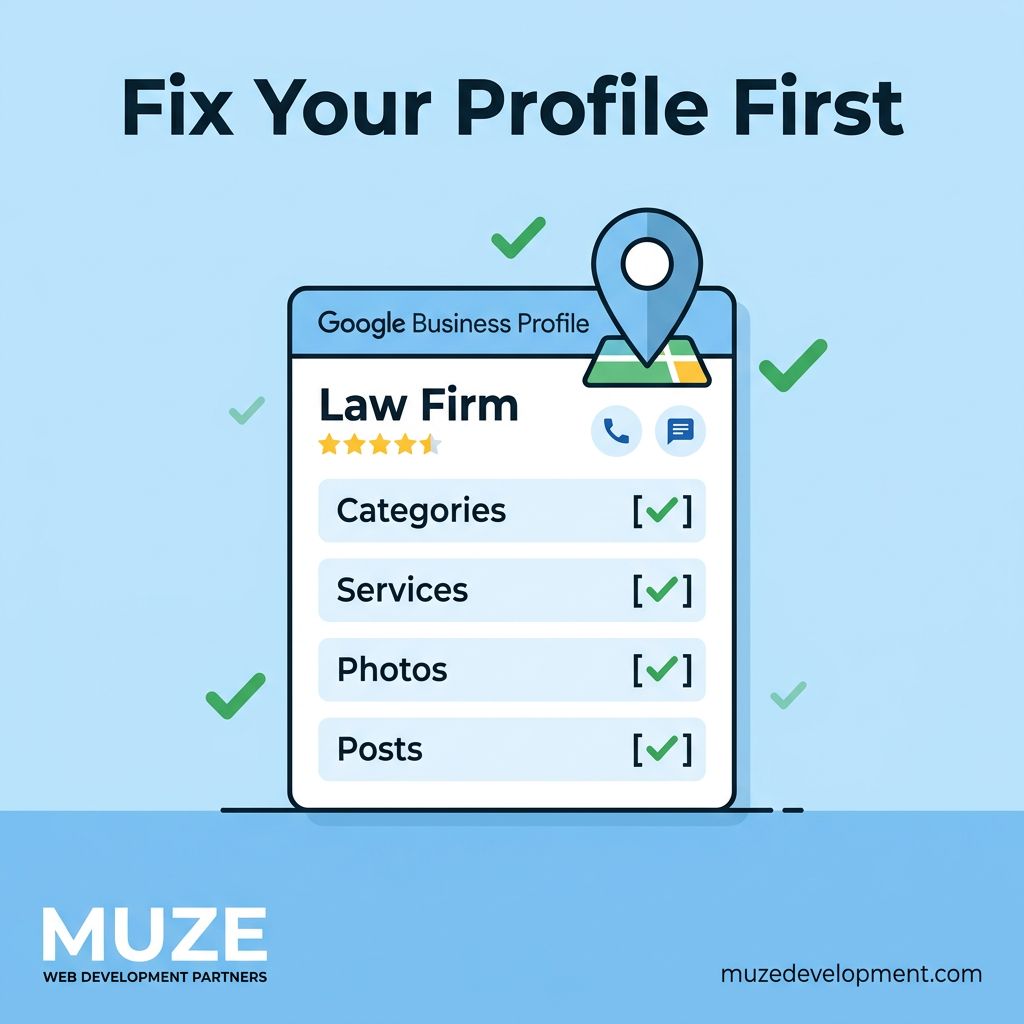
A law firm's Google Business Profile is often the first thing a potential client sees. And most of them are barely filled out.
Wrong practice area categories. No services listed. A description that reads like it was written in 2018. No posts in months. Photos of the office from a decade ago.
Google uses your GBP to decide whether to show you in the local pack. If your profile is thin, Google has less confidence you're a relevant result.
We recently optimized a firm's GBP properly - correct categories, complete services, fresh photos, weekly posts, consistent NAP data across directories.
Within six weeks they went from not appearing in the local 3-pack to showing up consistently for their primary practice area in their city.
No backlink campaign. No new content on the site. Just a properly configured profile.