For those going home to visit family this weekend:
• Samsung calls it Auto Motion Plus
• LG calls it TruMotion
• Sony calls it Motionflow
• Roku calls it Action Smoothing
• Google TV calls it Motion Enhancement
• Vizio calls it Smooth Motion Effect.
EasyToolbag is here!
A built-in menu for #UE5 that simplifies a lot of the repetitive tasks. No more 5-step process to change screen percentage, changing post process volume settings every time. You can even switch to the old 5.5 viewport UI if you liked that better.
#gamedev
In #unrealengine's material editor, this dot that helps you manage noodle spaghetti in your node graphs to keep things clean, is called a "Reroute Node". There's a shortcut to add these, hover your mouse cursor over a wire and simply double-click your middle-mouse key on it.
Alternatively, you can rightclick and type Reroute, to add the reroute node.
#UE5
Transform your phone into a motion capture studio! 📷📷
Captured by @ODonnellKen using Move One, our iOS and web app that turns 2D videos into 3D motion data powered by AI. With Move AI, creating 3D animations is simpler than ever.
Plus, our API lets you integrate 2D video-to-3D motion data directly into your own applications and workflows.
Bring your creations to life with just your phone!
Google just released Veo 2, a new state-of-the-art AI video model.
In testing, Veo beat OpenAI Sora in BOTH quality and prompt adherence.
The video compilation below is 100% created by AI (more details in thread):
We’re excited to see creators like Ken @ODonnellKen push the boundaries of what’s possible using our markerless motion capture technology!
Whether you’re an indie studio or a creative team, Move AI empowers you to bring your ideas to life at scale. 🌍✨ #MoveAI
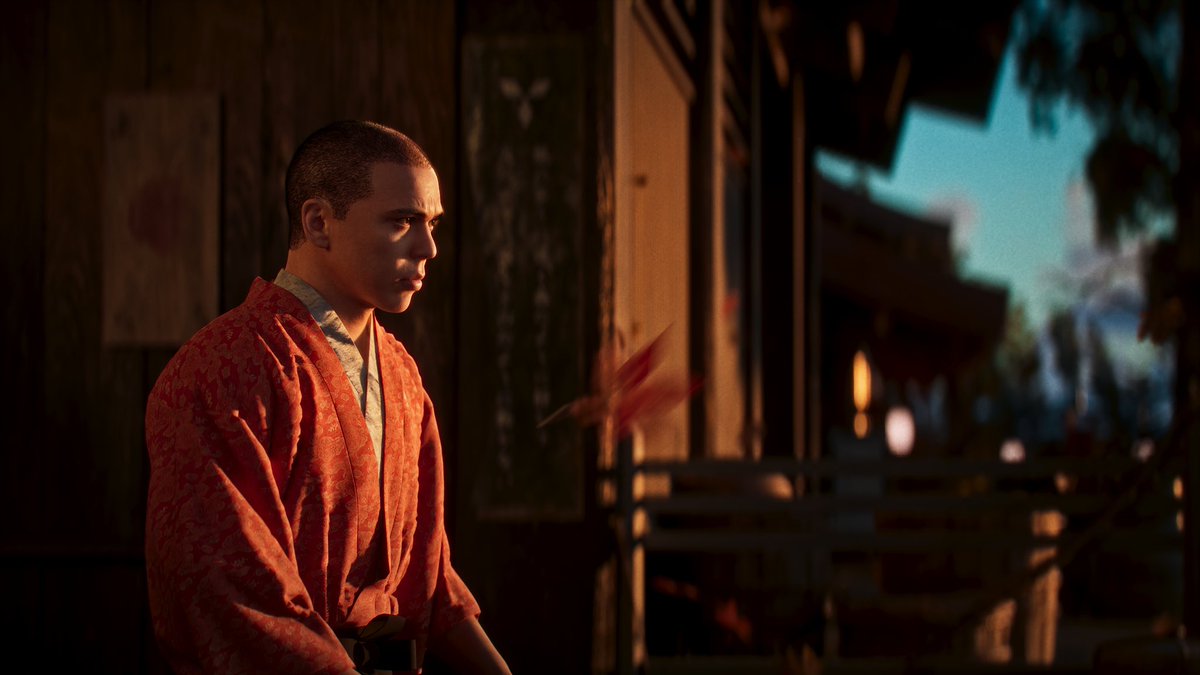
Great work from @ODonnellKen using our Move One app to bring this story to life! 🔥
This 3D animation was captured using just one iPhone with our AI-powered iOS app. No suits or markers required.
This weekend I finally got the chance to work on some personal projects. I plan to dive deeper into #UE5 Anim Tools, starting with my favourite - #ControlRig.
I decided to recreate the fist setup I did in 4.26. It was much easier this time.
I'll keep posting as I go with this.