Orca now has Notion-style markdown editing.
Review specs faster, edit docs more naturally, and move through agentic workflows without fighting your editor.
Like Notion and Obsidian had a baby.
Available in v1.0.80+
https://t.co/psFGkUa4sn
GitHub tells you CI failed. Orca starts the fix.
Commit blocked by lint? PR checks broken? Click `AI Fix` and Orca opens a fix agent in the right worktree with context written.
You can customize AI-powered CI fixes in Orca with any agent and any prompt, including your existing skills.
Available in Orca 1.4.35+: https://t.co/3qBKIGsOuY
GitHub tells you CI failed. Orca starts the fix.
Commit blocked by lint? PR checks broken? Click `AI Fix` and Orca opens a fix agent in the right worktree with context written.
You can customize AI-powered CI fixes in Orca with any agent and any prompt, including your existing skills.
Available in Orca 1.4.35+: https://t.co/3qBKIGsOuY
Hi Amaan, "workspaces" in most cases are the same as "worktrees" (except for when the project is a non-git folder)
Super valid feedback that the terminology can be confusing. In upcoming versions, we'll rename "workspaces" to be "threads" or just "worktrees" to better align with concepts you're more familiar with.
@rachelnocode Hi Rachel, currently split terminal inside of the worktree is for that single worktree.
Can you share your ideal workflows so that we can see how to support it?
really cool to see @apostylee make a full Orca walkthrough on YouTube
he noticed the tiny things that speed up the workflow:
- floating terminal
- built-in browser + design mode
- file tree next to the agent
- git automations
- markdown editor
- saved commands
not just a place to run agents - an Agent IDE 🙌
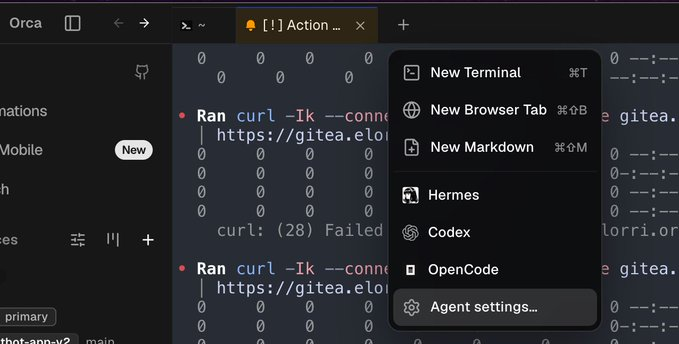
@agileando@vinates@atomic_chat_hq También tiro mucho de los modelos free que pone opencode, que va genial.
Abro @orca_build y tengo en una pestaña opencode con un modelo free, una pestaña con Codex y otra con Hermes; y ya me puedo despedir de la vida.