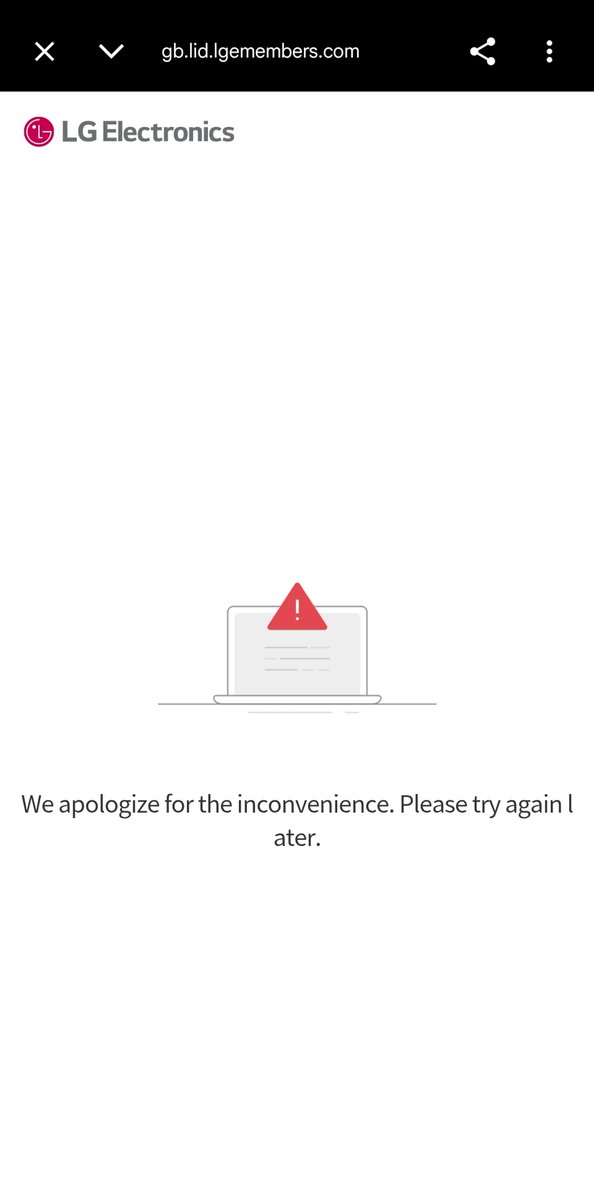
@LGUS@LGE_Global Your ThinQ app consistently doesn't allow me to sign in. I can sign in to my LG account on the website (and have done so to register warranty), but I cannot sign in to the app to add my appliance. Please help.
@Plusnet Signed up Nov 2025, with installation on 15th Dec 2025. Three months later and I'm still not connected. 8 different Openreach teams have come out and tried the exact same things, only to tell me they can't complete the job. No progress in 3 months
@mathieutu@laravelnews@nhasnayeen@_kristofdombi I would personally be interested to see 🙂 How does yours compare with https://t.co/7almD4c8JK? I recently found this repo and consider it to be very comprehensive and complete. Provides many different features suitable for production (I have no affiliation with this repository)
@Gatwick_Airport@angie41428@easyJet Here's some free feedback and advice you didn't ask for: Come up with contingency and business continuity plans. You're welcome. The rest is on you.
@zerolongevity Is it no longer possible to export/download my fast history as CSV? If so, do you have or know of any tools to parse the available JSON and convert it to CSV? I only want to get my fast data into a Google Sheet. Thanks!
@googlenesthelp Fixed it! I had previously restarted both my modem and router multiple times, as well as restarting and resetting the Thermostat and Protect. Nothing was working, so I resorted to resetting my router. I suspect there was some lock or DHCP issue. All good now, though!
@googlenesthelp I don't know what's happened recently, but my Protect (2G) and Thermostat (2G) both lost connection to WiFi network at roughly if not exactly the same time. It's been over a week now. SSID, password and hardware were never changed. Neither can reconnect ☹️
@googlenesthelp "Checking the network; just a moment" - blue light spins for a couple of minutes - "Please try again later". This is frustrating. Why just these two products? Interesting that they're both "legacy" Nest products from the days of the Nest app. Could that be related?
@googlenesthelp Yes, I've tried that. Please see my reply to my original tweet. I have performed multiple restarts of all devices and, in the case of the thermostat, I tried the reset network option in the settings. I know for sure my WiFi is working fine with 10+ other devices.
I've tried all the basic troubleshooting steps. Restarted the thermostat and also reset its network settings. My 10+ other Nest/Google products work fine on the same network (Chromecasts, Nest speakers/displays, Nest Cams)
@madebygoogle Wait, so what's the conclusion here? There's a UK law that specifically allows the Familiar Face Detection (software) feature on indoor Nest Cams but does not allow it on Nest Hub Max devices? I'm confused and don't see the logic. Please could you clarify.
@madebygoogle Years later and I still can't understand why the Nest Hub Max doesn't allow familiar face detection. It's installed in the same region, country, "area" and structure as my Nest Cams. Is it just a wrong/misleading message? (image edited to not disclose cam locations)
@madebygoogle That is correct. People, dogs, motion etc. are correctly detected, but the Familiar Face Detection feature does not work (only on the Nest Hub Max). Yes, I have the correct home address for the one structure I have in my Google Home App. The feature works great on my other cams.
@madebygoogle I just found this 2020 thread which is for exactly the same issue. I unfortunately don't see any conclusions on the thread. What law would disqualify the feature for only one product?
Also, please accurately refer to EU (excl. UK) vs Europe (incl. UK).
https://t.co/U34FkW7foT
@yesdogman Oops, our bad! Familiar Face feature isn't supported on Nest Hub Max in EU ― our team is working on adding more features on our devices and we'll take this as feedback. Check this out for more details about face detection: https://t.co/QyrDFWSN4e
@madebygoogle No, I haven't. This has been the case since day 1 when I ordered and installed my Nest Hub Max in September 2019. I always found it strange that "local law" was blamed. Now, years later, I have other Nest Cams which for some reason aren't subjected to the same local laws (?!)
@GregSalazarYT Many thanks for responding! Retailer not helping because factory seal was intact. Working with Intel customer support now too. Thanks again.
@GregSalazarYT Hey Greg -- I opened a brand new factory sealed Intel i7 12700K box only to find no CPU inside(!). Paperwork was there, but no plastic case consisting of a CPU. Experienced/heard this before?