@joetannenbaum@stolinski same for me!
hand coding/tight steering when generated code really matters
e.g. setup test framework and write tests for a project:
- handcoding/tight steering the test setup
- handcoding/tight steering one or two test cases
- let the agent loose on writing tests for everything
More and more people are asking me about testing resources so let's put everything I've written in one post. Bookmark, share, and, most importantly, please read these.
The True Purpose of Testing
https://t.co/KwnelsWjhp
Developers often overlook the fundamentals and rush into writing tests without properly understanding what a test is and what is its function. No test is inherently useful just because it exists. Read this one to learn what makes it useful.
The Golden Rule of Assertions
https://t.co/3pZ5bcT3lo
There's a lot of debate over what makes a good test. In this one, I'm defining a short and objective way to grade a test's quality no matter the language or the tested system. This is, without a tinge of exaggeration, a game-changer in how you approach your tests.
Anatomy of a Test
https://t.co/yT1ihVfORT
Let's talk about the building blocks that make up any automated test. From JavaScript to Go and Rust—these blocks power tests everywhere. Know your blocks.
Implicit Assertions
https://t.co/WmpC4nN4Zm
Did you know there's a way to express expectations in tests without writing "expect"? Those are called implicit assertions and they are tremendously powerful because they help you express more by writing less.
Inverse Assertions
https://t.co/ItgBFRc5oz
Sometimes you need to assert that something did not happen. That can be tricky, especially if that something is asynchronous. The last thing you want are false positives. What you actually want is inverse assertions.
Making Use of Code Coverage
https://t.co/fr6BJ5BOxT
Code coverage has been an ongoing debate in the engineering circles. Is 100% code coverage in tests good? Bad? When should you strive for it? Why do people say it's harmful? I'm answering all those questions in this one and giving you practical tips on when to use (and not to use) code coverage.
Good Code, Testable Code.
https://t.co/Eenwjb25vV
You've gathered by now that some code is easier to test than the other. But why? Let's take a look at the characteristic of code's testability, what defines it, what is its relationship with complexity, and how to make your code more testable.
What is a Test Boundary?
https://t.co/iF5OoW3xsF
Automated tests rarely involve your entire system (yes, even the end-to-end ones have exceptions). There's often a place where you draw the line. The boundary. Learn what it is and how to use test boundaries efficiently to focus on the exact behaviors you want to test.
Be S.M.A.R.T. About Flaky Tests
https://t.co/CXK6um3mfJ
Flakiness is the scourge of reliability. If you've written a test before, you likely had experience with flakiness. But what is it at its core and what causes it? And how should you deal with flakiness?
Writing Tests That Fail
https://t.co/3HJauq4zRb
You write tests for them to fail. We all enjoy a green CI, but the true value of tests is when they fail. What matters is when and how they fail.
@alexisgallagher@mitsuhiko The use case is to just restore a prompt which I know I used recently.
/tree requires me to resume the correct session, which can be annoying to find; and also I might not even want to resume the session, just to start fresh.
Updated my "sensible-tsconfig-defaults" post for the newly released TypeScript 6.
It now covers newer defaults, Node.js type stripping / erasableSyntaxOnly, and where I’d start with tsconfig in 2026.
https://t.co/MymmD0aMc4
#TypeScript
@mattlam_@marc_krenn Also @badlogicgames is currently working on server mode, which should enable to make Web UI extensions :) see https://t.co/UyXXOnRGgS really stoked for it already!
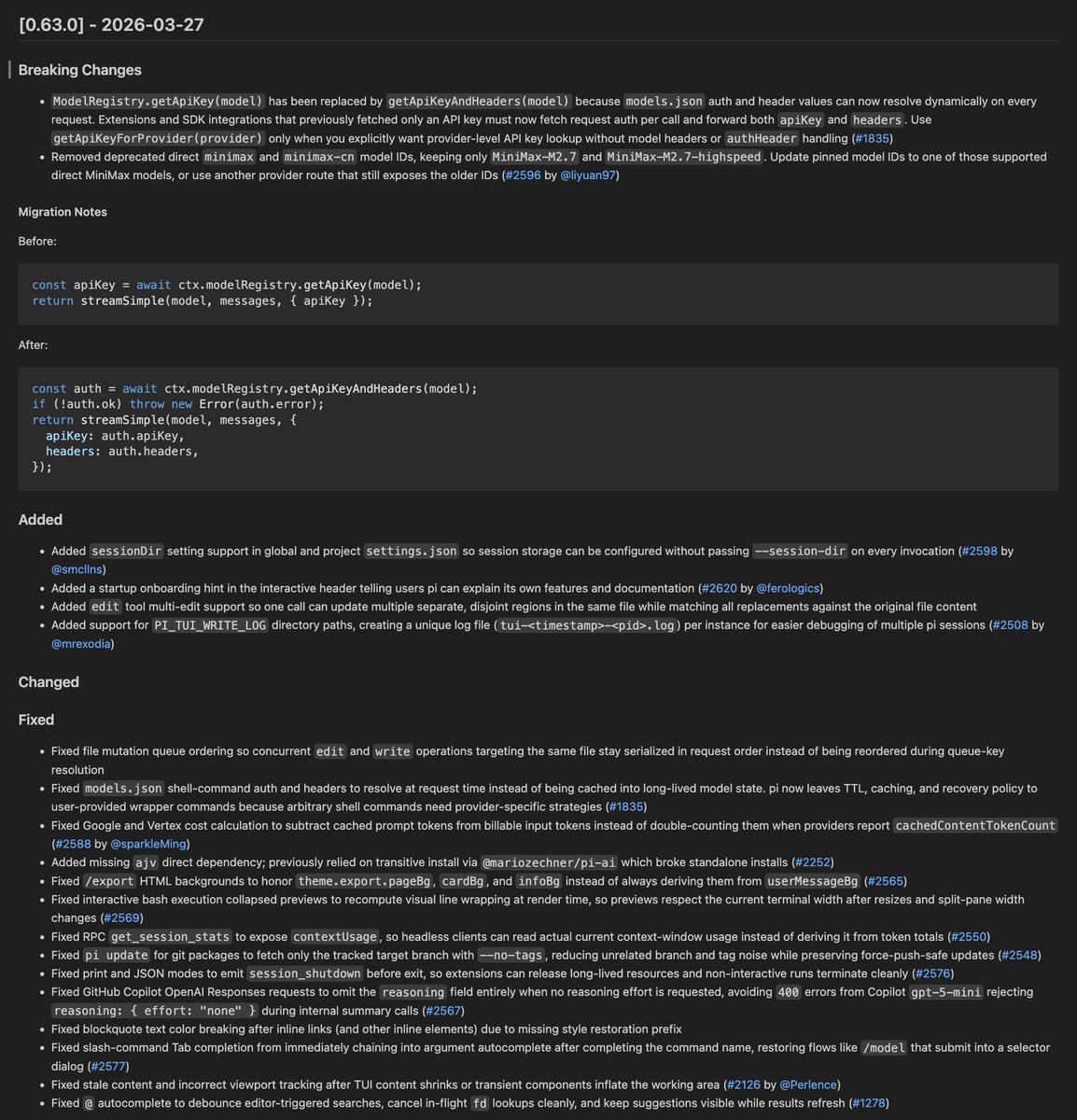
People of pi. Coming out briefly from prolonged OSS refactoring weekend to bring you gifts:
- revamped edit tool
- @ fuzzy matches now work on large file trees
- many small fixes and improvements
I will now go back into my cave and keep working on server mode to upset dax.
@mattpocockuk Things are moving so quickly still in the Agentic Coding sphere, that I would not buy any course at this point
(BTW huge fan of your TypeScript blog posts etc., so its really about the topic)
🎯 After years of building with Node.js, I've organized my hard-won knowledge into skills: a collection of best practices, workflows, and deep expertise my AI assistant uses to write code to my standard.
No more repeating myself on every code review. 👇
It is hard to communicate how much programming has changed due to AI in the last 2 months: not gradually and over time in the "progress as usual" way, but specifically this last December. There are a number of asterisks but imo coding agents basically didn’t work before December and basically work since - the models have significantly higher quality, long-term coherence and tenacity and they can power through large and long tasks, well past enough that it is extremely disruptive to the default programming workflow.
Just to give an example, over the weekend I was building a local video analysis dashboard for the cameras of my home so I wrote: “Here is the local IP and username/password of my DGX Spark. Log in, set up ssh keys, set up vLLM, download and bench Qwen3-VL, set up a server endpoint to inference videos, a basic web ui dashboard, test everything, set it up with systemd, record memory notes for yourself and write up a markdown report for me”. The agent went off for ~30 minutes, ran into multiple issues, researched solutions online, resolved them one by one, wrote the code, tested it, debugged it, set up the services, and came back with the report and it was just done. I didn’t touch anything. All of this could easily have been a weekend project just 3 months ago but today it’s something you kick off and forget about for 30 minutes.
As a result, programming is becoming unrecognizable. You’re not typing computer code into an editor like the way things were since computers were invented, that era is over. You're spinning up AI agents, giving them tasks *in English* and managing and reviewing their work in parallel. The biggest prize is in figuring out how you can keep ascending the layers of abstraction to set up long-running orchestrator Claws with all of the right tools, memory and instructions that productively manage multiple parallel Code instances for you. The leverage achievable via top tier "agentic engineering" feels very high right now.
It’s not perfect, it needs high-level direction, judgement, taste, oversight, iteration and hints and ideas. It works a lot better in some scenarios than others (e.g. especially for tasks that are well-specified and where you can verify/test functionality). The key is to build intuition to decompose the task just right to hand off the parts that work and help out around the edges. But imo, this is nowhere near "business as usual" time in software.
@badlogicgames@sebslig Would be so cool if this becomes a thing, I work on my web version of Pi https://t.co/k7nxjCECPw and would like to built it against an official Pi server instead of maintaining a fork :)
I've been working on something similar for Pi coding agent https://t.co/5plODBm66l, BUT: look at that Ubuntu desktop thingy in https://t.co/8pXAPtaNbJ https://t.co/na5O4IJj5O - even being able to take control - that looks soo good!
That's a huge difference to our "remote dev" projects :)
Closing the agent loop is the name of the game now and @cursor_ai has done an awesome job of that by giving their cloud agents computers!
I'm going to be presenting on this and all things web dev with Cursor tomorrow in a free workshop! Click the link below to join!
@DanielGri Was also thinking about this lately (https://t.co/khtIheQ61q), must try this approach!
Do you use a tool for managing the chunks/todos, like https://t.co/tNQbcHDbGo?
Published two new blog posts today:
📝 My Agentic Coding Setup - February 2026
VS Code terminal, Pi Coding Agent, Opus 4.6, custom skills, and how I split complex work across sessions.
📝 My macOS Setup - February 2026
zsh, VS Code, Multitasking via macOS Spaces + AltTab, Cleanshot X, Tailscale - the tools and shortcuts I rely on daily.
Links below 👇