📣 New Feature 📣 Stacking and assembling shapes has never been easier with Tinkercad's new Cruise tool! You can now stack shapes onto other surfaces by simply clicking and dragging.
https://t.co/MwT0FULWSP
@FirstieTech @tinkercad I like your video demo a lot! There is also an option to set things as static objects if you select them and change the setting in the inspector popup. that will help the foundation of your catapult from wiggling around =)
@ZDP189@WebOSUser@tinkercad From your experience, has it been simulating the same way every time or do you get different results? just wondering since there are no other forces acting other than gravity =)
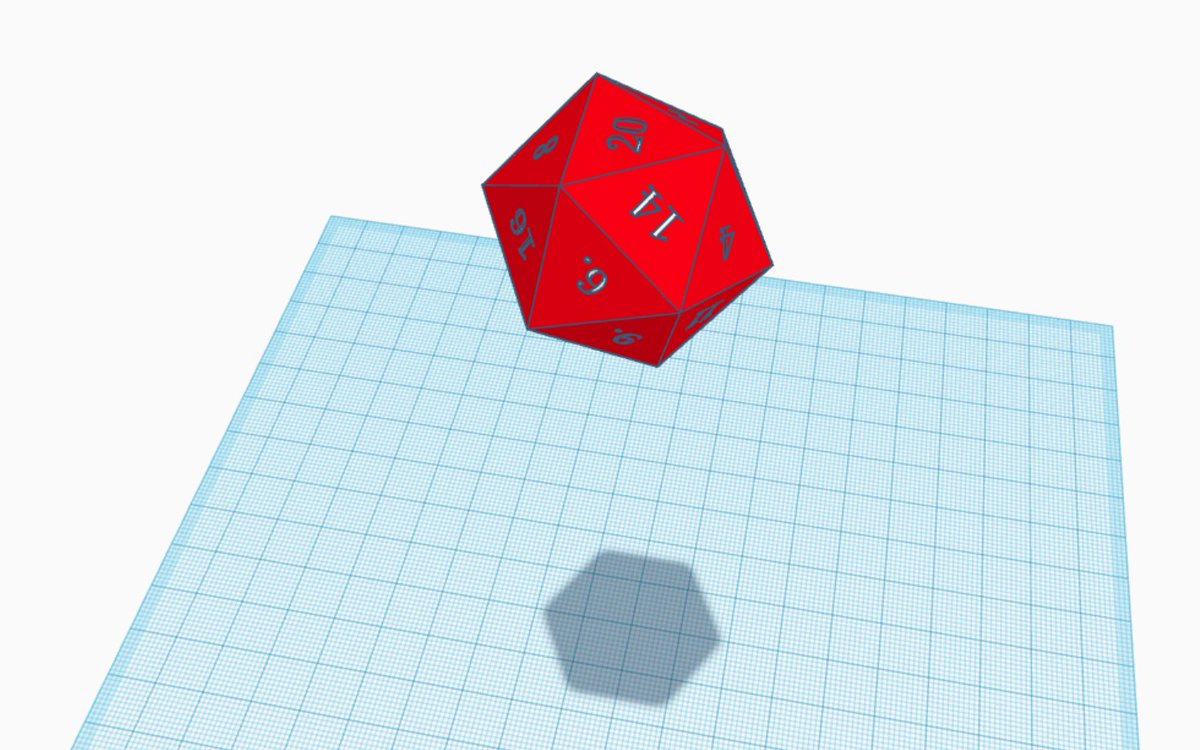
I've designed a D20 in @tinkercad for use with the Sim Lab plug-in. You will need some kind of dice tower. I'm working on D4, D6, D8, D10 and D12.
https://t.co/c0SxKM8E3D
Want to make the most of @tinkercad's new Sim Lab function? Well, I've created a pack of parts and an example that you can use to make your very own Rube Goldberg machine that you can use to test out chain reactions and physics fun!
Check it out here! https://t.co/VkS6tl8Wg2
@ZDP189 I see what you did there 😅 convex decomposition can get a bit complicated in those scenarios. Hopefully we can improve as we work on more updates
@moebio I believe there should be a way you can export a codeblock as a "shape". when you navigate back to the 3d Editor, you can check out "your shapes" in the shape panel for your codeblock output. hope that helps!