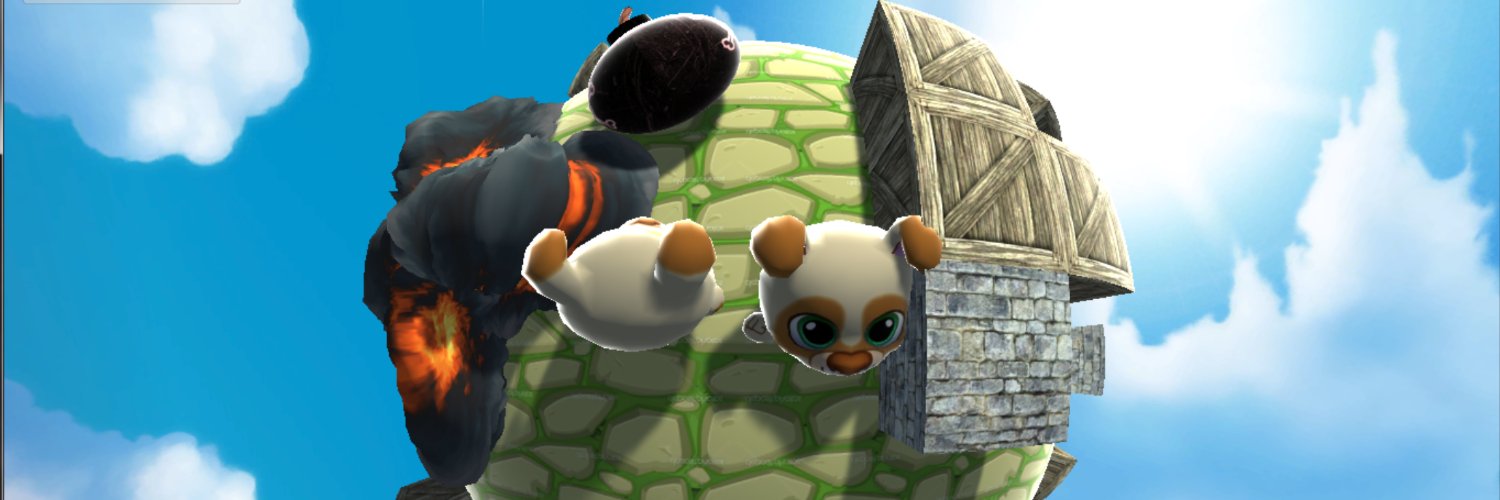
Pommi is available on the US and Canada iOS store, and the game is all about placing bombs, climbing floors, and dodging enemies and explosions! 💣💥
Be one of the first 10 people to send me a screenshot of the storepage and get a promo code! 💪 #mobilegaming#gamedev#iosgames
@SebAaltonen Reminds me of this proto I made long time ago: https://t.co/eo9ovPlcLk 2d geometry, all curved in shader. Horrible singularities at the back made some gameplay ideas impossible 😄
@orenjacob@Roblox@HypeHypeInc Ah, I see! I'll check out the ability system! 💪For the "action" node that I added I got inspired by UE's Montages and Godot's One-Shot nodes. Right now an Action is similar to a One-Shot node, but limited to clips instead of arbitrary input poses. Easier to reason about blend-ou
@SebAaltonen@BoomerBuilding If we ever end up adding it, it’ll be as a node in this graph system as well (same way UE does it with their Motion Matching node)
@SebAaltonen@BoomerBuilding Yeah! We dont have enough animation data to make it work, and also the fine tuning that motion matching requires to work well is a big unknown how we could do this with UGC and AI-first in mind
@Roblox@orenjacob What I added and cannot find in the Roblox system is the notion of an "action" for one-off animations like reloading in the example game. It's similar to an UE montage and the idea is for gameplay to do less book-keeping and state management
The new @HypeHypeInc tech now has animation graphs. As a step-up from the old engine, this enables a lot of customization how motion comes to be (both for humans and agents!). In the video you see clips, 1d blend space, upper body overwrites, and ragdolls
I went for a simple clip + select + blend node architecture, and today I learned about @Roblox@orenjacob new system which looks very similar! That's a good signal that it's the right direction
@orenjacob@Roblox@HypeHypeInc@orenjacob I'd be interested to know how you guys are handling one-off animations like a punch? Is there special graph support, or does gameplay code need to manage the state to transition back to locomotion and reset the "I can punch again" state?
@orenjacob@Roblox Super interesting talk, thanks! At @HypeHypeInc we are on the same journey from single clip playback to animation graph. Just this week I submitted a similar clips + select + blend graph as a first iteration! 😄 Your debug viz looks very useful!
Starting to get promising results from our fully automated game-ready 3D asset pipeline! 🎉
AI-generated high-poly models often have messy topology and UVs, but our pipeline now turns them into optimized, LOD-friendly 3D assets with PBR textures, all with one click.
The finger is @quaternius ' rig btw! They offer two really cool game-ready animation catalogues on their website. CC0 and fairly priced. Don't fall into the Mixamo trap! 😄
My job starts with exported animations, so I don't usually see these cool, additional controls that animators set up in their project files. This finger curl is much more easier to control than posing the finger segments individually!
It's the first time I used bone drivers in Blender to animate. I had some issues baking the anim to the driven bones, but then I upgraded to the latest Blender version and the new gltf exporter seems to do this automatically!
@kiaran_ritchie@rms80 It's flimsy because the meshes are so different (density, art style, number of fingers in the wings).... any pointers or ideas are welcome! Also interested in what other rigs the system could do. Cloth and hair is planned!
@kiaran_ritchie@rms80 Maybe I can share some progress here and nerd out 😄 Besides tails, I wanted to get wings in. Detection with SAM works alright, but then the rigging part is difficult. My approach right now is mesh erosion + finding curve skeleton.